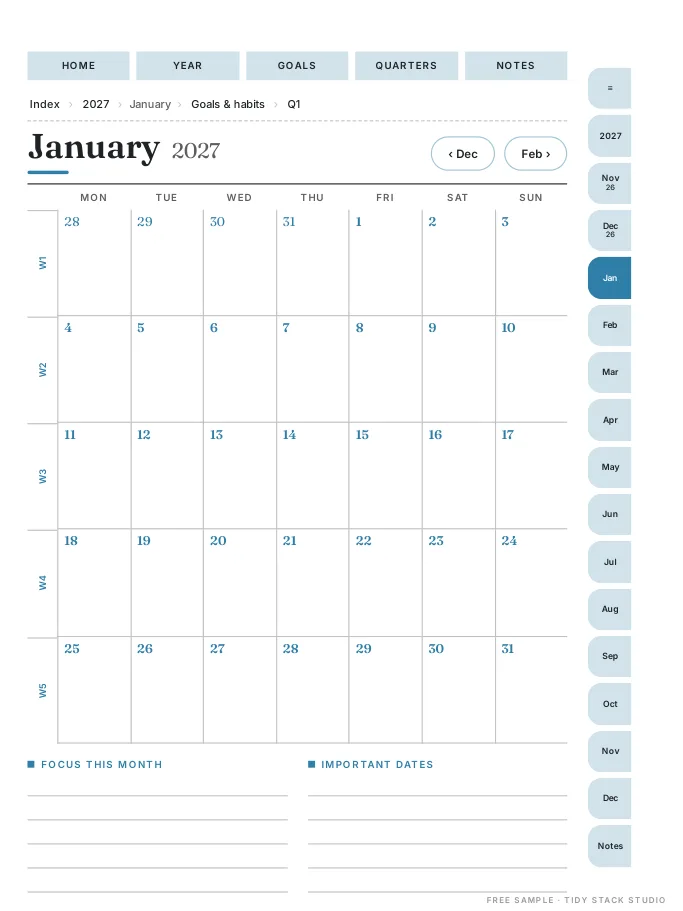
Try the planner on your tablet first.
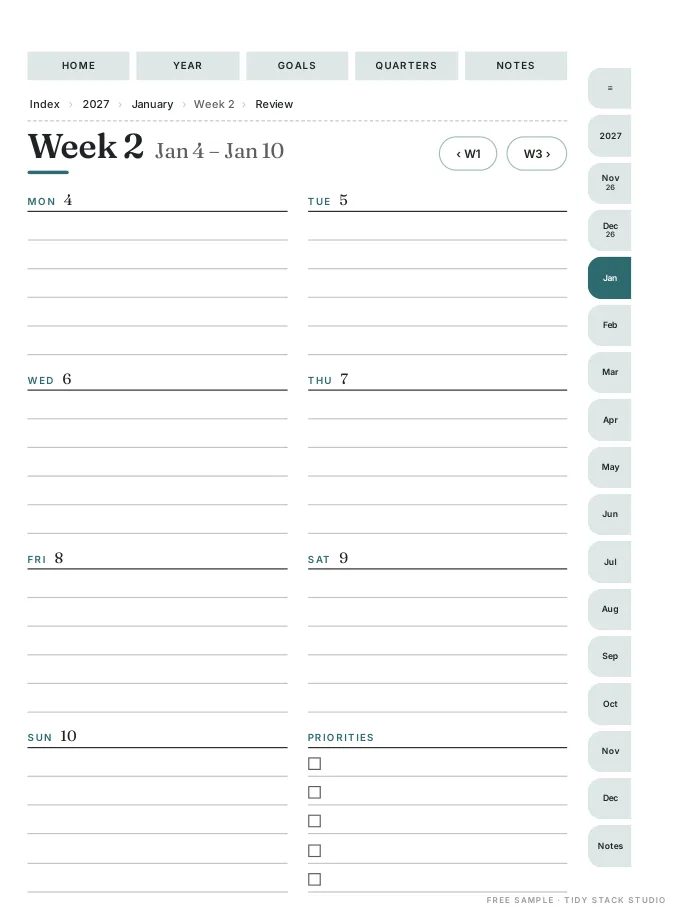
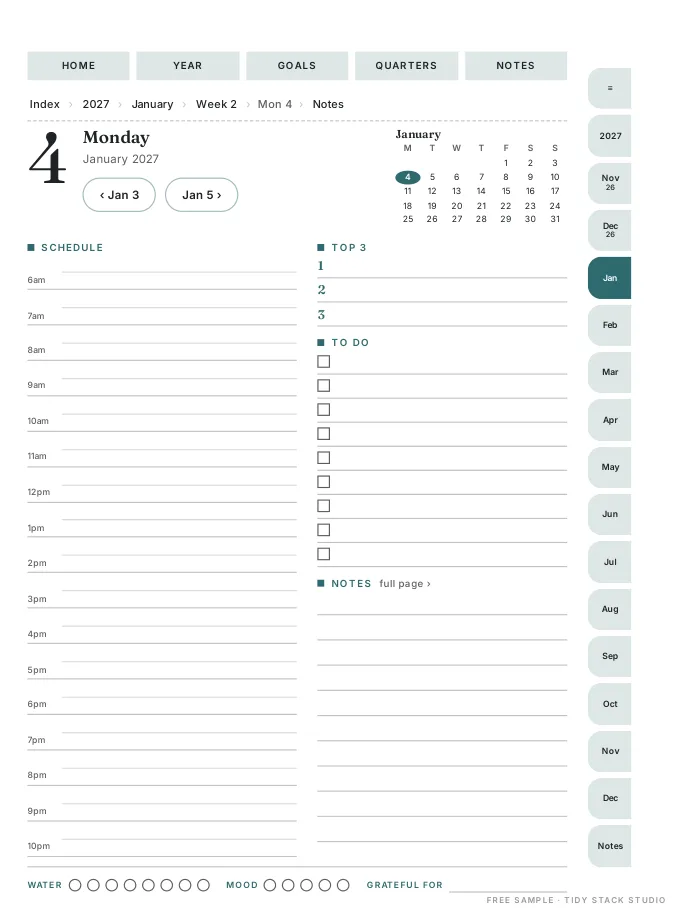
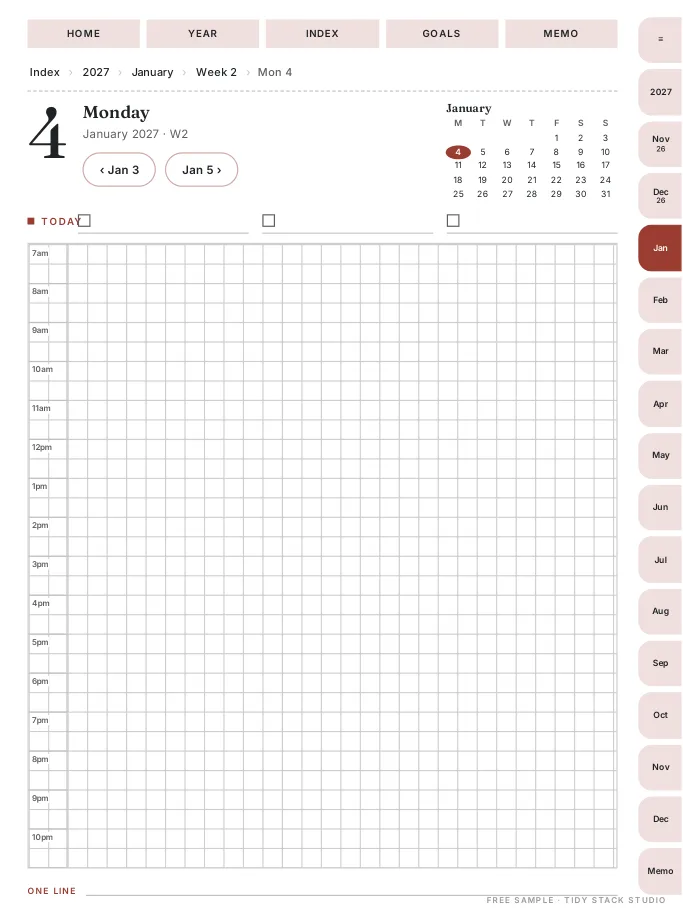
14 real pages of our 2027 digital planner, with every tab and date link working. Check the page size, how the tabs feel under your finger and how much room you get to write, before you buy.
- Free PDF, no email
- Under 1 MB
- Kindle Scribe, reMarkable, Supernote, Boox, Kobo
Pick your tablet
Every file is drawn for its screen, so pages fill it with no zooming and no gray bars. Not sure? The reMarkable file works on any 3:4 tablet.
2027 Digital Planner
2027 Techo-Style Planner · a grid page for every day
What's inside the sample
The same pages you get in the full planner, linked together. Tap a page that isn't in the sample and it tells you what the full planner has.
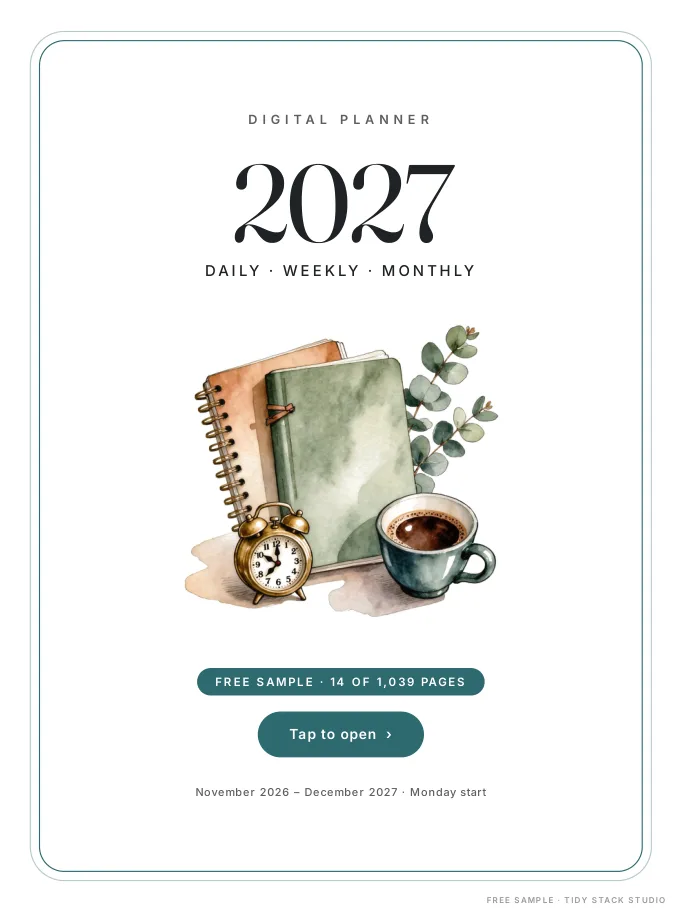
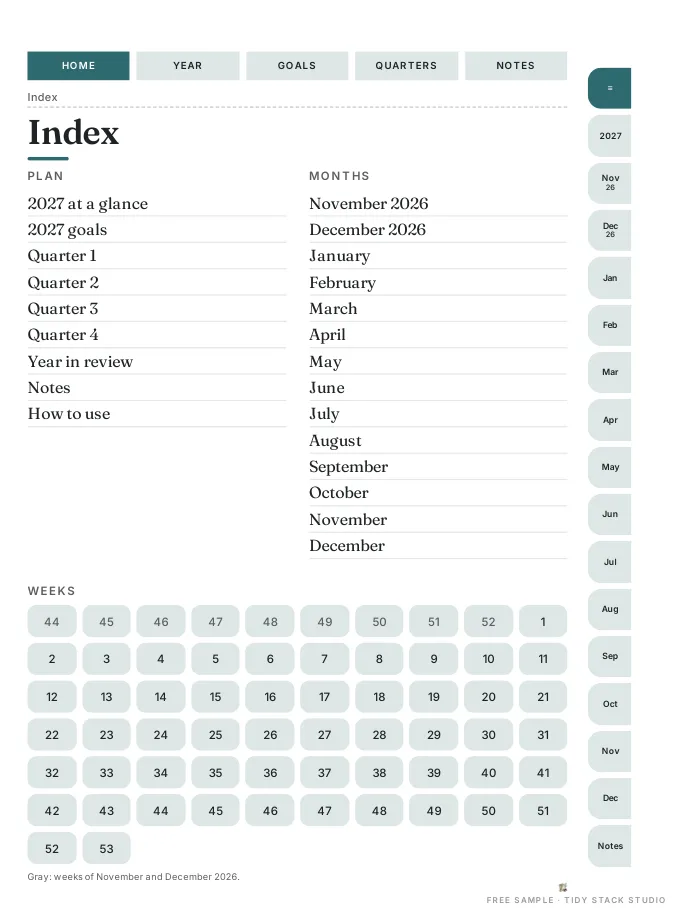
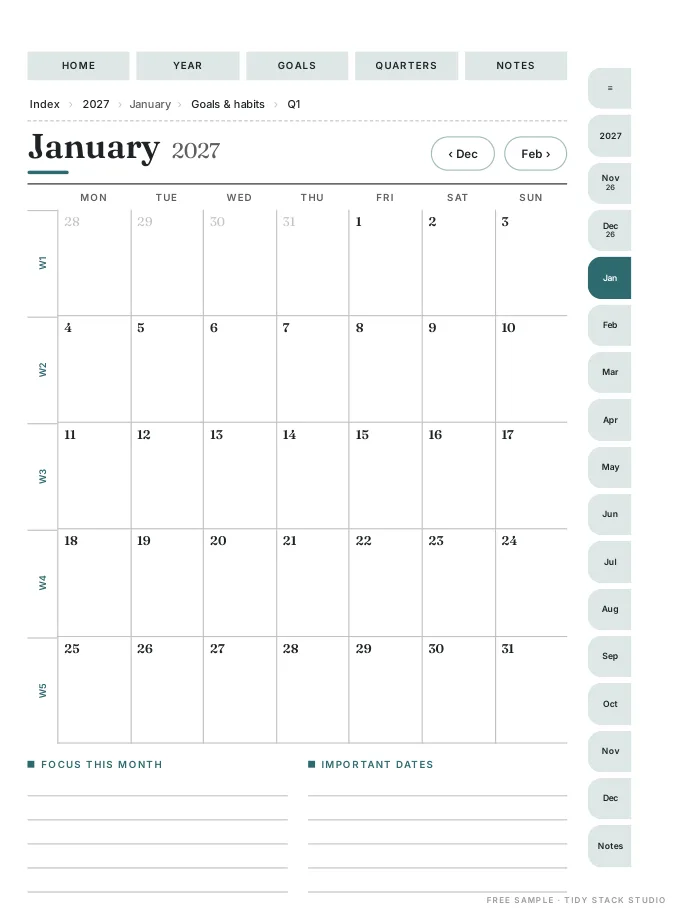
Load it in a minute
Keep it as a PDF so the links keep working. Then write with your pen and tap any tab, date or button with your finger.
Kindle Scribe
Upload the PDF at amazon.com/sendtokindle and keep it as a PDF (don't convert it). It shows up in your library in a few minutes.
reMarkable
Drag the PDF into the reMarkable desktop or mobile app, or upload it at my.remarkable.com.
Supernote
Copy it with Supernote Partner, Supernote Cloud or a USB cable into the Document folder.
Boox
Send it with BooxDrop, Send2Boox or a USB cable, then open it in NeoReader.
Kobo
Connect your Kobo to a computer with a USB cable and copy the PDF to it.
Want it your way?
Open this planner online and change anything: 28 styles, 6 fonts, your sections and pages, dated or undated, for any tablet. Describe it and the AI designer builds it. The preview is free.
Customize it online ›