Daily Wellness template for Kindle Scribe
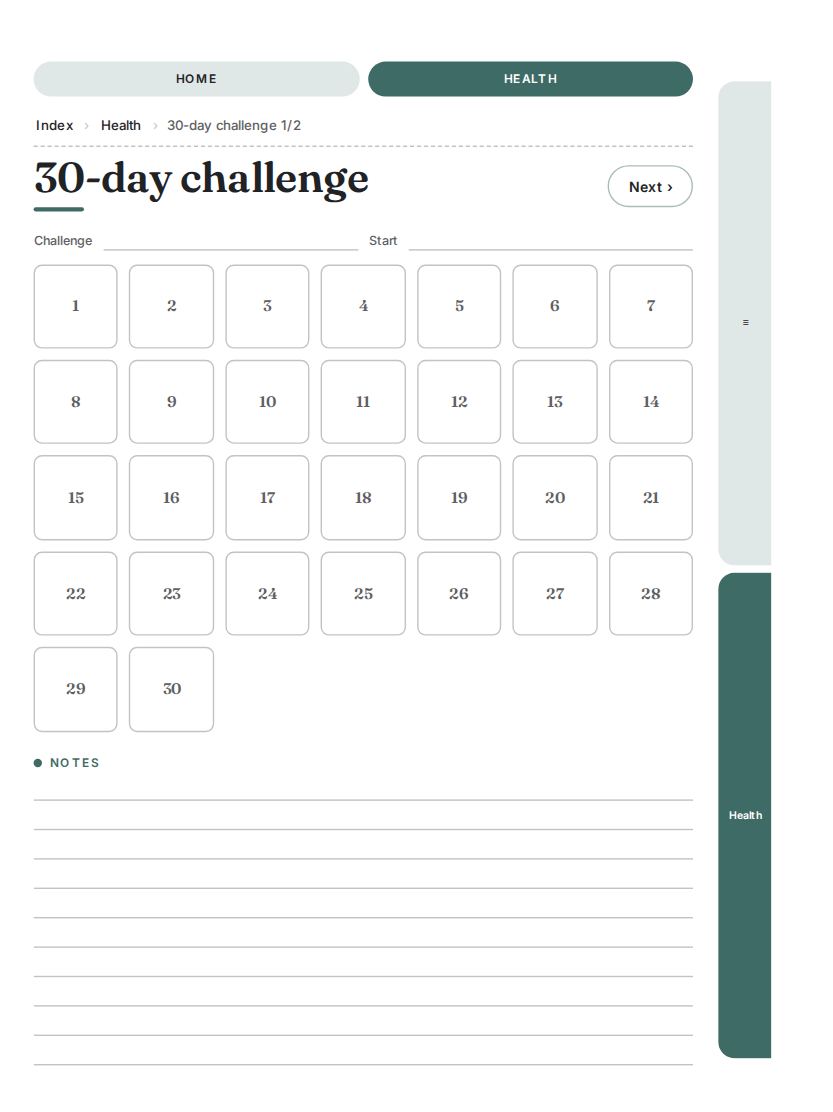
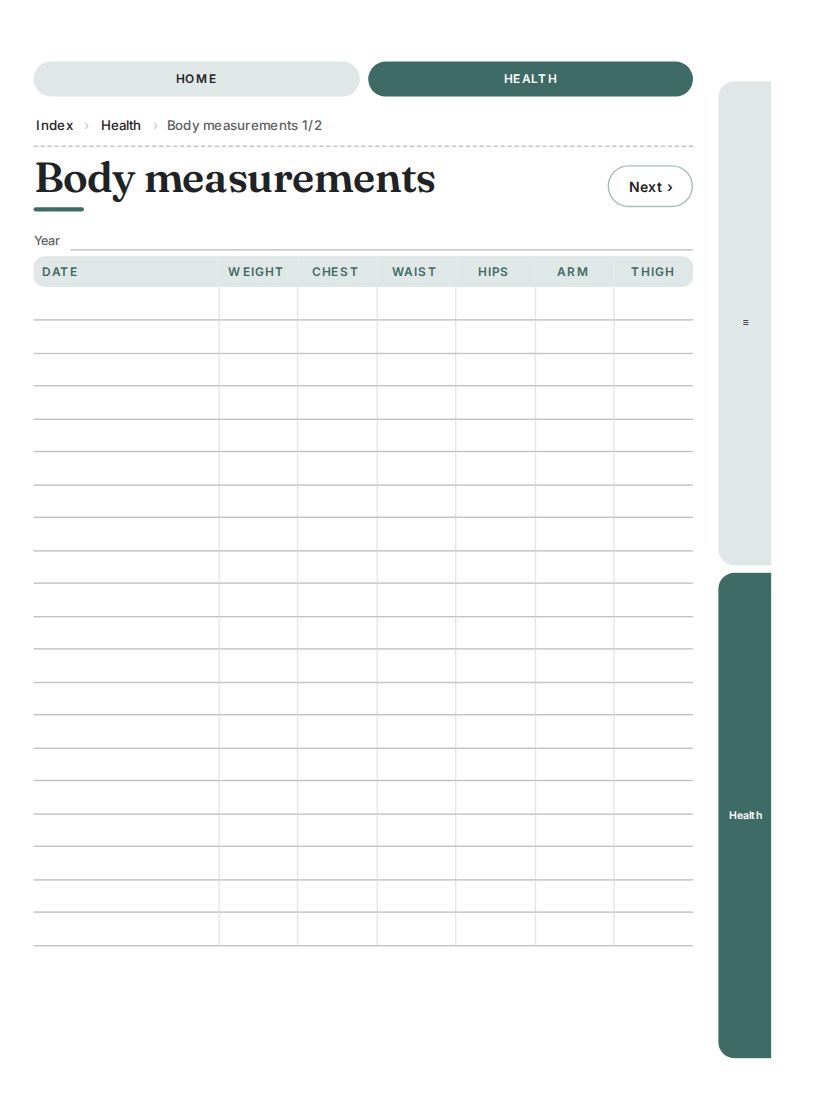
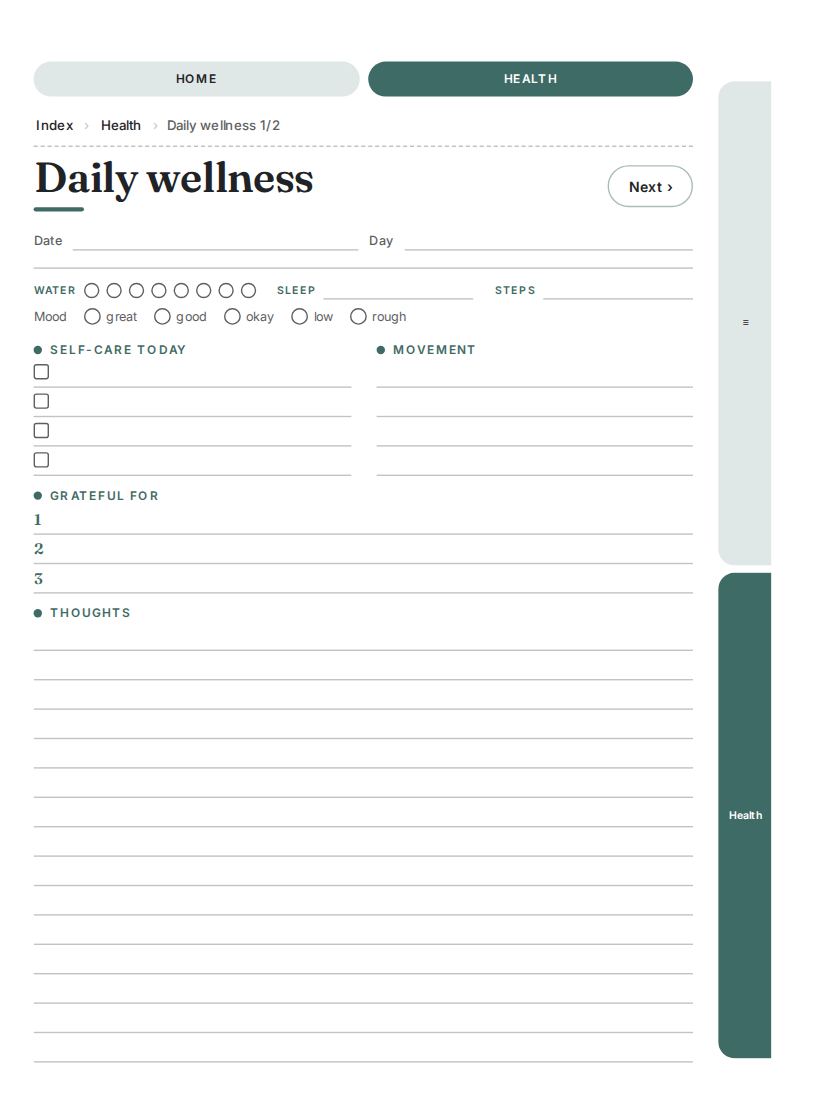
A daily wellness page is a single sheet where you log the basics of how you looked after yourself today, such as sleep, water, movement, meals and mood. It helps you notice patterns and small habits without turning self-care into a big project. Drawn for the Kindle Scribe screen, with linked tabs where your fingers reach.
- No email or signup
- Made for Kindle Scribe
- Links work on the device
Make it yours
Pick a style, a font. The preview updates live, then download your version. Free, no email.
Style
Font
Language
Want it inside a full planner?Your style, plus calendar, daily and weekly pages, every page linked. Free preview.→What's on the page
Who it's for
Put it on your Kindle Scribe
- Open Send to Kindle (amazon.com/sendtokindle) and sign in with the Amazon account of your Kindle Scribe. The Send to Kindle desktop app and email address work too.
- Upload a PDF. PDFs are delivered as PDFs, which is what you want: you can write on every page and the links keep working.
- Open it on your Scribe from your library (it may take a few minutes to arrive; make sure Wi-Fi is on and sync).
- Write with the pen anywhere and tap any tab, date or button with your finger to jump.
Tips
More health & self-care templates for Kindle Scribe
 Cardio Log
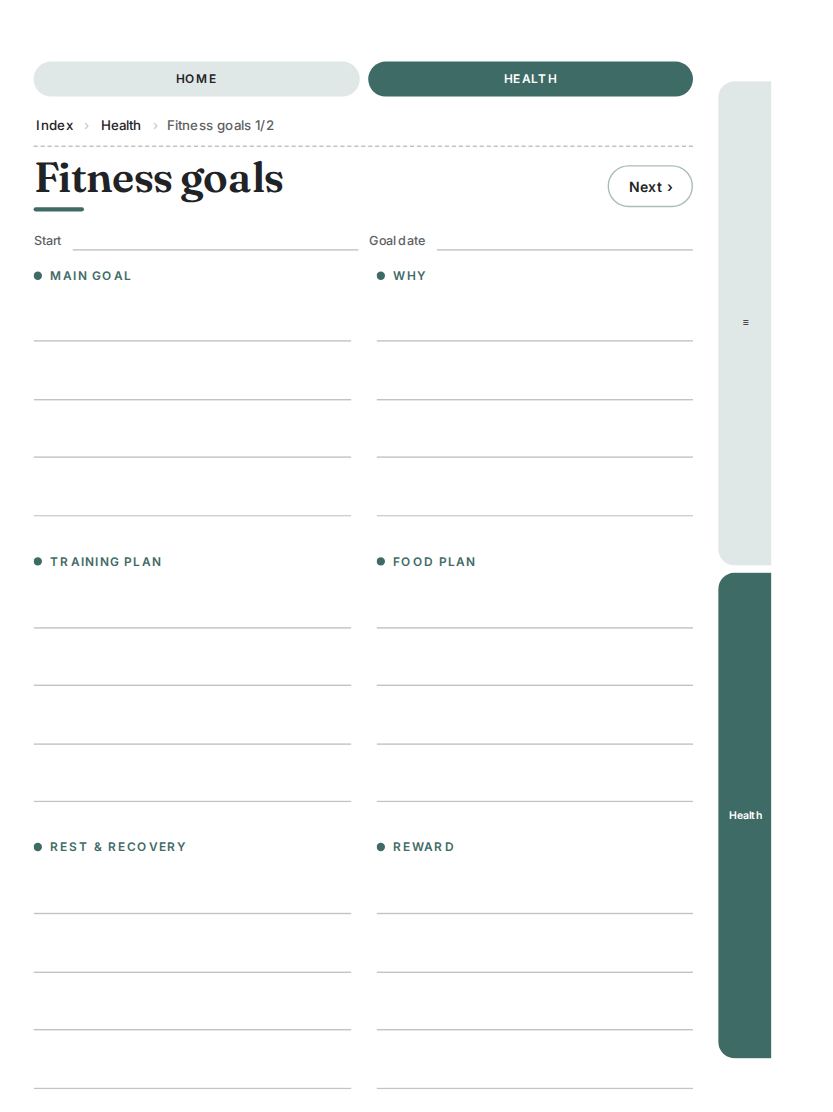 Fitness Goals
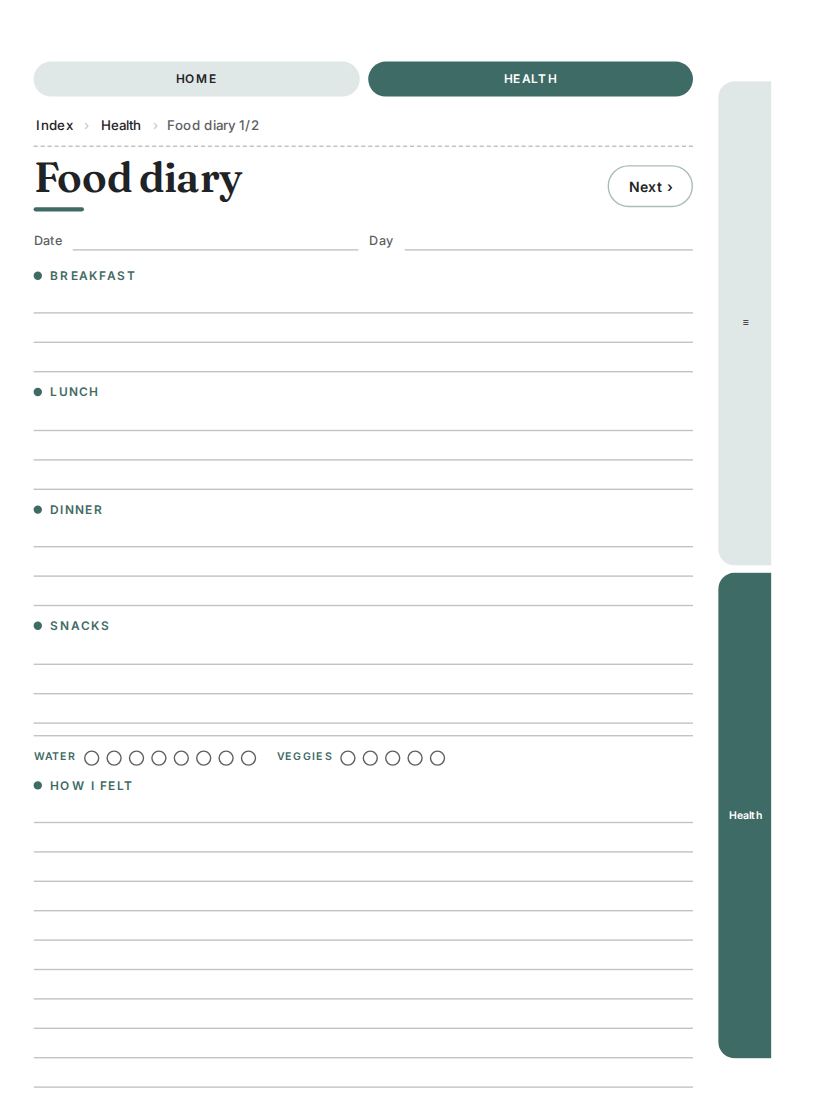 Food Diary
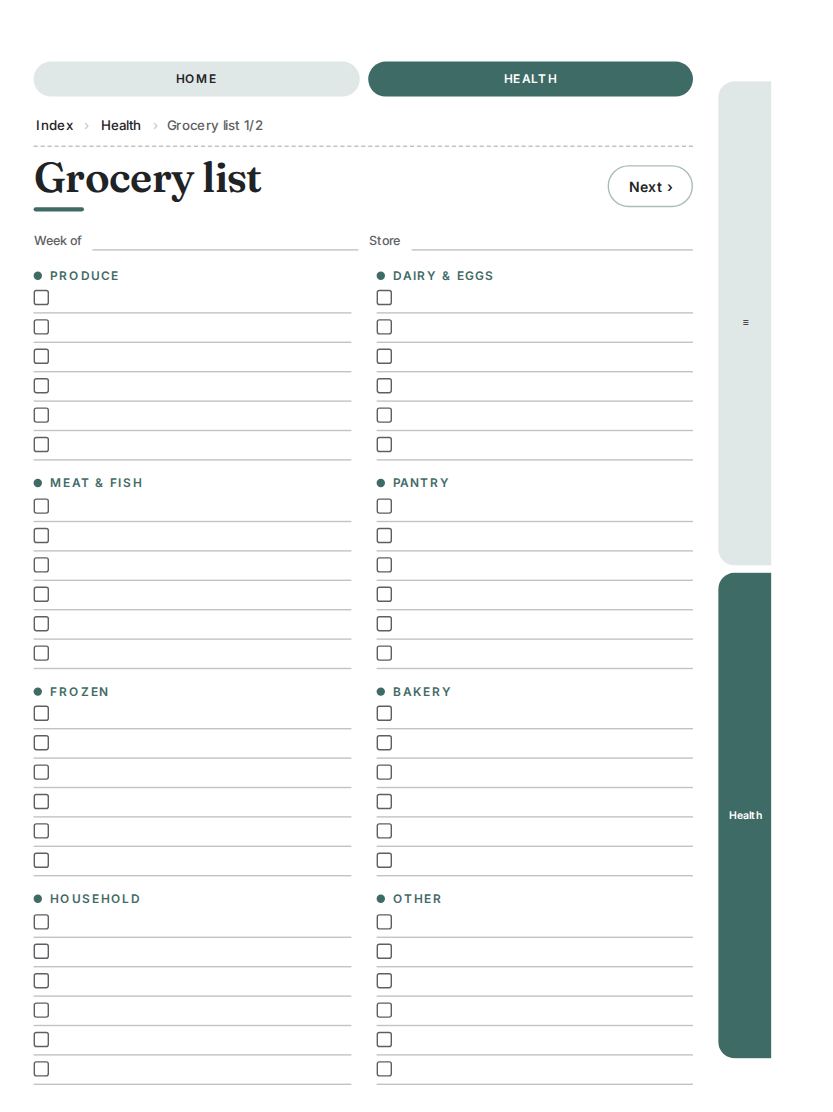 Grocery List
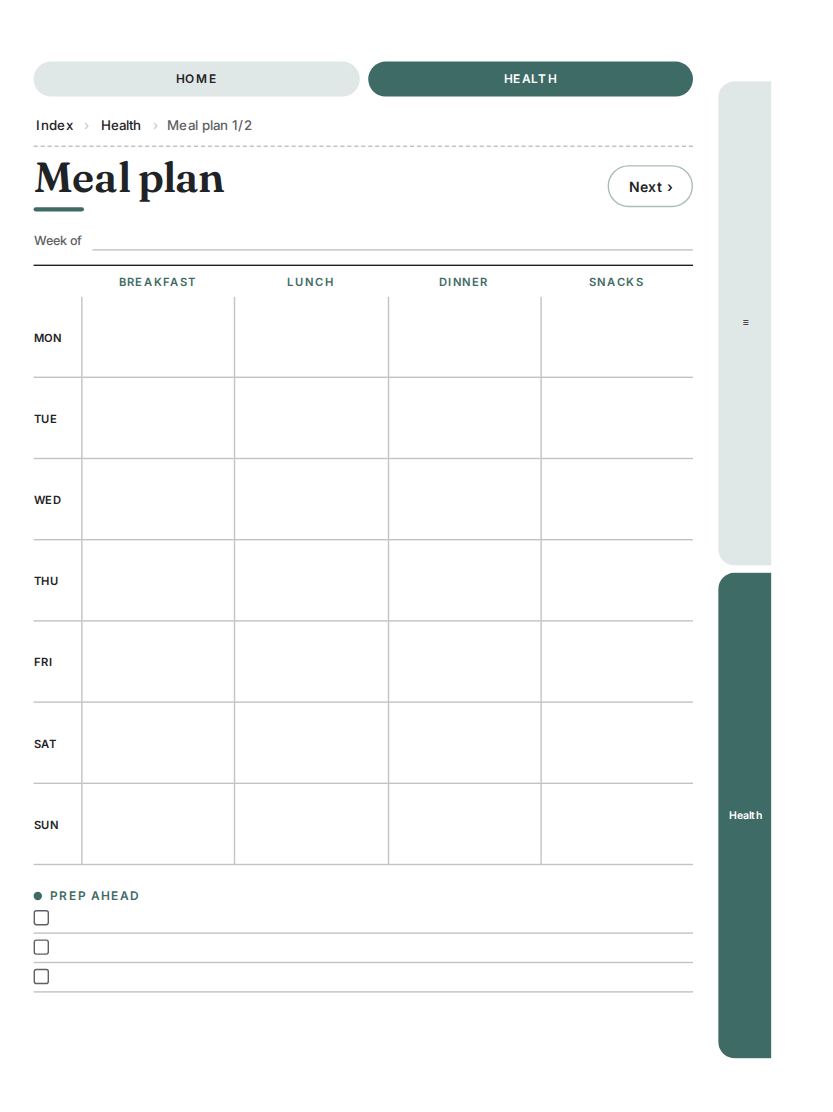 Meal Plan
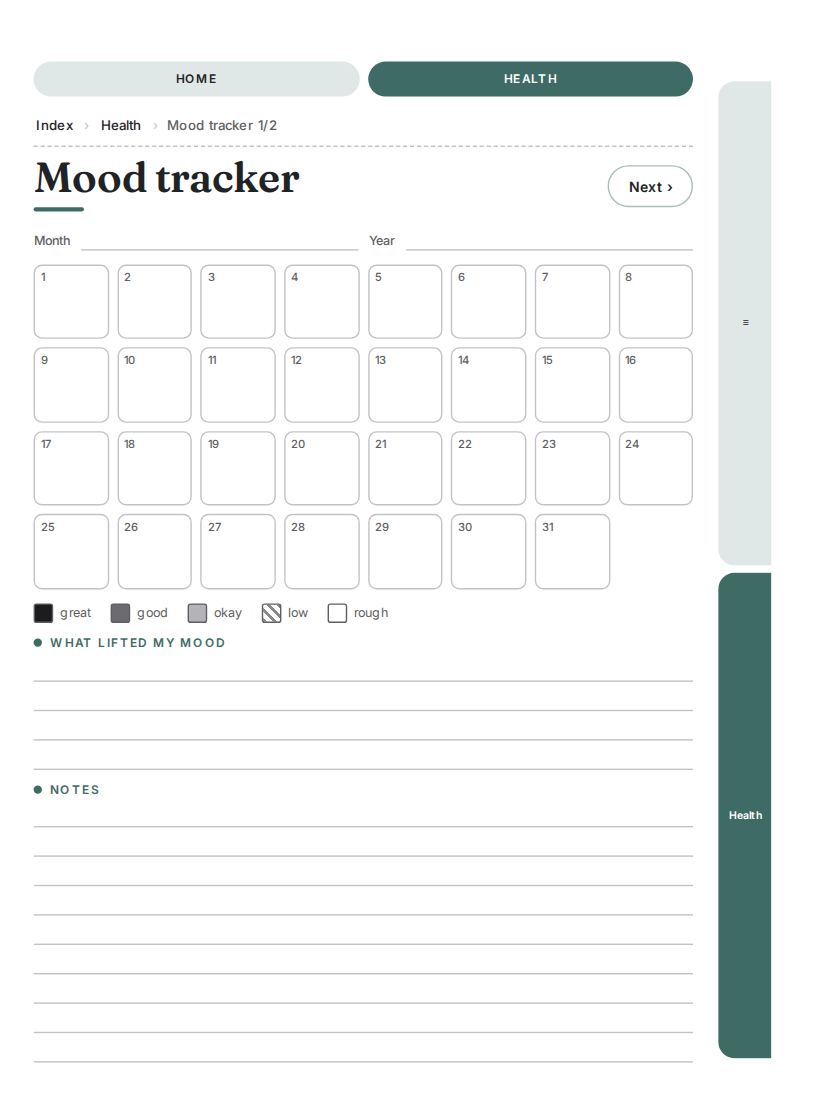 Mood Tracker
The same template for other tablets
Want a whole planner like this?
Answer a 1-minute quiz and get every page you need, linked and drawn for your Kindle Scribe. Free preview.
Take the quiz →Questions
What should I track on a daily wellness page?
Start with two or three things you already care about, such as sleep, water and mood. Adding too many boxes makes the page feel like homework, so you can add more once the first few feel easy.
How is a daily wellness page different from a habit tracker?
A habit tracker usually shows one row per habit across a whole month. A daily wellness page gives you space to record how the day actually felt, including mood, meals and short notes, so it reads more like a check-in.
Can I use a daily wellness page on an e-ink tablet?
Yes. The page uses plain lines, checkboxes and circles that stay clear on black and white screens, and the hyperlinks let you jump between days without scrolling.
Will the links work on my Kindle Scribe?
Yes. The PDF is drawn for the Kindle Scribe screen and every tab and page link is a direct PDF link, which Kindle Scribe follows when you tap it. Open it as a PDF (not a converted document) so the links keep working.
Is this daily wellness template really free?
Yes. Download the PDF and use it as much as you like, no email needed. If you want more pages, your own sections or a full planner around it, you can build one in Tidy Stack Planners and preview it for free.