Goal Planner template for Kindle Scribe
A goal planner page gives you one place to write down what you want to achieve, why it matters, and the steps to get there. It helps you turn a vague wish into a plan you can check on week by week. Drawn for the Kindle Scribe screen, with linked tabs where your fingers reach.
- No email or signup
- Made for Kindle Scribe
- Links work on the device
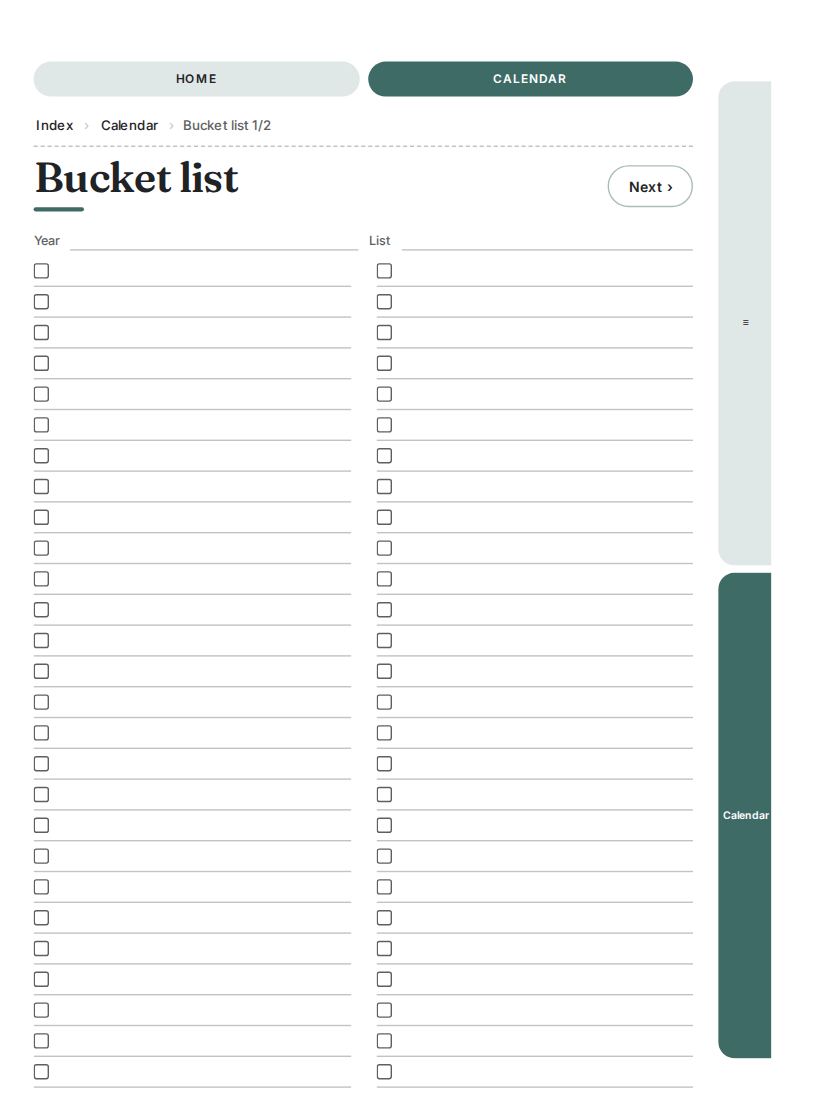
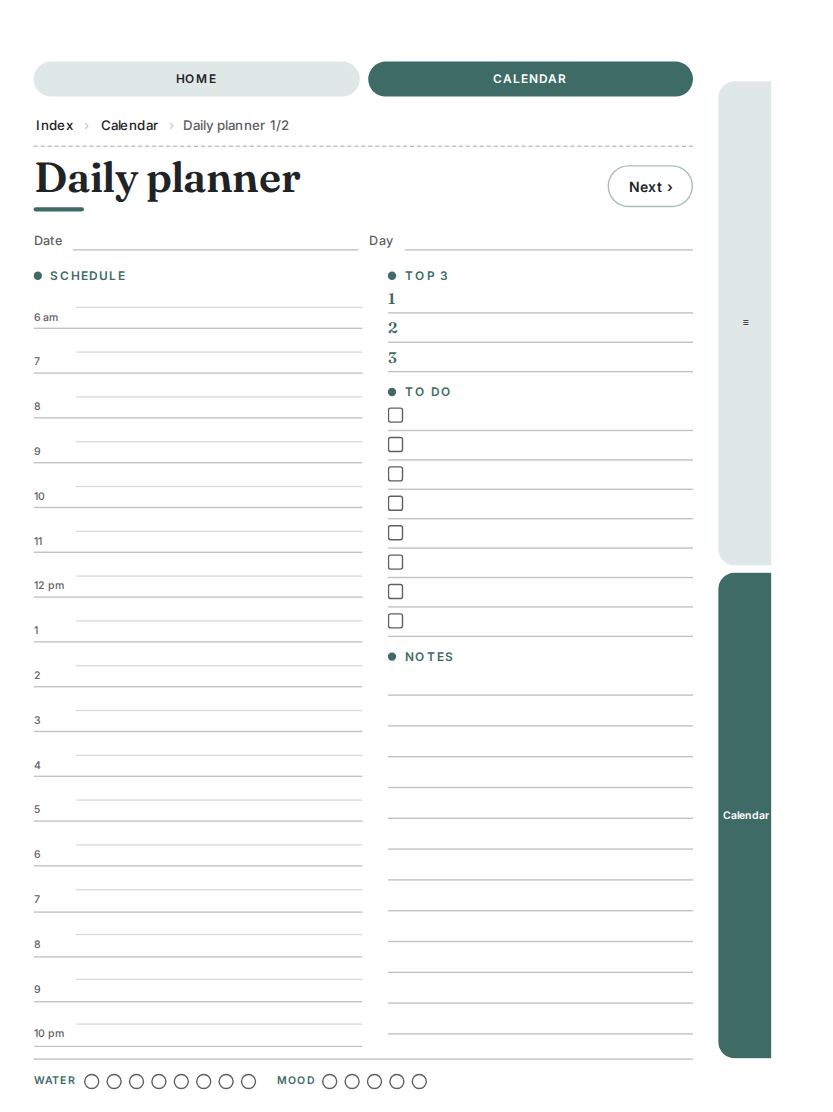
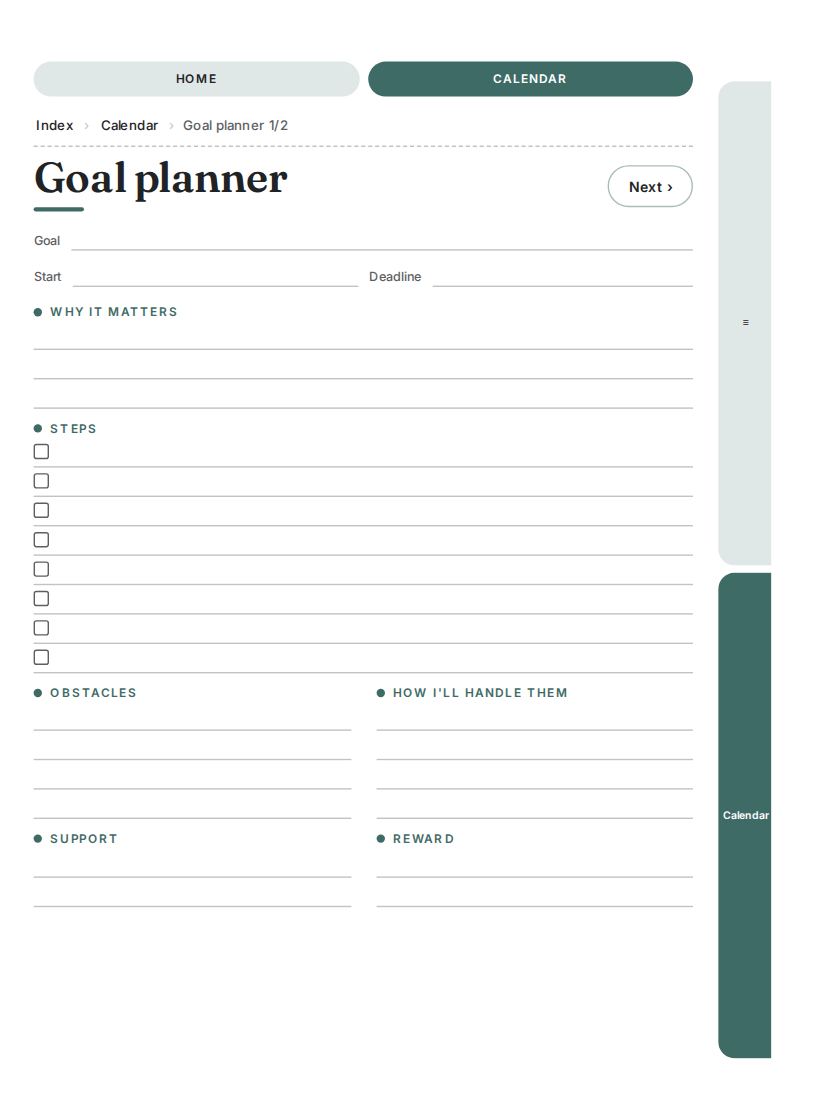
Make it yours
Pick a style, a font. The preview updates live, then download your version. Free, no email.
Style
Font
Language
Want it inside a full planner?Your style, plus calendar, daily and weekly pages, every page linked. Free preview.→What's on the page
Who it's for
Put it on your Kindle Scribe
- Open Send to Kindle (amazon.com/sendtokindle) and sign in with the Amazon account of your Kindle Scribe. The Send to Kindle desktop app and email address work too.
- Upload a PDF. PDFs are delivered as PDFs, which is what you want: you can write on every page and the links keep working.
- Open it on your Scribe from your library (it may take a few minutes to arrive; make sure Wi-Fi is on and sync).
- Write with the pen anywhere and tap any tab, date or button with your finger to jump.
Tips
More calendar & planning templates for Kindle Scribe
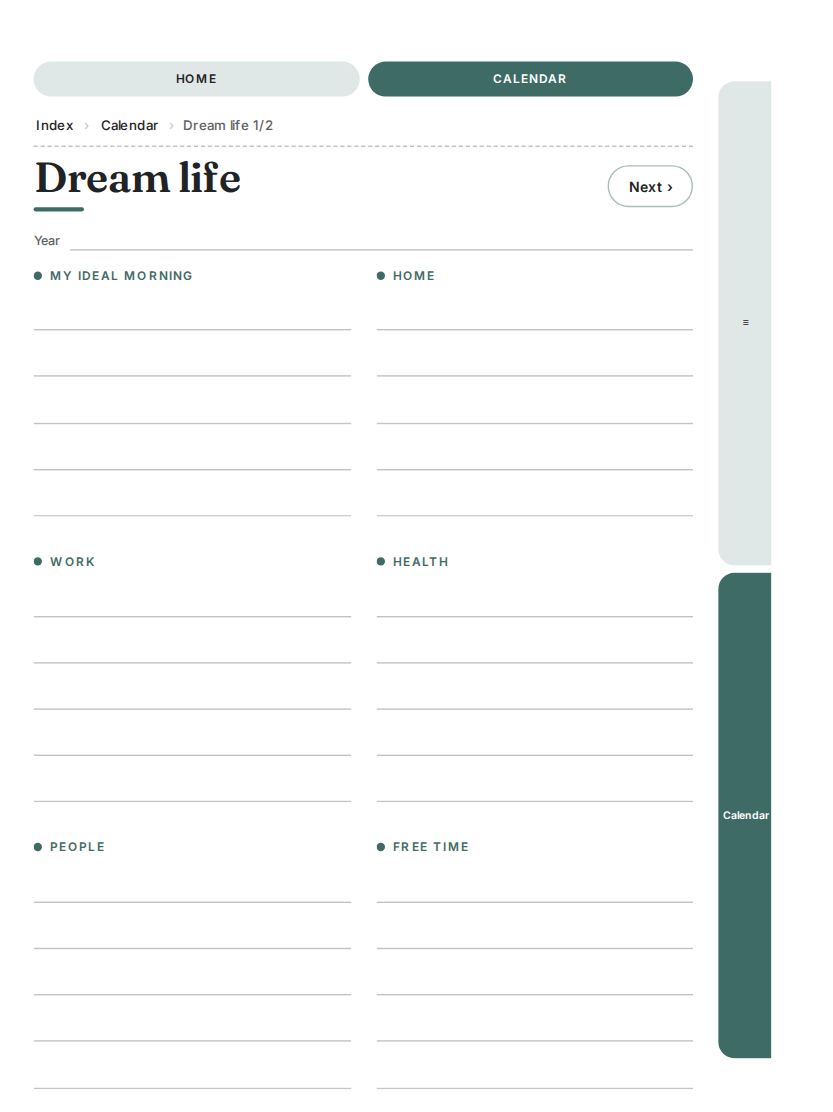 Dream Life
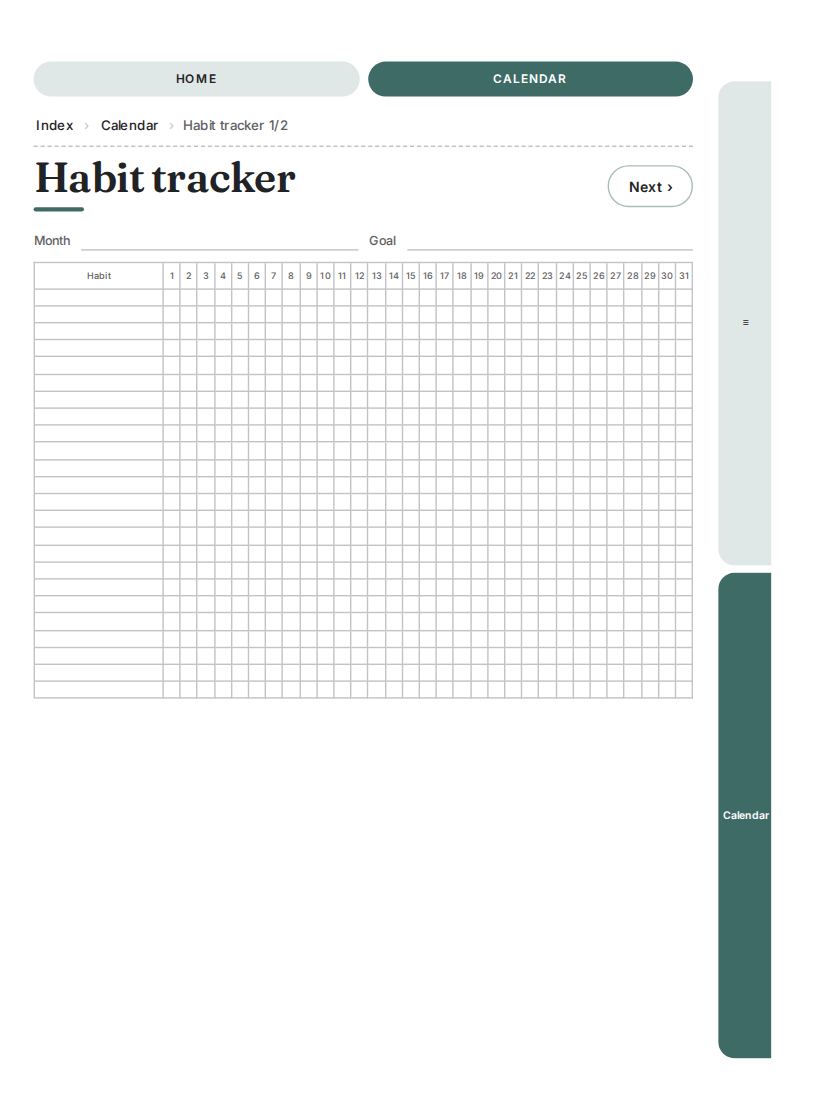 Habit Tracker
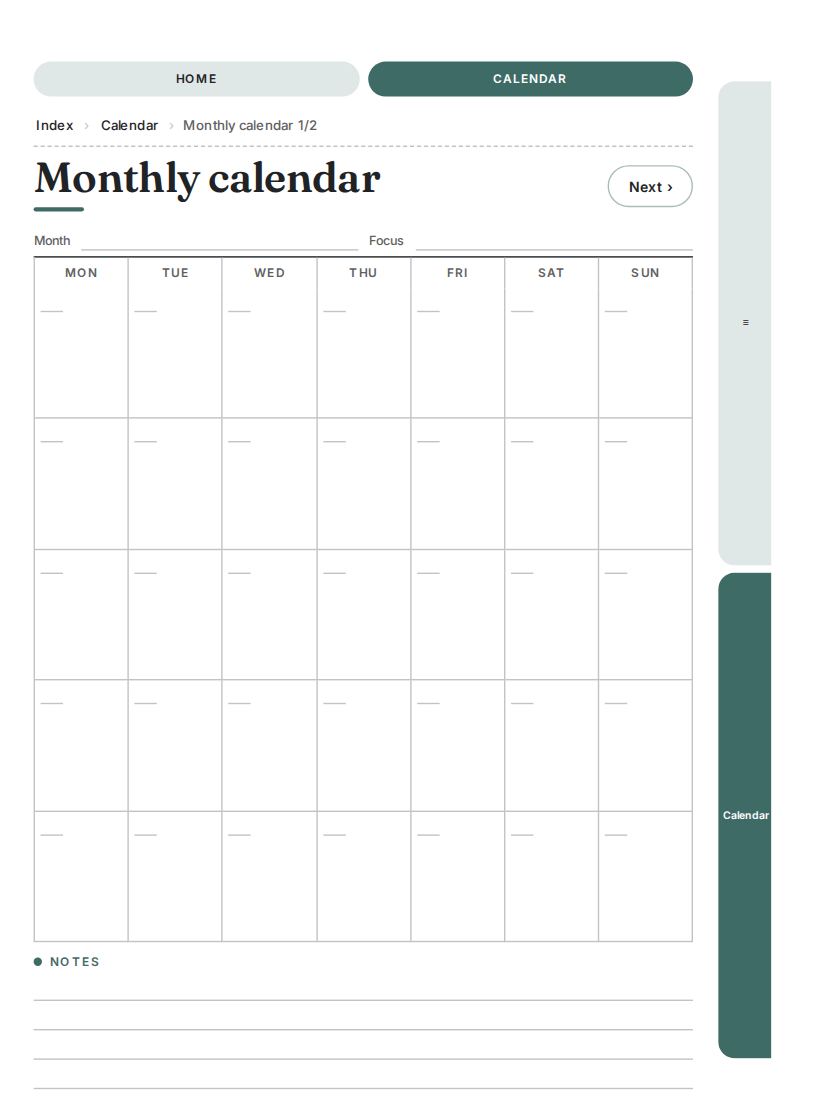 Monthly Calendar
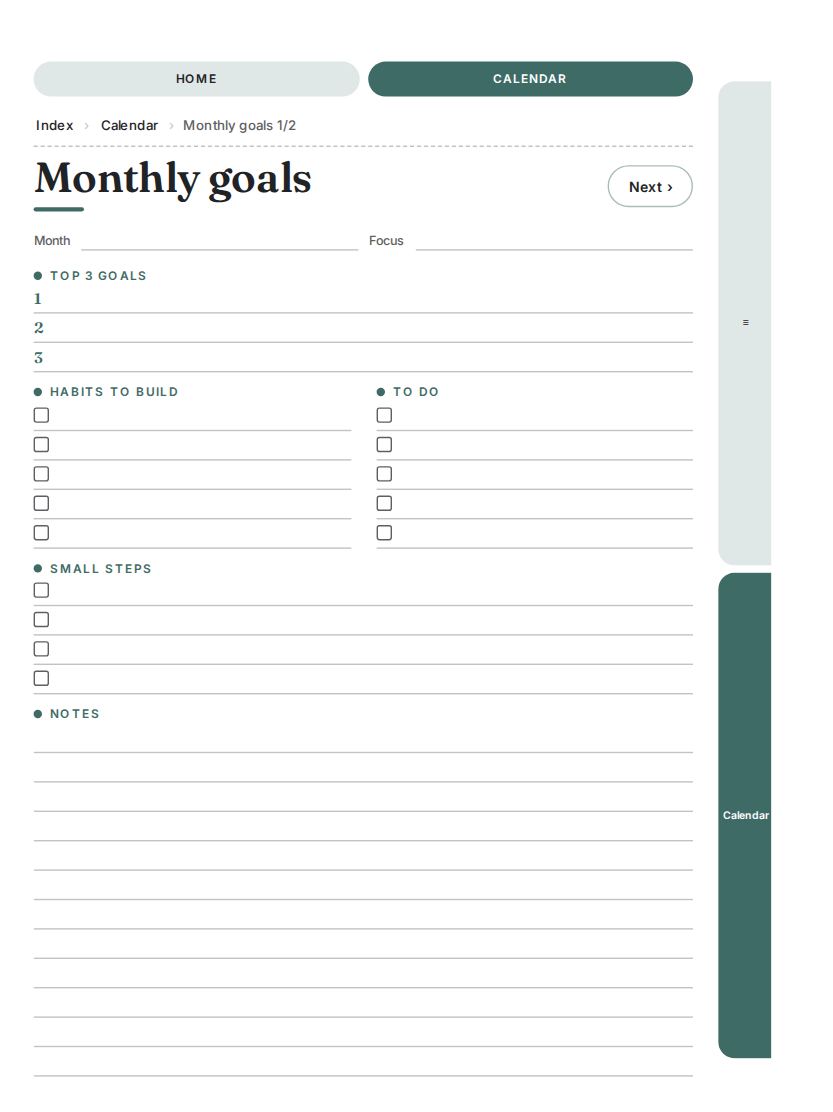 Monthly Goals
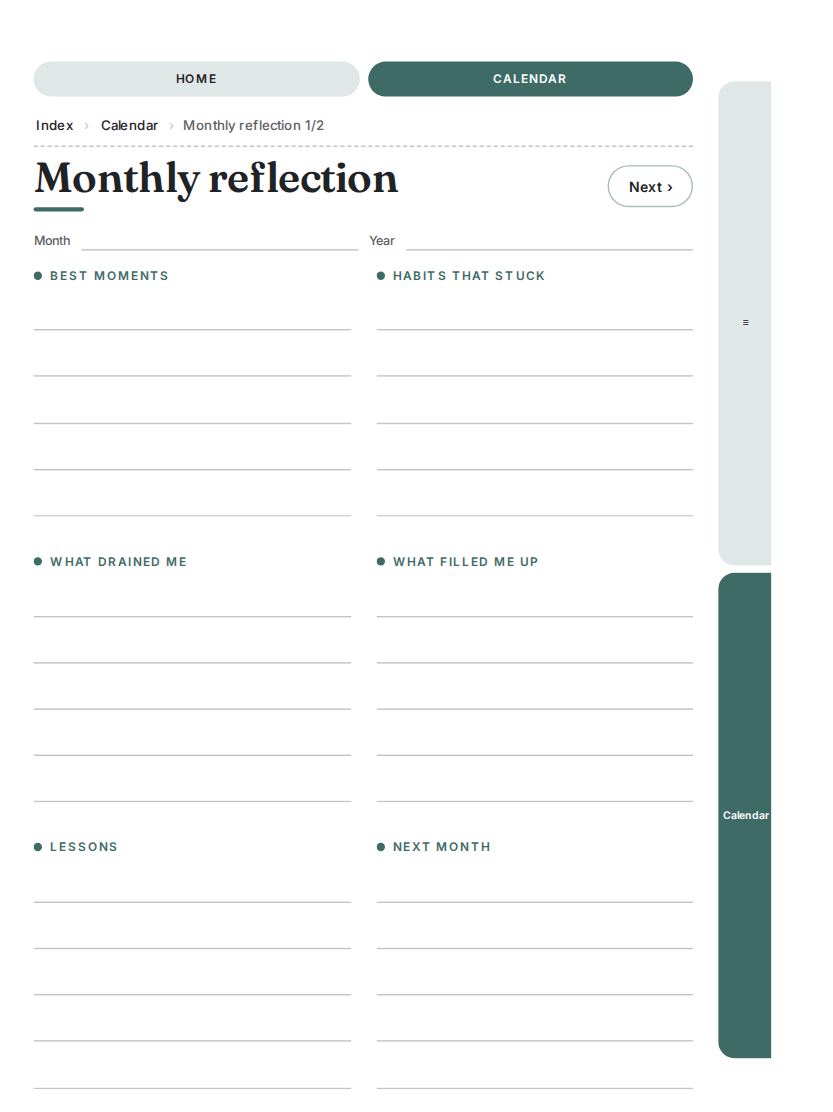 Monthly Reflection
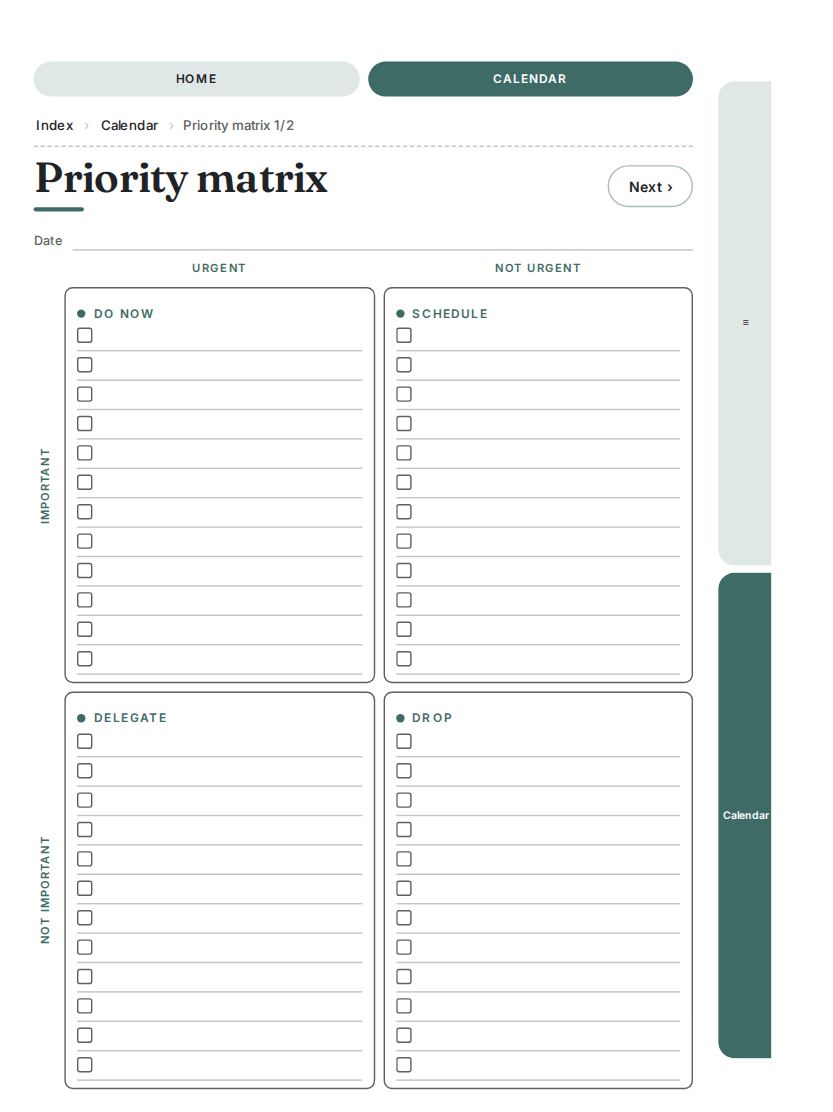 Priority Matrix
The same template for other tablets
Want a whole planner like this?
Answer a 1-minute quiz and get every page you need, linked and drawn for your Kindle Scribe. Free preview.
Take the quiz →Questions
How do I write a goal that I can actually finish?
Make it specific and give it an end date, such as 'run 5 km without stopping by 30 June'. Then break it into small milestones and action steps you can do in a single week.
How many goals should I put on one goal planner page?
One goal per page works best, because the milestones and steps need room to be useful. If you have several goals, use a separate page for each and link them from your index or monthly view.
Will the links work on my Kindle Scribe?
Yes. The PDF is drawn for the Kindle Scribe screen and every tab and page link is a direct PDF link, which Kindle Scribe follows when you tap it. Open it as a PDF (not a converted document) so the links keep working.
Is this goal planner template really free?
Yes. Download the PDF and use it as much as you like, no email needed. If you want more pages, your own sections or a full planner around it, you can build one in Tidy Stack Planners and preview it for free.