Mind Map template for reMarkable Paper Pro
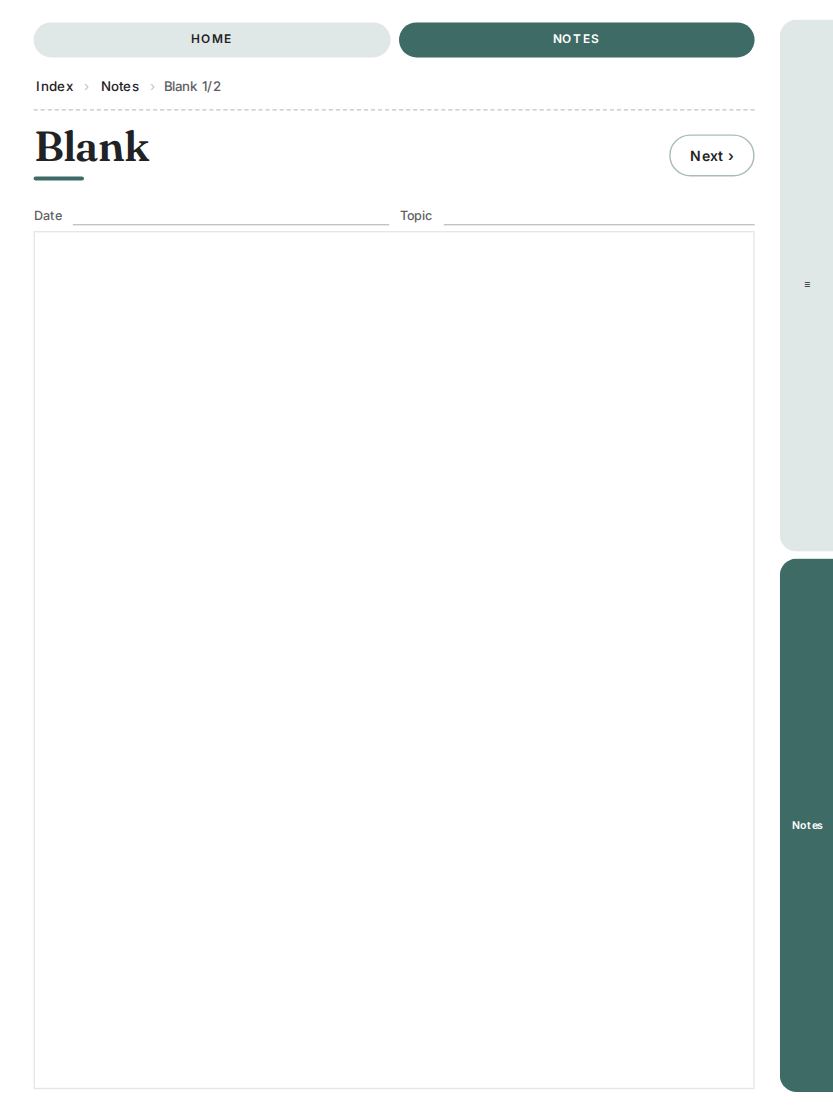
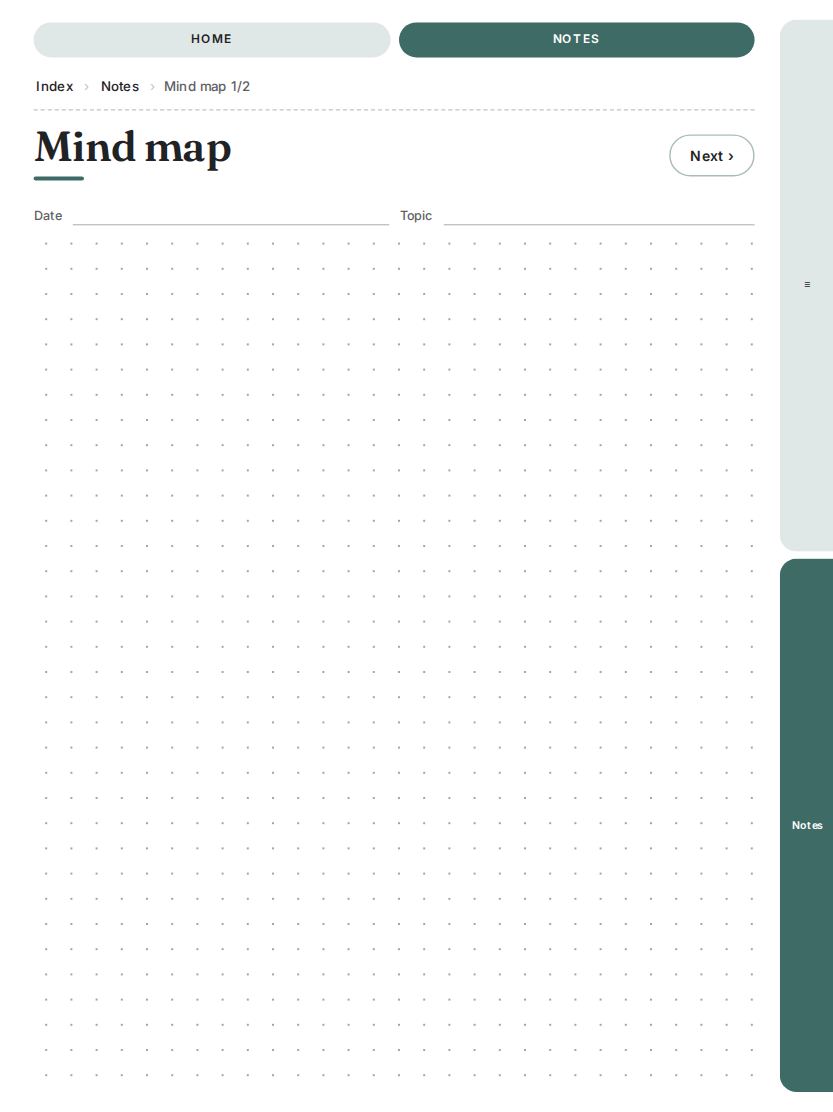
A mind map page puts one central idea in the middle and lets you branch related thoughts out around it. It helps you brainstorm, sort out a topic, or see how ideas connect before you write or plan anything. Drawn for the reMarkable Paper Pro screen in color, with linked tabs where your fingers reach.
- No email or signup
- Made for reMarkable Paper Pro
- Links work on the device
Make it yours
Pick a style, a font. The preview updates live, then download your version. Free, no email.
Style
Font
Language
Want it inside a full planner?Your style, plus calendar, daily and weekly pages, every page linked. Free preview.→What's on the page
Who it's for
Put it on your reMarkable Paper Pro
- Open the reMarkable desktop app, the mobile app or my.remarkable.com and sign in with your reMarkable account.
- Drag the PDF into My files (or use Import). It syncs to your Paper Pro in a moment.
- Open it on your tablet, write with the Marker and tap any tab, date or button to jump.
Tips
More notes & paper templates for reMarkable Paper Pro
 Bullet Journal
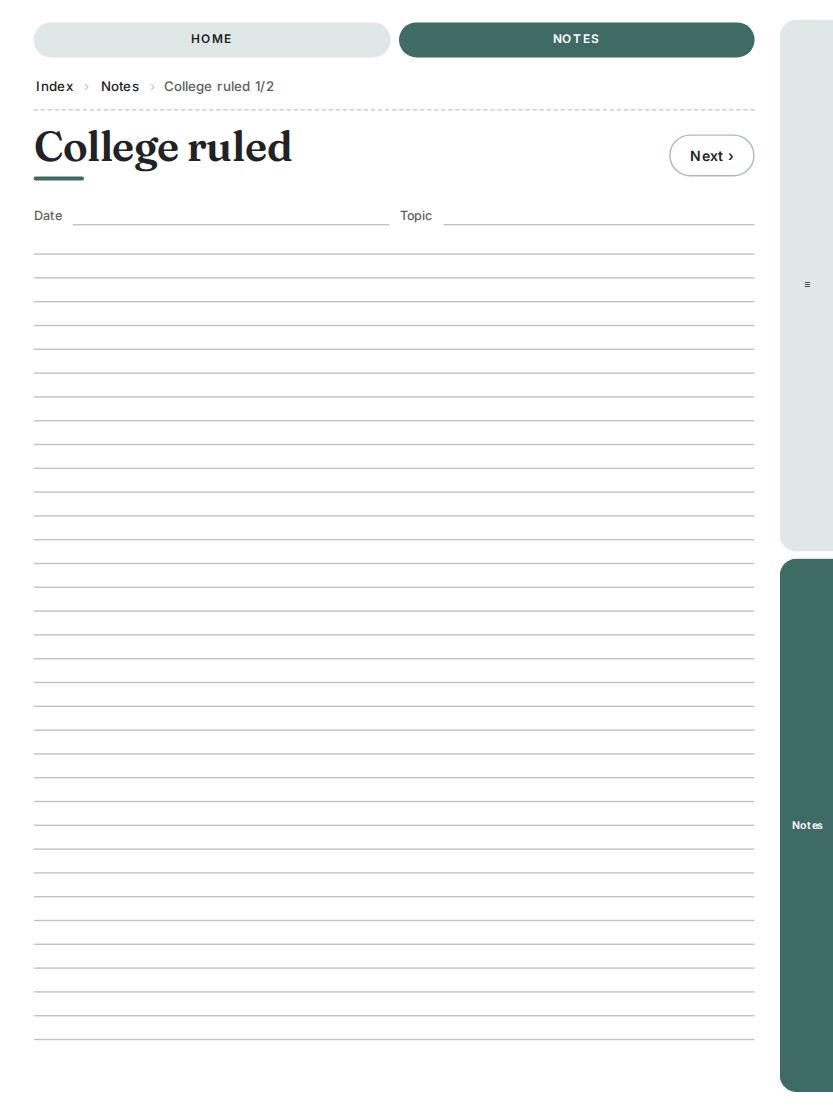 College Ruled
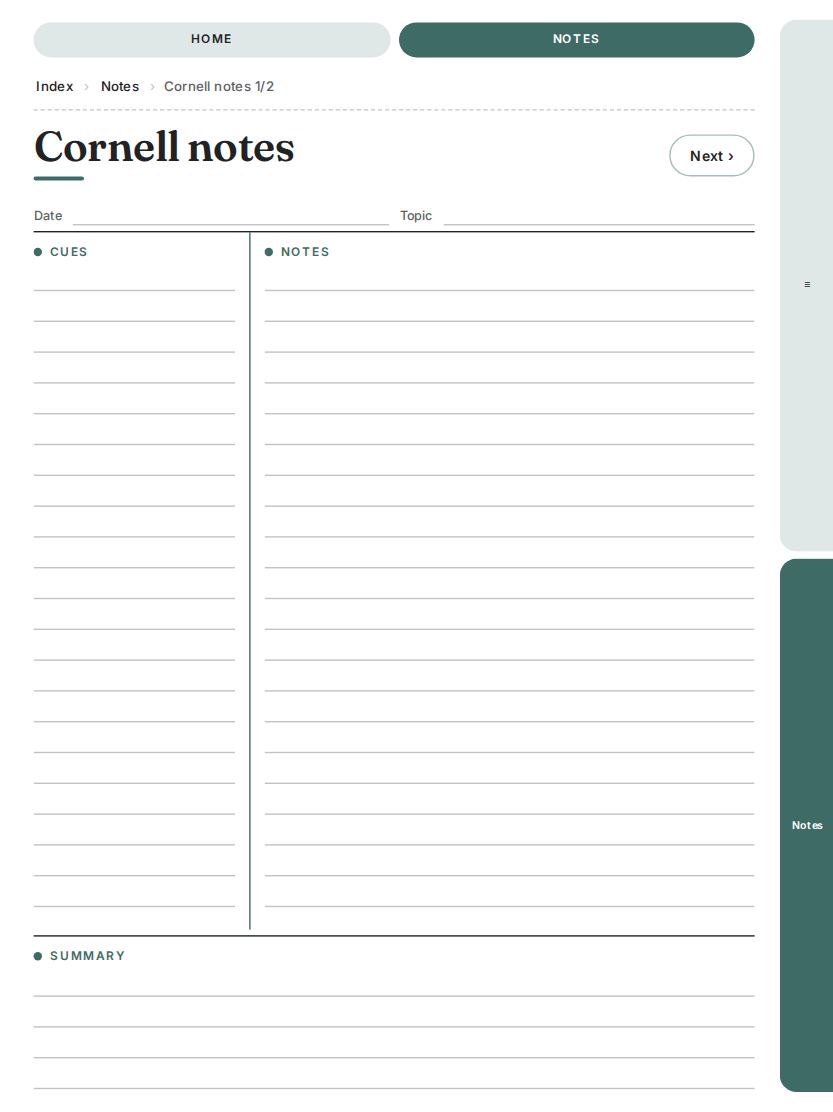 Cornell Notes
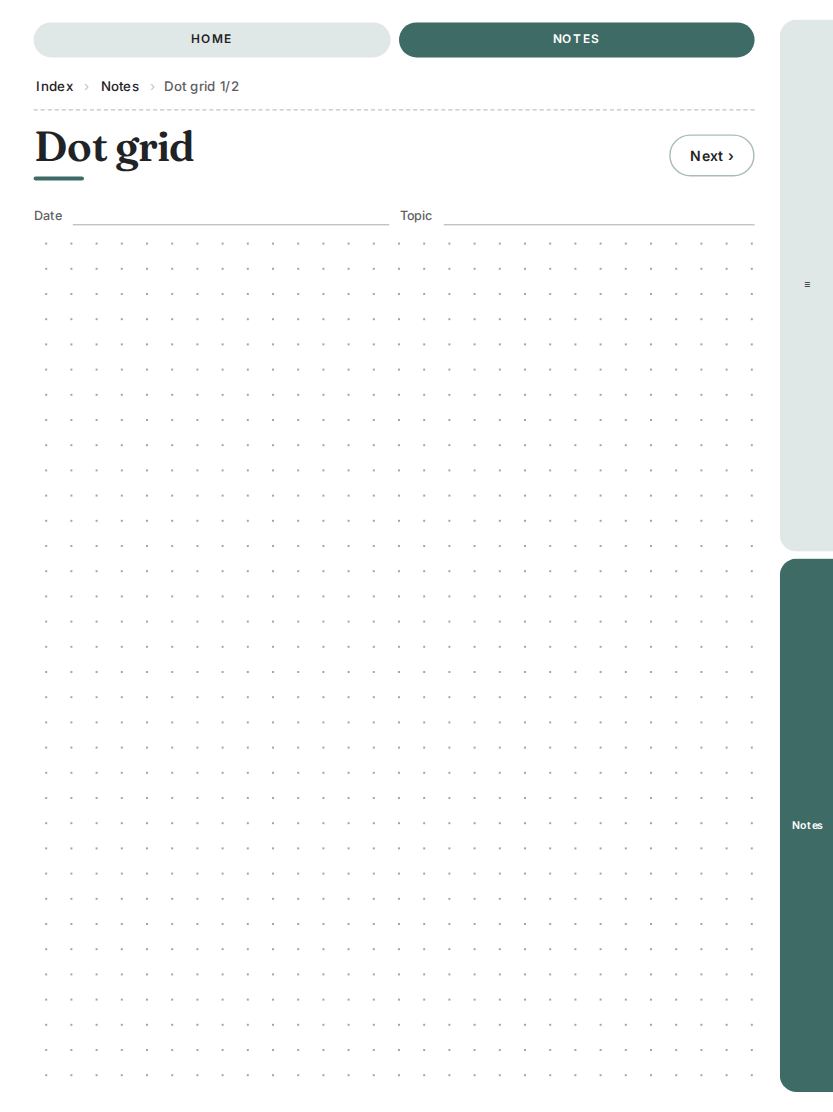 Dot Grid
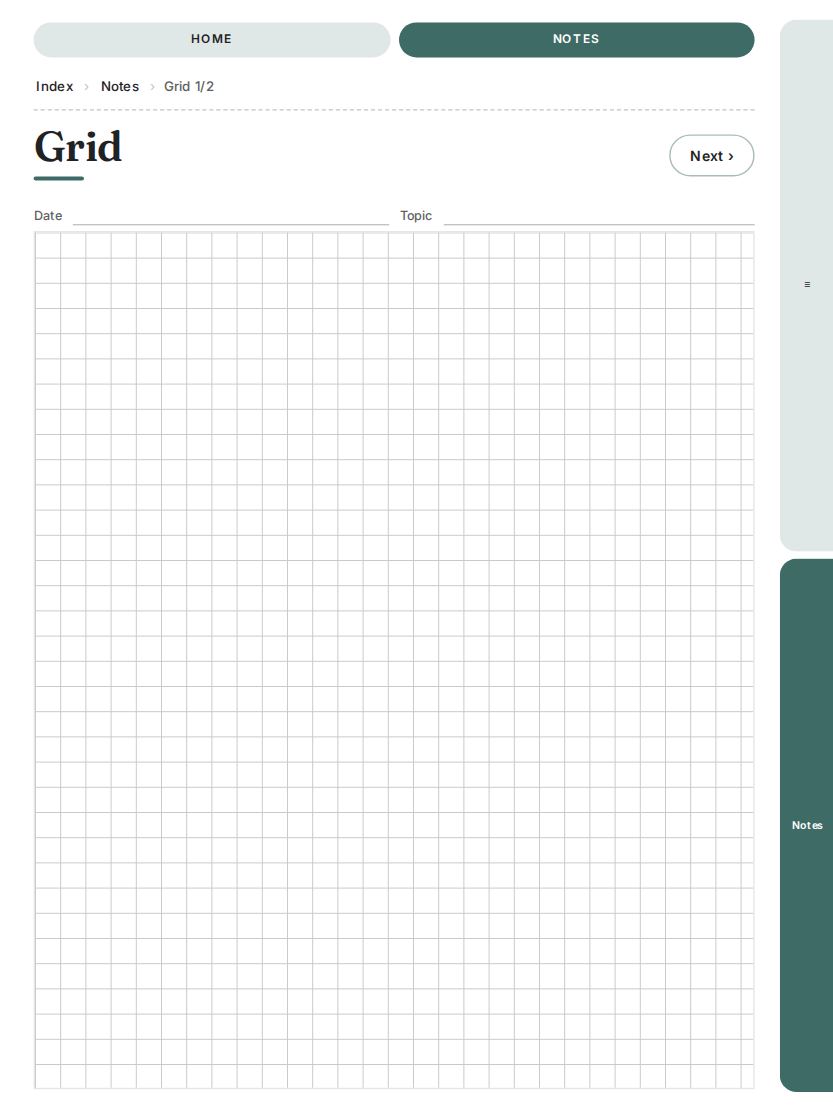 Grid
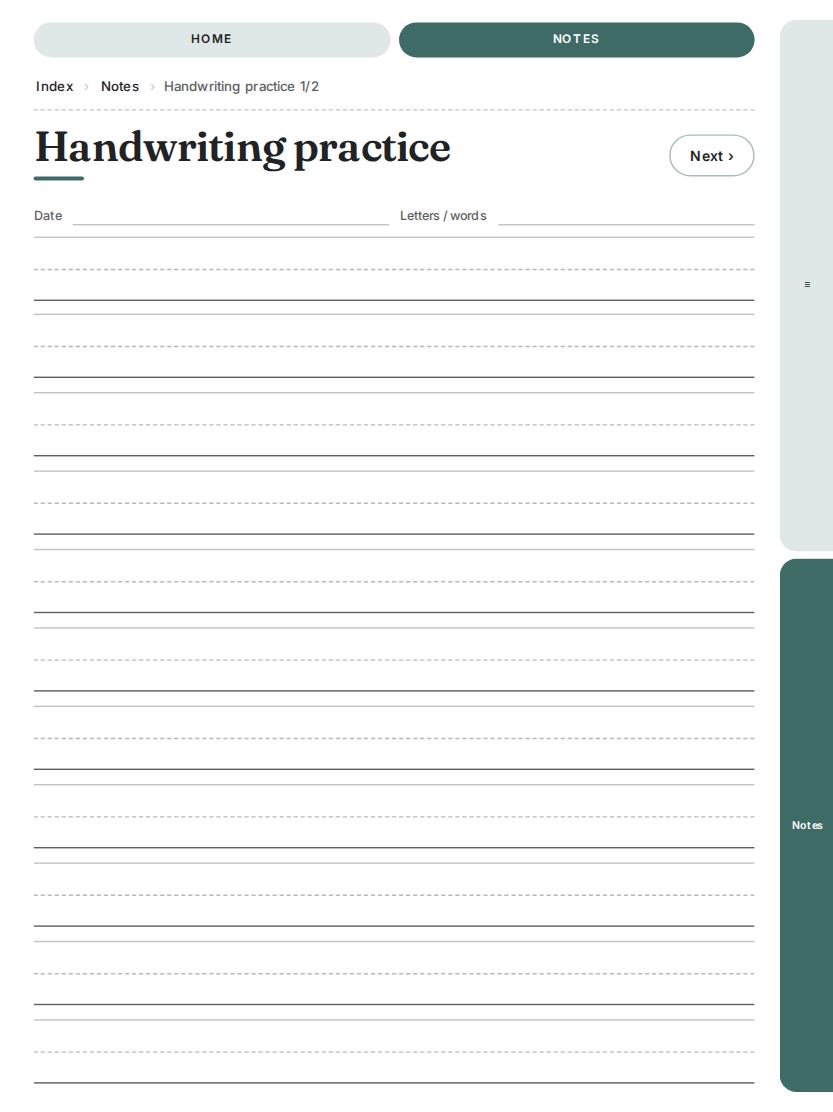 Handwriting Practice
The same template for other tablets
Want a whole planner like this?
Answer a 1-minute quiz and get every page you need, linked and drawn for your reMarkable Paper Pro. Free preview.
Take the quiz →Questions
How do you make a mind map on a tablet?
Open a blank mind map page, write your main topic in the center, and draw a line out for each major idea. Add smaller branches from those lines as you think of details. A pen makes it easy to erase, move and redraw parts as the map grows.
What is the difference between a mind map and an outline?
An outline lists ideas in order from top to bottom, while a mind map spreads them around a center point. Mind maps suit early brainstorming when you do not yet know the order. An outline is usually better once you are ready to write or present.
Will the links work on my reMarkable Paper Pro?
Yes. The PDF is drawn for the reMarkable Paper Pro screen and every tab and page link is a direct PDF link, which reMarkable Paper Pro follows when you tap it. Open it as a PDF (not a converted document) so the links keep working.
Is this mind map template really free?
Yes. Download the PDF and use it as much as you like, no email needed. If you want more pages, your own sections or a full planner around it, you can build one in Tidy Stack Planners and preview it for free.