Monthly Reflection template for reMarkable 2
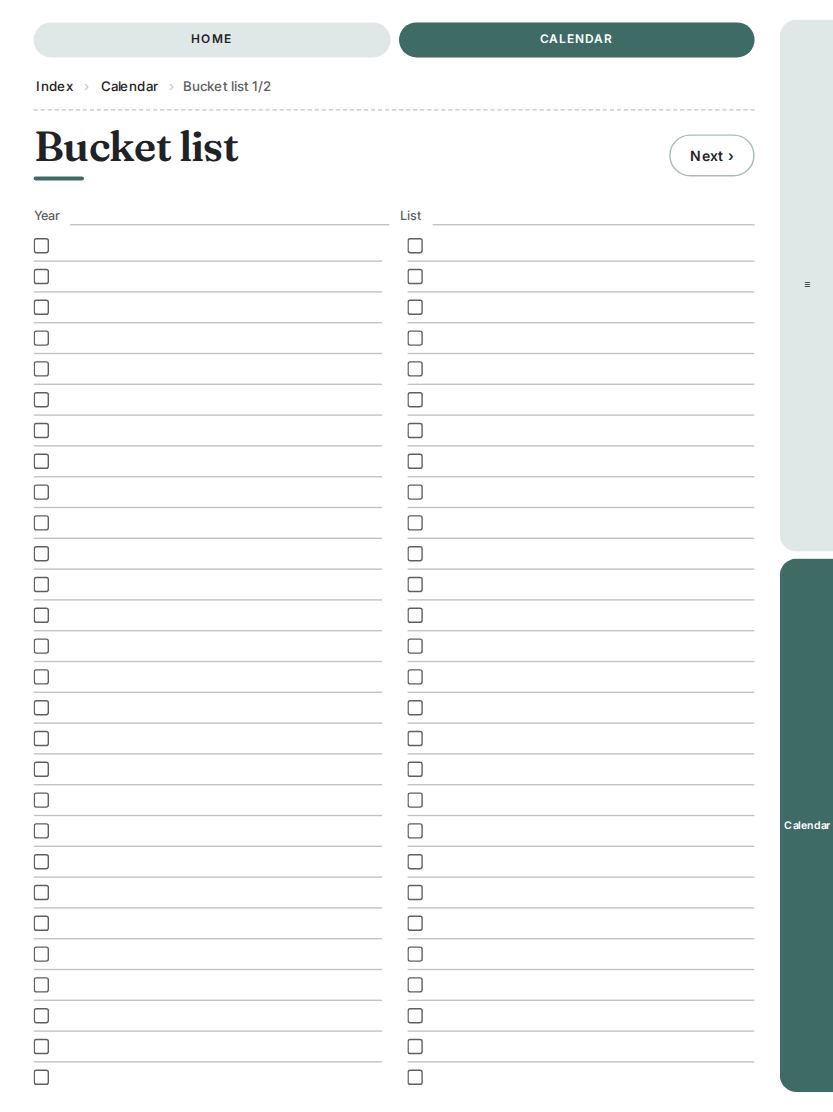
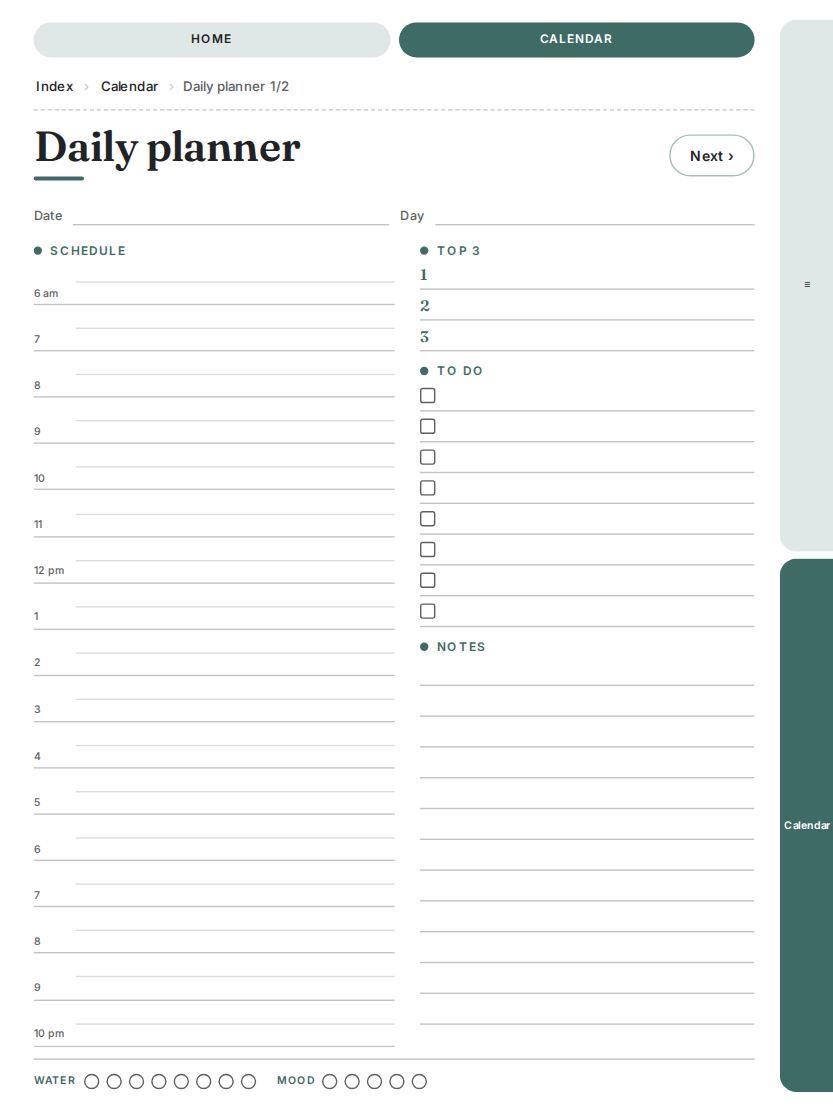
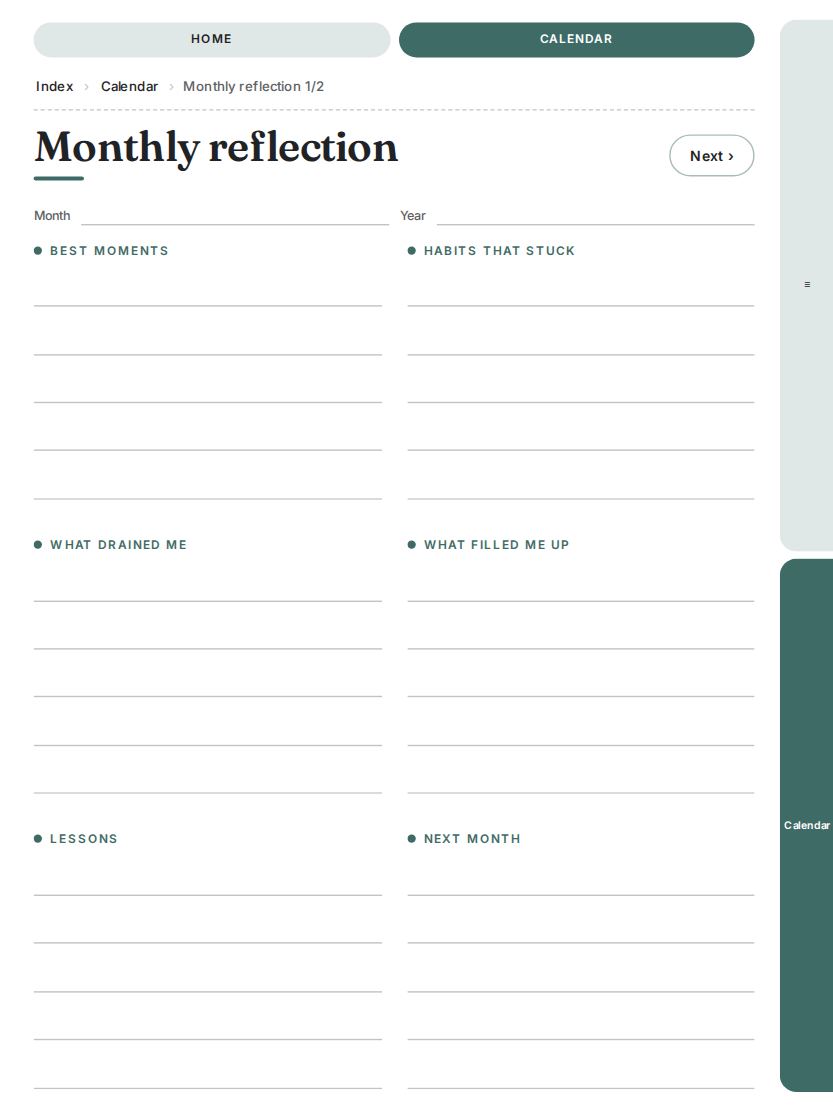
A monthly reflection page is a single page where you look back on the past month and note what went well, what didn't, and what you learned. It helps you spot patterns, reset your goals, and start the next month with a clearer plan. Drawn for the reMarkable 2 screen, with linked tabs where your fingers reach.
- No email or signup
- Made for reMarkable 2
- Links work on the device
Make it yours
Pick a style, a font. The preview updates live, then download your version. Free, no email.
Style
Font
Language
Want it inside a full planner?Your style, plus calendar, daily and weekly pages, every page linked. Free preview.→What's on the page
Who it's for
Put it on your reMarkable 2
- Open the reMarkable desktop app, the mobile app or my.remarkable.com and sign in with your reMarkable account.
- Drag the PDF into My files (or use Import). It syncs to your tablet in a moment.
- Open it on your tablet, write with the Marker and tap any tab, date or button to jump.
Tips
More calendar & planning templates for reMarkable 2
 Dream Life
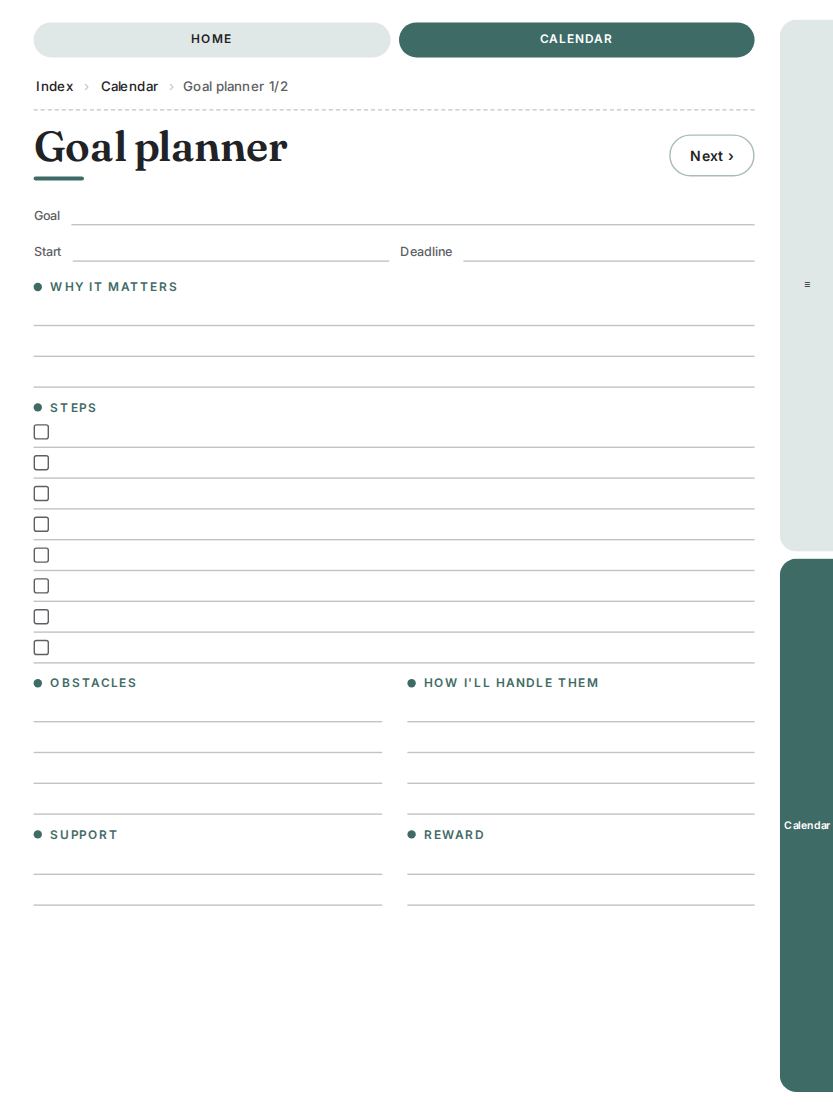 Goal Planner
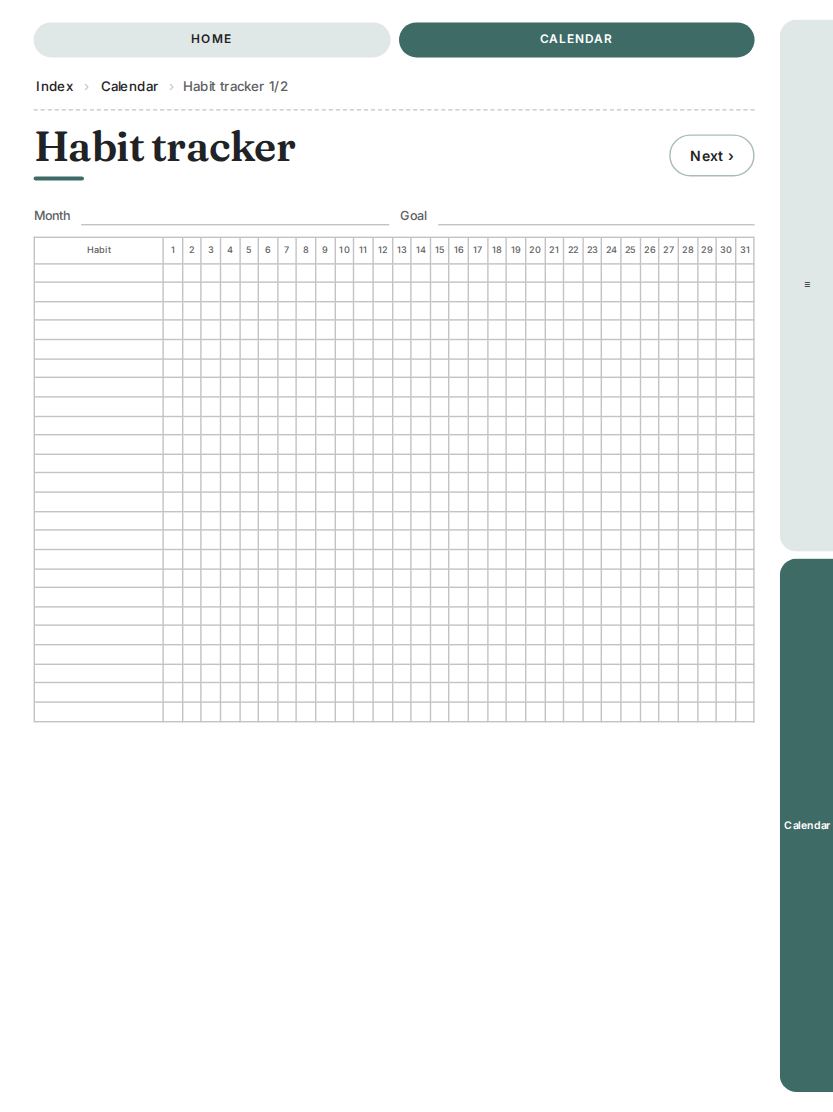 Habit Tracker
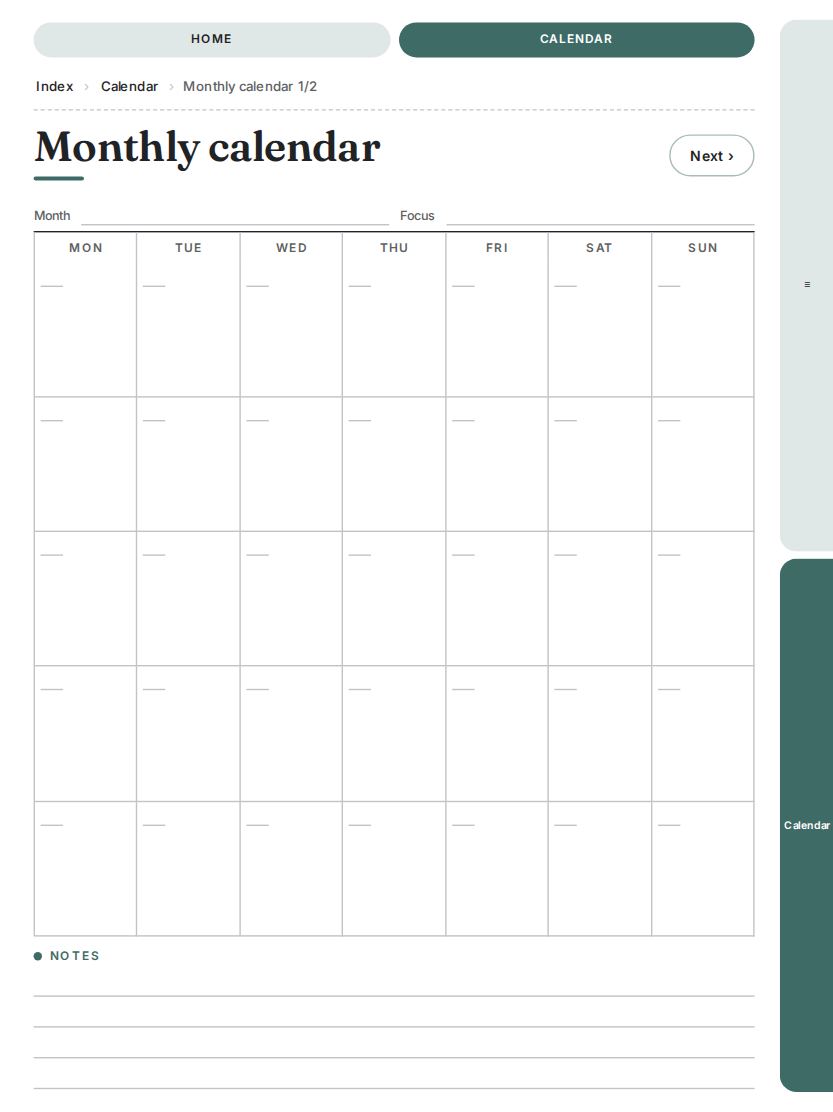 Monthly Calendar
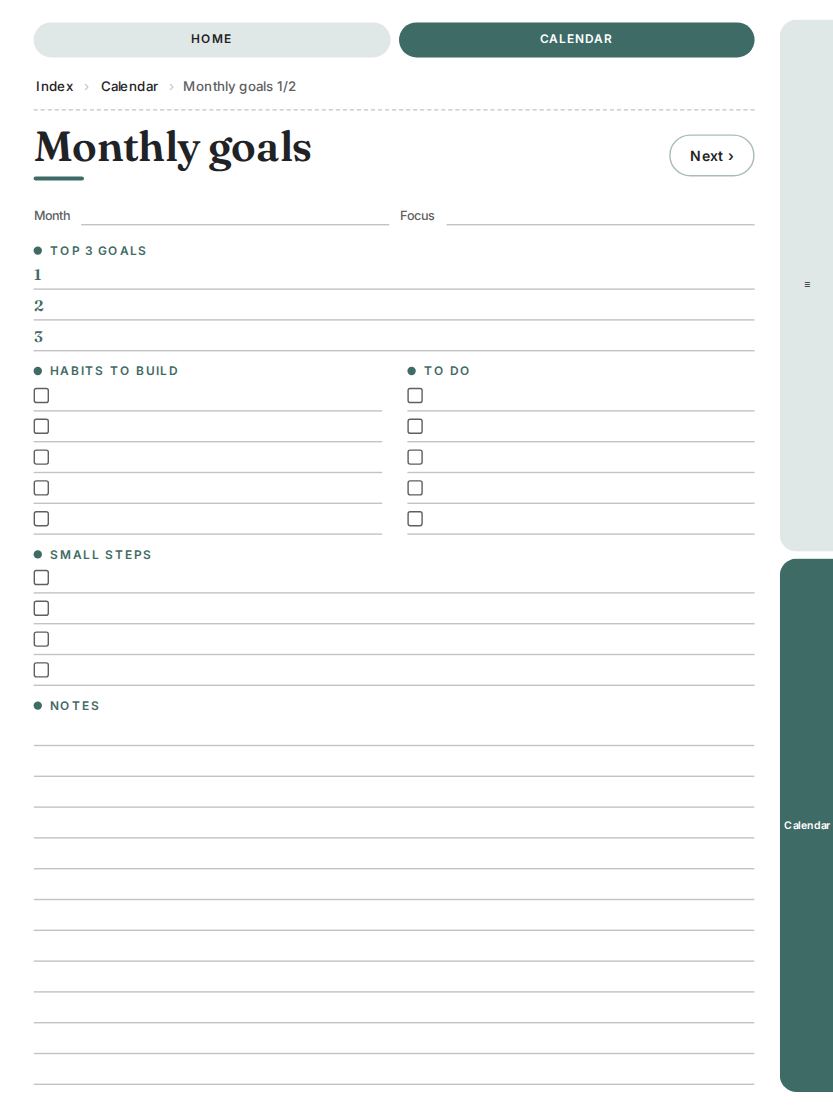 Monthly Goals
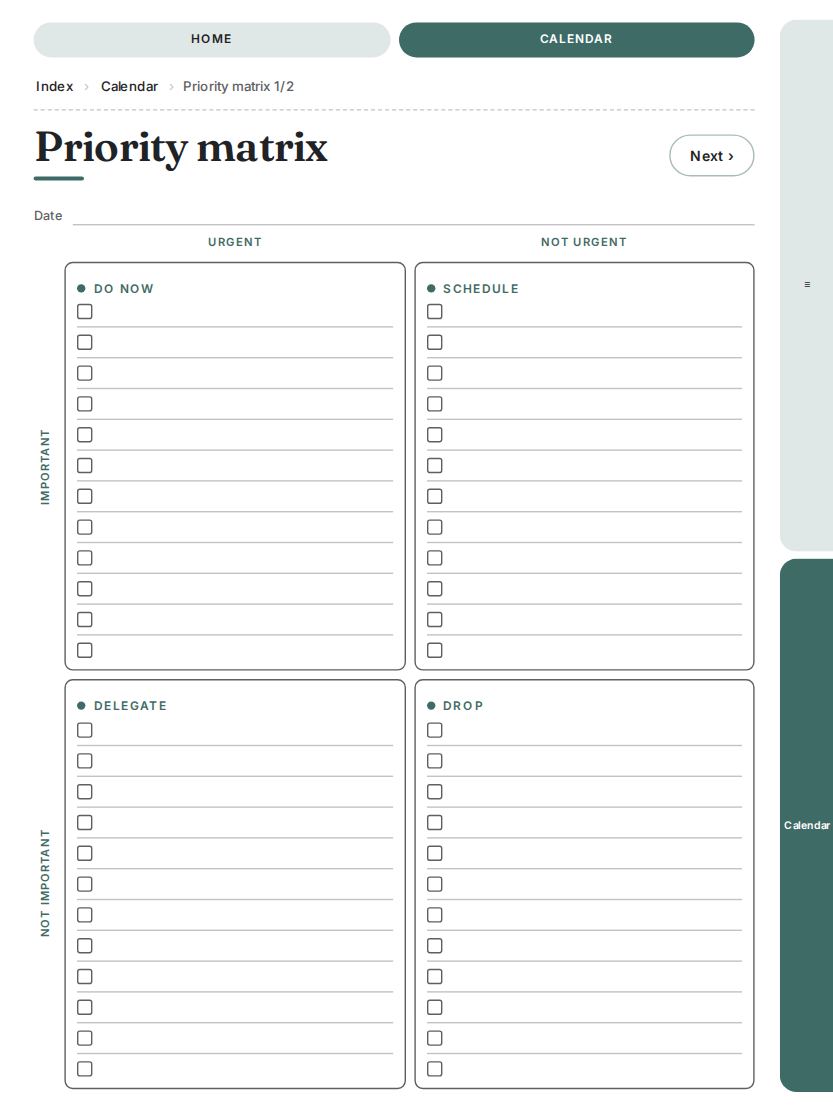 Priority Matrix
The same template for other tablets
Want a whole planner like this?
Answer a 1-minute quiz and get every page you need, linked and drawn for your reMarkable 2. Free preview.
Take the quiz →Questions
What should I write in a monthly reflection?
Start with what went well, what was hard, and what you learned. Then pick one to three things you want to focus on next month. Keeping it short makes it easier to do every month.
How long should a monthly reflection take?
Most people can finish in 10 to 20 minutes. If you review your calendar and weekly pages first, the notes come faster. A short page you actually complete is more useful than a long one you skip.
When is the best time to do a monthly reflection?
The last few days of the month or the first day of the new one both work well. Pick a regular slot, such as the last Sunday, so it becomes part of your routine. Doing it right before you plan the next month keeps your lessons fresh.
Will the links work on my reMarkable 2?
Yes. The PDF is drawn for the reMarkable 2 screen and every tab and page link is a direct PDF link, which reMarkable 2 follows when you tap it. Open it as a PDF (not a converted document) so the links keep working.
Is this monthly reflection template really free?
Yes. Download the PDF and use it as much as you like, no email needed. If you want more pages, your own sections or a full planner around it, you can build one in Tidy Stack Planners and preview it for free.