Paycheck Budget template for Kindle Scribe
A paycheck budget page lets you plan how each paycheck gets spent before the money lands, splitting it across bills, savings and everyday spending. It helps you see what is left after fixed costs and stops the gap between pay dates from catching you out. Drawn for the Kindle Scribe screen, with linked tabs where your fingers reach.
- No email or signup
- Made for Kindle Scribe
- Links work on the device
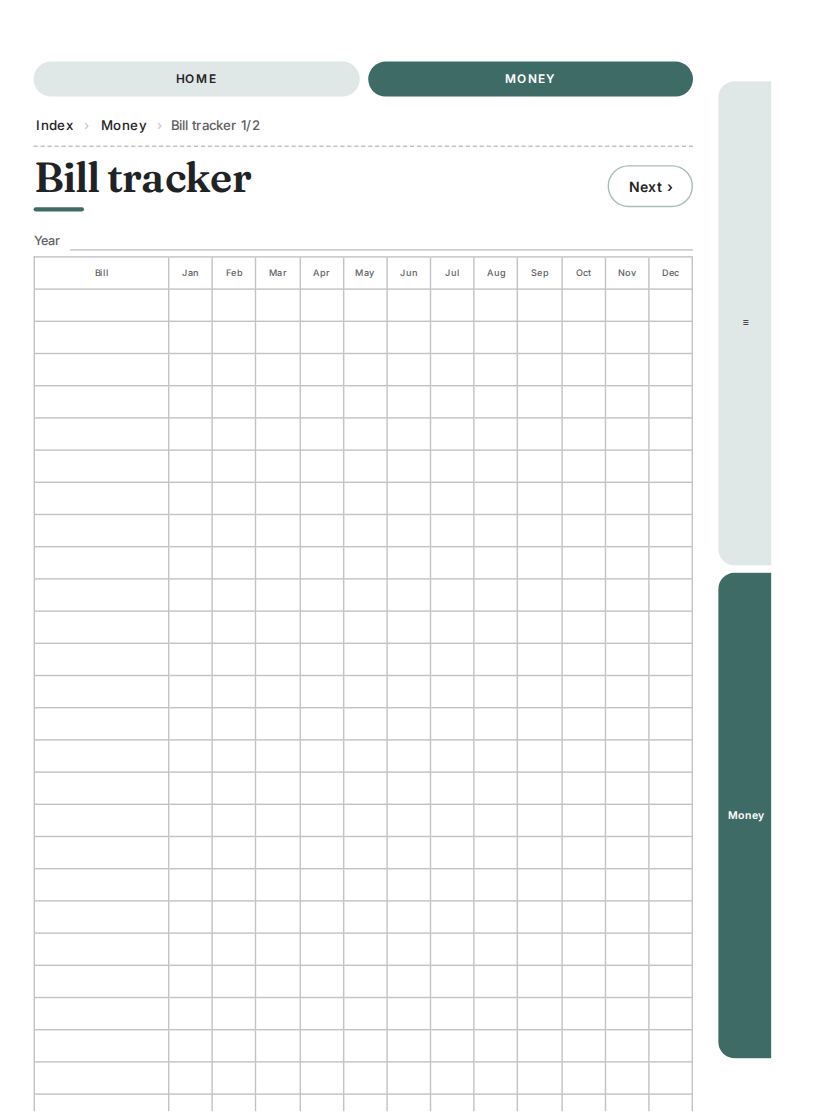
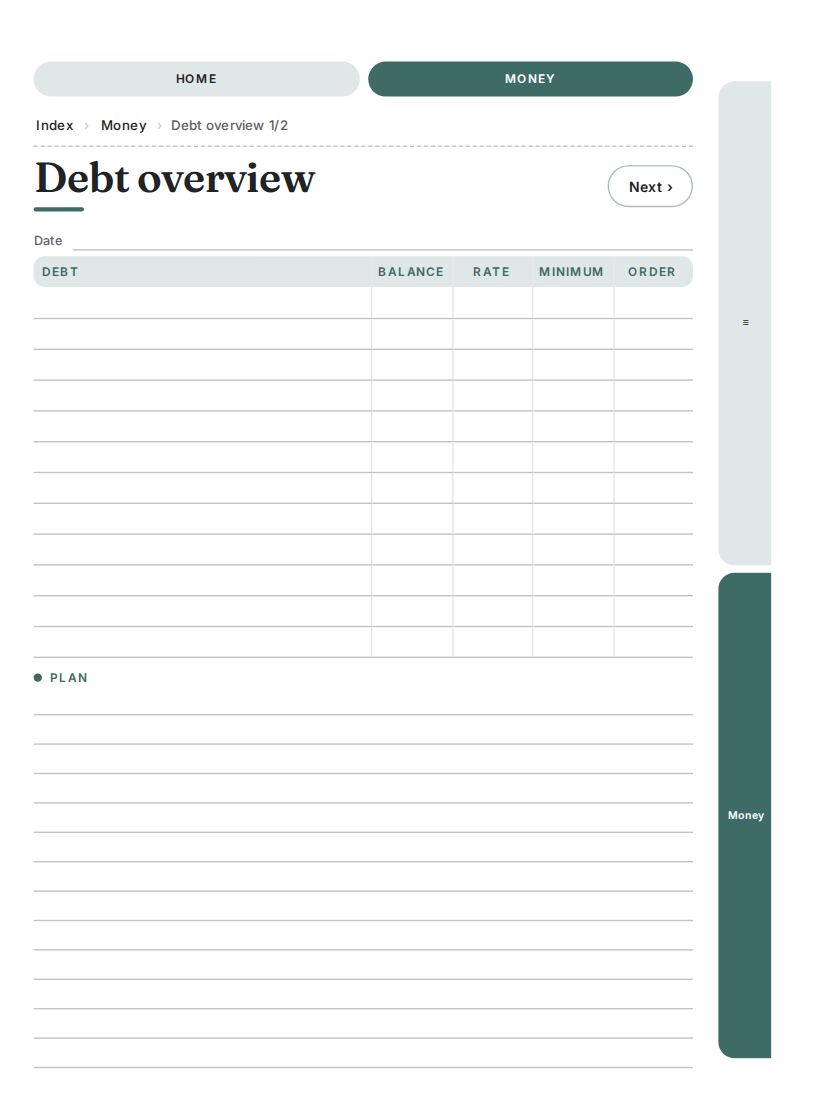
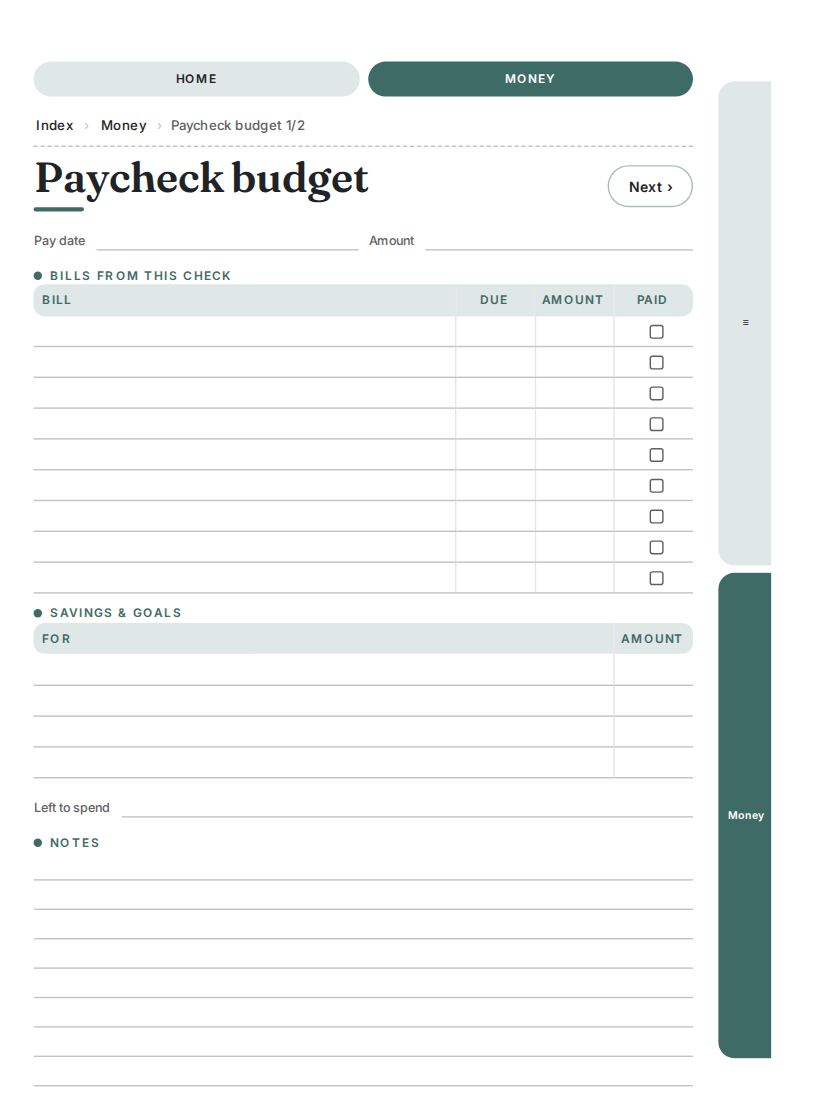
Make it yours
Pick a style, a font. The preview updates live, then download your version. Free, no email.
Style
Font
Language
Want it inside a full planner?Your style, plus calendar, daily and weekly pages, every page linked. Free preview.→What's on the page
Who it's for
Put it on your Kindle Scribe
- Open Send to Kindle (amazon.com/sendtokindle) and sign in with the Amazon account of your Kindle Scribe. The Send to Kindle desktop app and email address work too.
- Upload a PDF. PDFs are delivered as PDFs, which is what you want: you can write on every page and the links keep working.
- Open it on your Scribe from your library (it may take a few minutes to arrive; make sure Wi-Fi is on and sync).
- Write with the pen anywhere and tap any tab, date or button with your finger to jump.
Tips
More money templates for Kindle Scribe
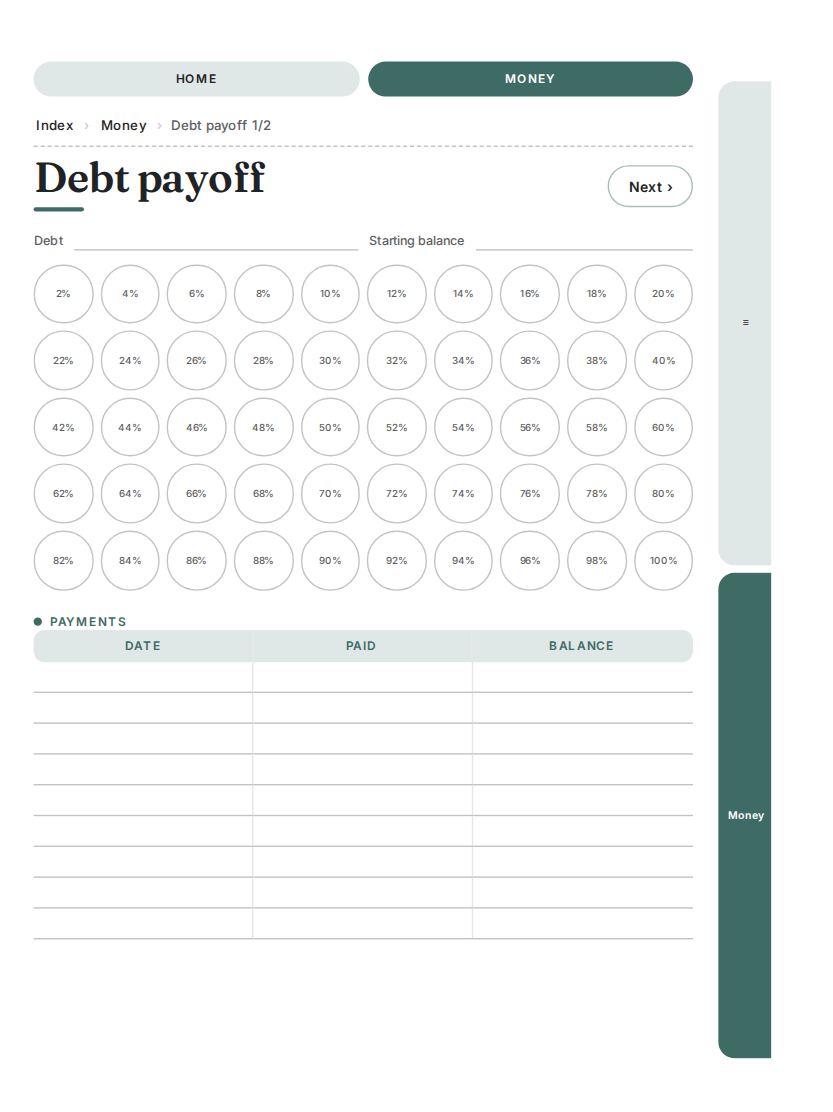 Debt Payoff
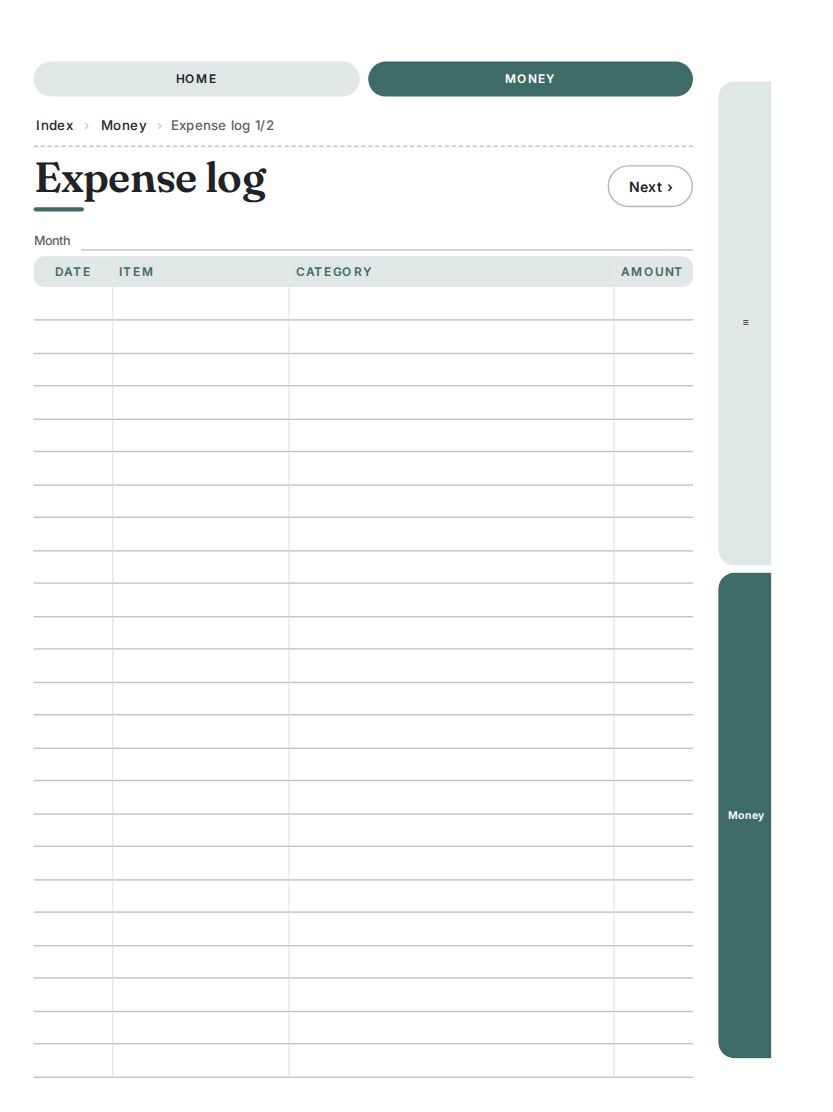 Expense Log
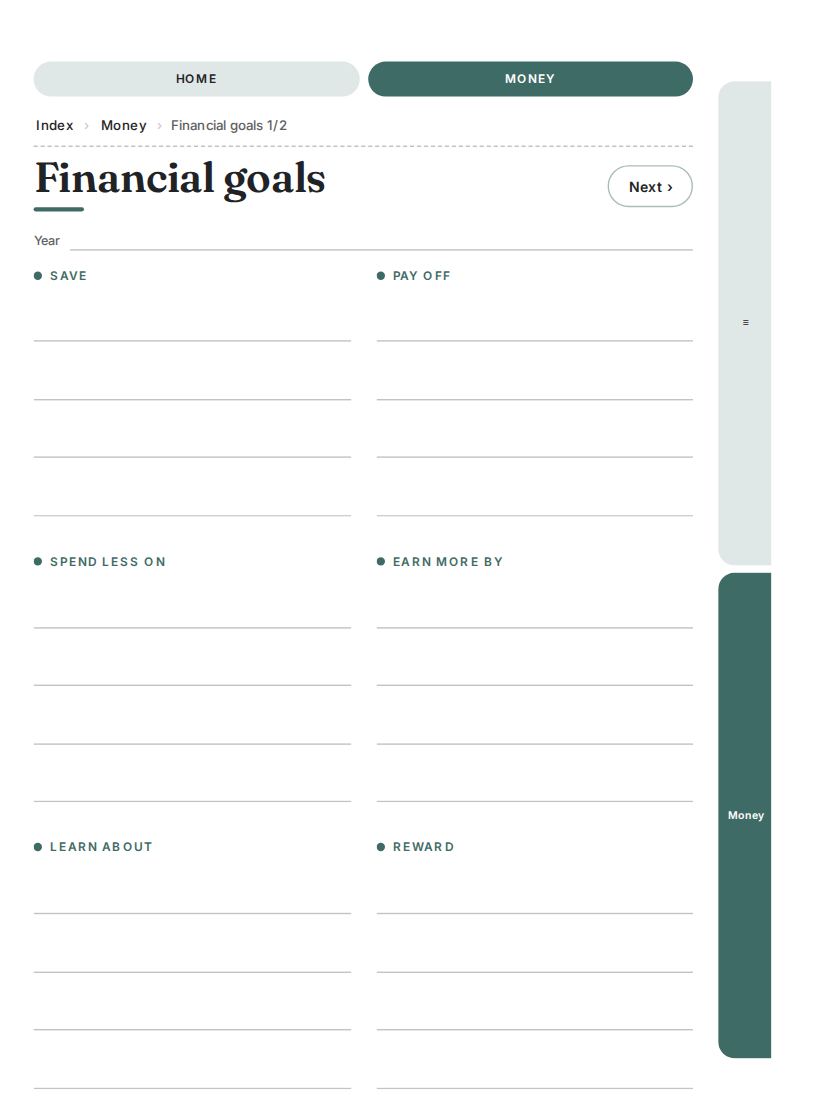 Financial Goals
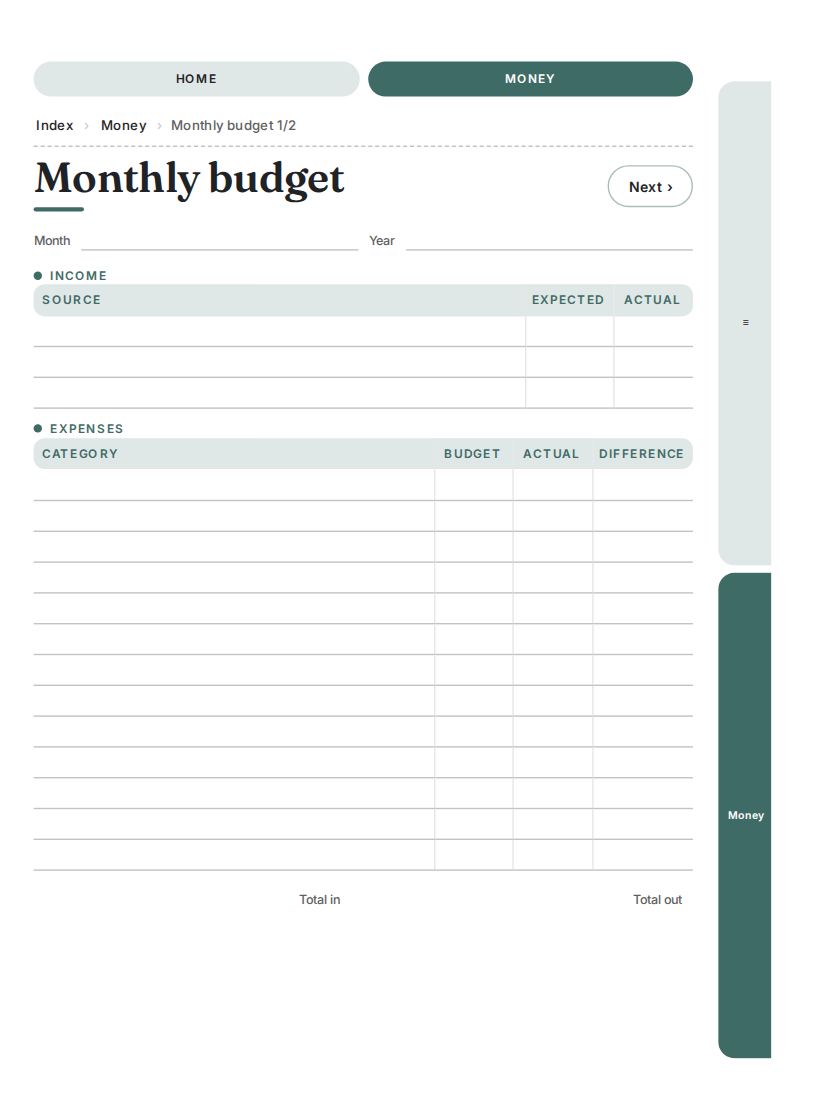 Monthly Budget
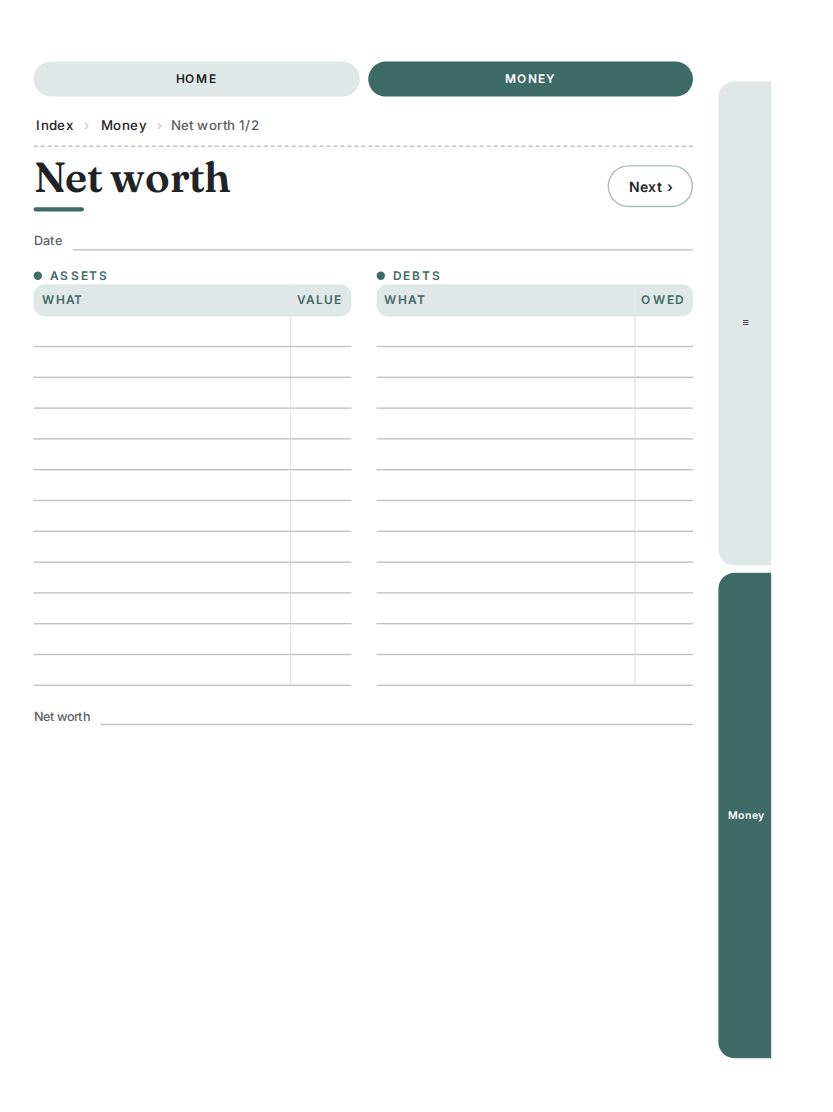 Net Worth
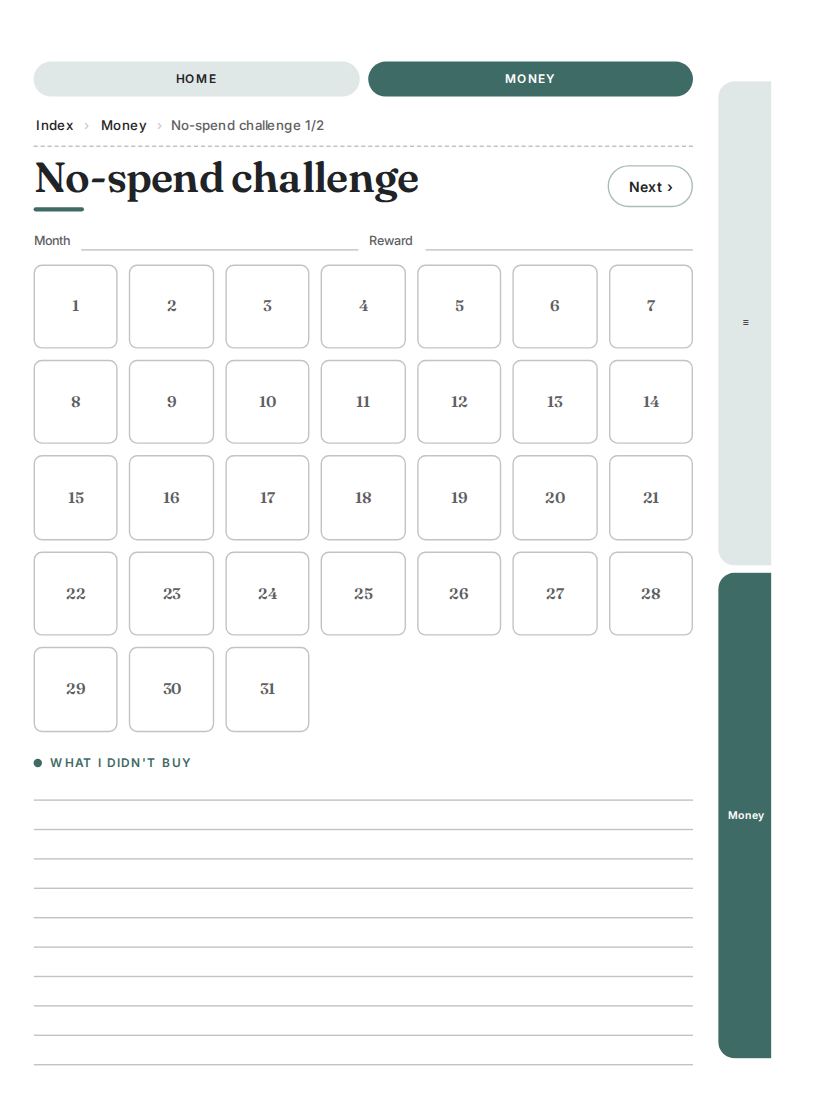 No-Spend Challenge
The same template for other tablets
Want a whole planner like this?
Answer a 1-minute quiz and get every page you need, linked and drawn for your Kindle Scribe. Free preview.
Take the quiz →Questions
How do I make a paycheck budget?
Write down your take-home pay and the date it arrives, then list every bill due before your next paycheck. Subtract those, assign amounts to savings and debt, and what remains is your spending money for the period.
What is the difference between a paycheck budget and a monthly budget?
A monthly budget lumps all income and expenses into one month, while a paycheck budget matches bills to the specific check that will pay them. It is easier to follow if your pay dates and bill dates do not line up neatly.
What should I do with a third paycheck in a month?
Treat it as its own page with no fixed bills assigned to it. Many people use it for savings, a sinking fund or paying down debt, though you can also spend it on anything you are short on.
Will the links work on my Kindle Scribe?
Yes. The PDF is drawn for the Kindle Scribe screen and every tab and page link is a direct PDF link, which Kindle Scribe follows when you tap it. Open it as a PDF (not a converted document) so the links keep working.
Is this paycheck budget template really free?
Yes. Download the PDF and use it as much as you like, no email needed. If you want more pages, your own sections or a full planner around it, you can build one in Tidy Stack Planners and preview it for free.