Free sketch & notes template
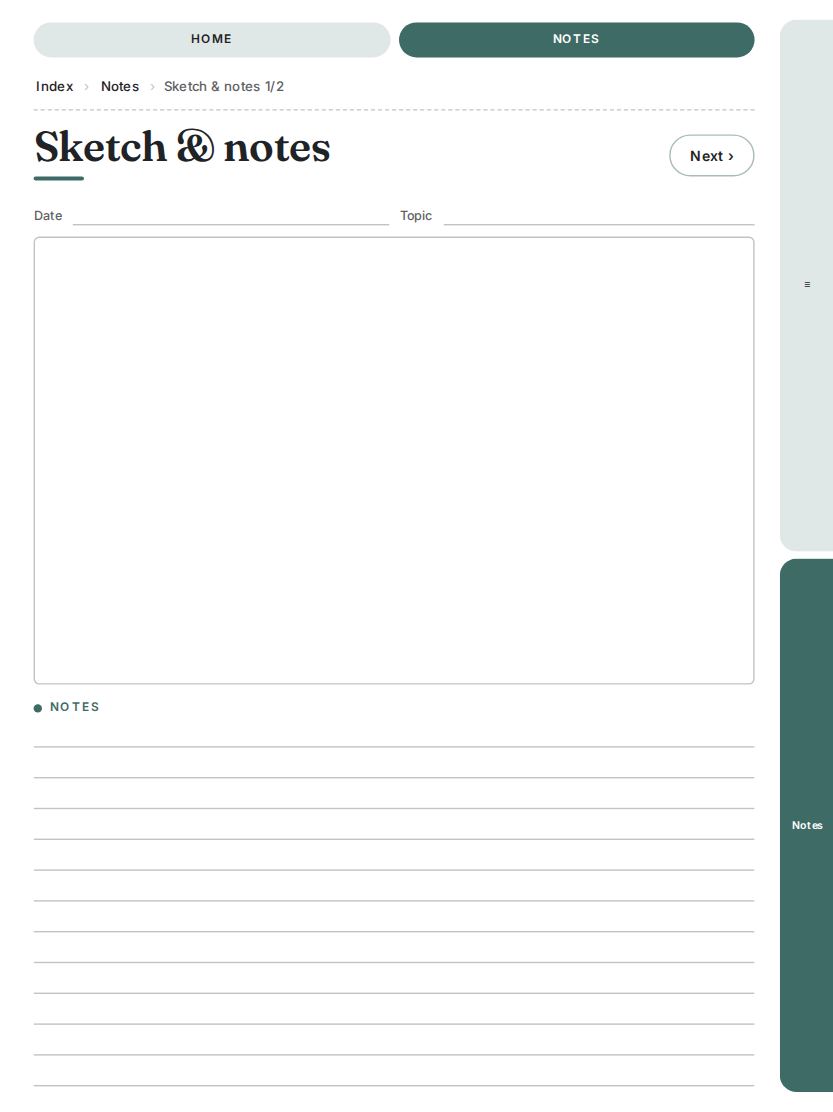
A Sketch & notes page pairs a blank drawing area with ruled or dotted lines, so you can draw an idea and write about it on the same page. It helps when words alone don't capture a thought, like a layout, a diagram or a quick visual reminder. Pick your tablet: each version is drawn for that exact screen.
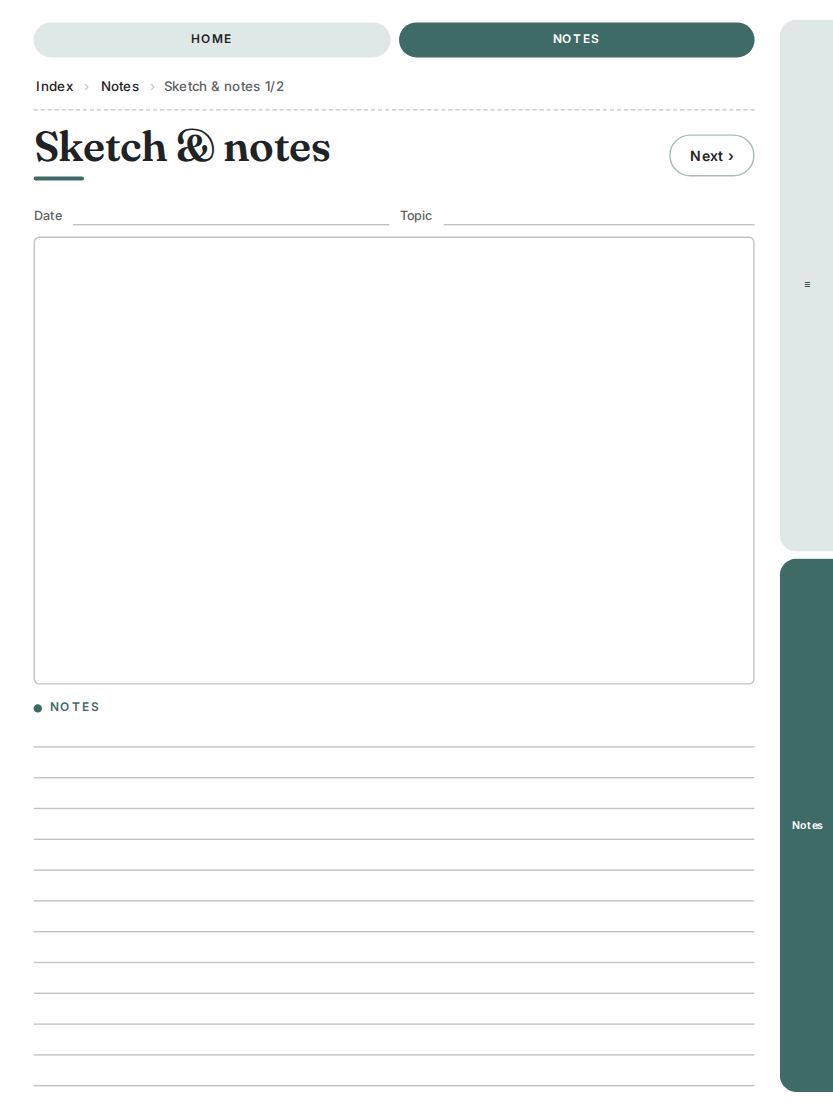 Boox
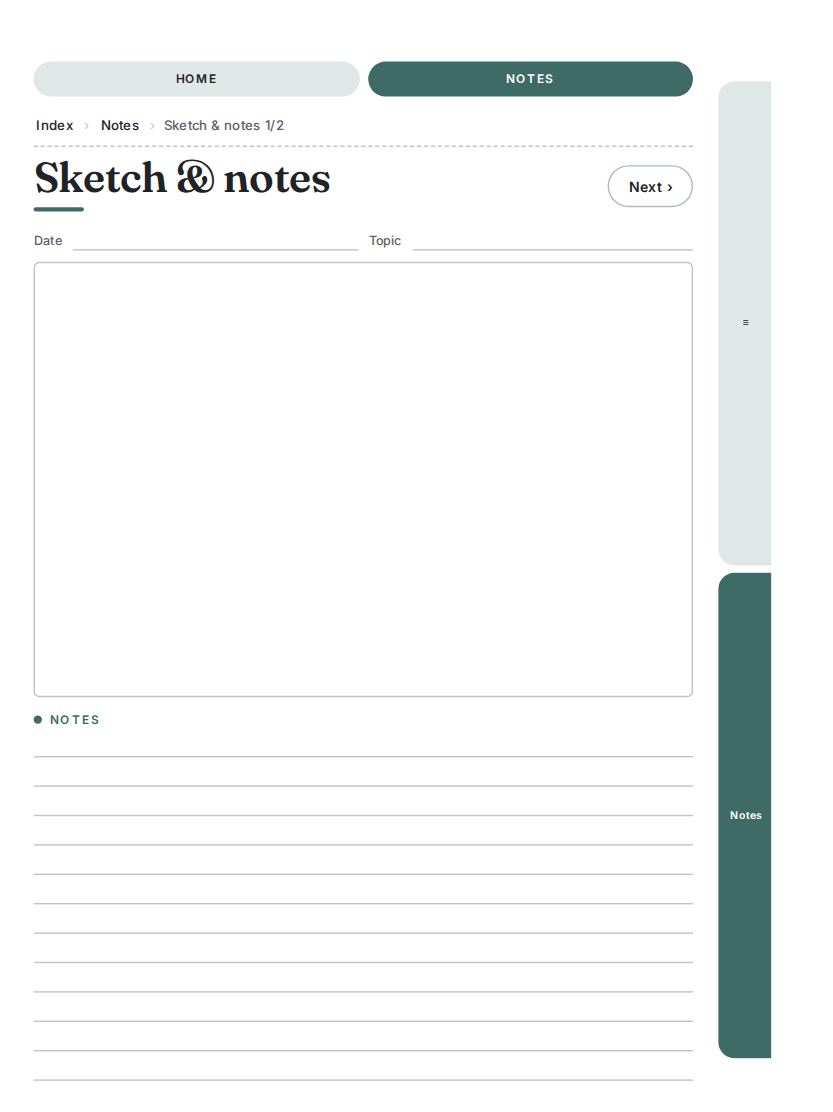 Kindle Scribe
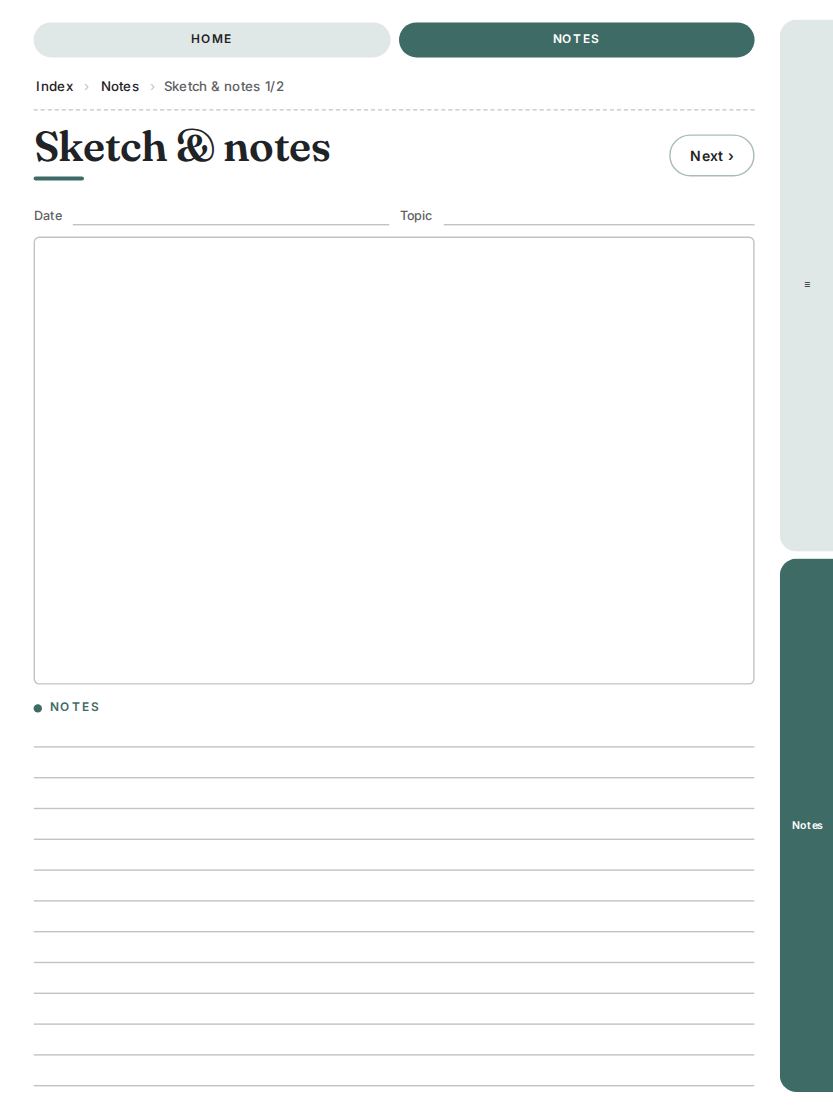 reMarkable 2
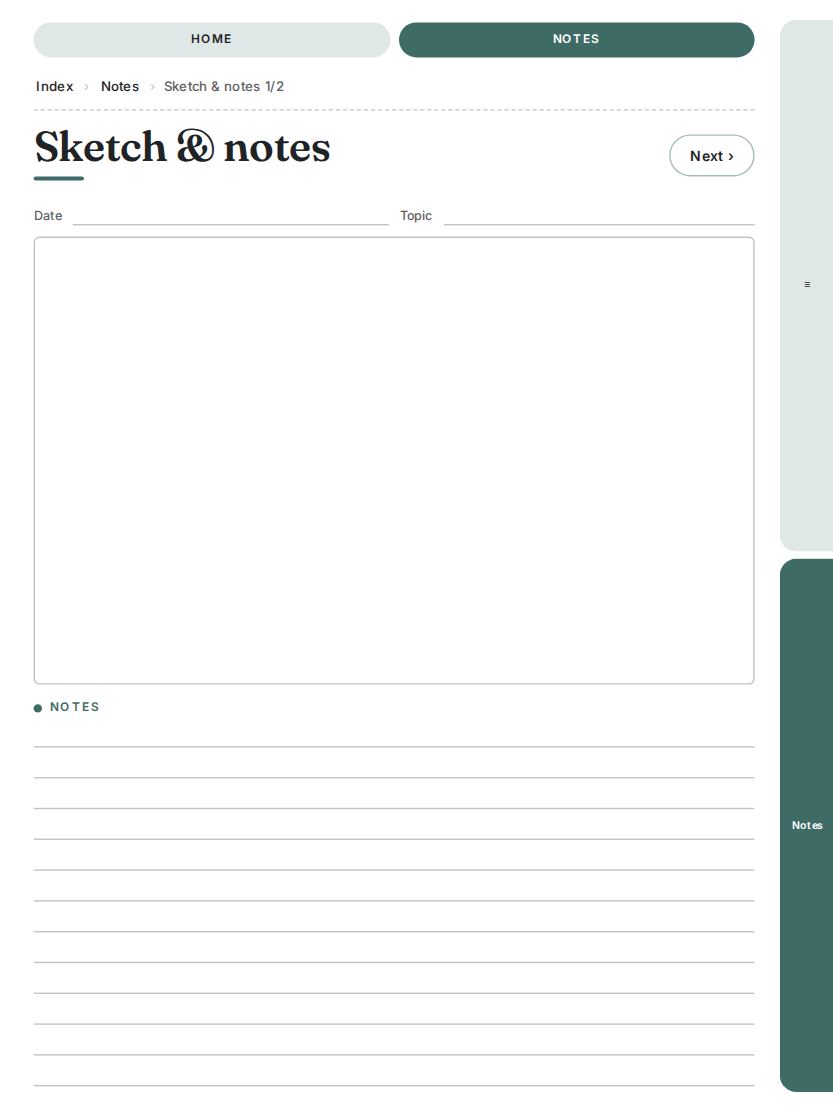 reMarkable Paper Pro
 Supernote
What's on the page
- Title and date line
- Sketch box
- Ruled notes area
- Dot grid corner
- Key takeaways
- Links back to index and calendar
Questions
What is a sketch and notes page used for?
It gives you room to draw and write on one page, which is handy for brainstorming, studying and planning projects. You can sketch the idea, then add labels and written thoughts beside it without switching pages or apps.
Can I use a sketch and notes template on an e-ink tablet?
Yes. A PDF version works on most e-ink tablets, iPads and Android tablets, and you can print it too. Light gray lines and dots tend to read well on e-ink screens without getting in the way of your pen strokes.