Free to-do list template
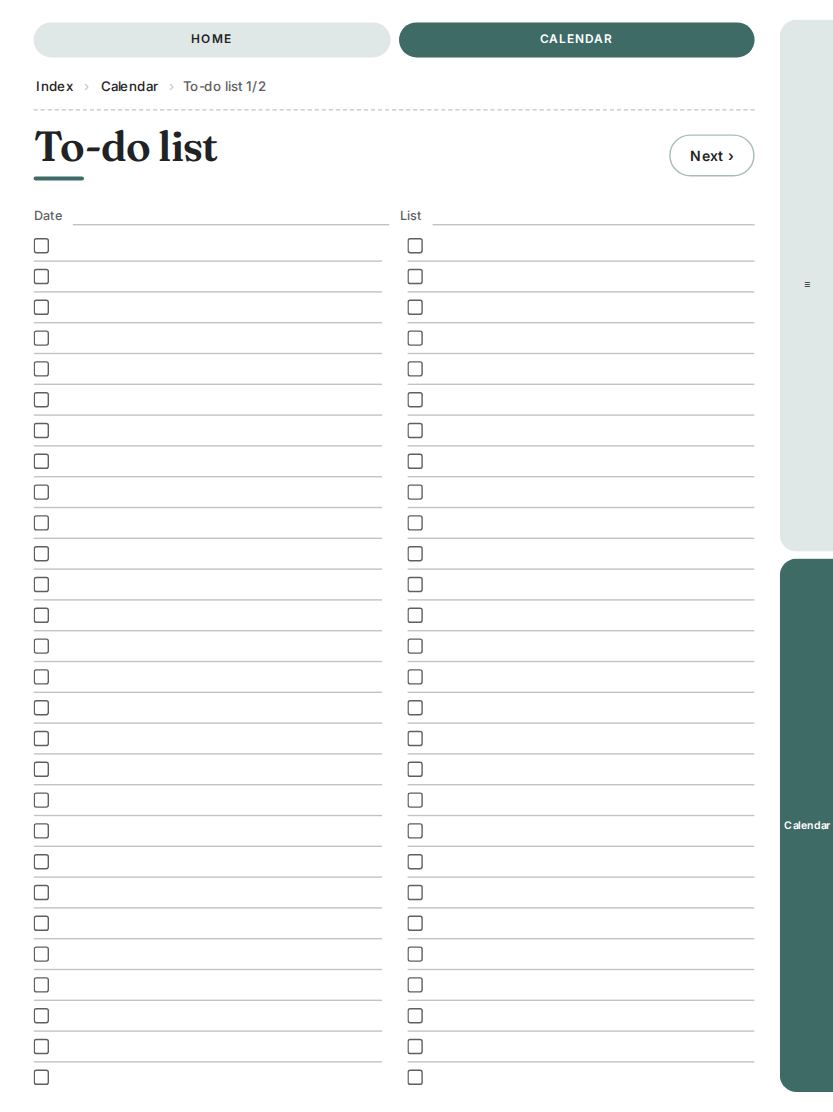
A to-do list page gives you one place to write down everything you need to get done, with room to tick items off as you go. It helps you clear your head, pick what matters first, and see your progress through the day or week. Pick your tablet: each version is drawn for that exact screen.
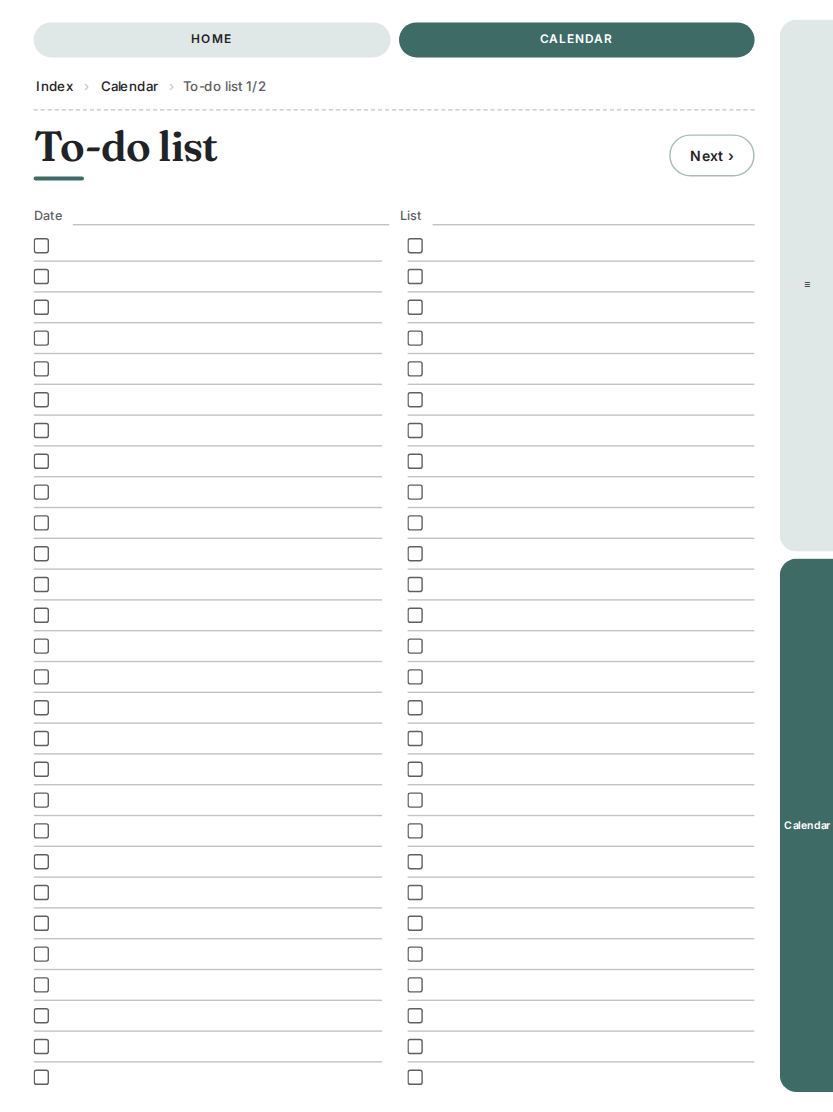 Boox
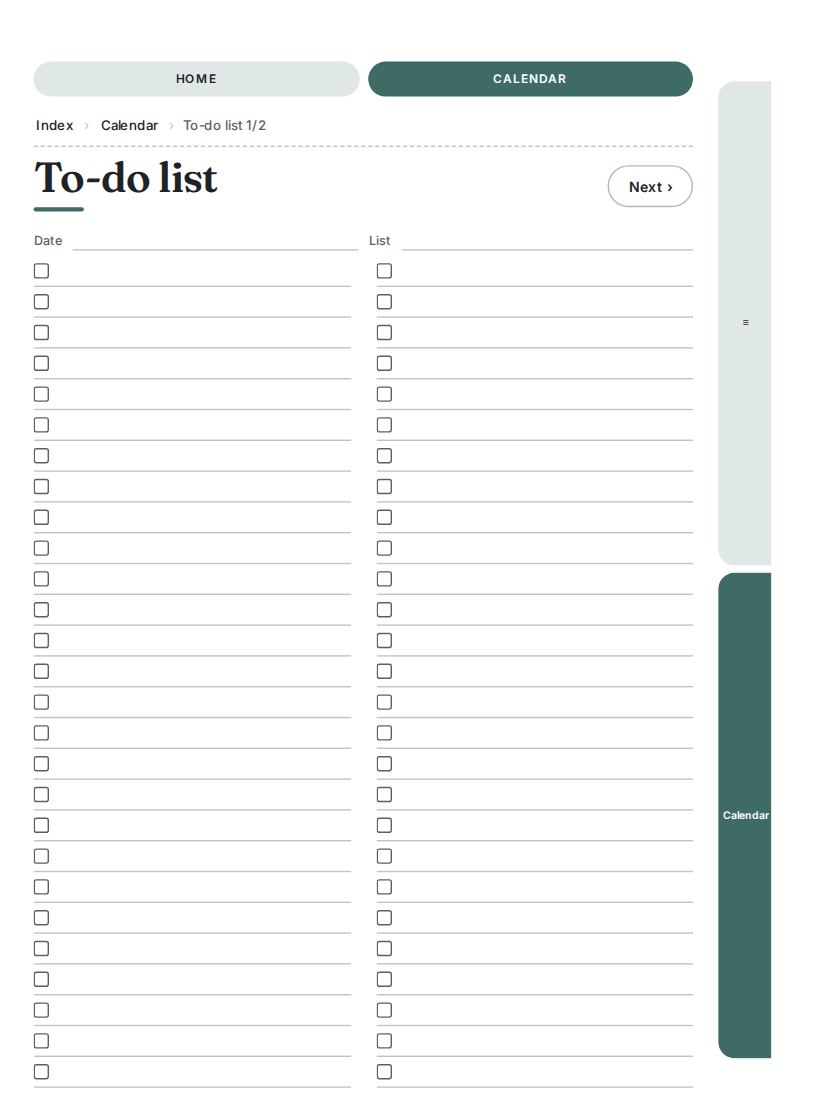 Kindle Scribe
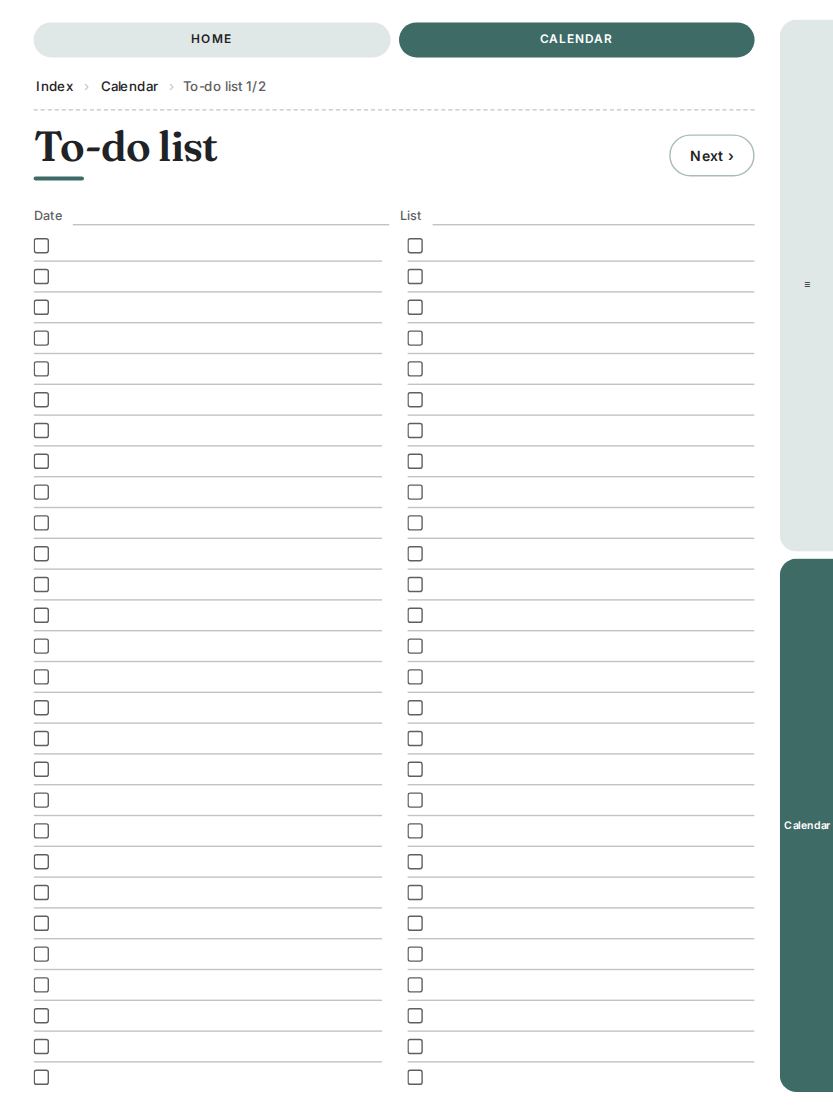 reMarkable 2
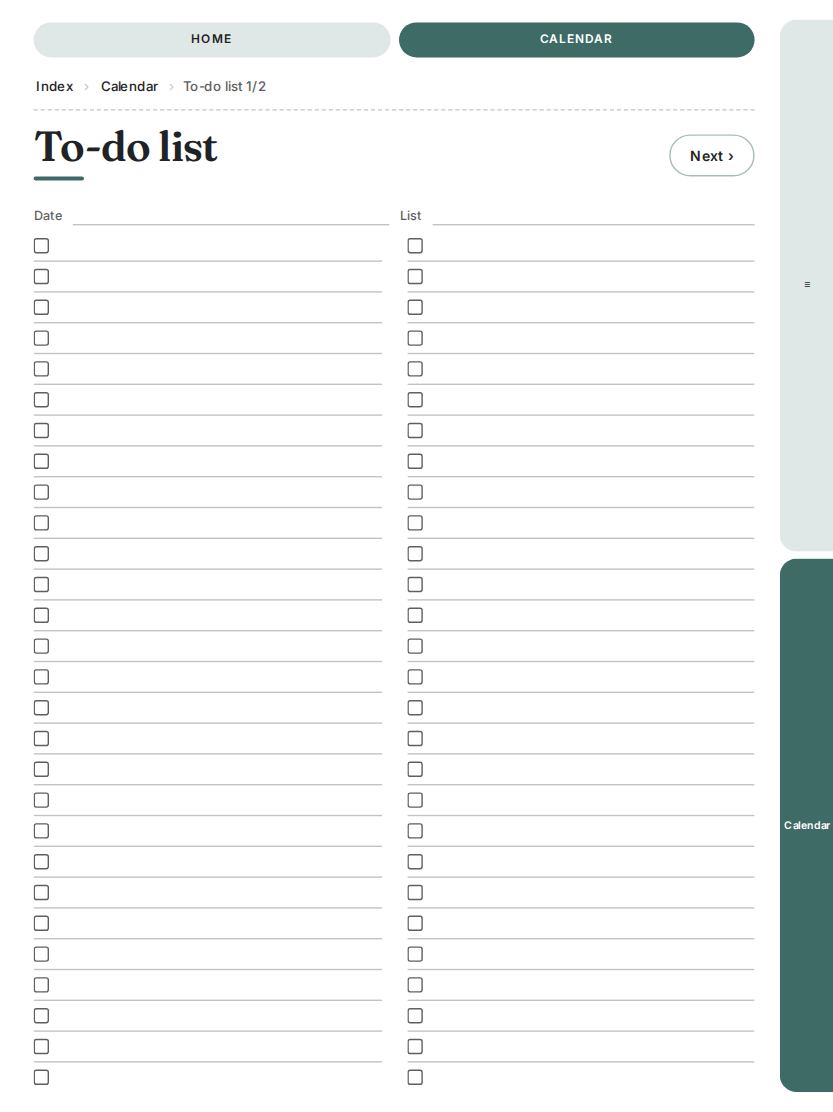 reMarkable Paper Pro
 Supernote
What's on the page
- Date or week heading
- Top priorities
- Task list with checkboxes
- Notes or ideas
- Waiting on or follow-ups
- Done or carried over
Questions
How long should a daily to-do list be?
There is no fixed number, but many people find a short list easier to finish. Try picking three to five tasks that really matter and putting everything else in a separate notes or someday area.
Can I use a to-do list template on an e-ink tablet?
Yes. A PDF to-do list works on e-ink tablets, iPads, Android tablets and in print. Pick a layout with clear lines and large checkboxes so it stays easy to read and write on, especially on a grayscale screen.
What is the difference between a to-do list and a daily planner page?
A to-do list is just the tasks you want to finish, in any order. A daily planner page usually adds time slots, appointments and sometimes notes, so it shows when things happen as well as what needs doing.