Free vision board template
A vision board page is a single open layout where you collect images, words and short goals that describe what you want from the year or a season of life. It helps you turn vague wishes into something you can see, and come back to when you plan your weeks. Pick your tablet: each version is drawn for that exact screen.
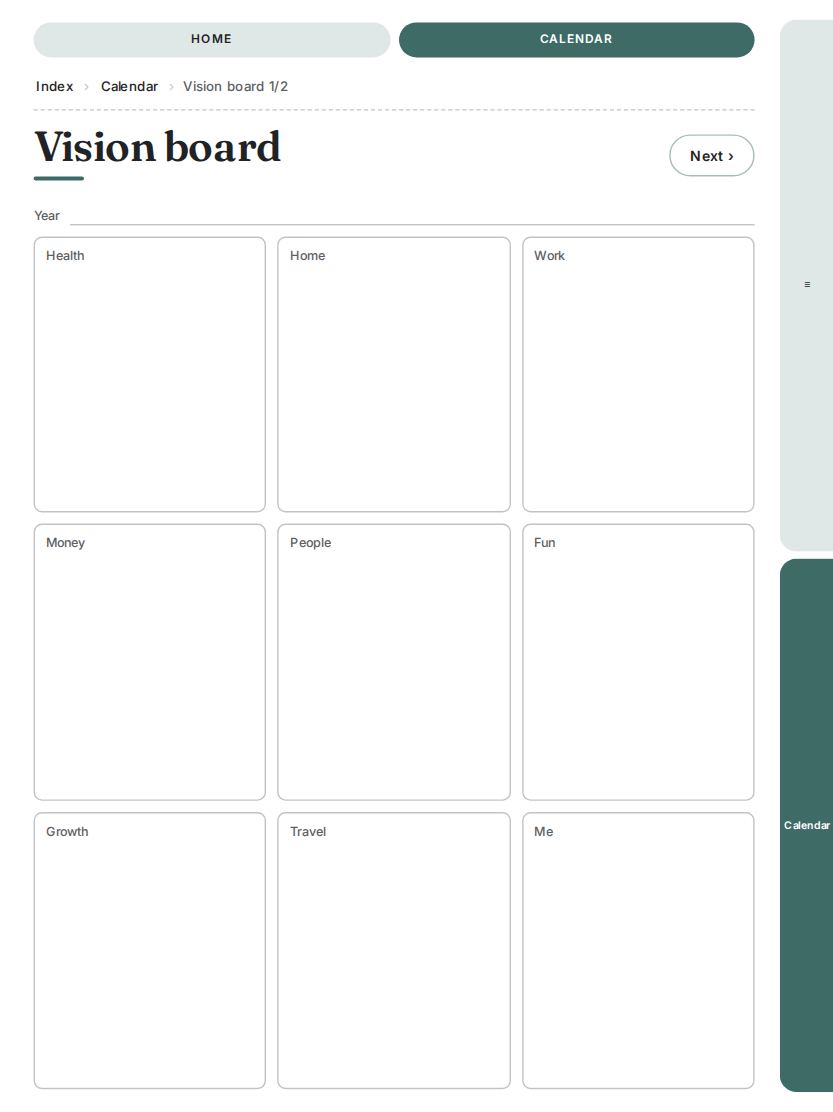 Boox
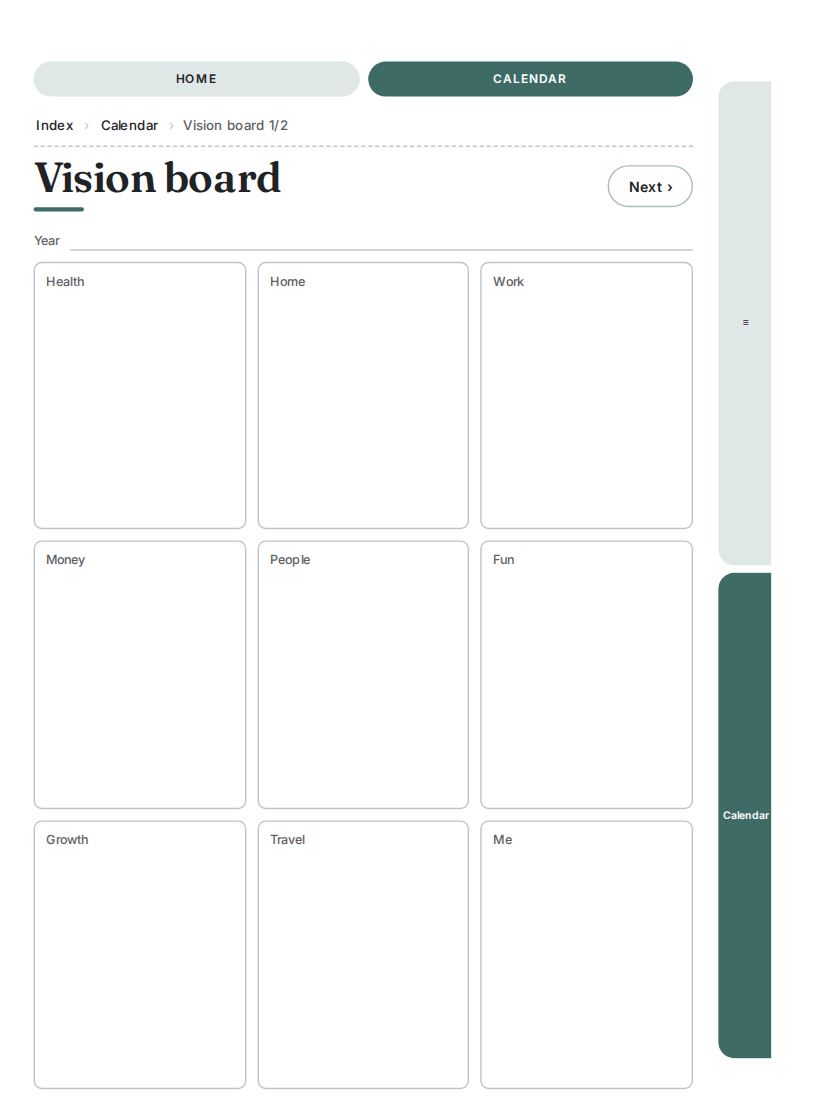 Kindle Scribe
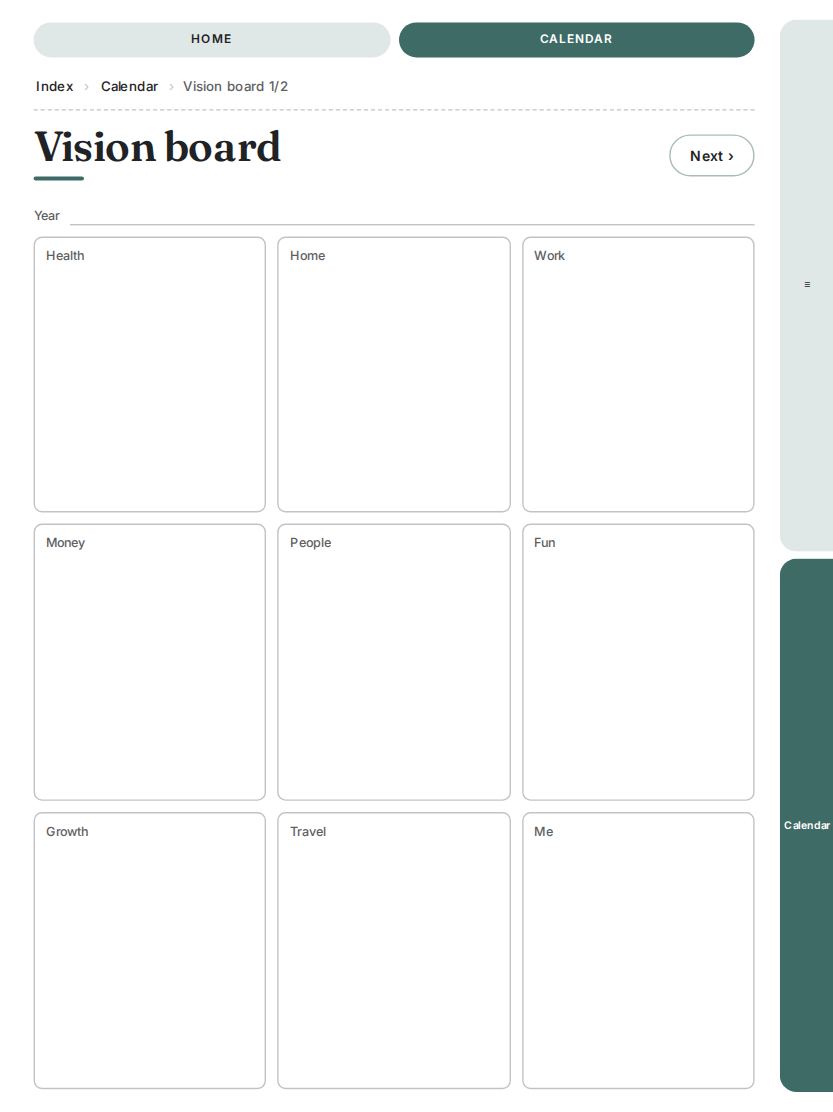 reMarkable 2
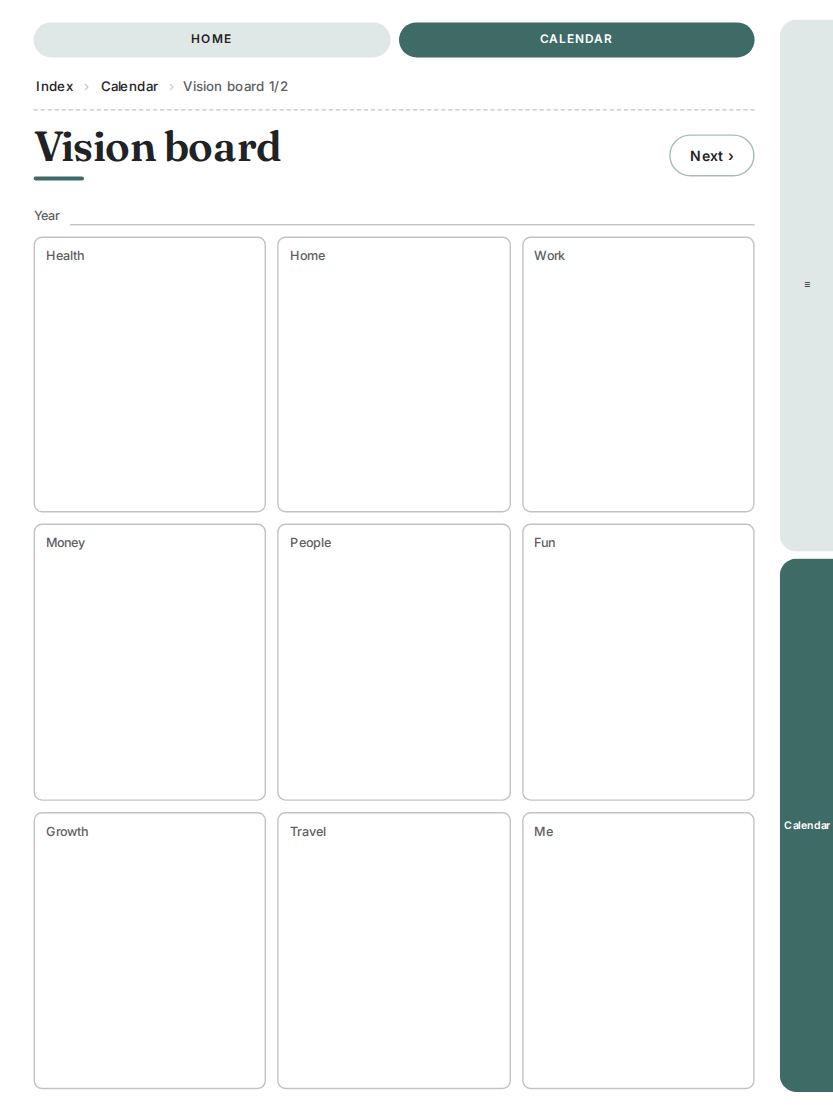 reMarkable Paper Pro
 Supernote
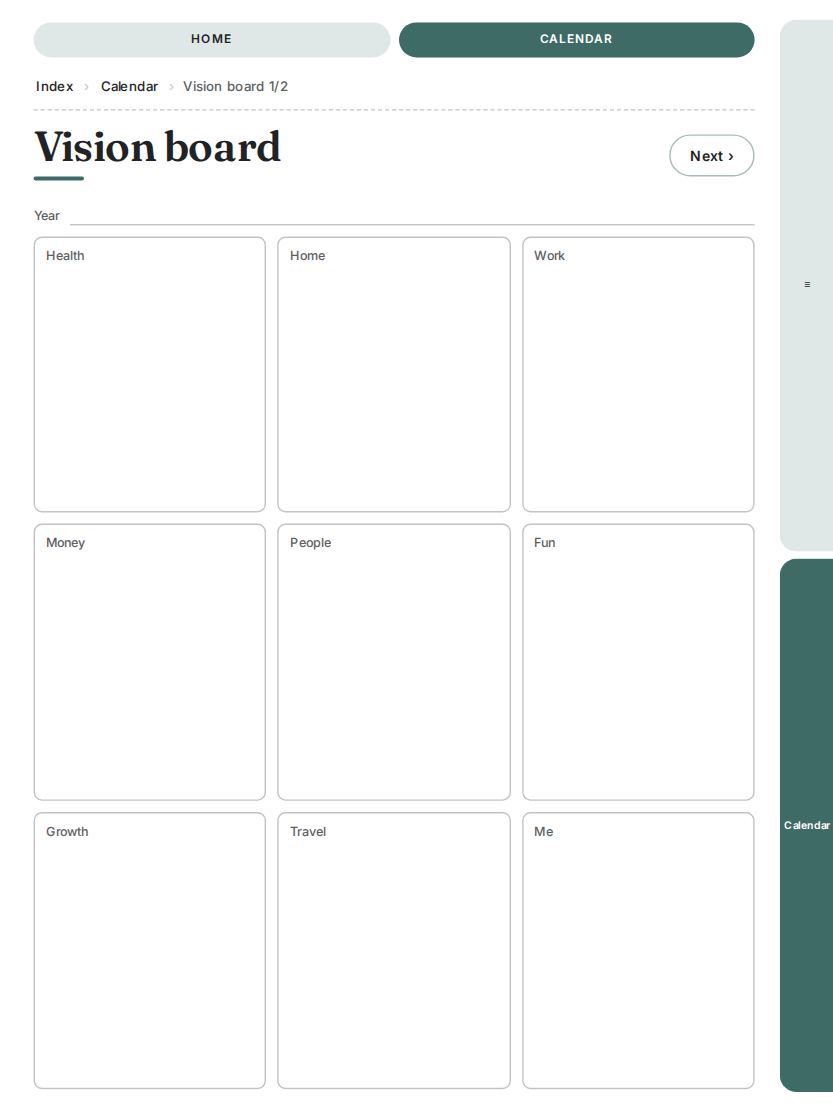
What's on the page
- Title and year or season
- Main image area
- Goal words or themes
- Focus areas (health, work, home, money, fun)
- Next small steps
- Notes and reflections
Questions
How do I make a digital vision board on a tablet?
Open the vision board page in your PDF notes app, then add pictures from your photo library or screenshots from the web. Move them into place, and write your key words and goals around them with your pen.
What should I put on a vision board?
Choose images and words that match what you actually want to work toward, such as places, habits, projects, or feelings you want more of. Keep it simple enough that you can read it at a glance, and add a few small next steps so the board connects to your real plans.