Weekly Planner template for Supernote
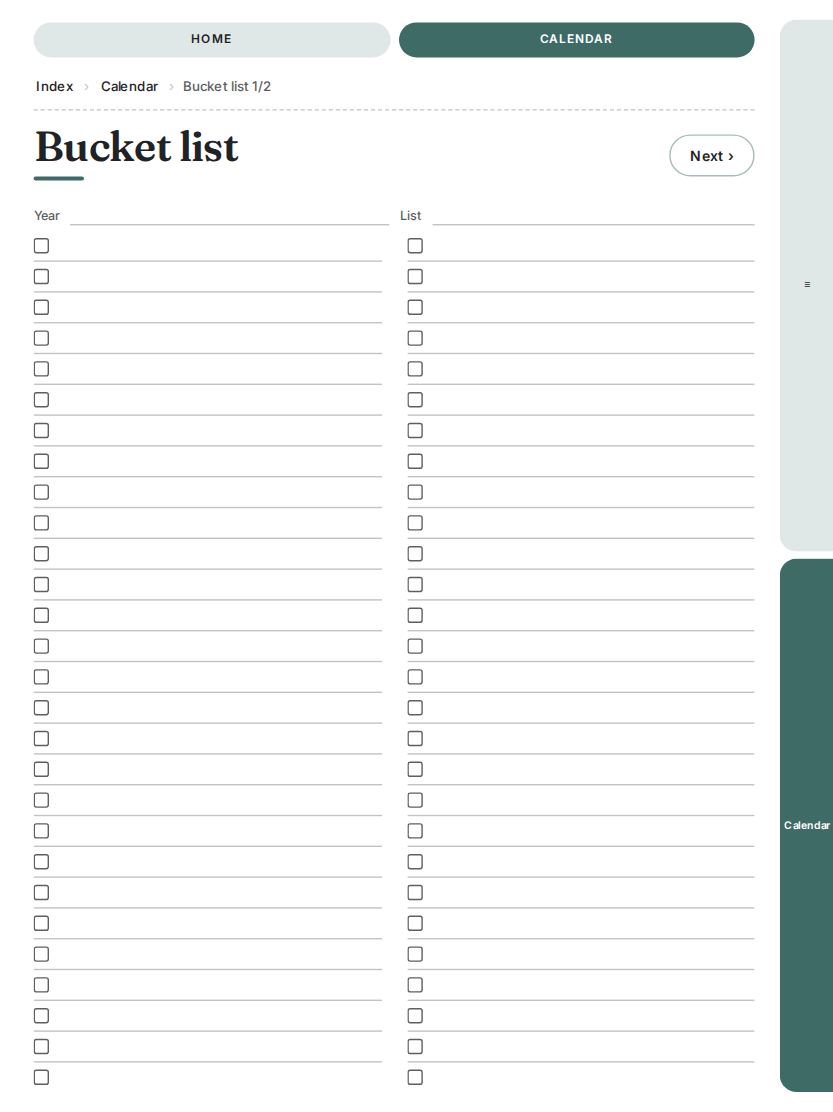
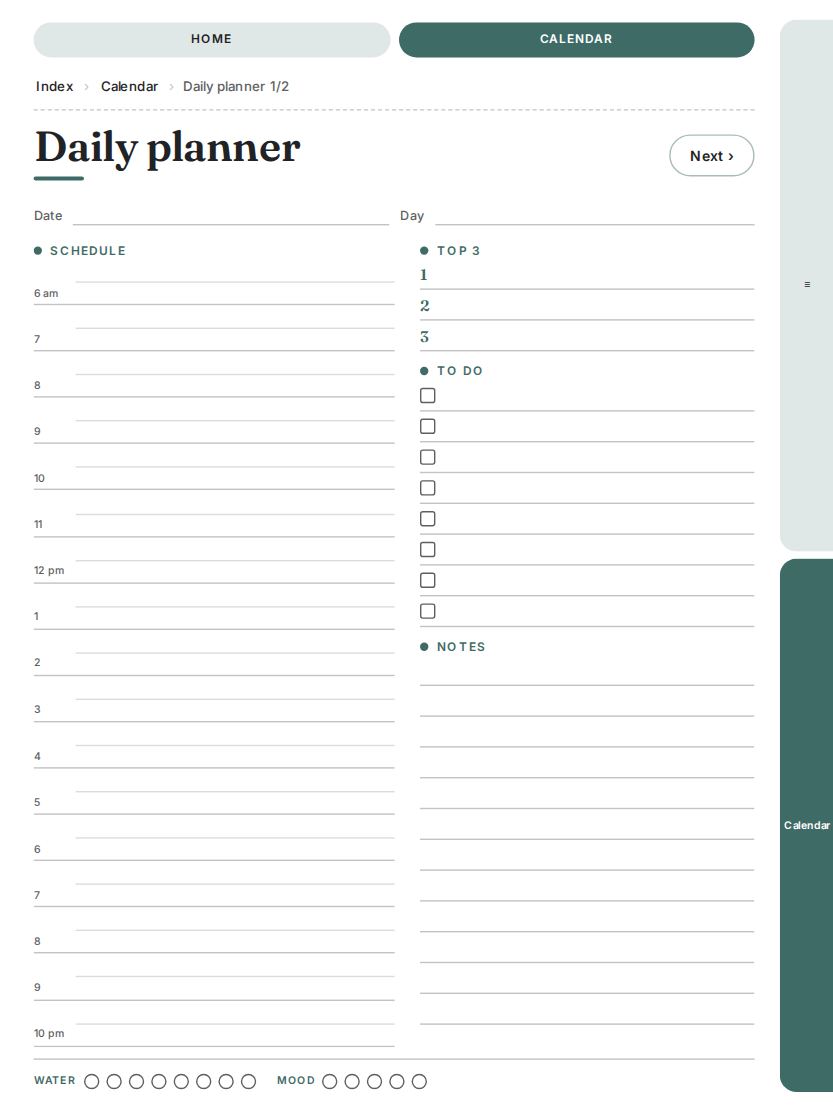
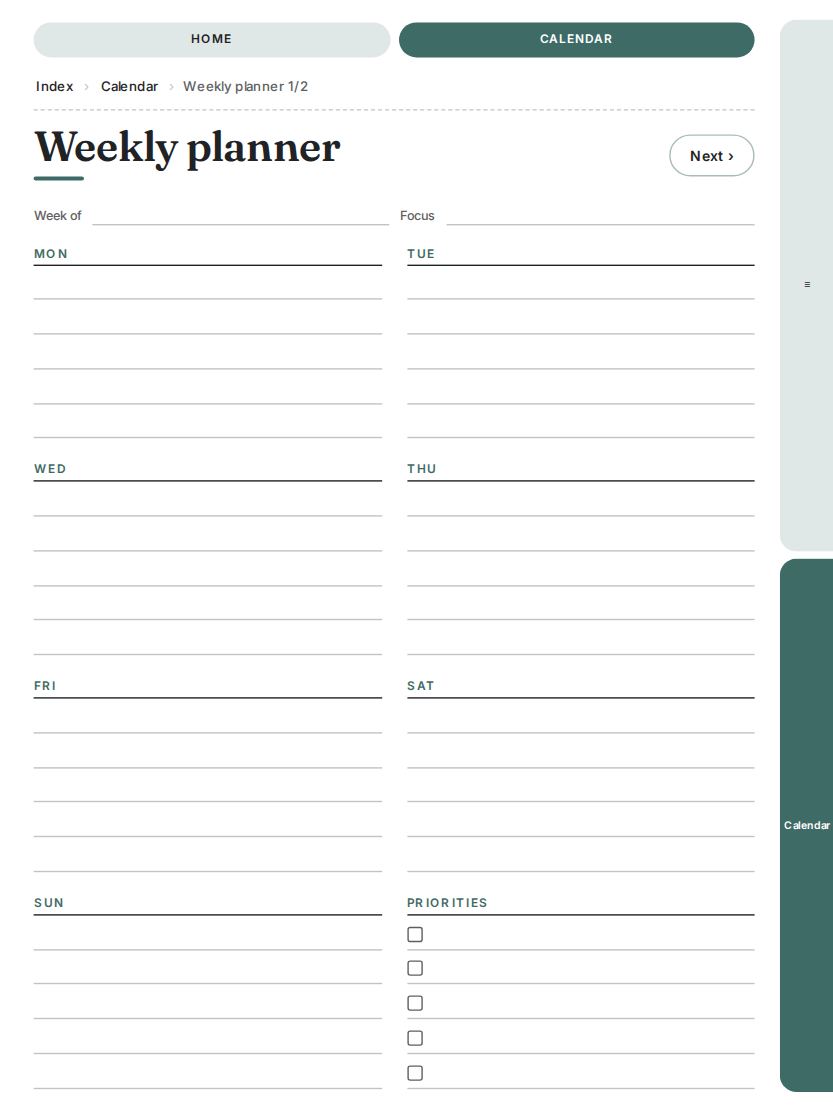
A weekly planner page lays out seven days on one spread so you can see the whole week at a glance. It helps you balance appointments, tasks and habits before the week gets busy. Drawn for the Supernote screen, with linked tabs where your fingers reach.
- No email or signup
- Made for Supernote
- Links work on the device
Make it yours
Pick a style, a font. The preview updates live, then download your version. Free, no email.
Style
Font
Language
Want it inside a full planner?Your style, plus calendar, daily and weekly pages, every page linked. Free preview.→What's on the page
Who it's for
Put it on your Supernote
- Copy the PDF to your Supernote with Supernote Partner, Supernote Cloud, Browse & Access (Wi-Fi) or a USB cable.
- Put it in the Document folder and open it from there.
- Write with your pen and tap any tab, date or button to jump.
Tips
More calendar & planning templates for Supernote
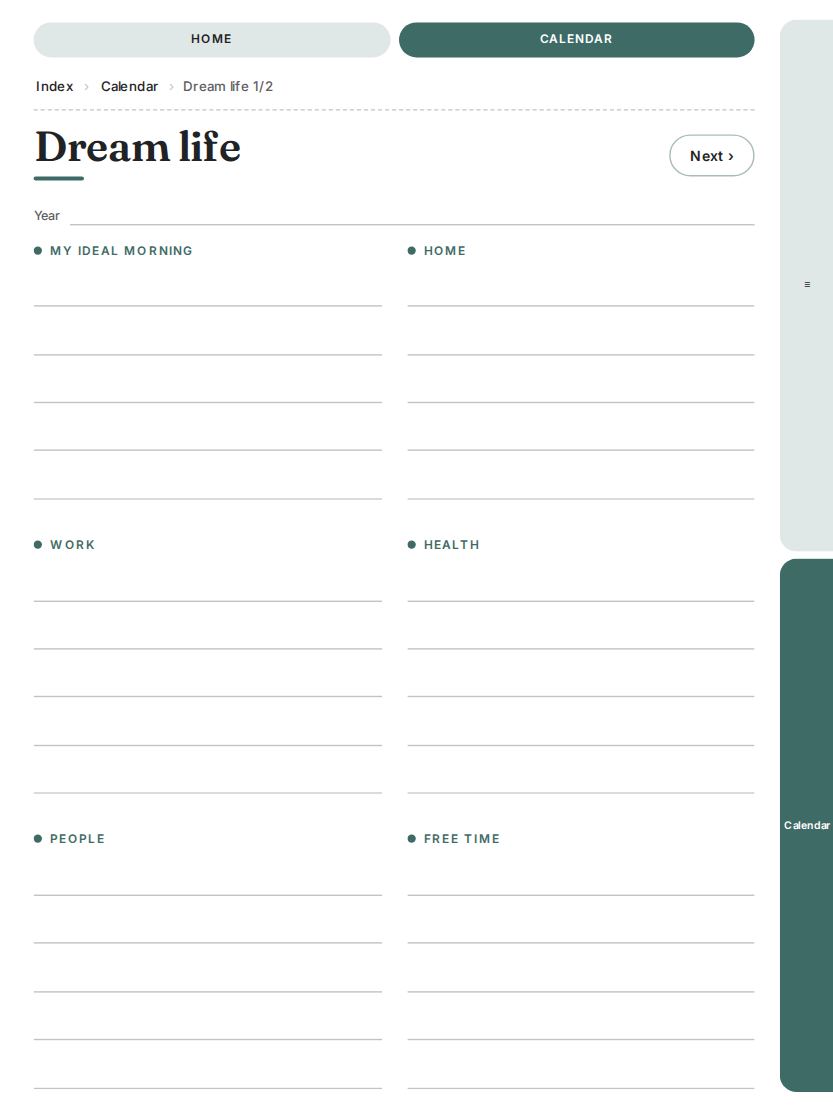 Dream Life
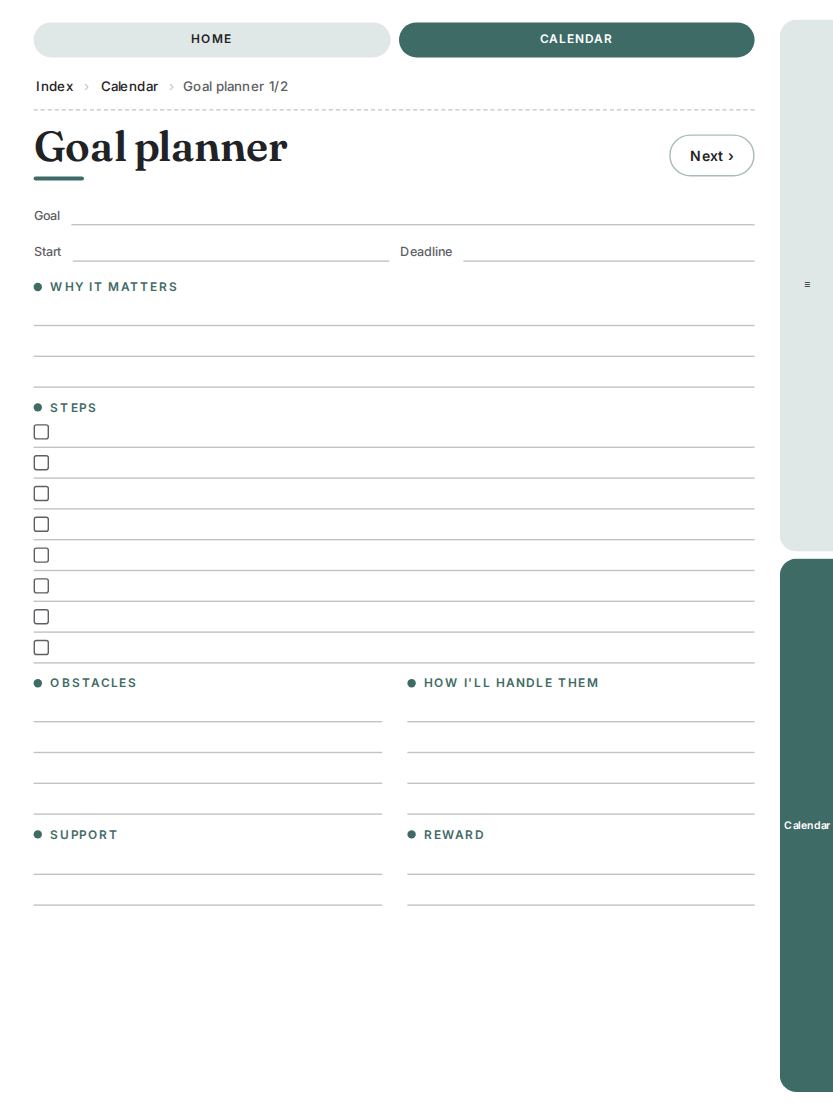 Goal Planner
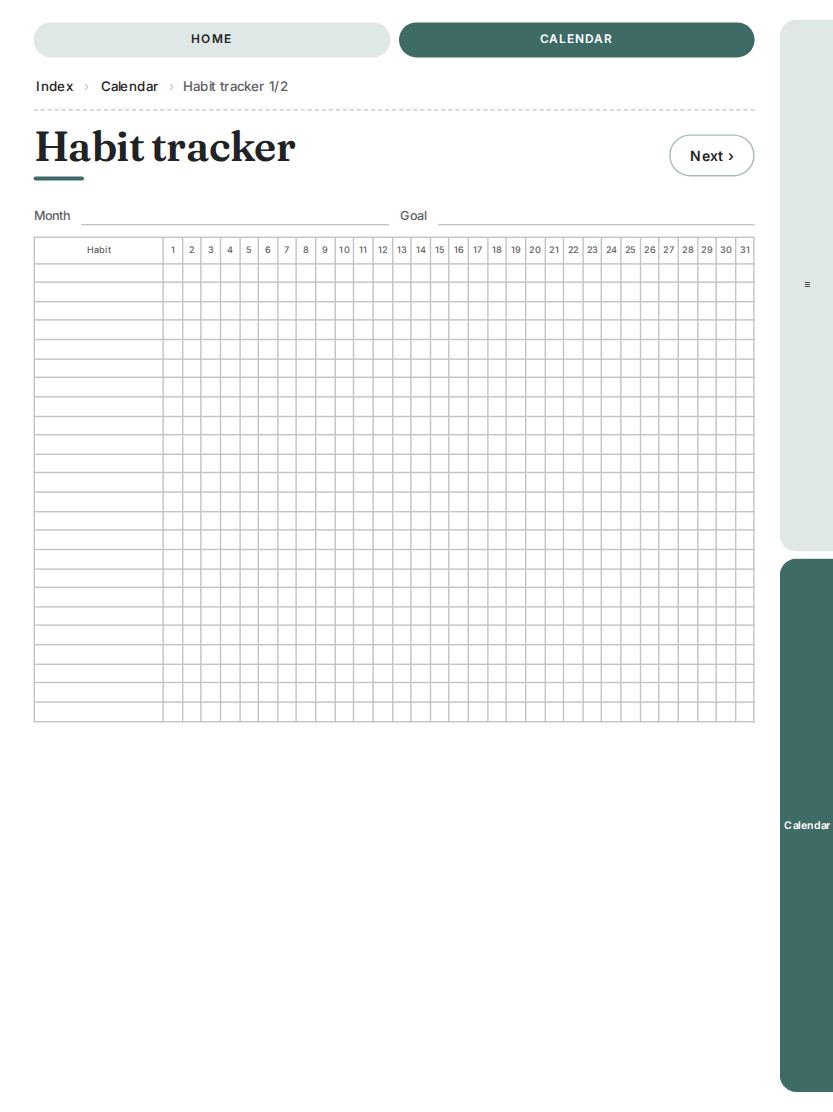 Habit Tracker
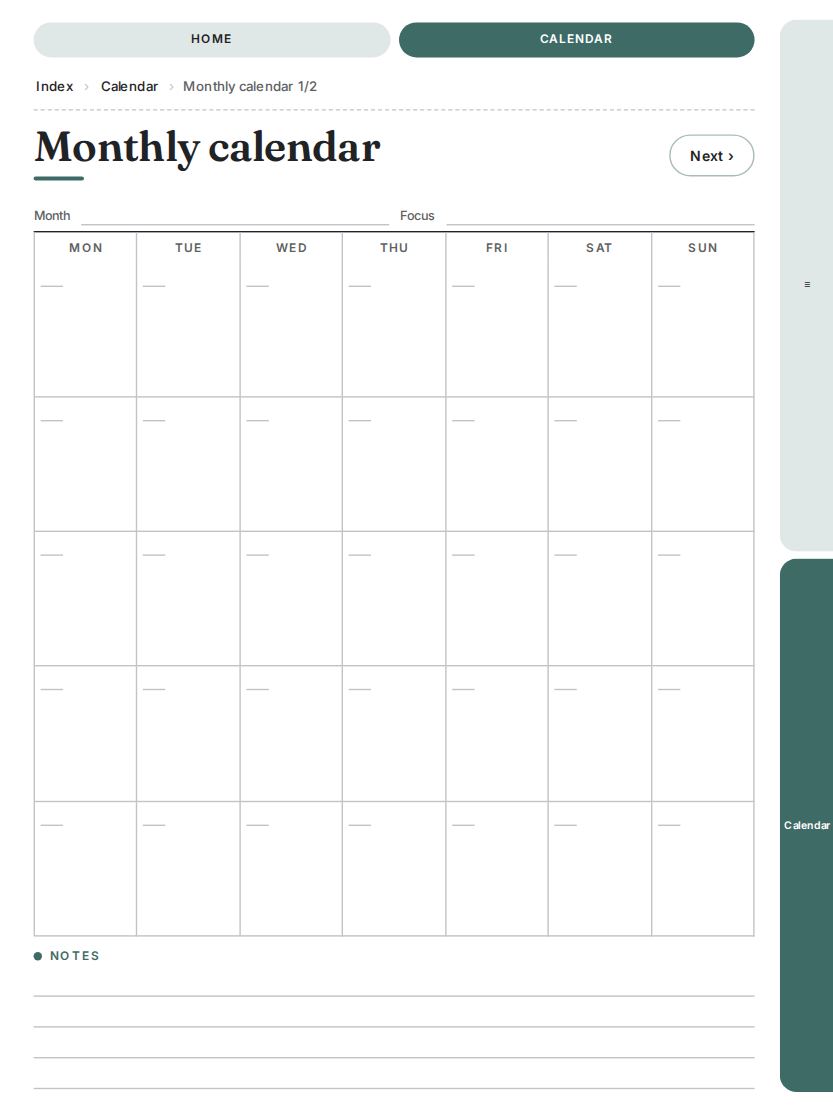 Monthly Calendar
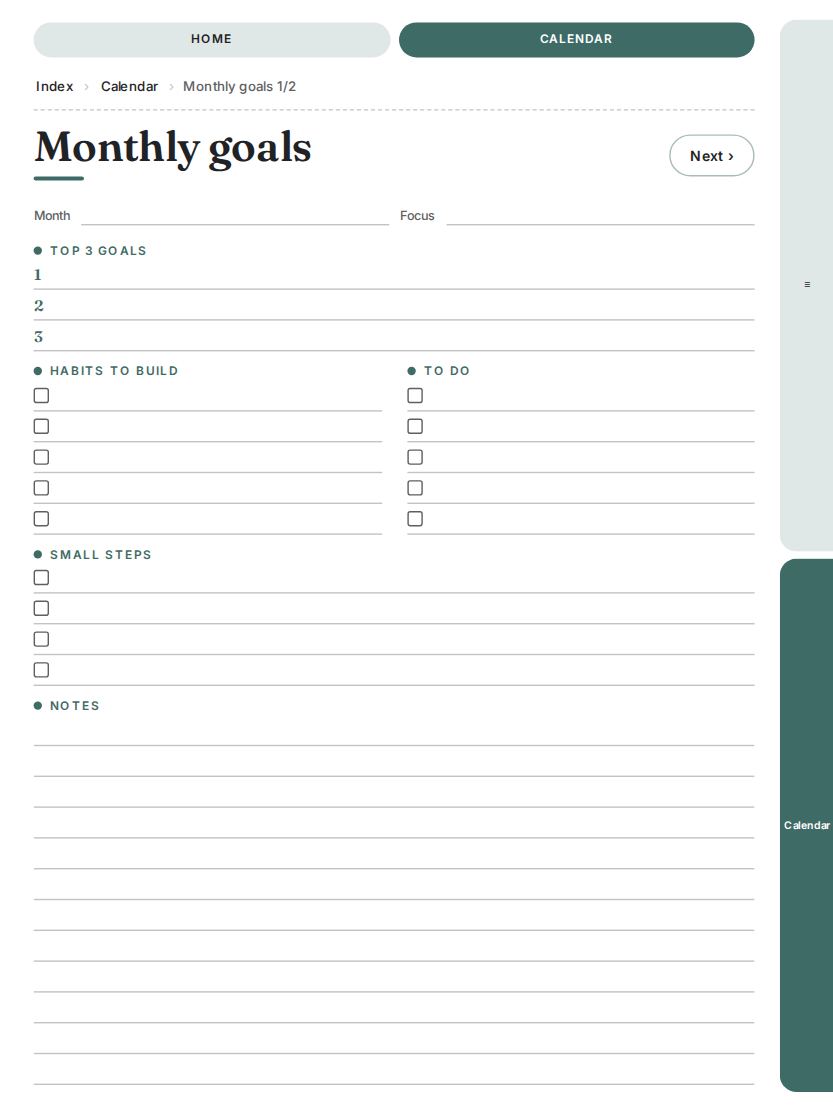 Monthly Goals
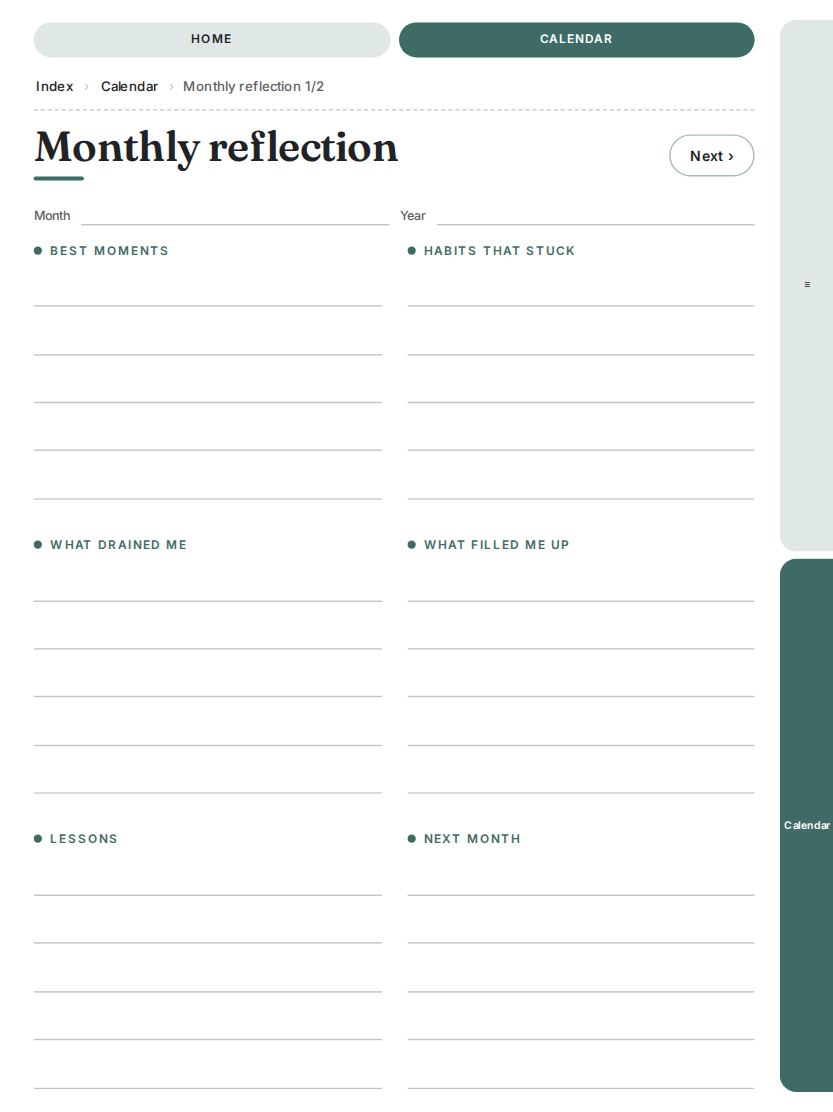 Monthly Reflection
The same template for other tablets
Want a whole planner like this?
Answer a 1-minute quiz and get every page you need, linked and drawn for your Supernote. Free preview.
Take the quiz →Questions
How do I use a weekly planner?
Start by writing down fixed commitments like meetings and appointments in the right day columns. Then add your top priorities and spread the remaining tasks across days that have space. Review it each morning and move anything unfinished to a later day.
What is the difference between a weekly planner and a daily planner?
A weekly planner shows seven days together, which makes it easier to spot busy days and balance your workload. A daily planner gives one day more room for hourly schedules, detailed to-do lists and notes. Many people use both, planning the week first and then adding detail day by day.
Should a weekly planner start on Monday or Sunday?
It depends on how you think about your week. Monday starts suit most work and school schedules, while Sunday starts feel natural if you plan on weekends or follow a calendar that begins on Sunday. Pick the one that matches your calendar app so the two stay in step.
Will the links work on my Supernote?
Yes. The PDF is drawn for the Supernote screen and every tab and page link is a direct PDF link, which Supernote follows when you tap it. Open it as a PDF (not a converted document) so the links keep working.
Is this weekly planner template really free?
Yes. Download the PDF and use it as much as you like, no email needed. If you want more pages, your own sections or a full planner around it, you can build one in Tidy Stack Planners and preview it for free.