Free weekly review template
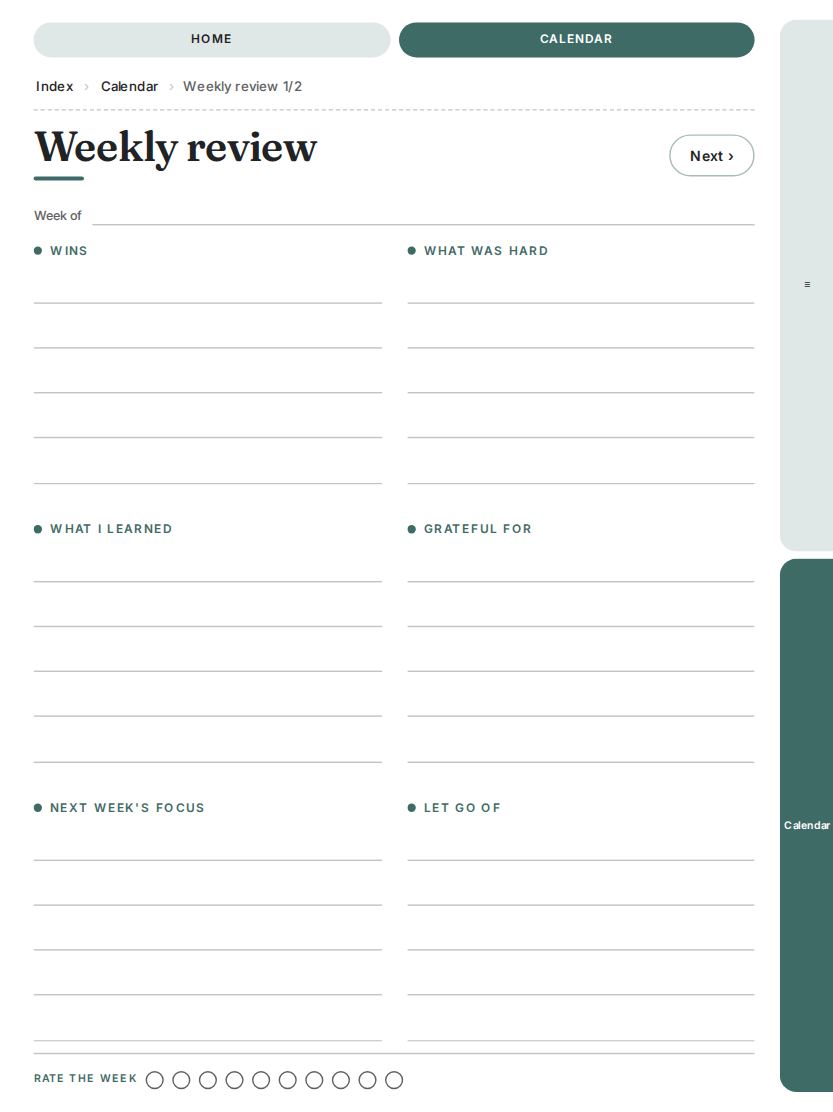
A weekly review page is a single sheet where you look back over the past seven days and set up the week ahead. It helps you catch loose ends, notice what worked, and start Monday with a clear plan. Pick your tablet: each version is drawn for that exact screen.
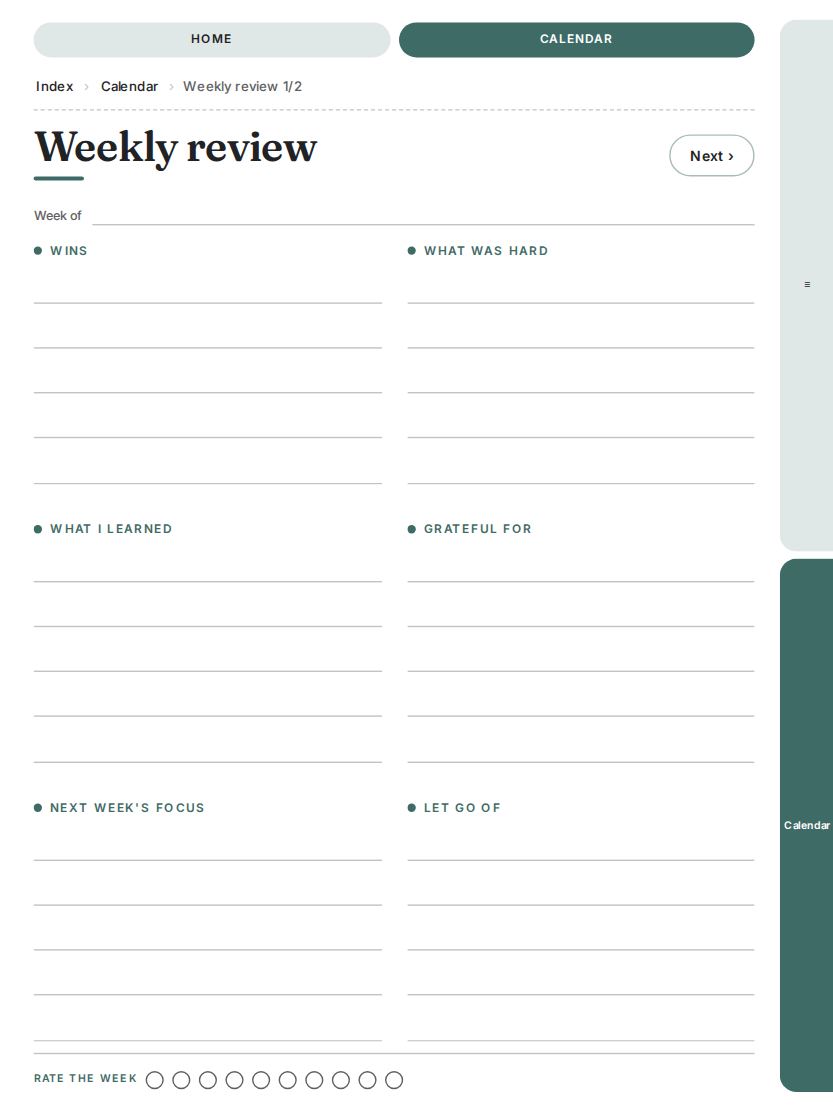 Boox
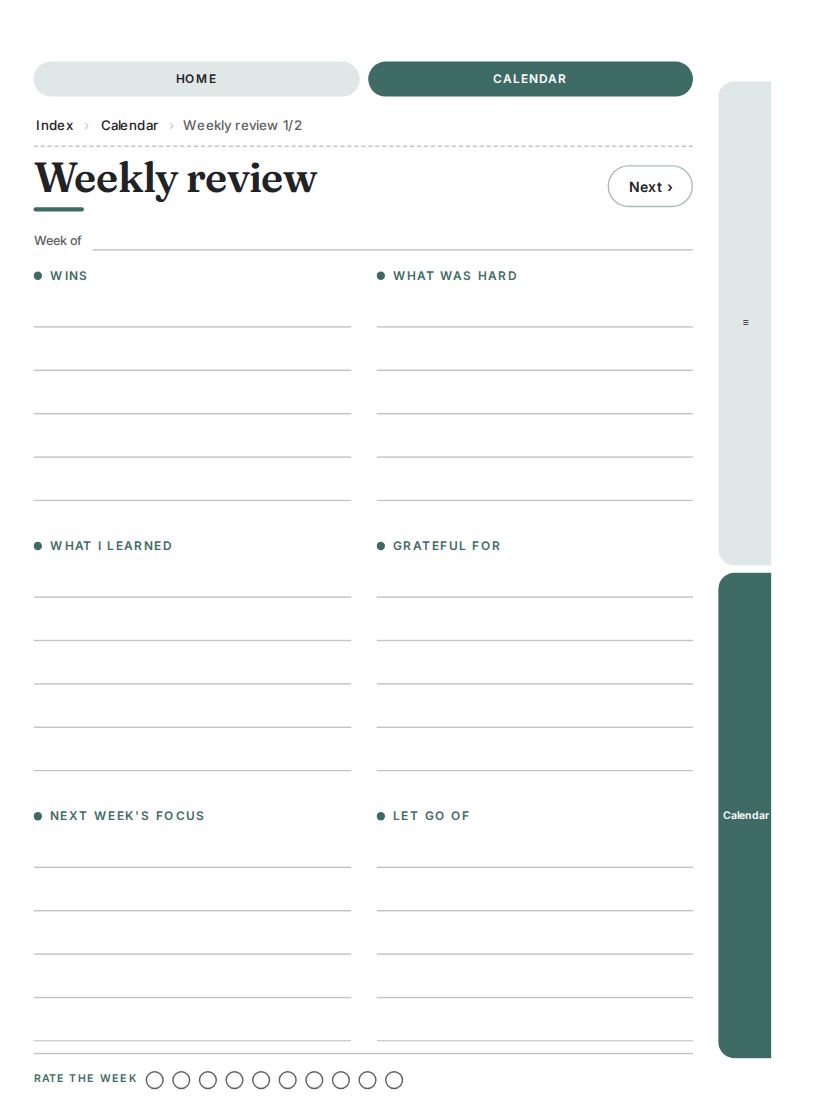 Kindle Scribe
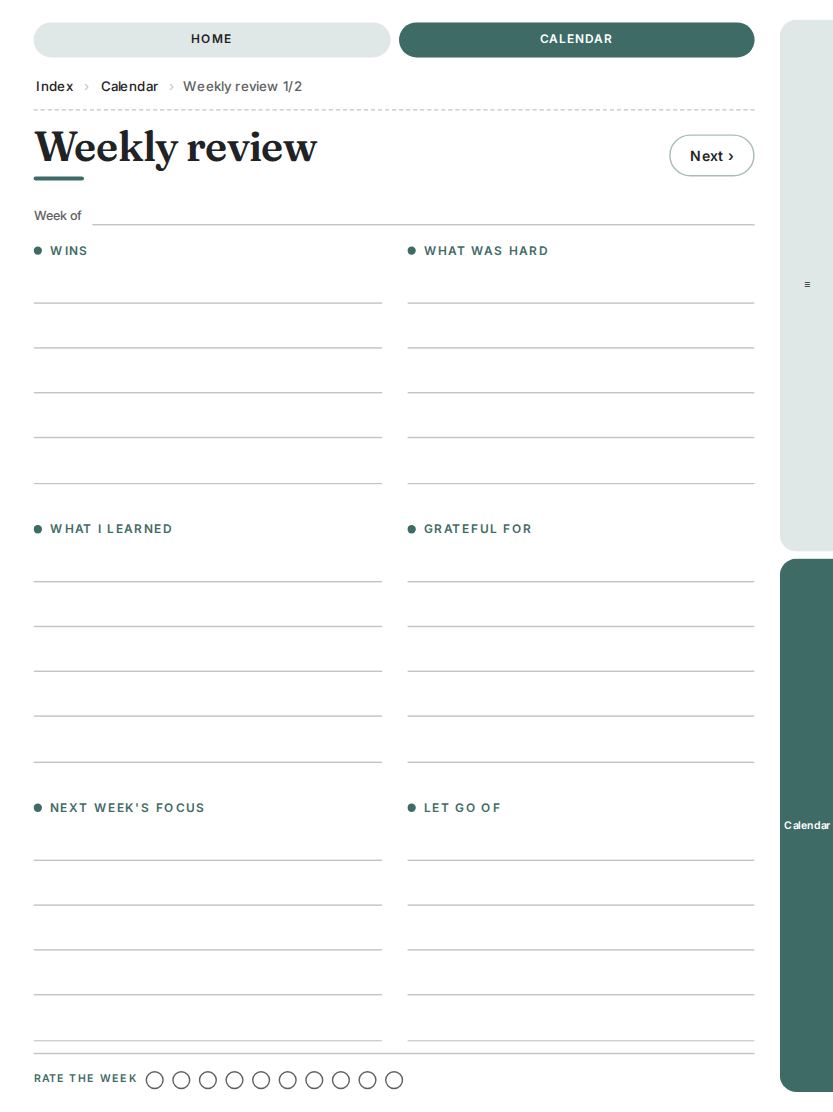 reMarkable 2
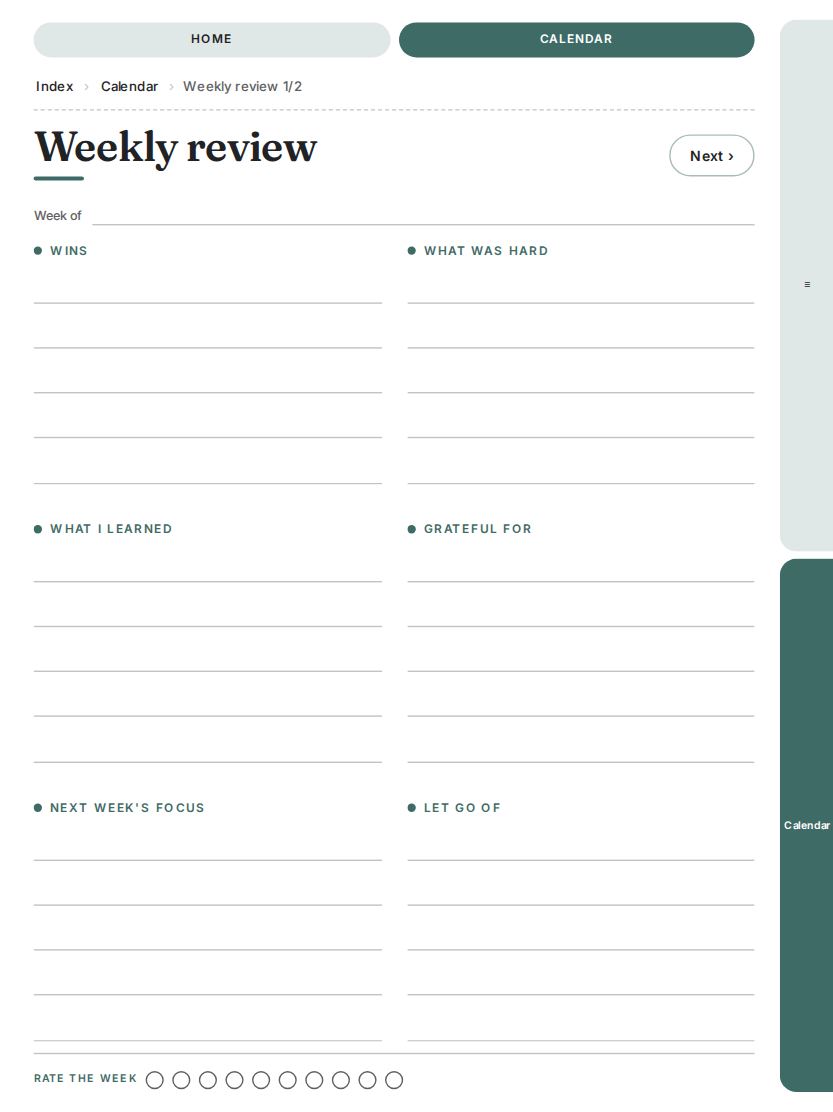 reMarkable Paper Pro
 Supernote
What's on the page
- Wins this week
- What did not go well
- Unfinished tasks to move
- Lessons or notes
- Priorities for next week
- Calendar check
Questions
What should I include in a weekly review?
Start with what went well and what did not, then go through your unfinished tasks and decide whether to move, delegate or drop each one. Finish by writing your top priorities for the coming week and checking your calendar for anything fixed.
How long should a weekly review take?
Most people can finish in 15 to 30 minutes once they have a routine. If it runs longer, try keeping your notes short and only listing the tasks that still matter.
When is the best time to do a weekly review?
Choose a time when the week is winding down and you have a quiet moment, such as Friday afternoon or Sunday evening. The best time is the one you will actually stick to every week.