Workout Log template for reMarkable Paper Pro
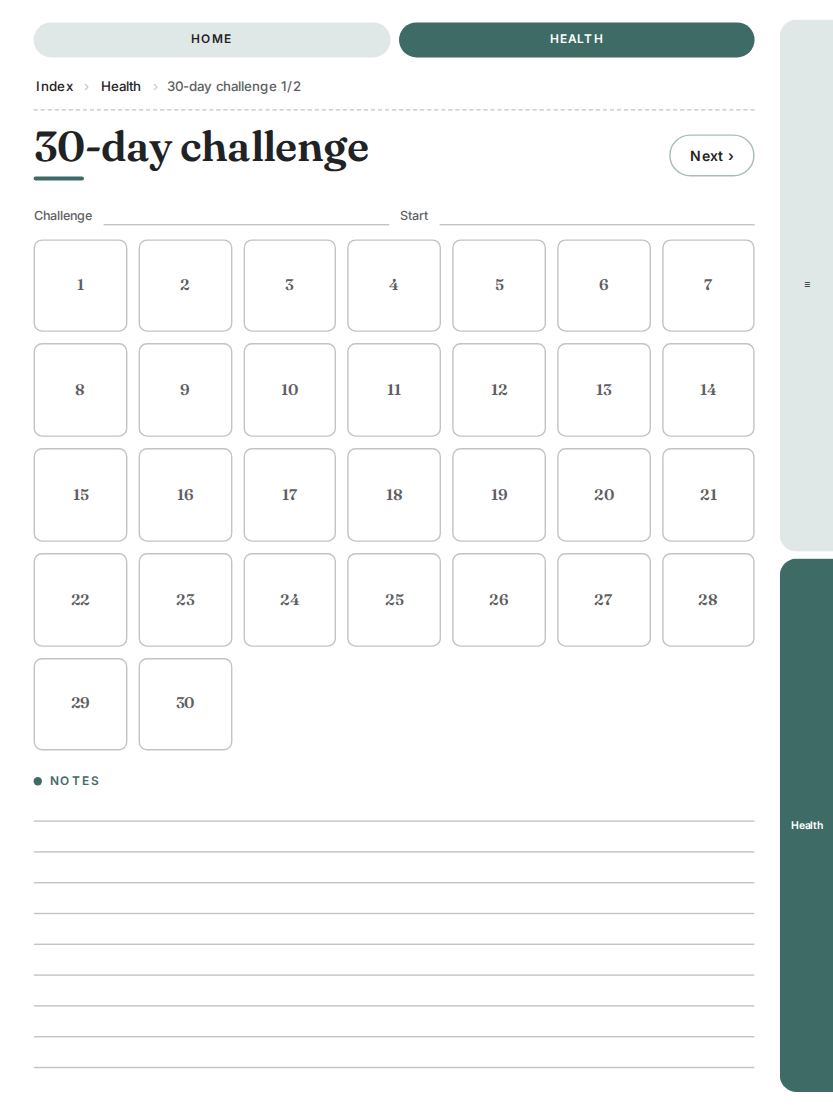
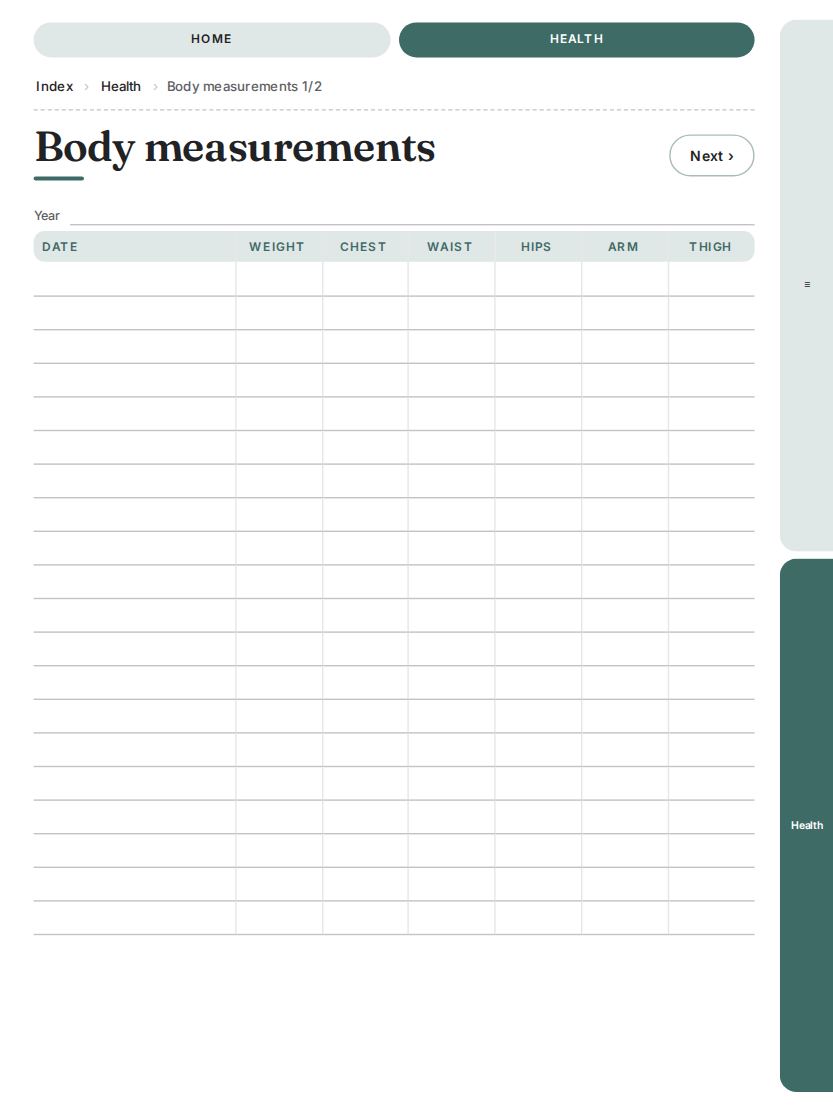
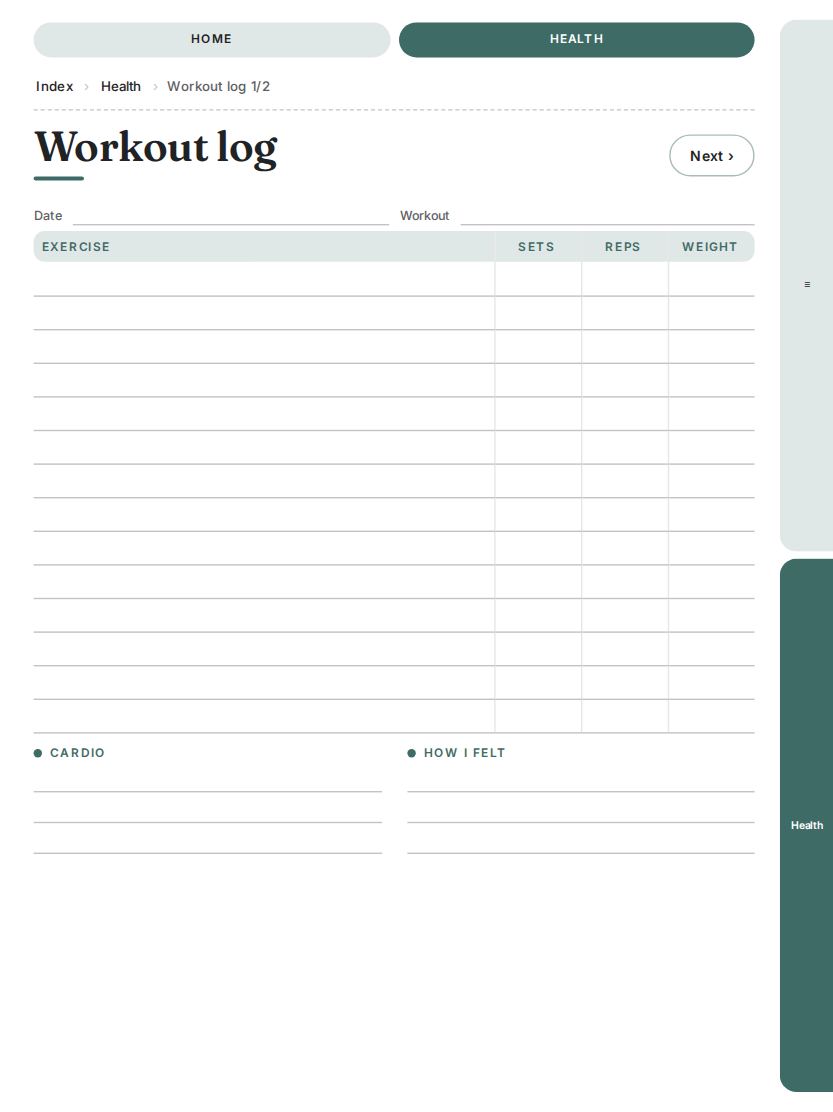
A workout log is a page where you write down what you did in each training session, such as exercises, sets, reps, weights and how it felt. It helps you see your progress over time and decide what to lift, run or repeat next. Drawn for the reMarkable Paper Pro screen in color, with linked tabs where your fingers reach.
- No email or signup
- Made for reMarkable Paper Pro
- Links work on the device
Make it yours
Pick a style, a font. The preview updates live, then download your version. Free, no email.
Style
Font
Language
Want it inside a full planner?Your style, plus calendar, daily and weekly pages, every page linked. Free preview.→What's on the page
Who it's for
Put it on your reMarkable Paper Pro
- Open the reMarkable desktop app, the mobile app or my.remarkable.com and sign in with your reMarkable account.
- Drag the PDF into My files (or use Import). It syncs to your Paper Pro in a moment.
- Open it on your tablet, write with the Marker and tap any tab, date or button to jump.
Tips
More health & self-care templates for reMarkable Paper Pro
 Cardio Log
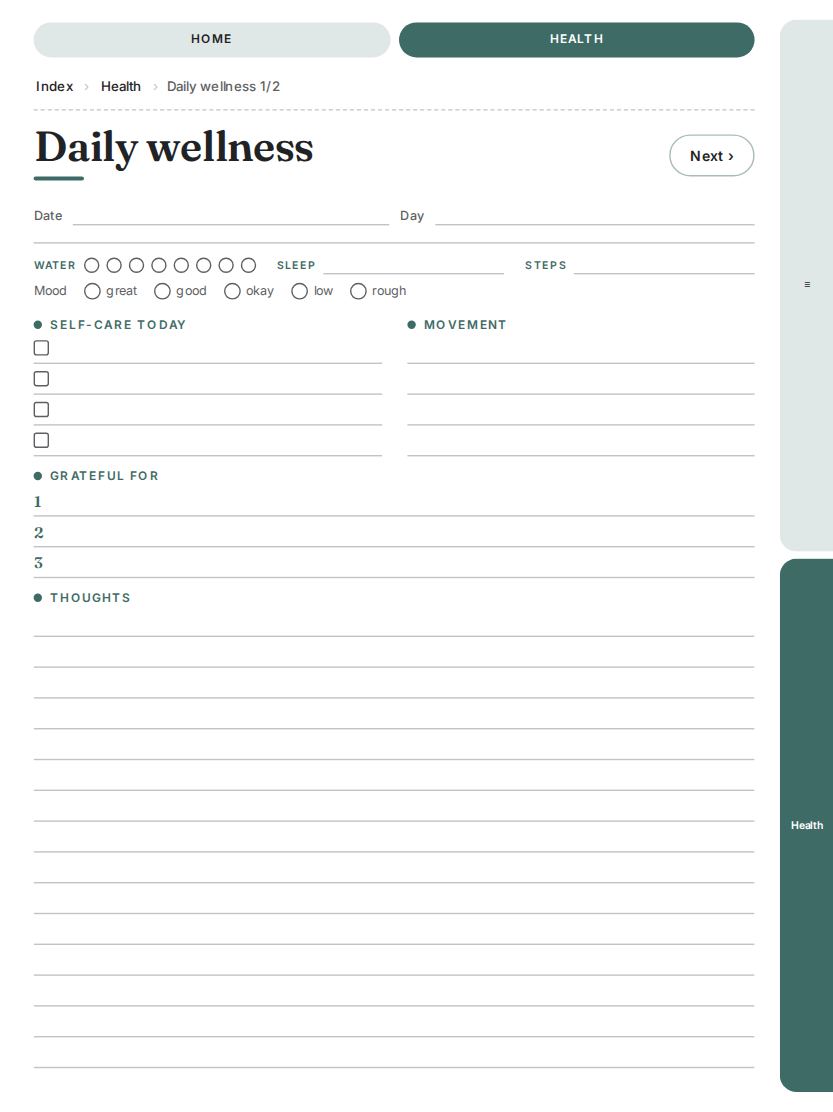 Daily Wellness
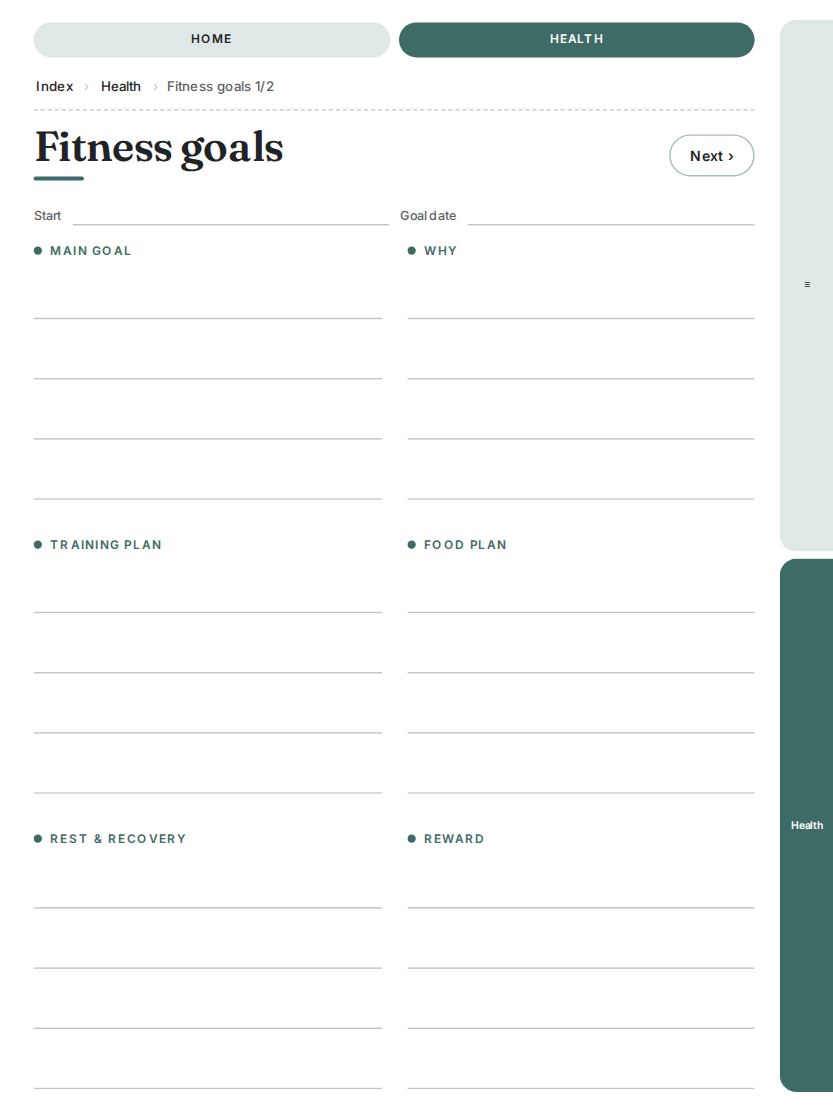 Fitness Goals
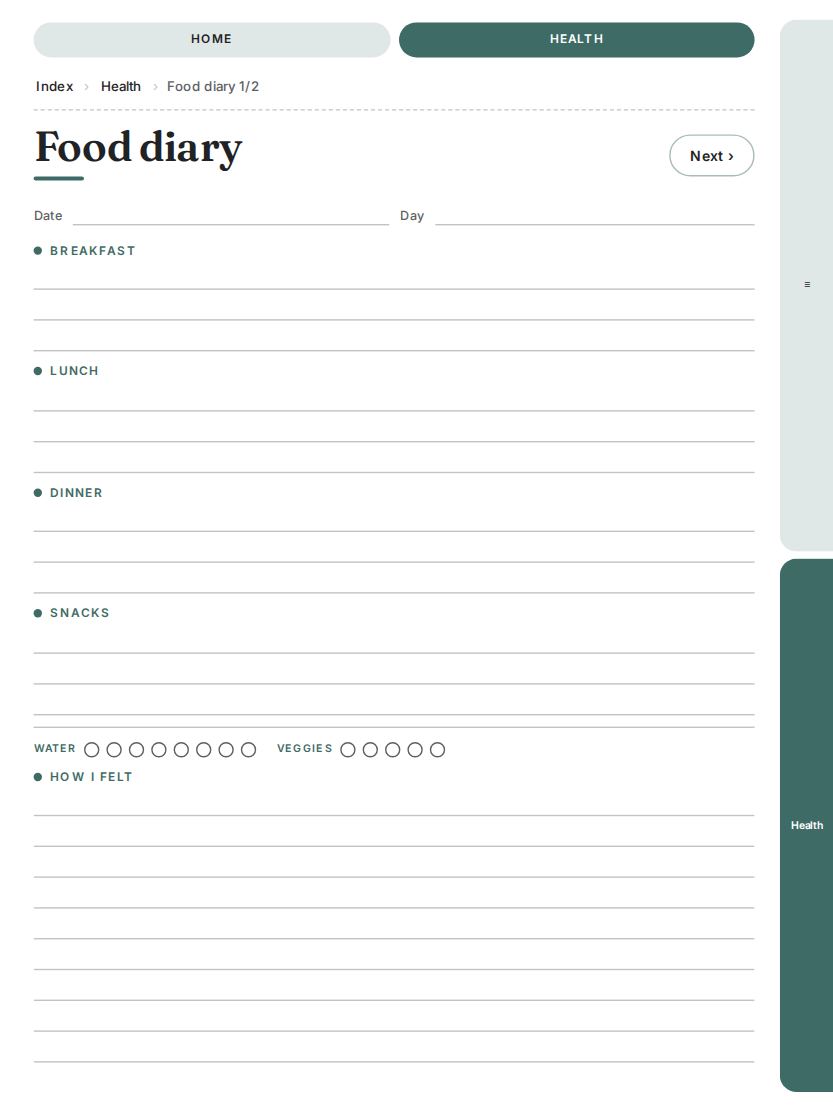 Food Diary
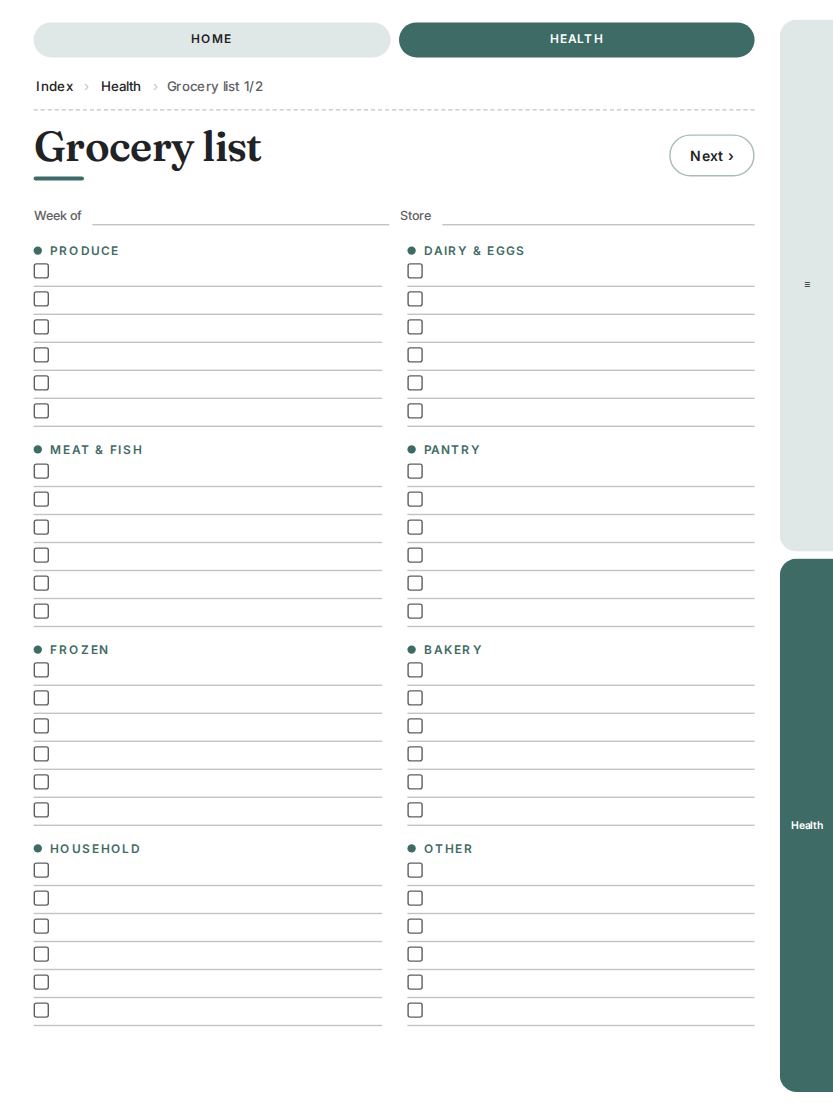 Grocery List
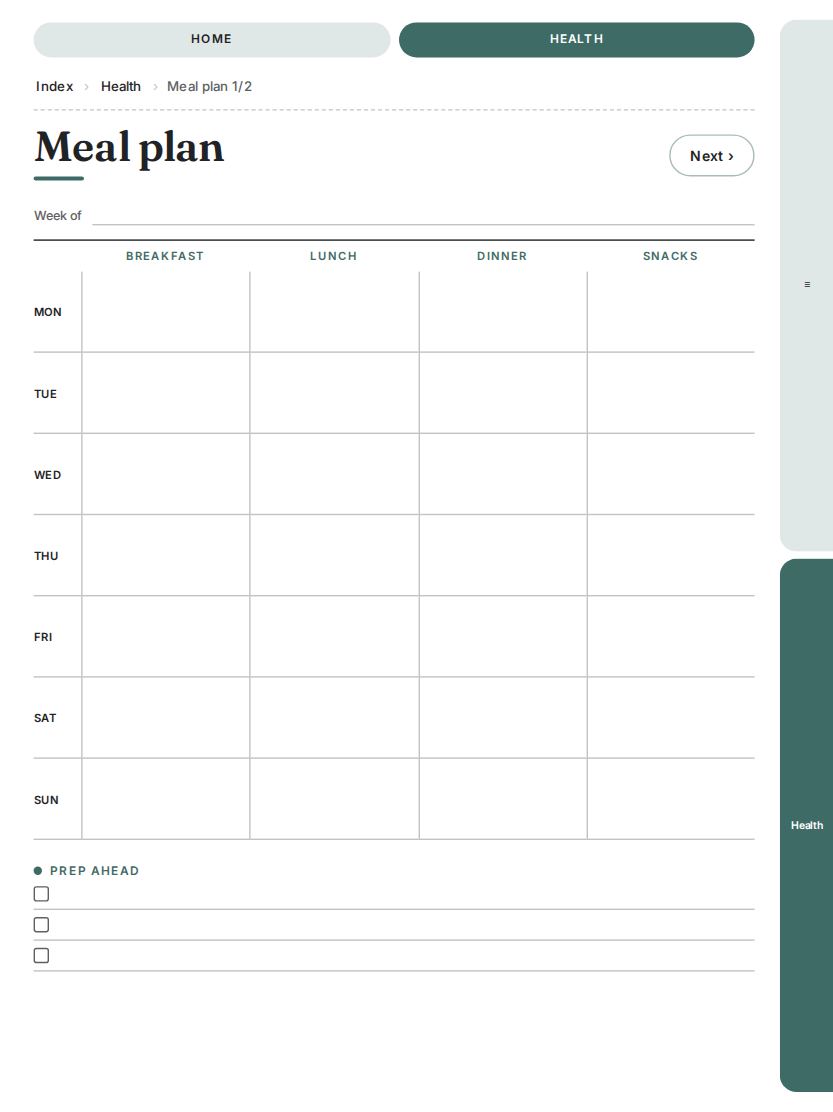 Meal Plan
The same template for other tablets
Want a whole planner like this?
Answer a 1-minute quiz and get every page you need, linked and drawn for your reMarkable Paper Pro. Free preview.
Take the quiz →Questions
What should I write in a workout log?
At minimum, note the date, the exercises, and the sets, reps and weight for each one. Adding a quick line on how the session felt, your sleep or your energy makes the numbers easier to understand later.
How do I use a workout log to make progress?
Look back at your last session before you start, then aim to add a little weight, an extra rep or a bit more time. If a number stalls for a few weeks, your notes can help you spot why, such as poor sleep or skipped warm-ups.
Will the links work on my reMarkable Paper Pro?
Yes. The PDF is drawn for the reMarkable Paper Pro screen and every tab and page link is a direct PDF link, which reMarkable Paper Pro follows when you tap it. Open it as a PDF (not a converted document) so the links keep working.
Is this workout log template really free?
Yes. Download the PDF and use it as much as you like, no email needed. If you want more pages, your own sections or a full planner around it, you can build one in Tidy Stack Planners and preview it for free.