The best free budget planner templates
Everything a simple money system needs: a monthly budget, bills, spending, savings, debt payoff and a no-spend challenge. Free PDFs for e-ink tablets and print.
- Free PDFs, no email
- Kindle, reMarkable, Supernote, Boox
- Links that work with a tap
The list
Monthly Budget
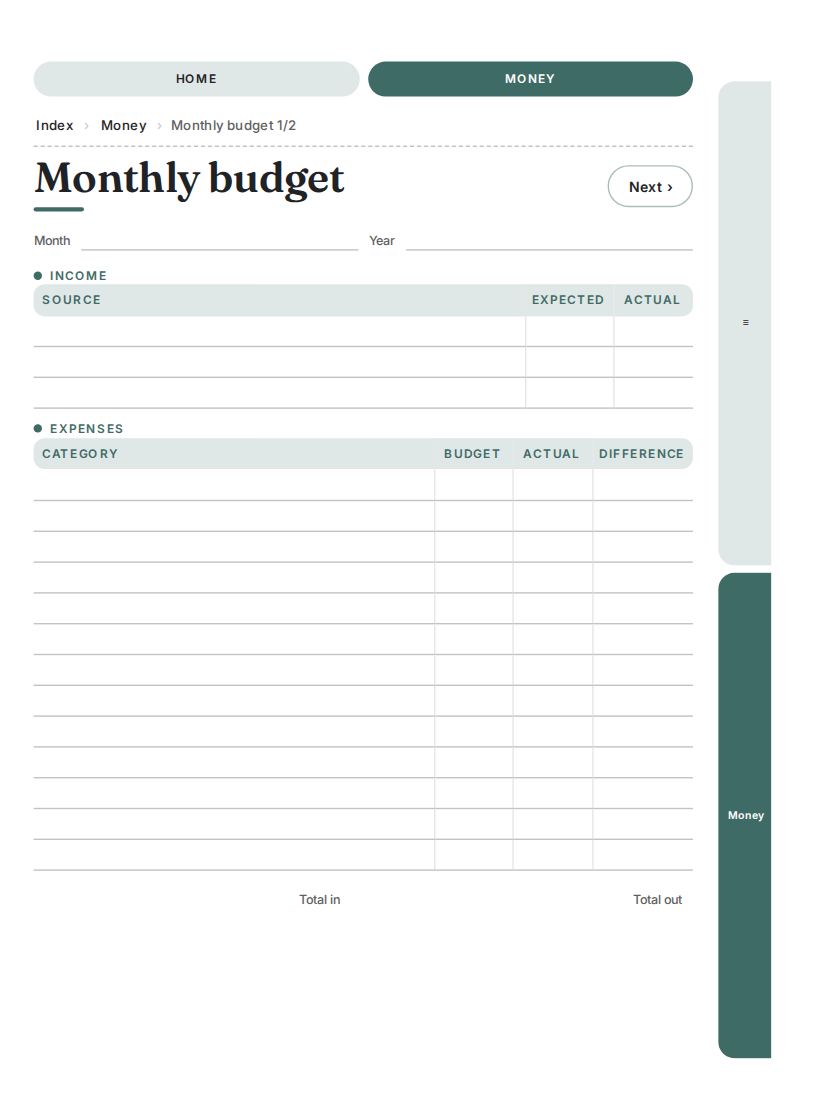
A monthly budget page is a single spread where you list your expected income, planned spending and what you actually spent for the month. It helps you see where your money goes and make small adjustments before the month runs out.
Best for: Households tracking shared bills
Tip: Write your fixed bills in pen at the start of the month so you only have to update the variable lines later.
Get it free →Paycheck Budget
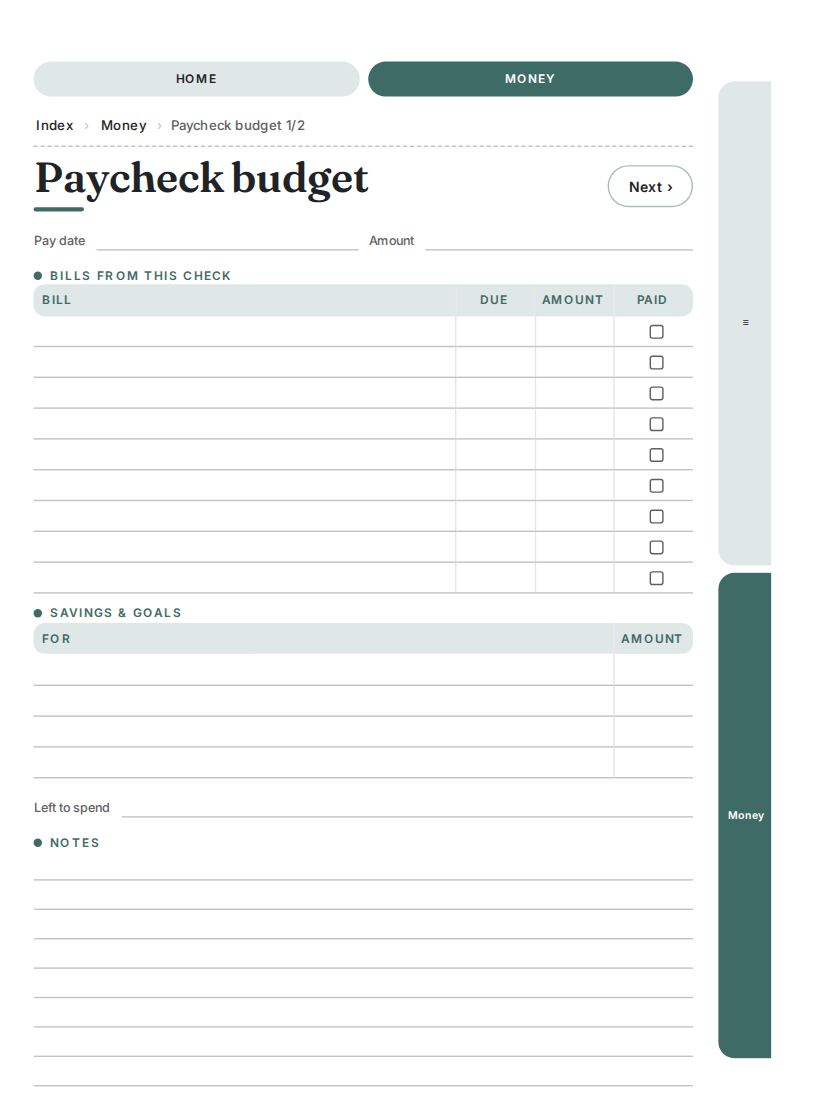
A paycheck budget page lets you plan how each paycheck gets spent before the money lands, splitting it across bills, savings and everyday spending. It helps you see what is left after fixed costs and stops the gap between pay dates from catching you out.
Best for: People paid biweekly or weekly who budget per check
Tip: Write bill amounts in pen first, then use a lighter pen color for the actual amounts so the difference stands out.
Get it free →Bill Tracker
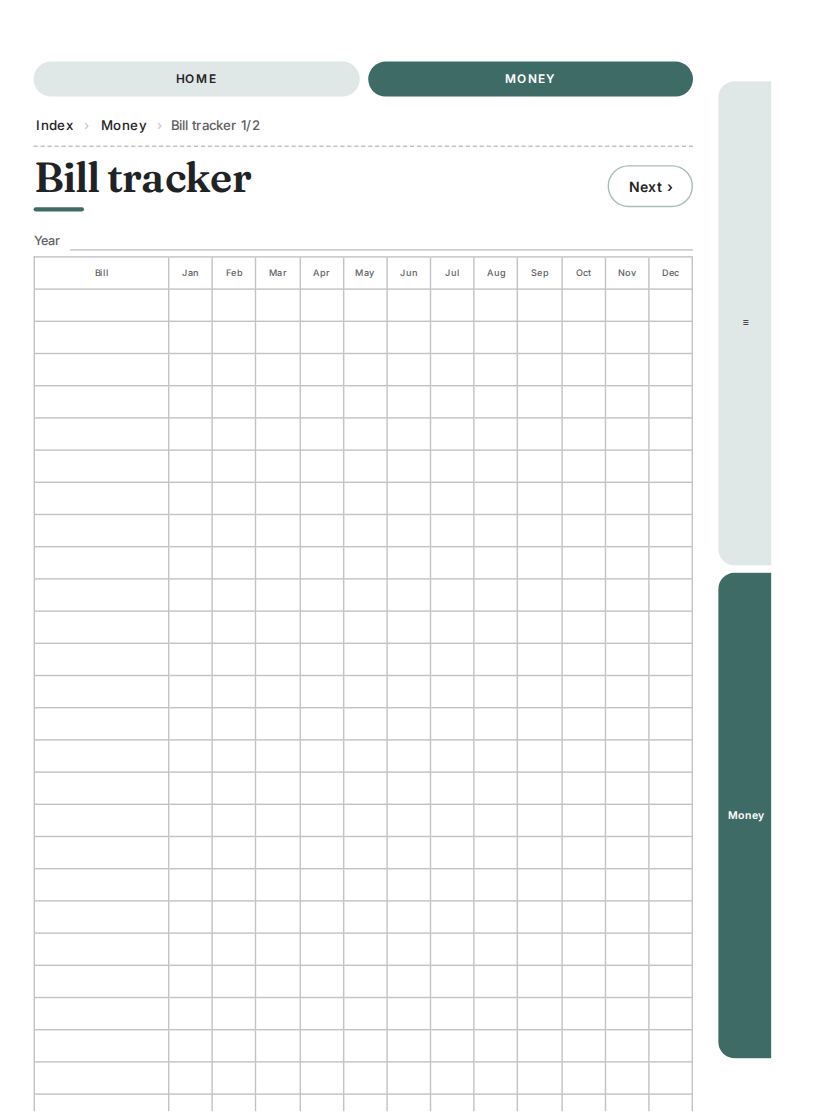
A bill tracker is a single page that lists every recurring and one-off bill you owe, with due dates, amounts and a spot to mark each one paid. It helps you avoid late fees and see at a glance what is coming up this month.
Best for: Renters and homeowners juggling monthly bills
Tip: Write bill names in a consistent order each month so you can scan down the list quickly.
Get it free →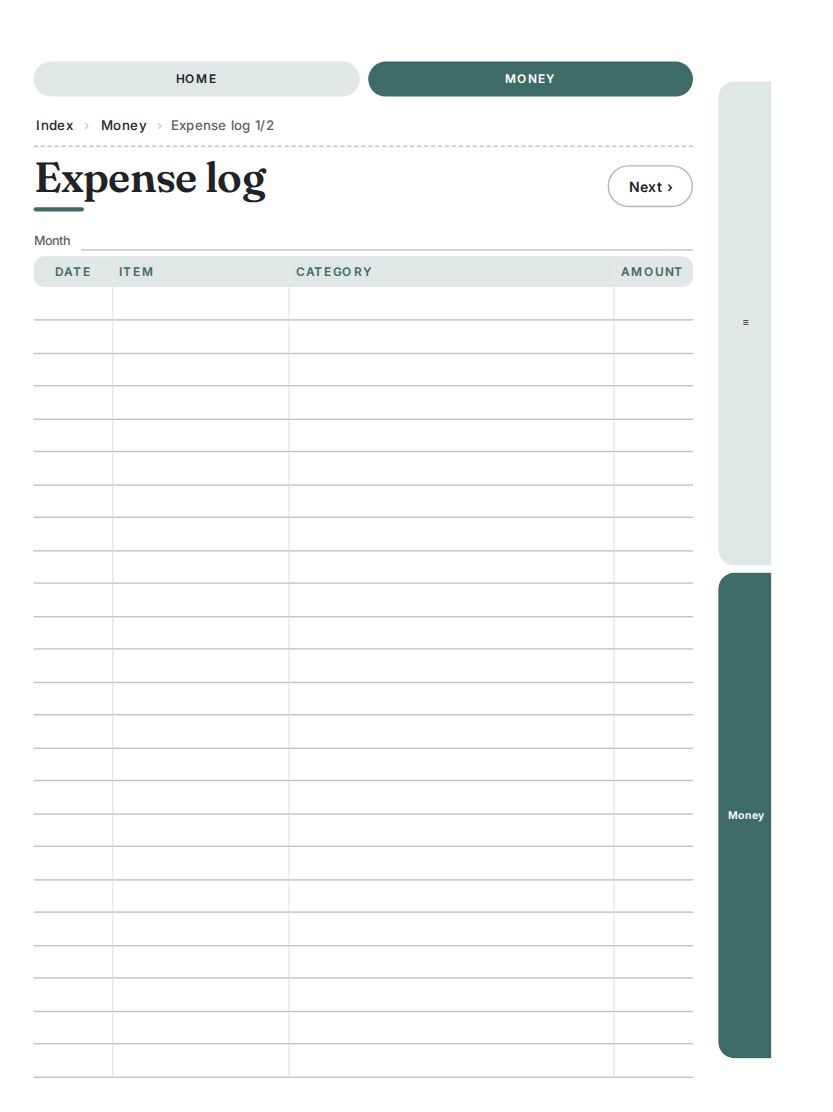
Expense Log
An expense log is a page where you write down each purchase with the date, what it was, and how much you spent. It helps you see where your money actually goes, so budgeting feels less like guesswork.
Best for: People starting a monthly budget
Tip: Use a thin pen tip and write amounts in a steady column so the numbers stay easy to add up later.
Get it free →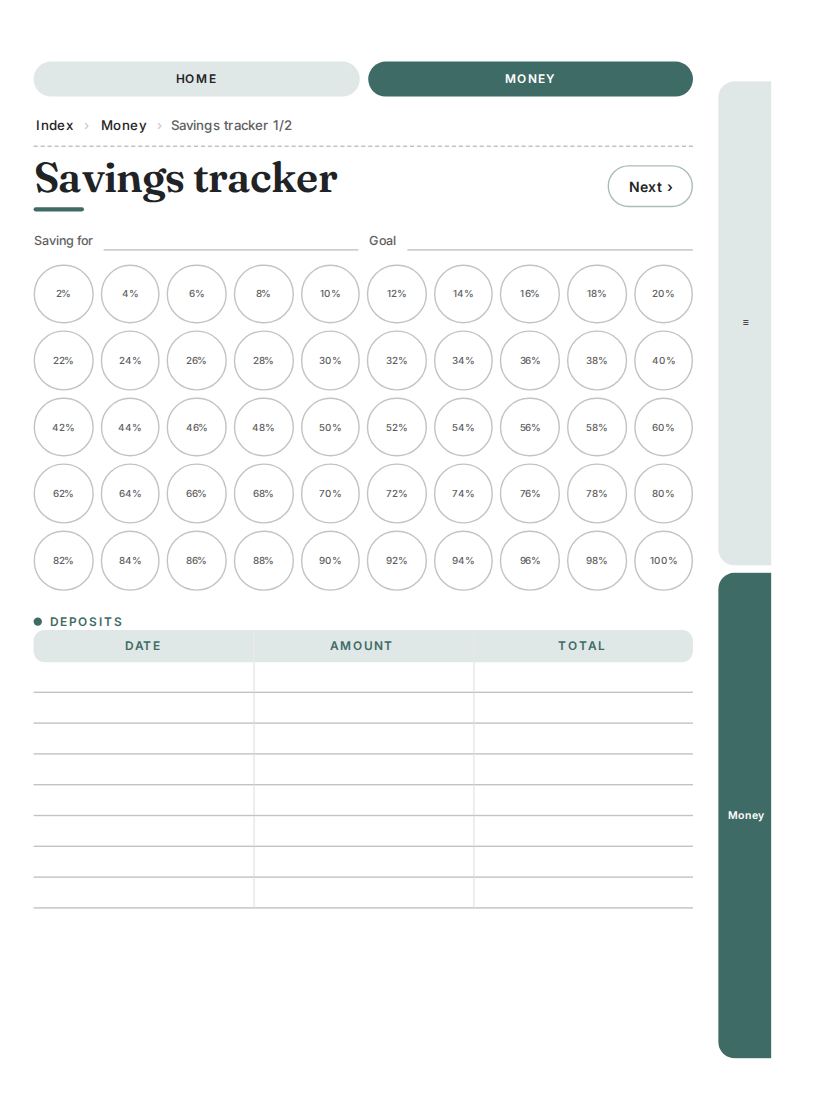
Savings Tracker
A savings tracker is a single page where you record what you are saving for, how much you want to reach, and how much you have put aside so far. It helps you see progress at a glance and keeps small deposits from disappearing into daily spending.
Best for: People saving for a trip, gadget or big purchase
Tip: Fill in the progress boxes with a highlighter or a fill tool so each deposit feels like a small win.
Get it free →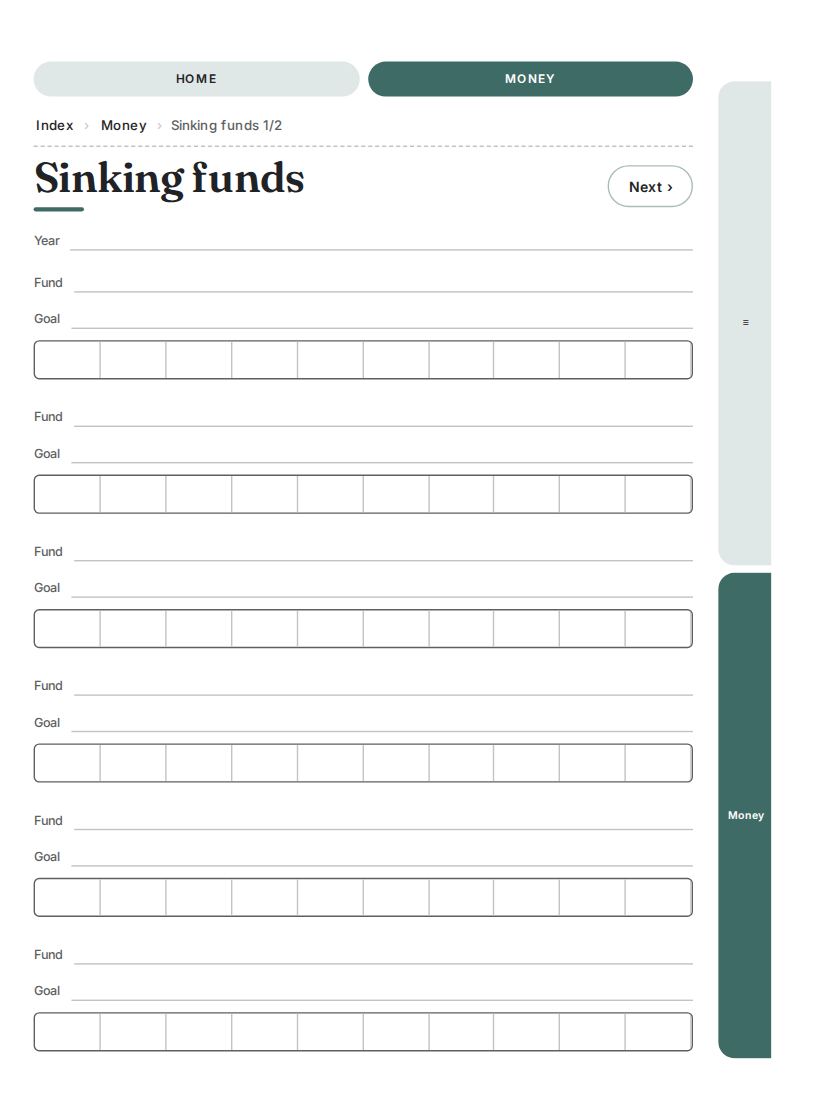
Sinking Funds
A sinking funds page is a single place to track money you set aside in small amounts for known future costs, like car repairs, gifts, or annual fees. It helps you spread big expenses across months so they stop feeling like surprises.
Best for: Budgeters who plan around irregular bills
Tip: Write balances in pencil-style pen tools or a light gray ink so you can erase and rewrite them as they change.
Get it free →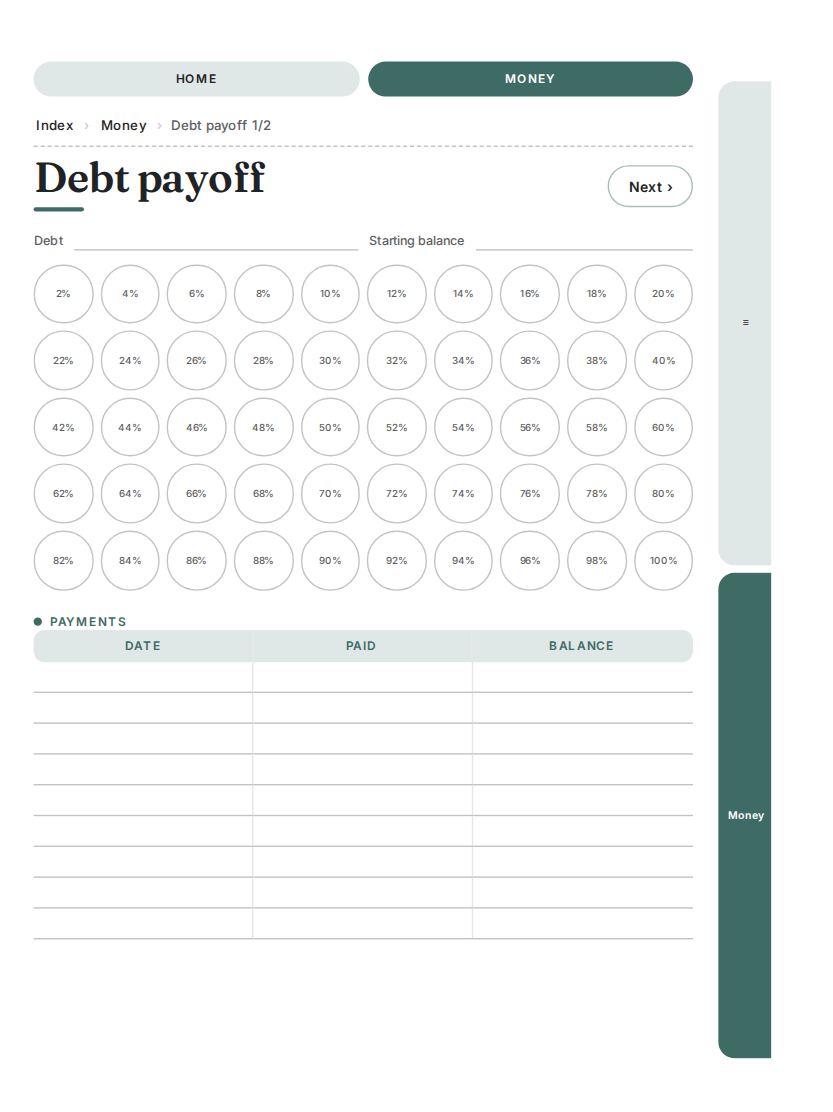
Debt Payoff
A debt payoff page lists every balance you owe in one place and gives you room to track payments as the totals shrink. It helps you see where your money is going, pick a payoff order, and stay motivated as each debt gets closer to zero.
Best for: People paying down credit cards
Tip: Write balances in pencil-style pen or a light color so you can cross out the old number and update it each month without clutter.
Get it free →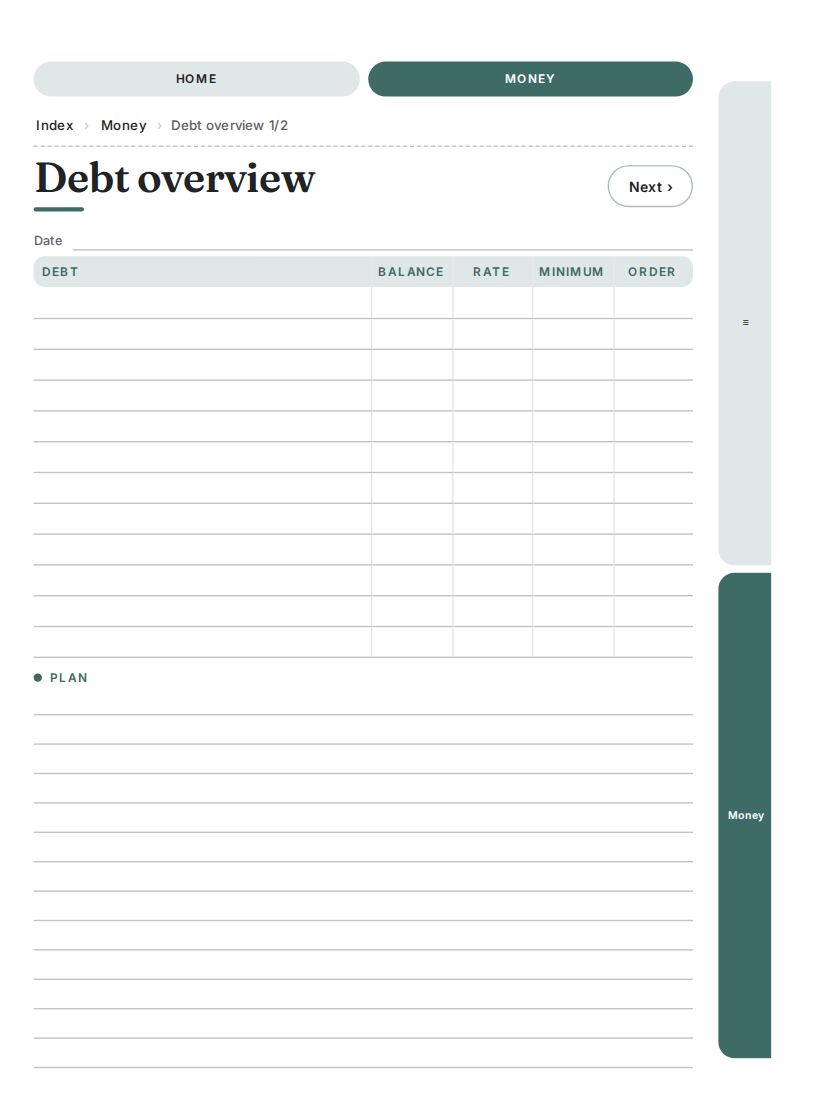
Debt Overview
A debt overview page puts every balance you owe on a single sheet, with the lender, interest rate, minimum payment and due date side by side. It helps you see the full picture and decide which debt to pay down first.
Best for: People paying off credit cards or loans
Tip: Write balances in pencil-style ink or a light color so you can strike through the old number and add the new one each month.
Get it free →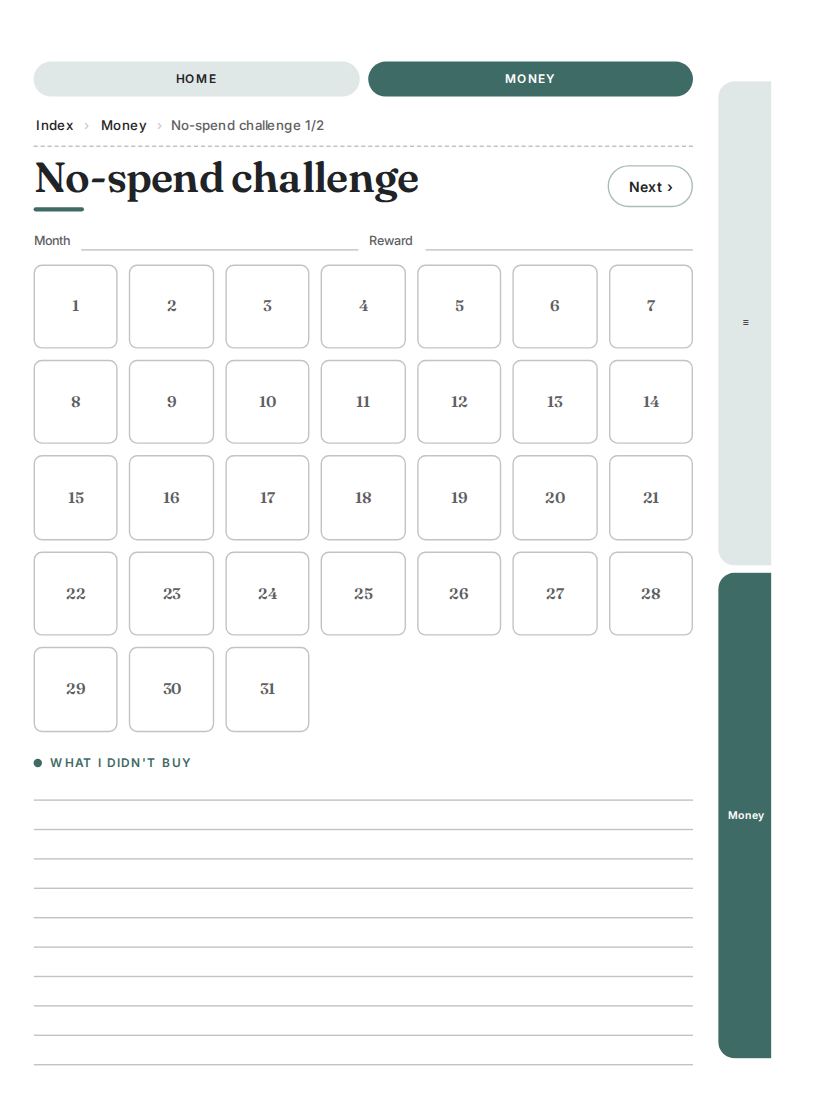
No-Spend Challenge
A no-spend challenge page gives you a simple grid or list to mark each day you avoid non-essential spending. It helps you notice impulse purchases, build a pause-before-buying habit, and see your progress at a glance.
Best for: People trying to curb impulse buying
Tip: Write your essentials list in a pen color you only use for rules, so you can find it quickly when a purchase tempts you.
Get it free →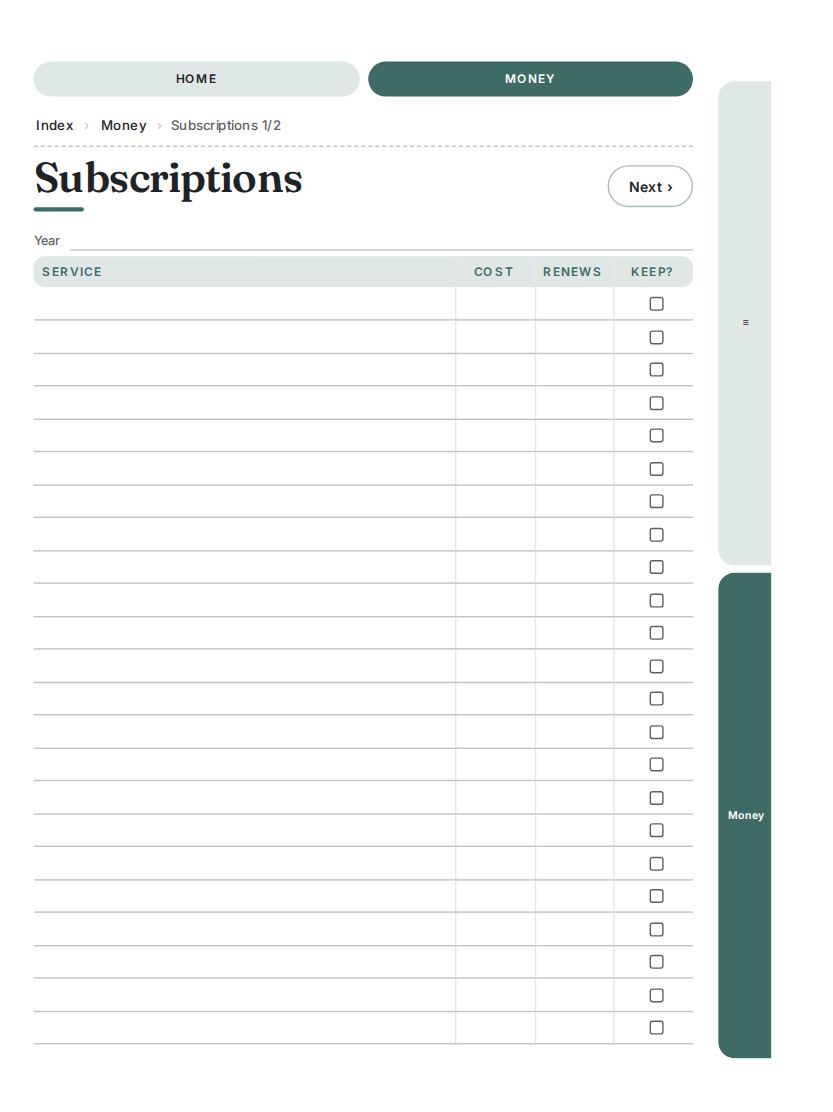
Subscriptions
A Subscriptions page is a single list of every recurring payment you have, from streaming and apps to memberships and software. It helps you see what you pay each month, spot things you forgot about, and cancel before a renewal catches you out.
Best for: Households trimming monthly spending
Tip: Write the renewal date in a different pen color so upcoming charges stand out when you scan the page.
Get it free →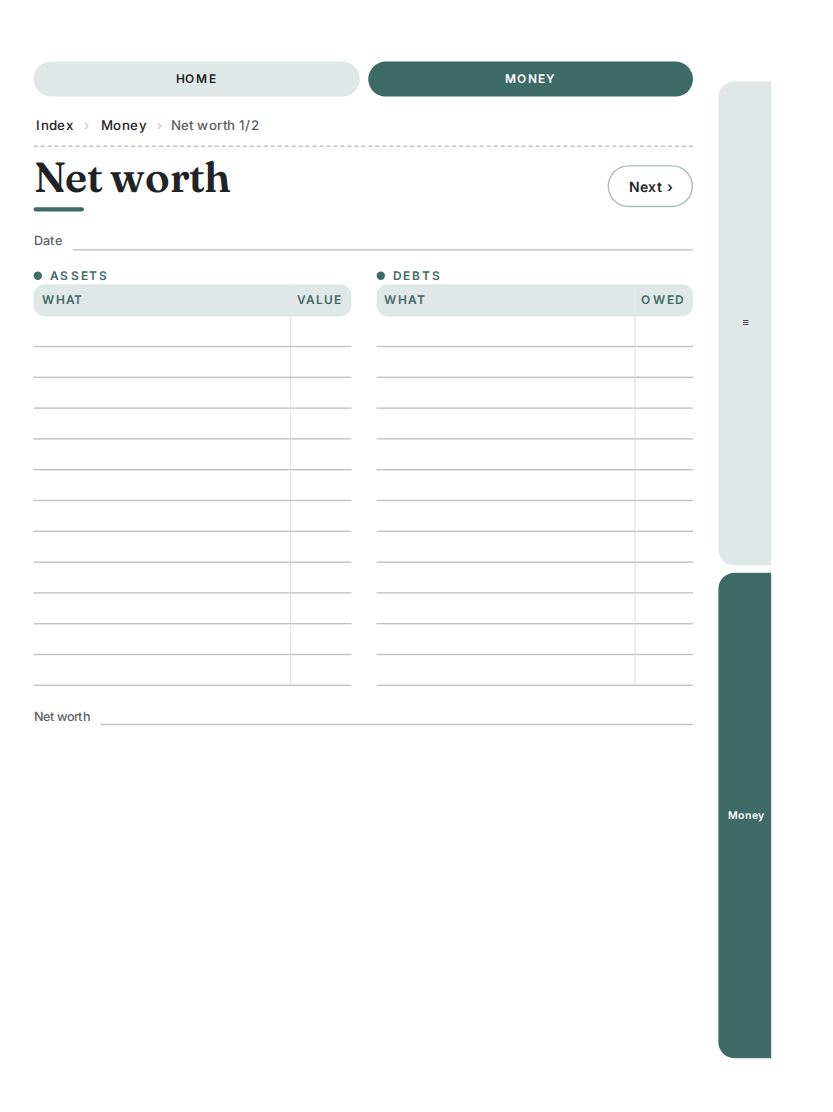
Net Worth
A net worth page lists everything you own and everything you owe, then subtracts the debts from the assets to give one number. Filling it in on a regular schedule shows whether your finances are moving in the right direction over time.
Best for: People starting to get a clear picture of their finances
Tip: Write each balance in the same row every time so you can compare past entries by flipping back through the pages.
Get it free →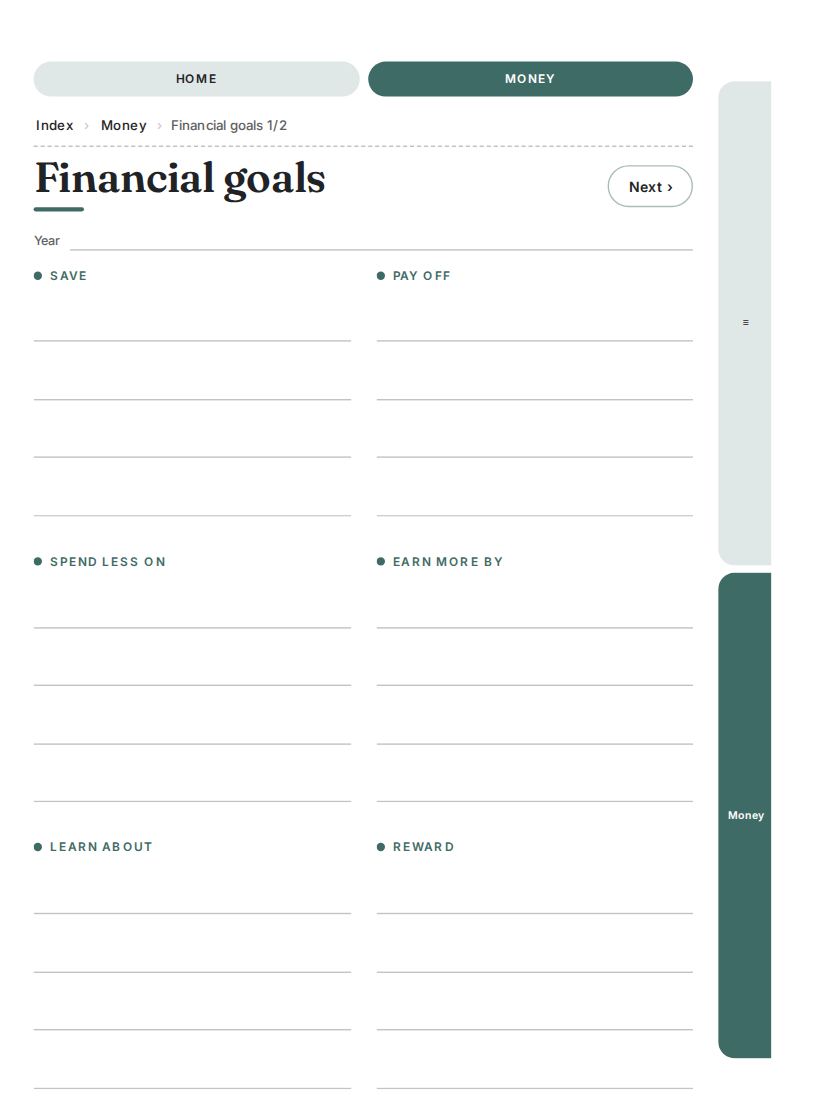
Financial Goals
A Financial goals page is a single sheet where you write down what you want your money to do, set a target amount and date for each goal, and track how far along you are. It helps you turn vague intentions like 'save more' into clear, checkable steps.
Best for: People saving for a big purchase or trip
Tip: Write each goal in a different pen color so you can spot them at a glance when you flip back to the page.
Get it free →
Other lists
Want them all in one planner?
Pick the pages you like, add your own sections and holidays, and get one linked planner. Free preview.
Build my planner →Questions
Are these budget planner templates really free?
Yes. Every page on this list is a free PDF with no email or signup. You can also change the style and font before you download.
How did you pick them?
These are the page types people use most in their planners, chosen to cover the basics without overlap. They are our own templates: every one is drawn by Tidy Stack for the exact screen size, so nothing is cut off or tiny.
Can I put several of them in one planner?
Yes. In Tidy Stack Planners you can combine any of these pages into one planner with an index and tabs, every page linked, and download a free preview.