The best free digital planner templates
The pages most digital planners are built from: calendar, daily and weekly views, goals, habits and money. Each one is a free hyperlinked PDF for Kindle Scribe, reMarkable, Supernote or Boox, and you can combine them into one planner.
- Free PDFs, no email
- Kindle, reMarkable, Supernote, Boox
- Links that work with a tap
The list
2027 calendar
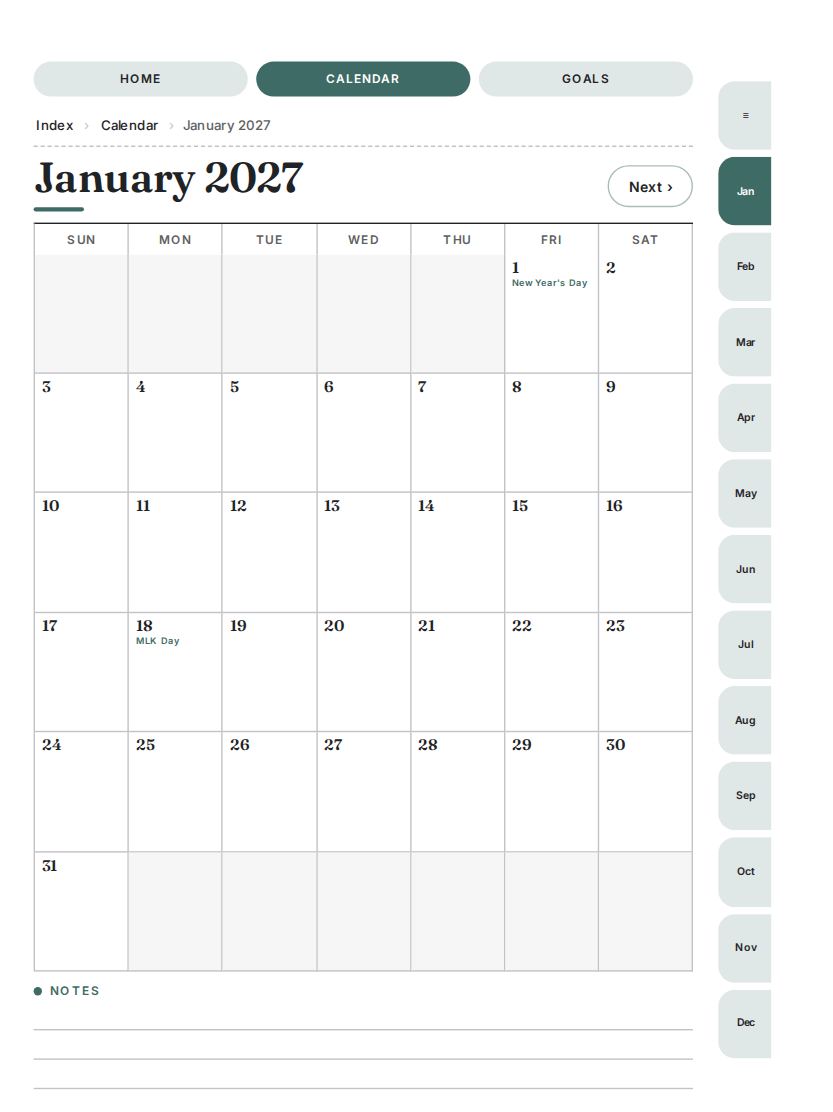
The year at a glance, 12 monthly calendars with holidays, and goal pages for the year and each month, all linked.
Best for: Anyone who wants the whole year in one file
Tip: Start each month on its goal page, then copy the dates that matter onto the calendar.
Get it free →Daily Planner
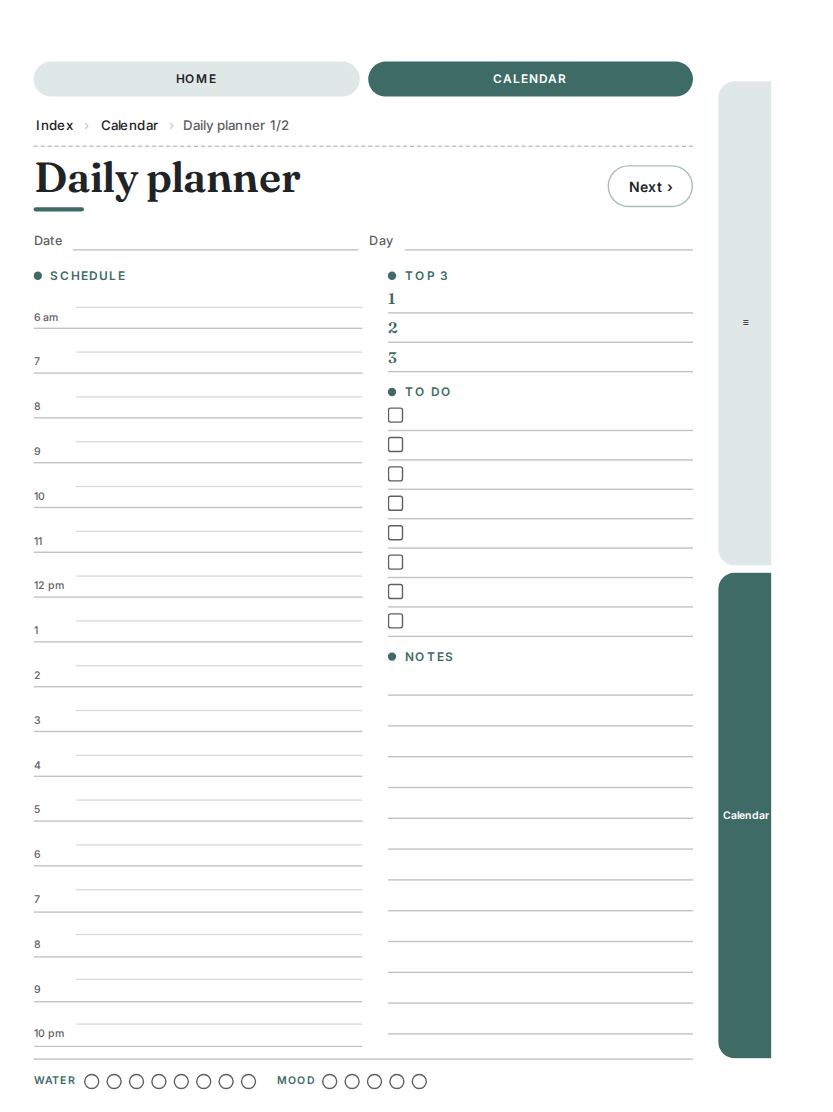
A daily planner is a single page for one day that holds your schedule, your most important tasks, and a bit of space for notes. It helps you decide what actually fits in the day and keeps everything in one place instead of scattered across lists.
Best for: Students juggling classes and study blocks
Tip: Write your top three priorities first with a pen, then fill the hourly schedule around them so the important things get time.
Get it free →Weekly Planner
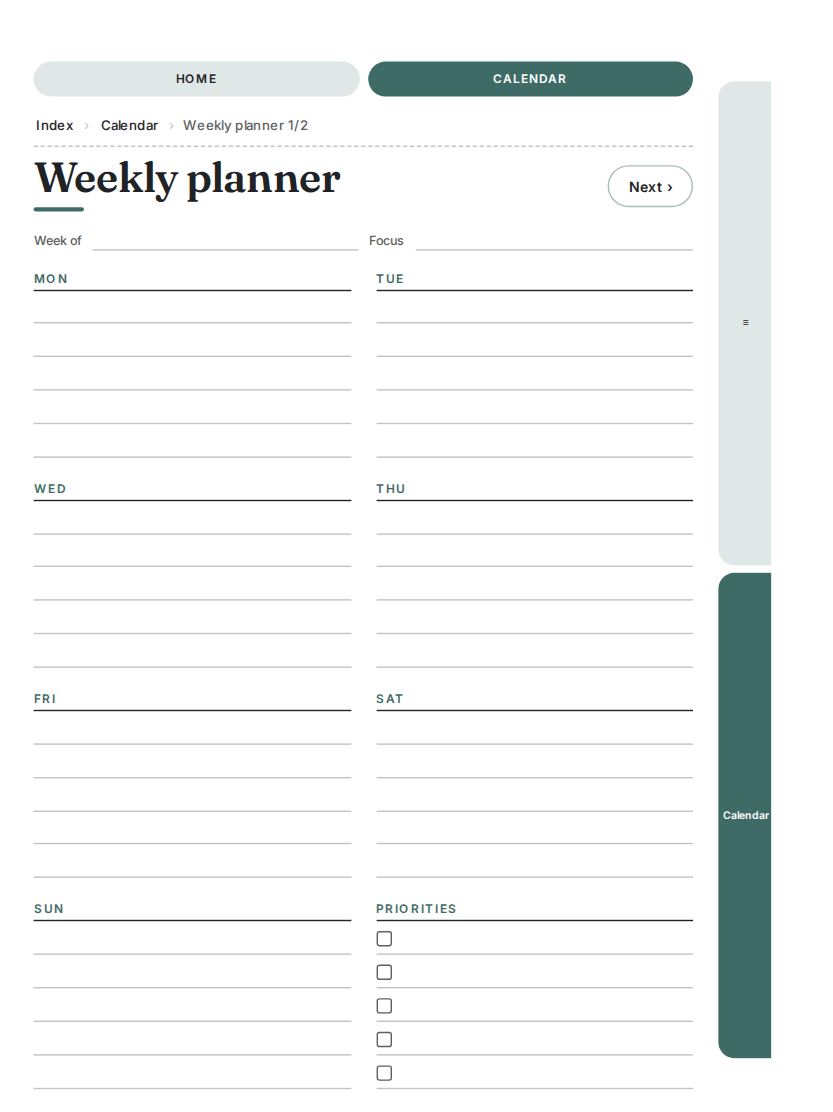
A weekly planner page lays out seven days on one spread so you can see the whole week at a glance. It helps you balance appointments, tasks and habits before the week gets busy.
Best for: Students juggling classes and deadlines
Tip: Write your three top priorities first with a pen, then fill in the daily columns around them.
Get it free →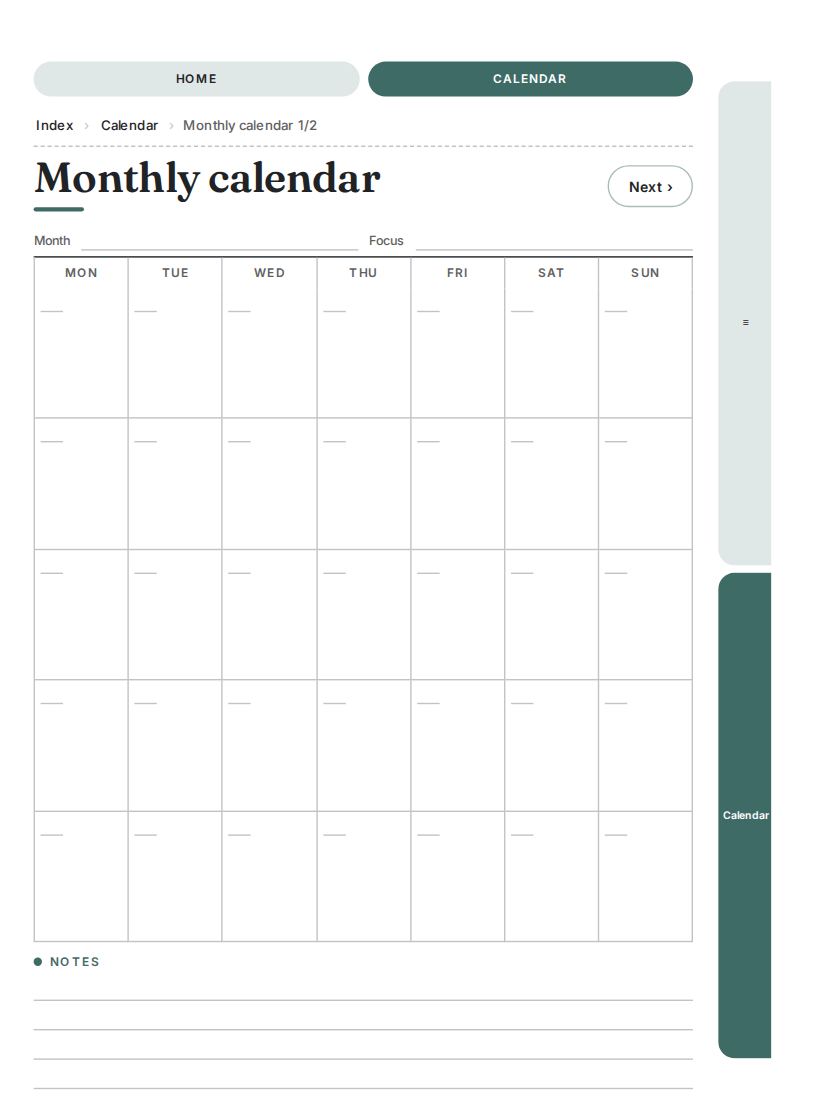
Monthly Calendar
A monthly calendar is a one-page grid that shows every day of a month so you can see appointments, deadlines and plans at a glance. It helps you spot busy weeks, space out commitments and keep the bigger picture in view.
Best for: Students tracking exams and assignment deadlines
Tip: Use a thin pen tip and write short keywords in each day box so entries stay readable.
Get it free →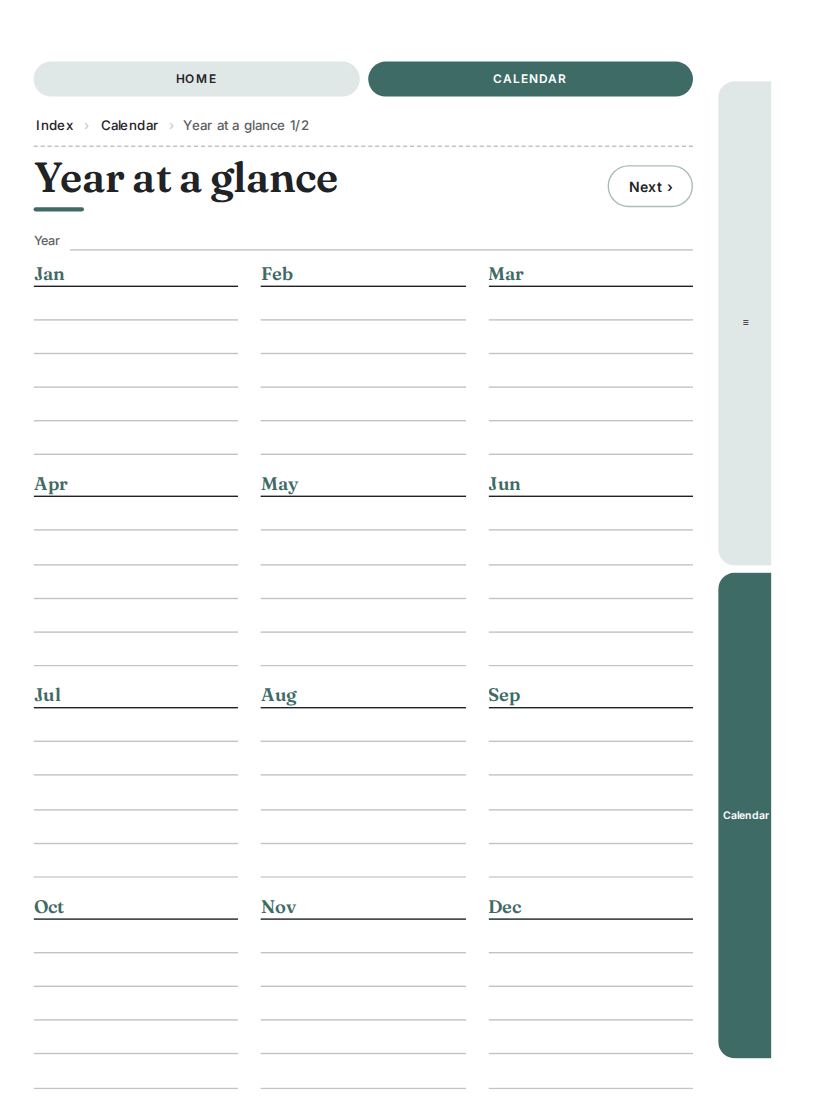
Year At A Glance
A Year at a glance page puts all twelve months on a single view so you can see the whole year in one place. It helps you spot busy stretches, plan around holidays and deadlines, and keep long-range dates from getting lost.
Best for: Students tracking terms, exams and breaks
Tip: Use a thin pen tip and write short codes like 'T' for travel or 'D' for deadline so entries fit inside the small day boxes.
Get it free →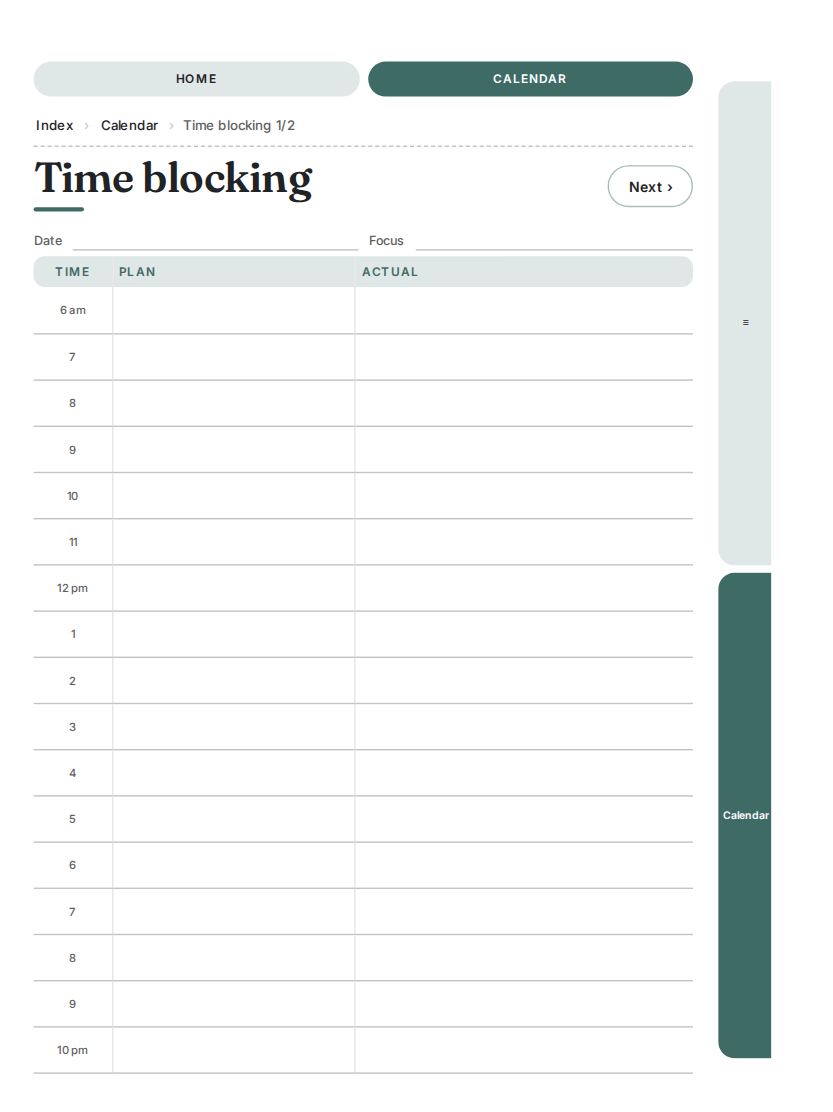
Time Blocking
A time blocking page splits your day into labeled chunks of time so every hour has a job. It helps you plan realistic days, protect focus time, and see at a glance where your hours are going.
Best for: Students planning study sessions
Tip: Use a light highlighter color for each type of block, such as focus work, meetings and chores, so the day reads by color.
Get it free →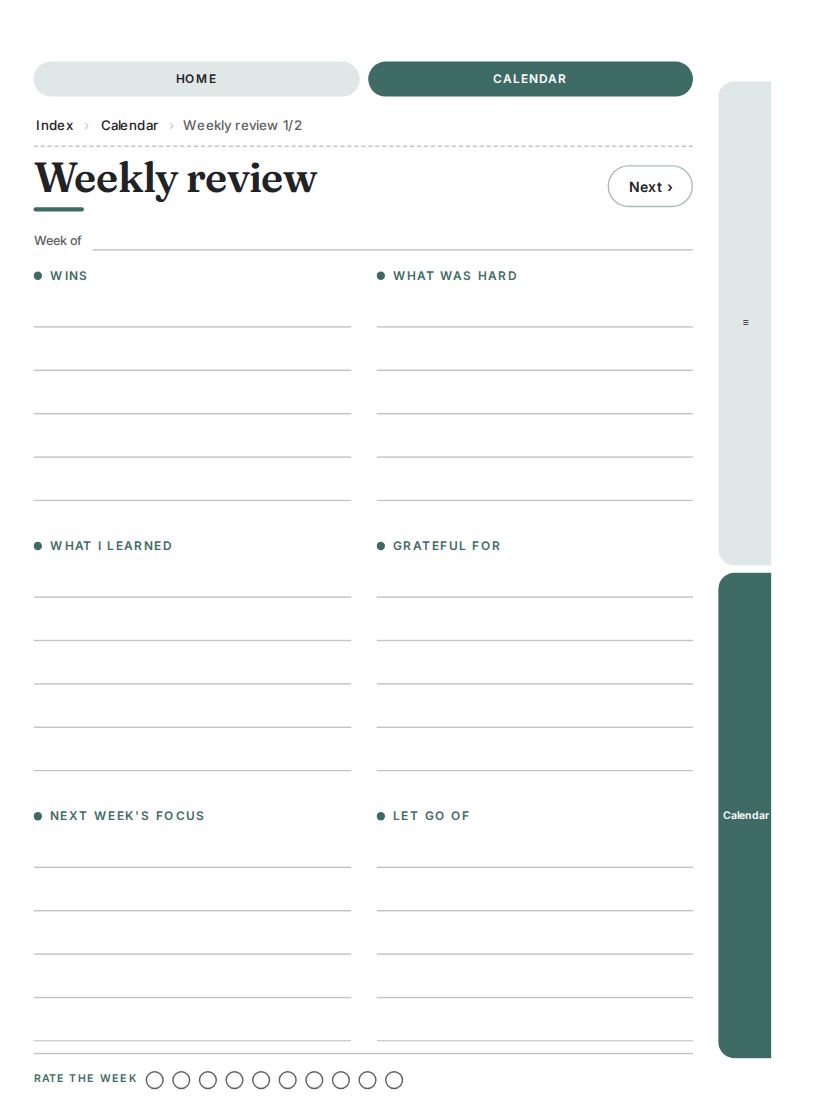
Weekly Review
A weekly review page is a single sheet where you look back over the past seven days and set up the week ahead. It helps you catch loose ends, notice what worked, and start Monday with a clear plan.
Best for: Students planning around deadlines and exams
Tip: Set aside the same 20 minutes each Friday or Sunday and keep the page open on your tablet so it becomes a habit.
Get it free →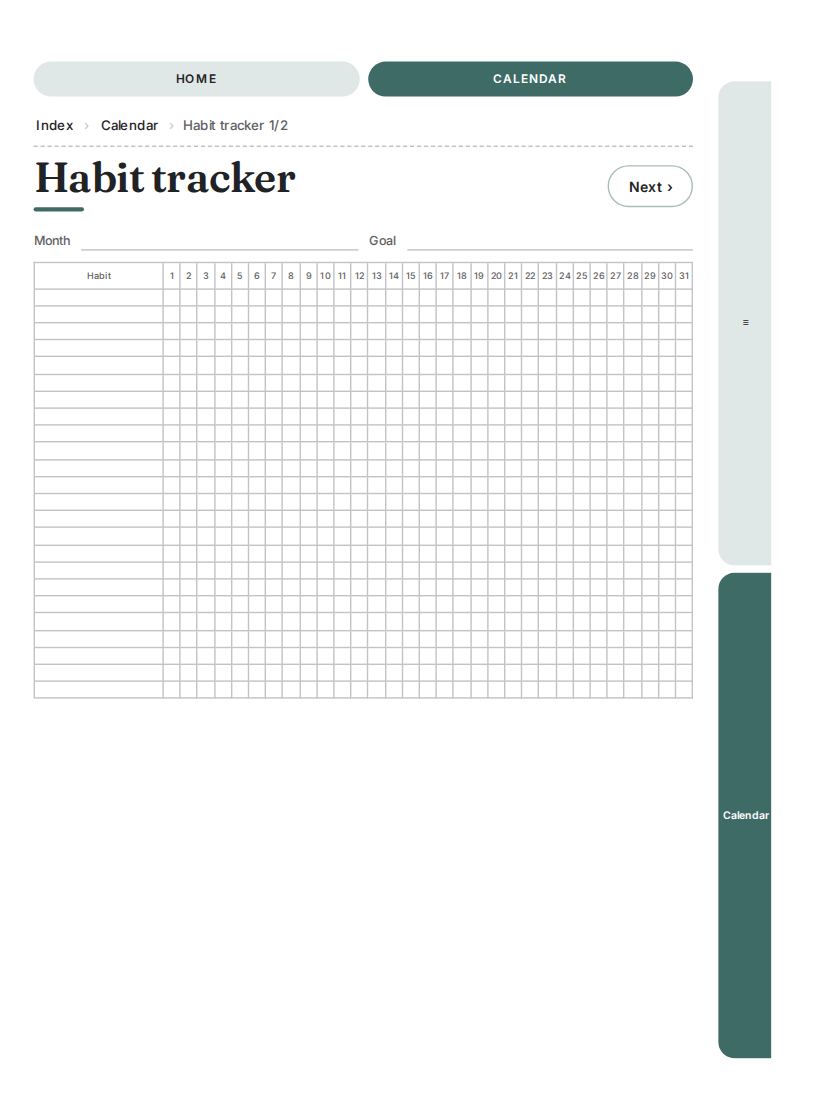
Habit Tracker
A habit tracker is a grid or list where you mark each day you complete a habit you want to build or keep. It helps you see your streaks and gaps at a glance so you can adjust before a habit slips.
Best for: People building a morning or evening routine
Tip: Tick or fill each box with a quick pen stroke right after you do the habit so you don't have to remember later.
Get it free →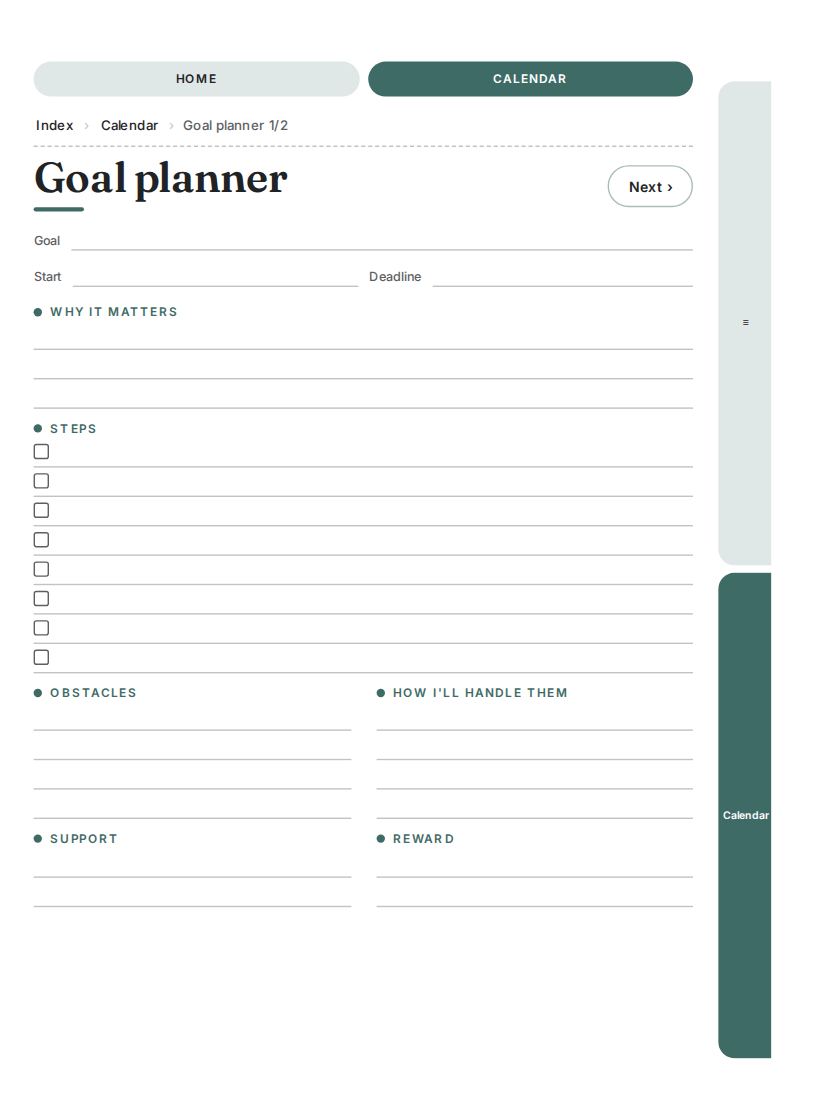
Goal Planner
A goal planner page gives you one place to write down what you want to achieve, why it matters, and the steps to get there. It helps you turn a vague wish into a plan you can check on week by week.
Best for: Students planning exam or project targets
Tip: Write your goal statement in a larger pen size so it stands out when you flip back to the page.
Get it free →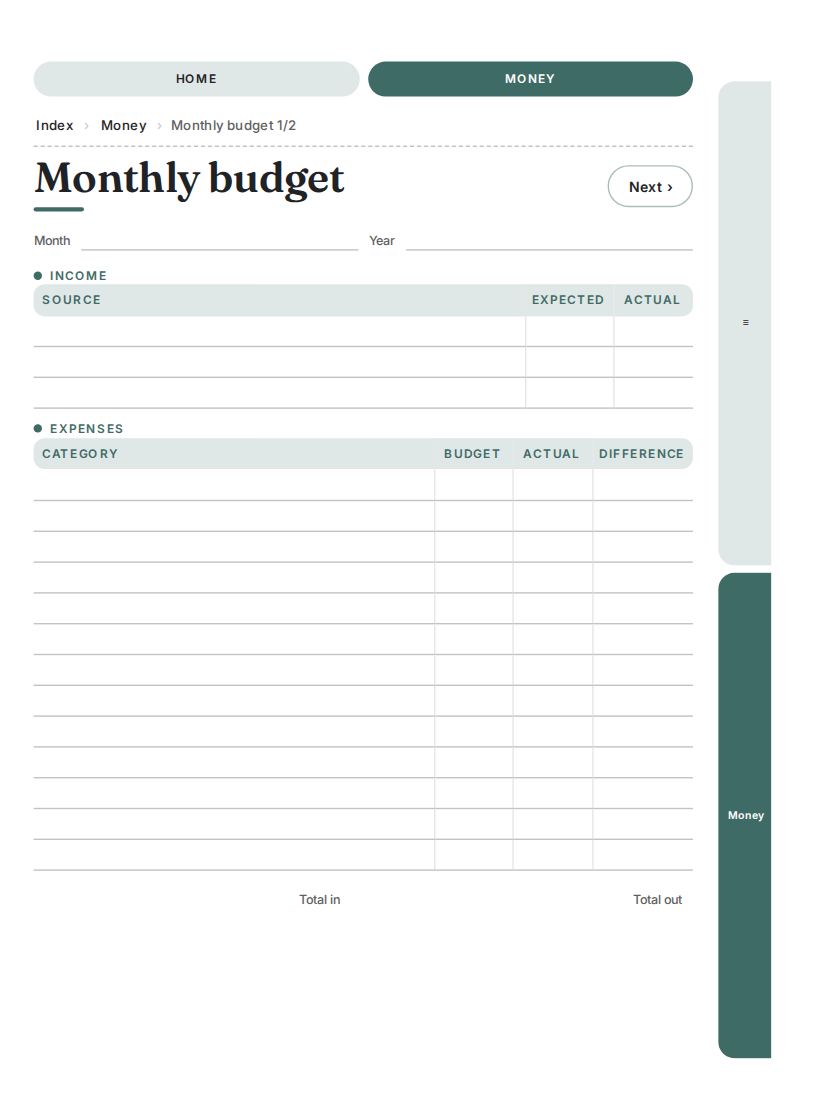
Monthly Budget
A monthly budget page is a single spread where you list your expected income, planned spending and what you actually spent for the month. It helps you see where your money goes and make small adjustments before the month runs out.
Best for: Households tracking shared bills
Tip: Write your fixed bills in pen at the start of the month so you only have to update the variable lines later.
Get it free →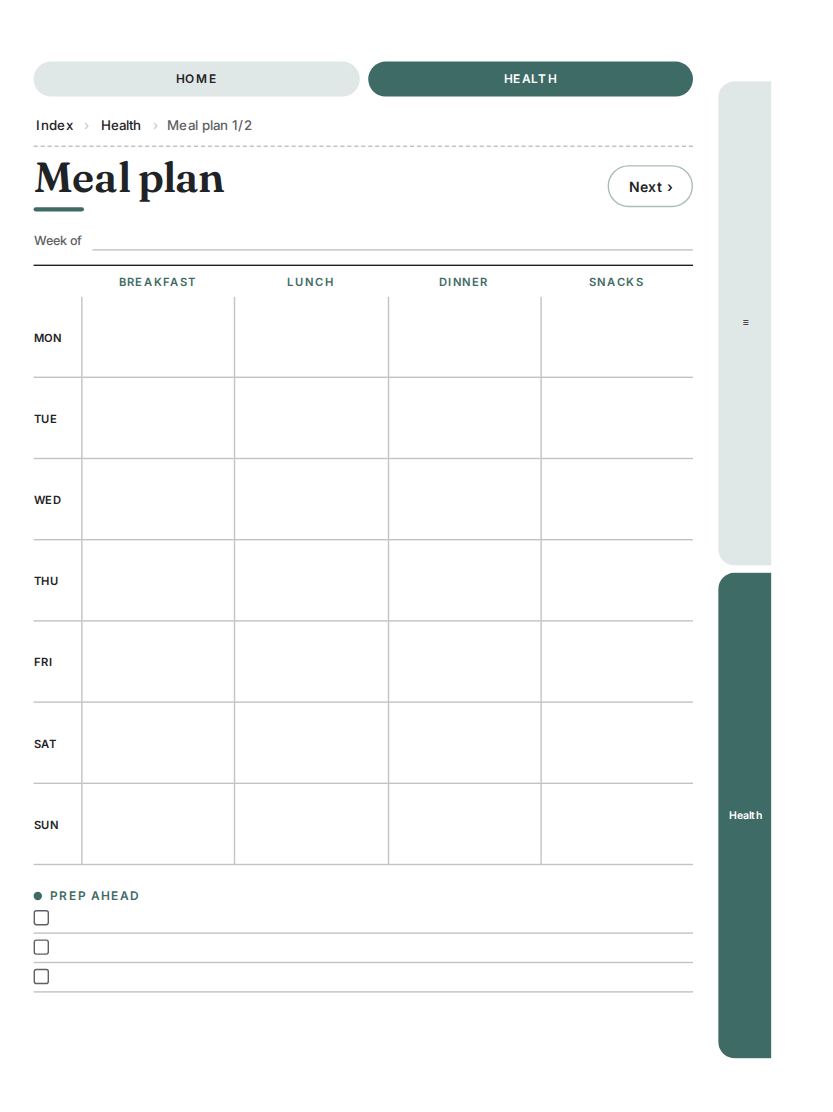
Meal Plan
A meal plan page lays out your breakfasts, lunches, dinners and snacks for the week so you know what you are cooking before you open the fridge. It helps you shop once, waste less food and stop deciding what to eat at 6pm.
Best for: Busy parents planning family dinners
Tip: Write meals in pen first, then use a highlighter or color to mark which ones share ingredients.
Get it free →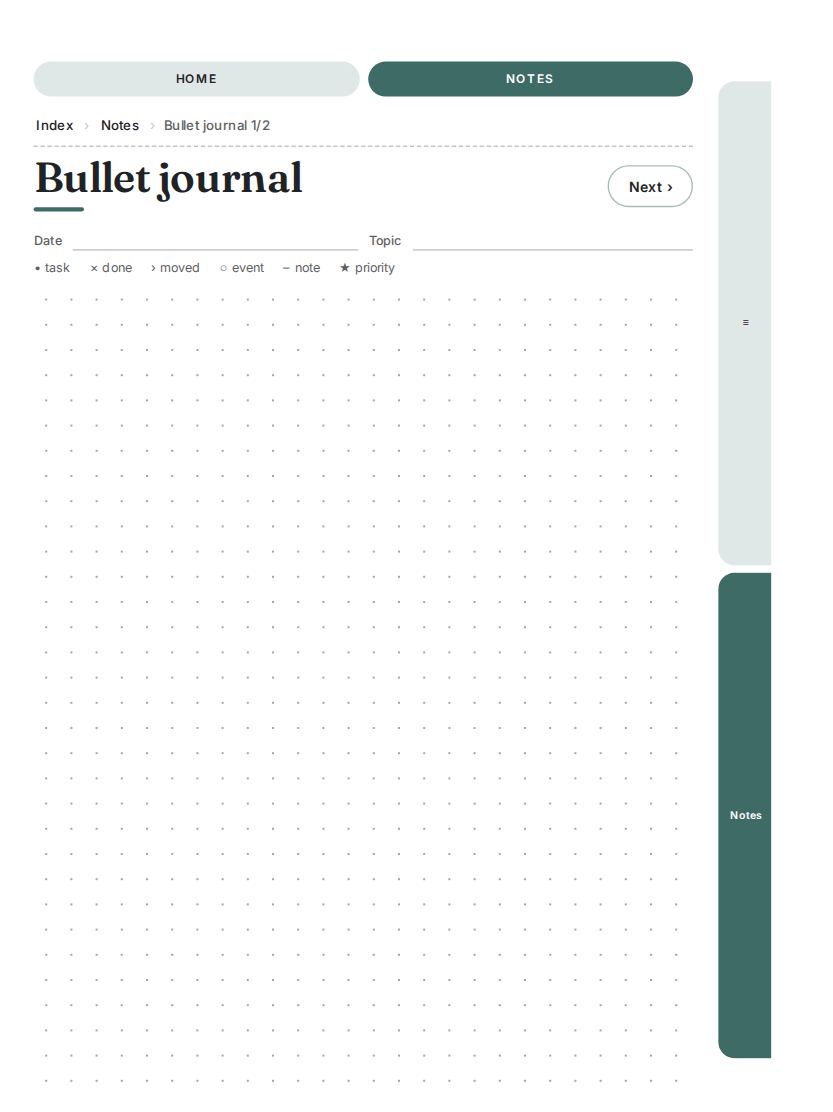
Bullet Journal
A bullet journal page is a flexible, dotted or lined layout where you log tasks, events and notes in short bullet-style entries. It helps you keep daily planning, tracking and quick thoughts in one place without needing a fixed structure.
Best for: Students juggling classes and deadlines
Tip: Use a dot grid page style so your handwriting and sketches line up neatly on the screen.
Get it free →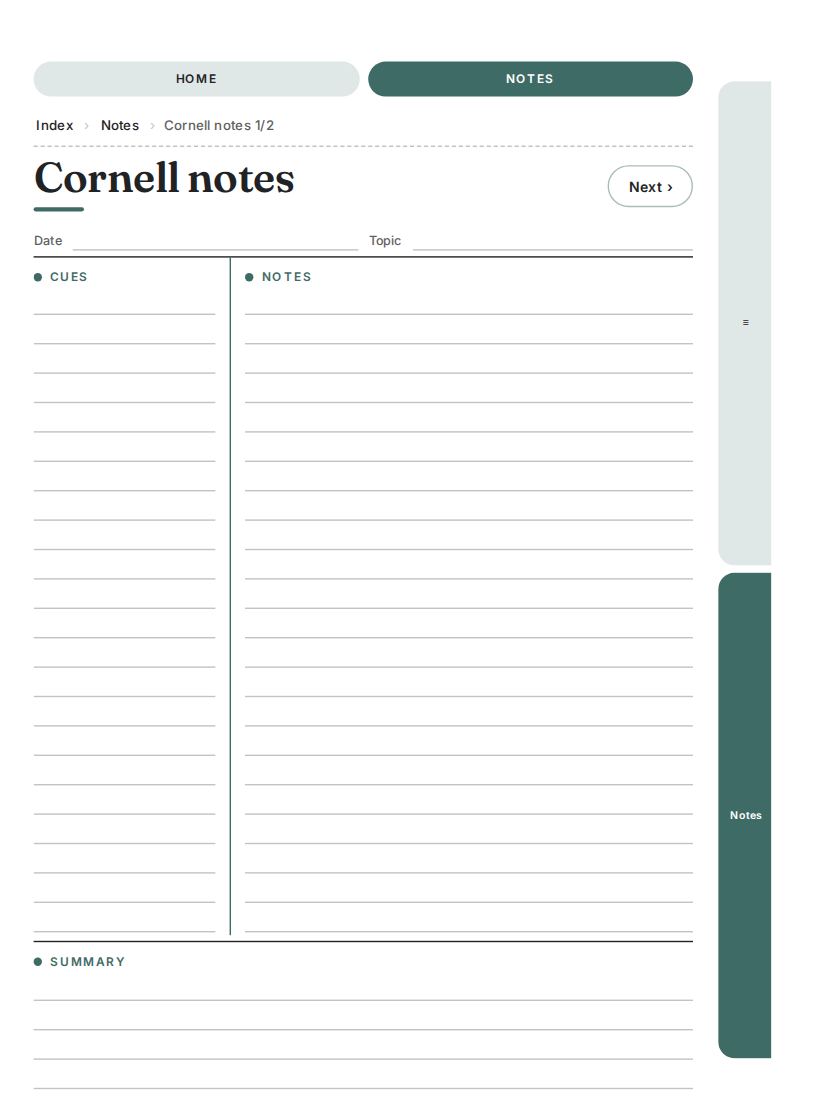
Cornell Notes
A Cornell notes page splits the sheet into a narrow cue column, a wide notes area and a summary strip along the bottom. It helps you capture a lecture or reading in one pass, then review it quickly afterwards.
Best for: University and college students
Tip: Write your main notes in the wide column during the lecture, and leave the cue column empty until you finish.
Get it free →
Other lists
Want them all in one planner?
Pick the pages you like, add your own sections and holidays, and get one linked planner. Free preview.
Build my planner →Questions
Are these digital planner templates really free?
Yes. Every page on this list is a free PDF with no email or signup. You can also change the style and font before you download.
How did you pick them?
These are the page types people use most in their planners, chosen to cover the basics without overlap. They are our own templates: every one is drawn by Tidy Stack for the exact screen size, so nothing is cut off or tiny.
Can I put several of them in one planner?
Yes. In Tidy Stack Planners you can combine any of these pages into one planner with an index and tabs, every page linked, and download a free preview.