Free blank template
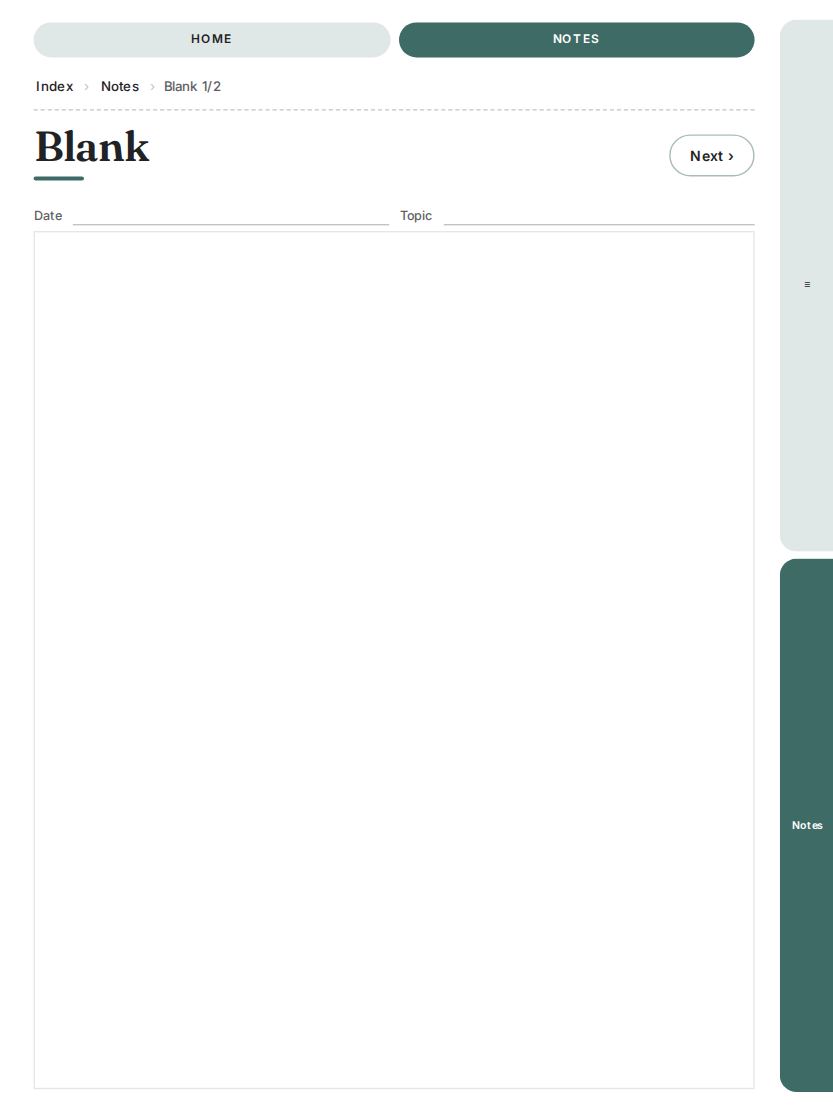
A blank page is an empty sheet with no lines, grids or boxes, so you can write, sketch or lay things out any way you like. It helps when a ruled or structured page would get in your way, such as for brainstorming, quick diagrams or loose thinking. Pick your tablet: each version is drawn for that exact screen.
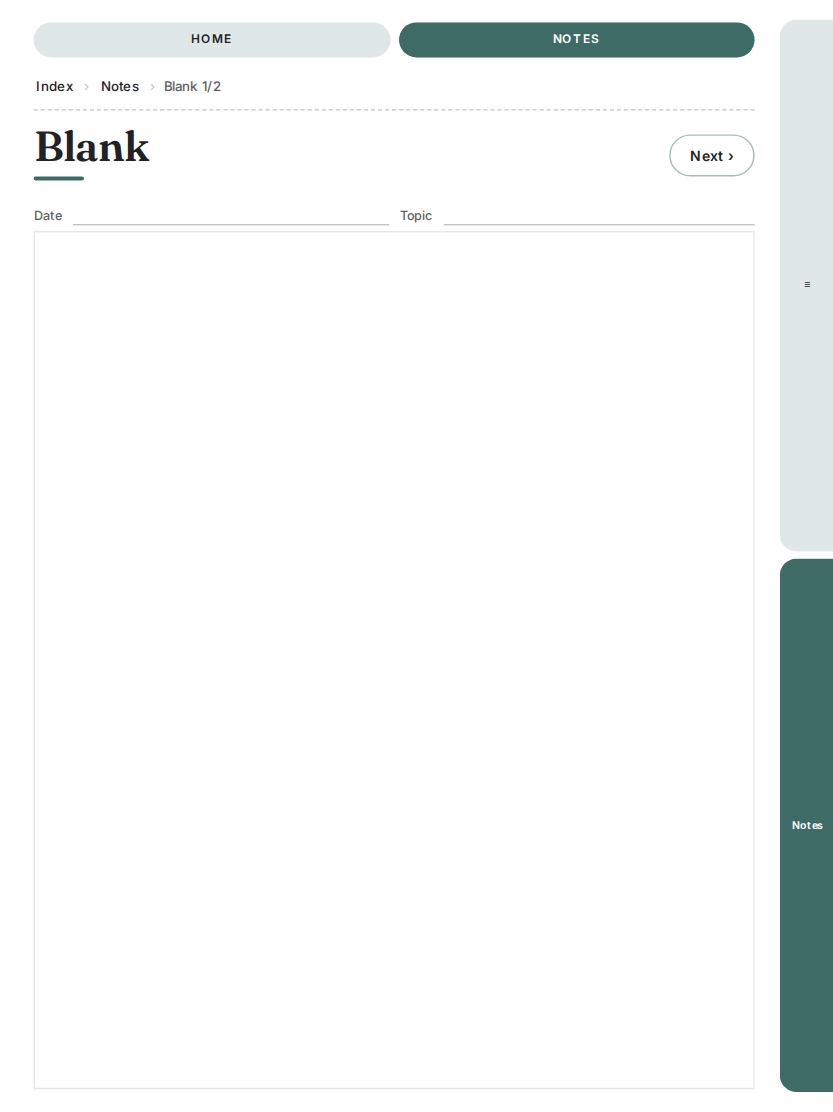 Boox
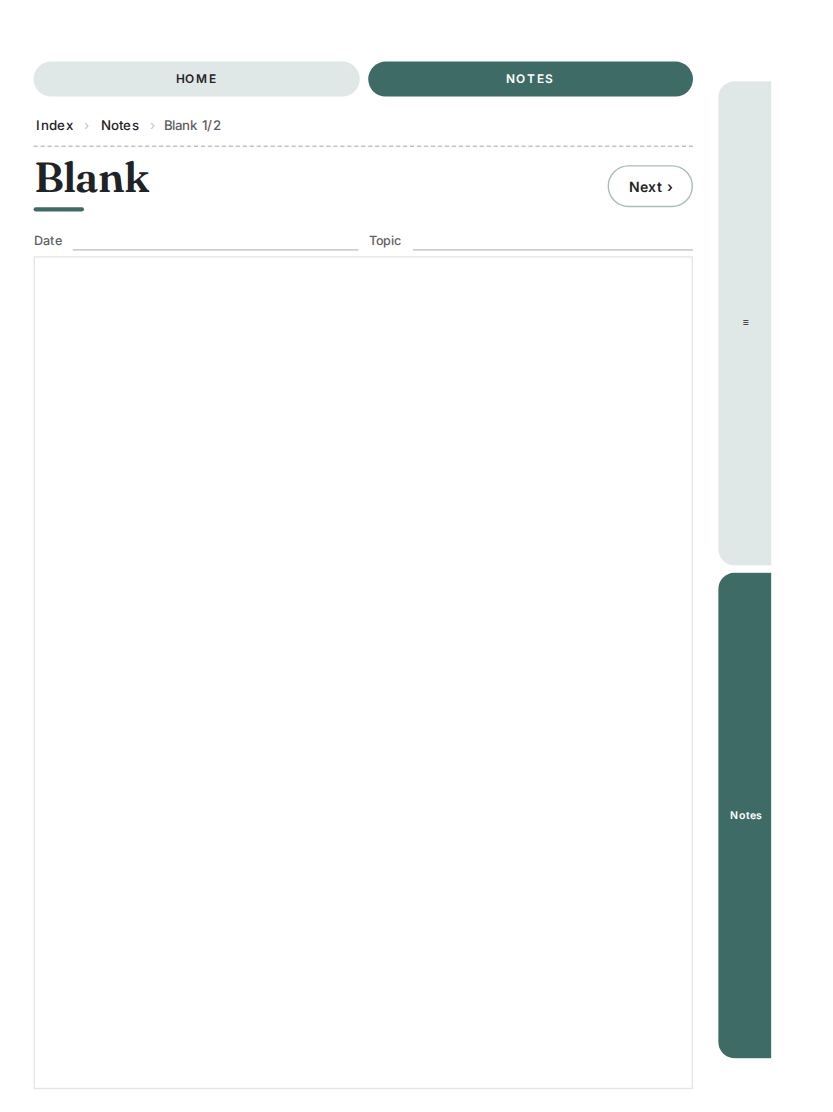 Kindle Scribe
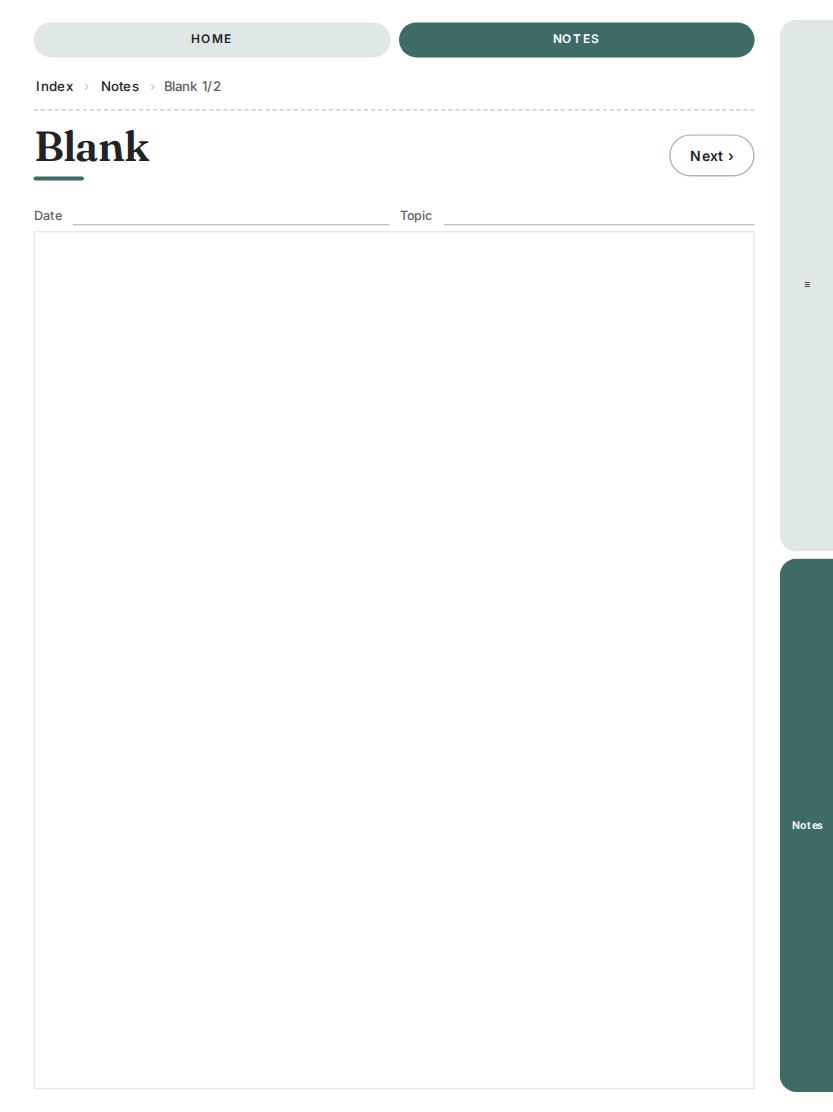 reMarkable 2
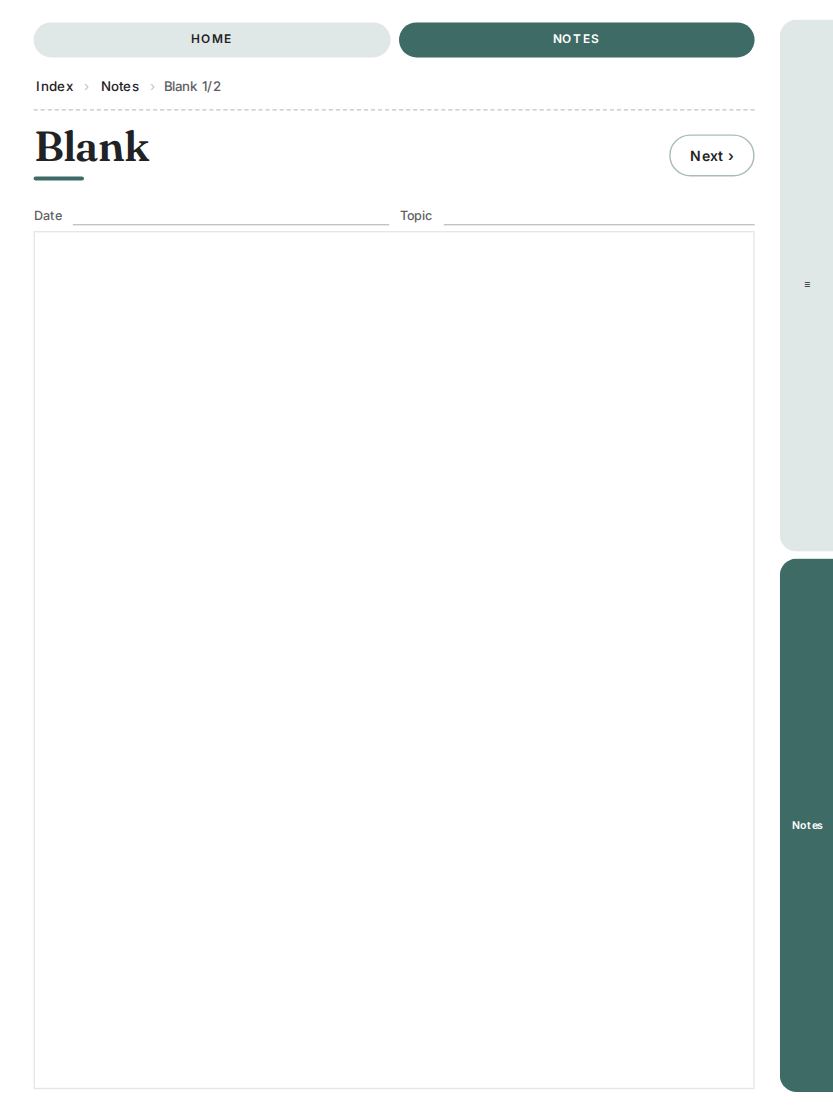 reMarkable Paper Pro
 Supernote
What's on the page
- Open writing area
- Page title or date line (optional)
- Margin space for side notes
- Link back to the index or notes list
- Navigation tabs to other pages
Questions
What is a blank page template used for?
A blank page template gives you an empty canvas for anything that does not fit a set structure. People use it for brainstorming, drawing, quick lists, meeting scribbles and working through problems.
Should I use a blank page or a dotted page for notes?
Choose blank if you mostly draw, sketch or write in a free-form way and do not want any marks behind your ink. Choose dotted or lined if you want gentle guidance for alignment, tidy lists or neat diagrams.
Can I add more blank pages to a digital planner?
In a hyperlinked PDF planner, the number of blank pages is set when the file is made, so it helps to include a generous set of them. Some tablet note apps also let you insert extra pages into a PDF, which is handy if you run out.