Blank template for Supernote
A blank page is an empty sheet with no lines, grids or boxes, so you can write, sketch or lay things out any way you like. It helps when a ruled or structured page would get in your way, such as for brainstorming, quick diagrams or loose thinking. Drawn for the Supernote screen, with linked tabs where your fingers reach.
- No email or signup
- Made for Supernote
- Links work on the device
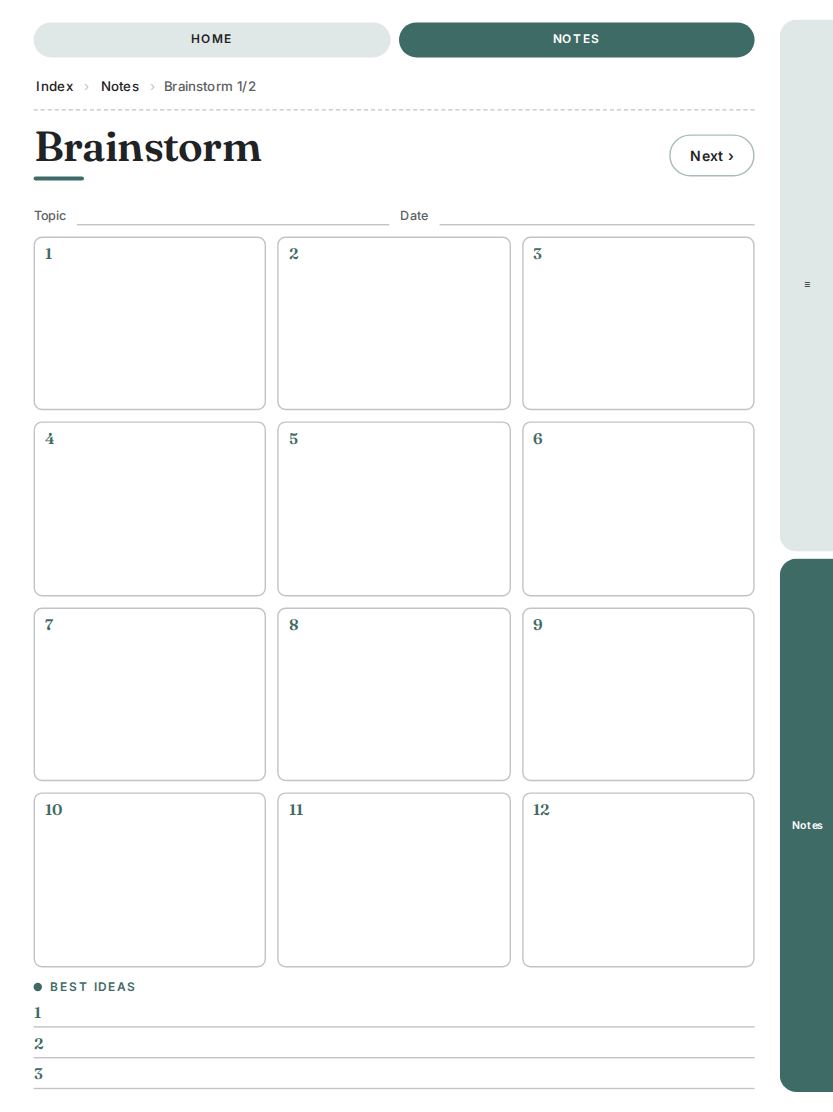
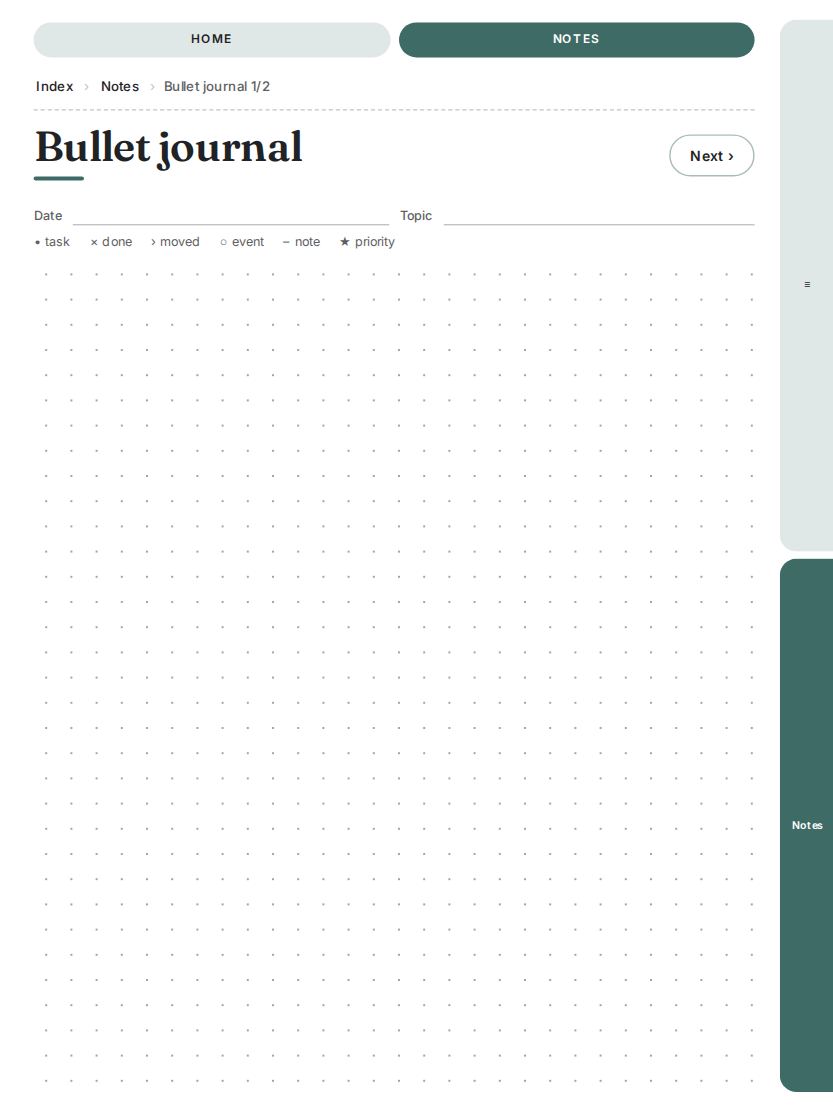
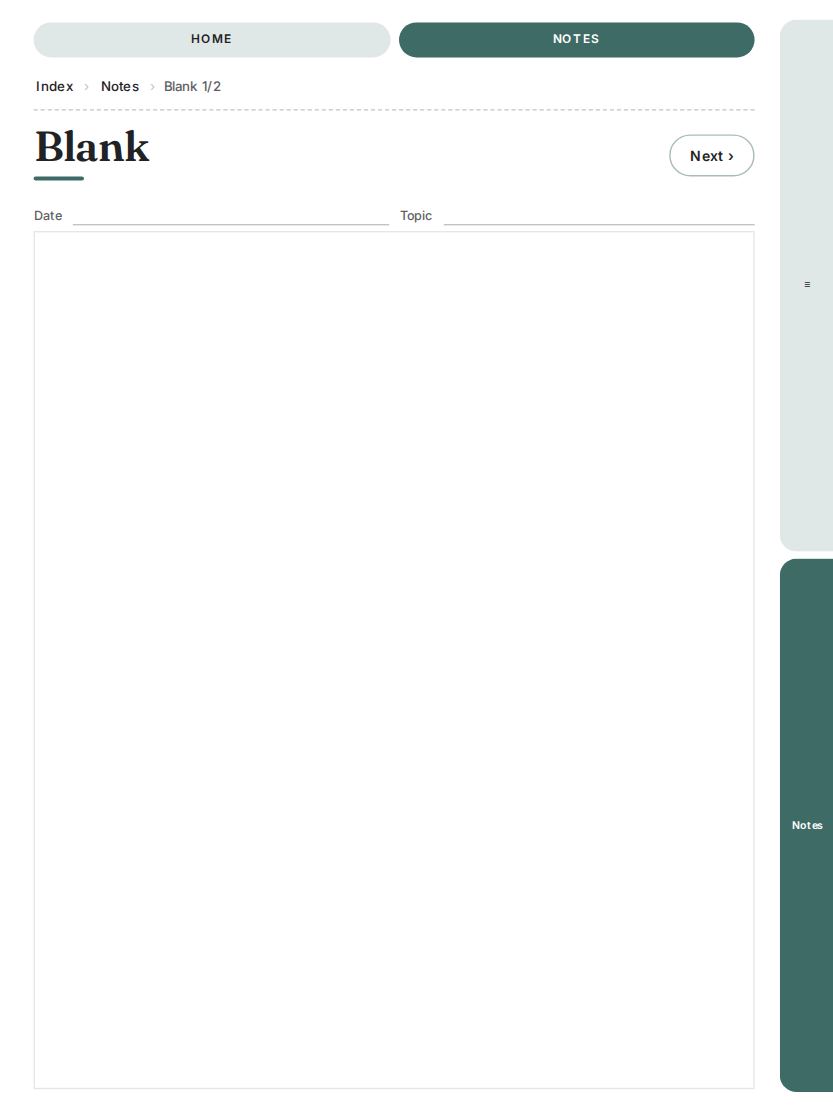
Make it yours
Pick a style, a font. The preview updates live, then download your version. Free, no email.
Style
Font
Language
Want it inside a full planner?Your style, plus calendar, daily and weekly pages, every page linked. Free preview.→What's on the page
Who it's for
Put it on your Supernote
- Copy the PDF to your Supernote with Supernote Partner, Supernote Cloud, Browse & Access (Wi-Fi) or a USB cable.
- Put it in the Document folder and open it from there.
- Write with your pen and tap any tab, date or button to jump.
Tips
More notes & paper templates for Supernote
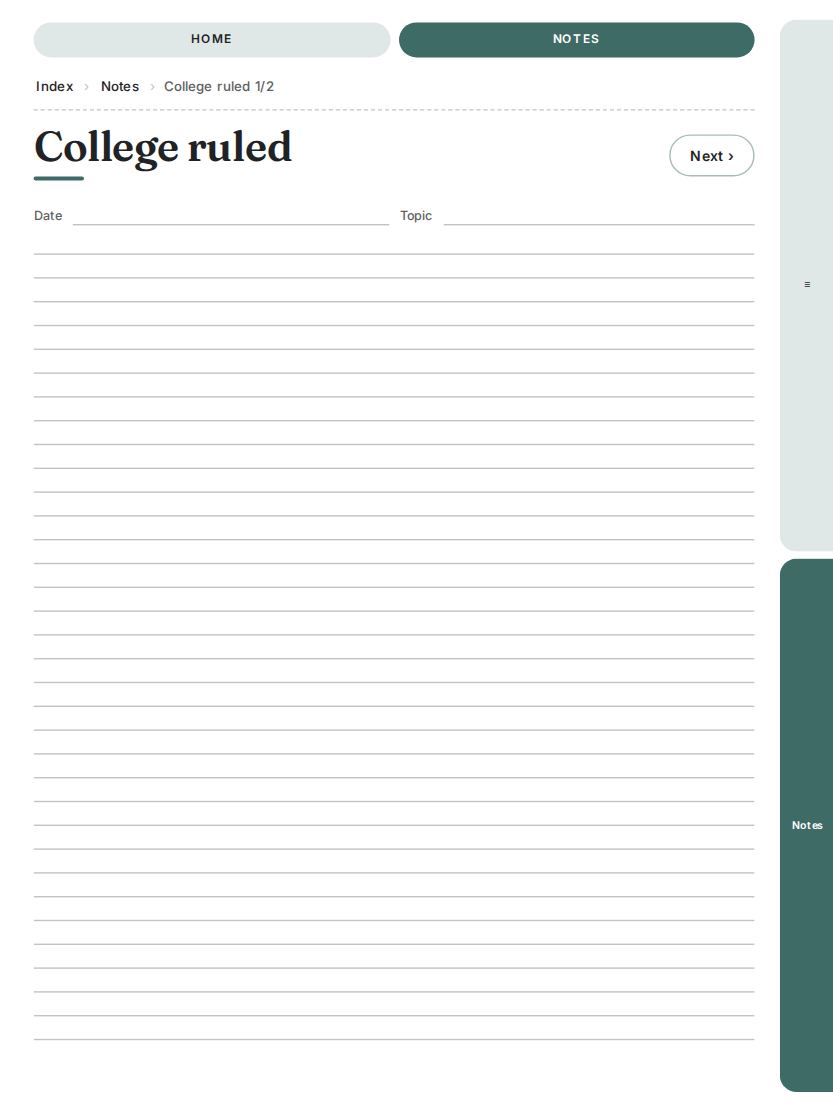 College Ruled
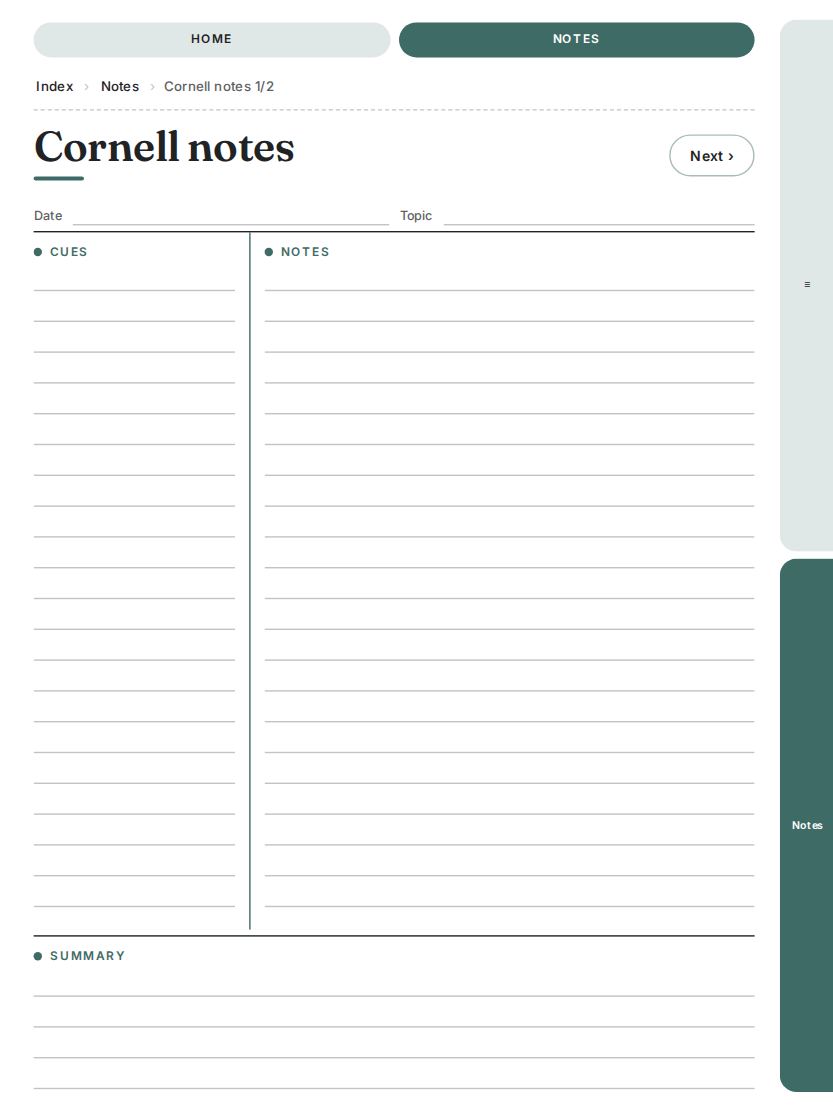 Cornell Notes
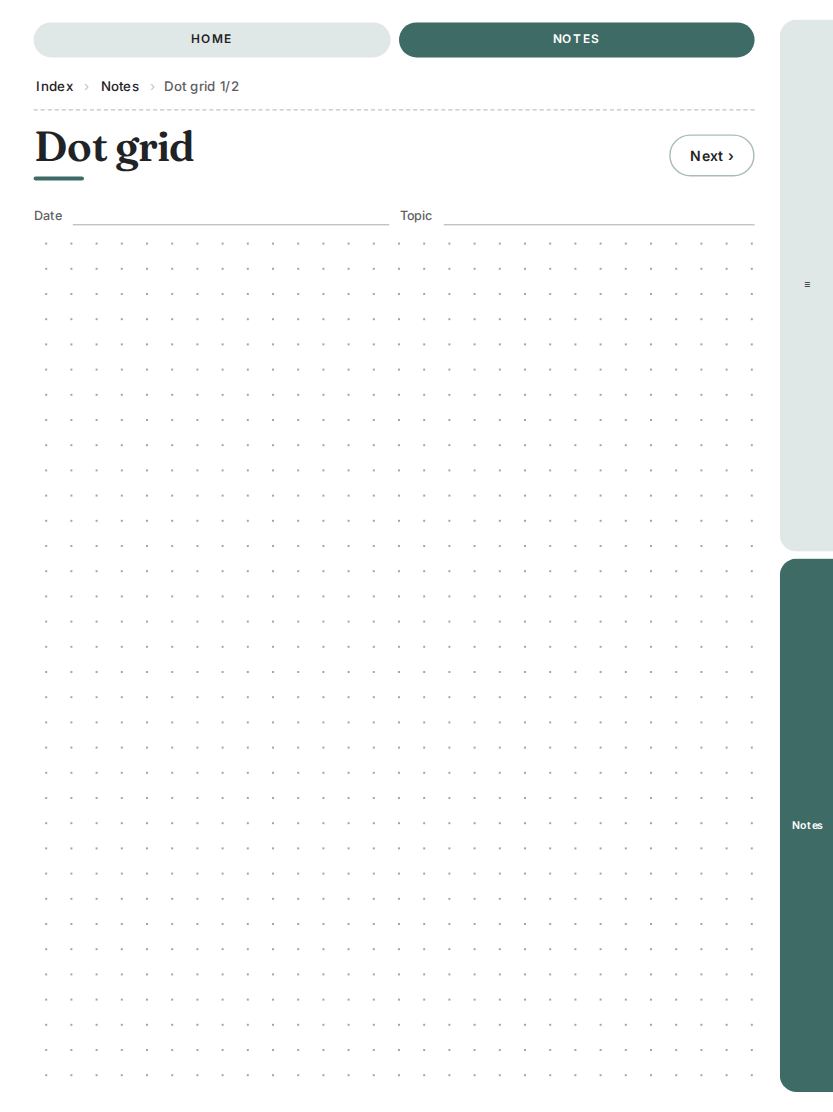 Dot Grid
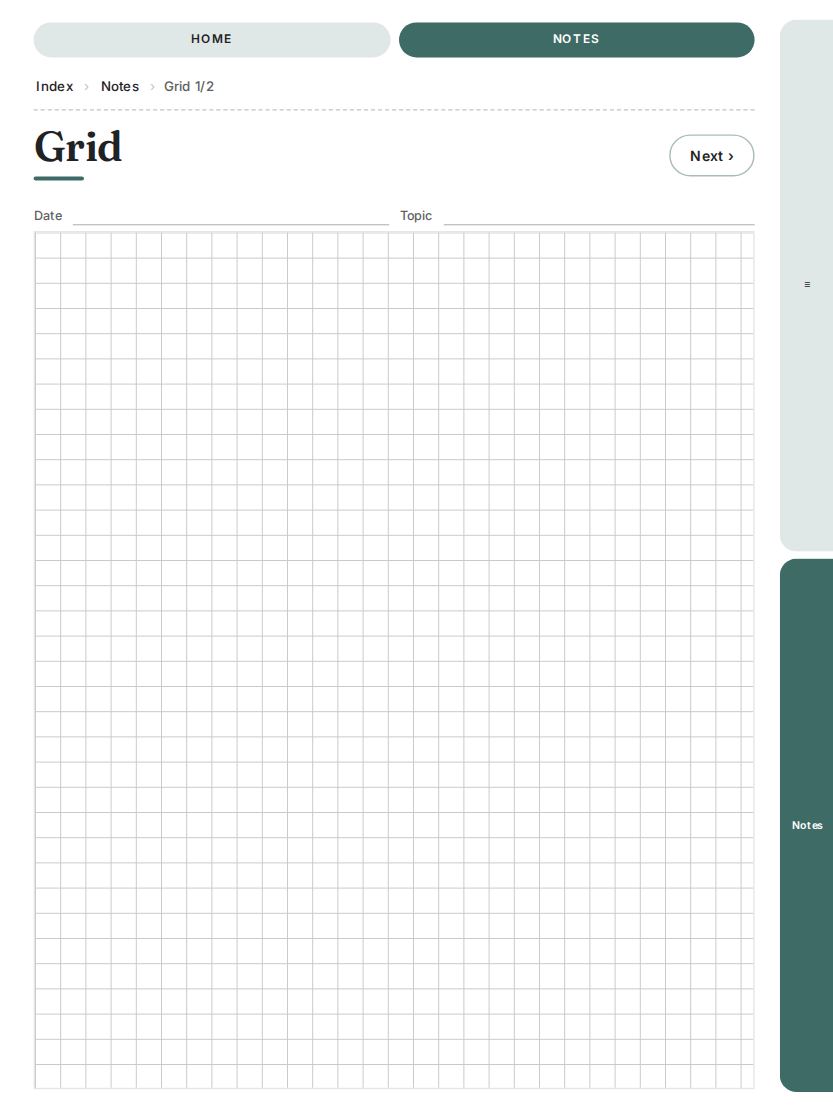 Grid
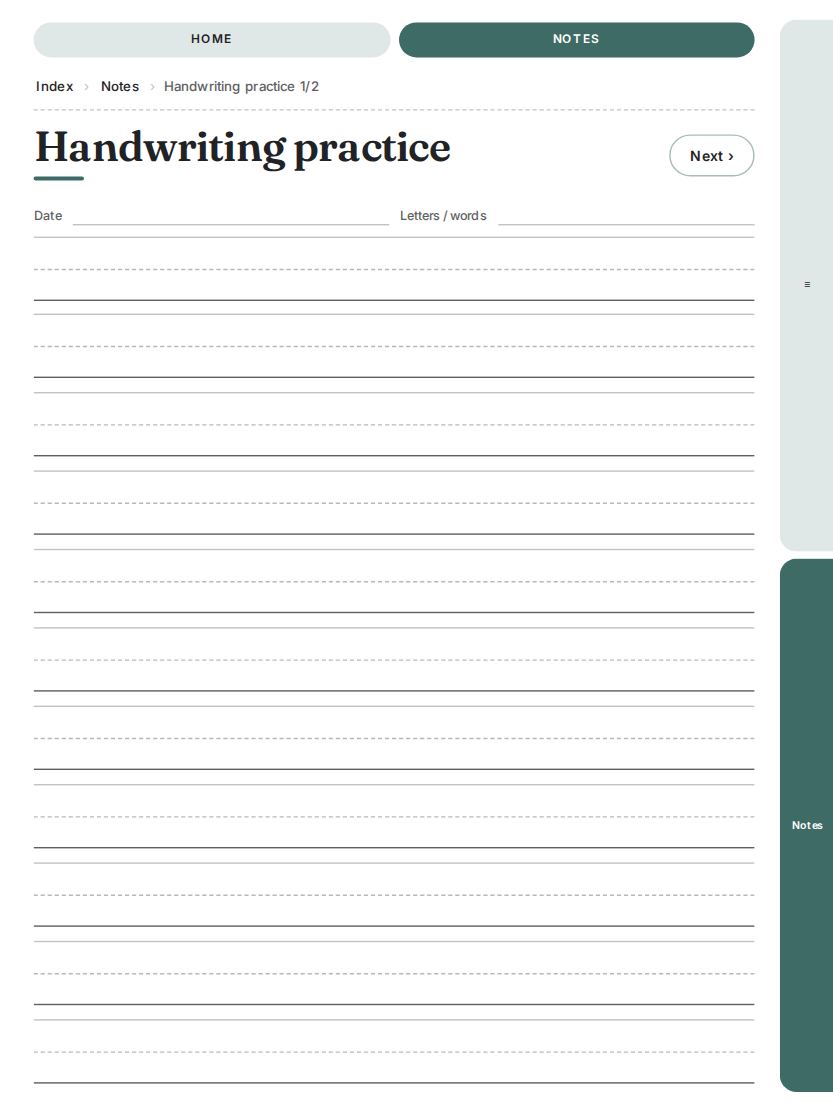 Handwriting Practice
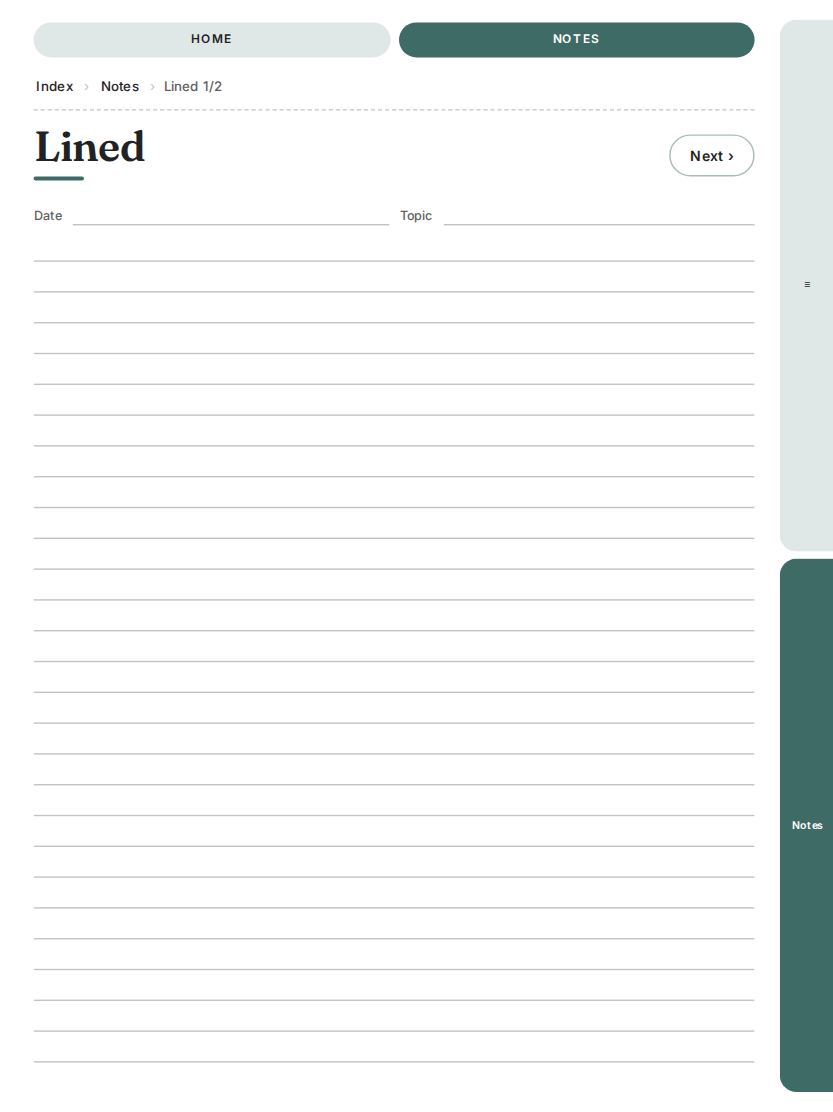 Lined
The same template for other tablets
Want a whole planner like this?
Answer a 1-minute quiz and get every page you need, linked and drawn for your Supernote. Free preview.
Take the quiz →Questions
What is a blank page template used for?
A blank page template gives you an empty canvas for anything that does not fit a set structure. People use it for brainstorming, drawing, quick lists, meeting scribbles and working through problems.
Should I use a blank page or a dotted page for notes?
Choose blank if you mostly draw, sketch or write in a free-form way and do not want any marks behind your ink. Choose dotted or lined if you want gentle guidance for alignment, tidy lists or neat diagrams.
Can I add more blank pages to a digital planner?
In a hyperlinked PDF planner, the number of blank pages is set when the file is made, so it helps to include a generous set of them. Some tablet note apps also let you insert extra pages into a PDF, which is handy if you run out.
Will the links work on my Supernote?
Yes. The PDF is drawn for the Supernote screen and every tab and page link is a direct PDF link, which Supernote follows when you tap it. Open it as a PDF (not a converted document) so the links keep working.
Is this blank template really free?
Yes. Download the PDF and use it as much as you like, no email needed. If you want more pages, your own sections or a full planner around it, you can build one in Tidy Stack Planners and preview it for free.