Free cornell notes template
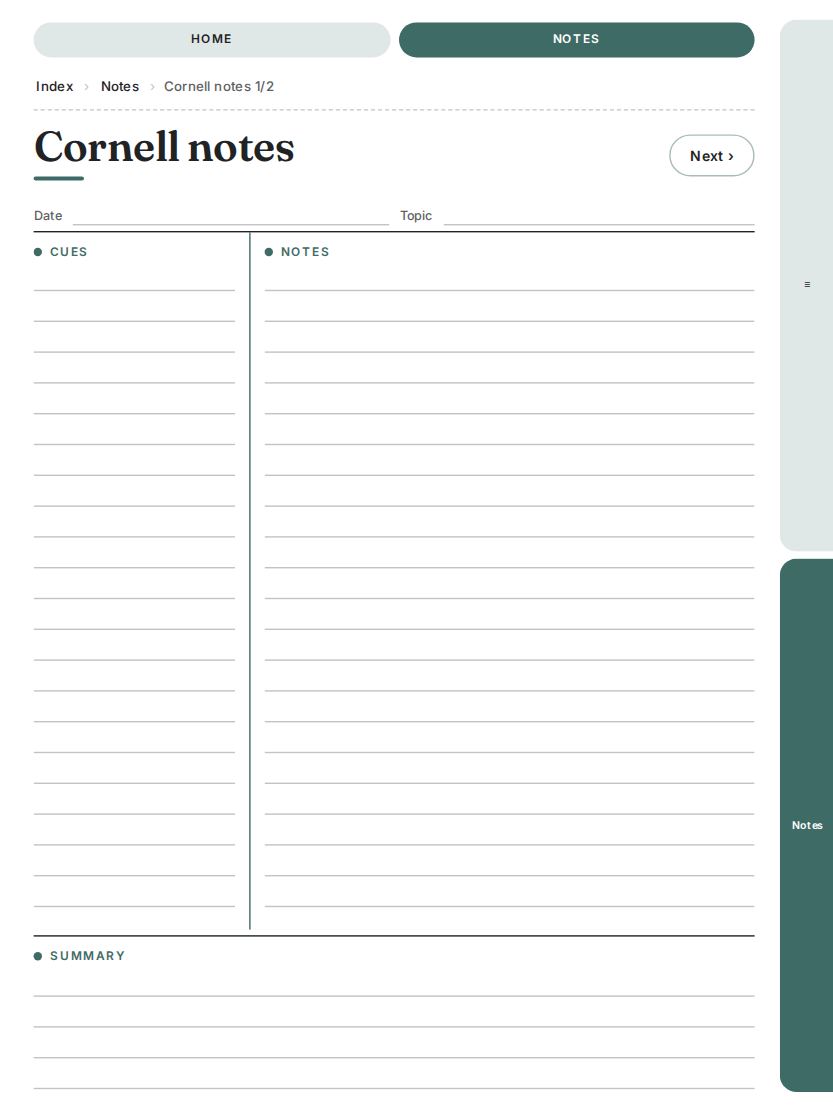
A Cornell notes page splits the sheet into a narrow cue column, a wide notes area and a summary strip along the bottom. It helps you capture a lecture or reading in one pass, then review it quickly afterwards. Pick your tablet: each version is drawn for that exact screen.
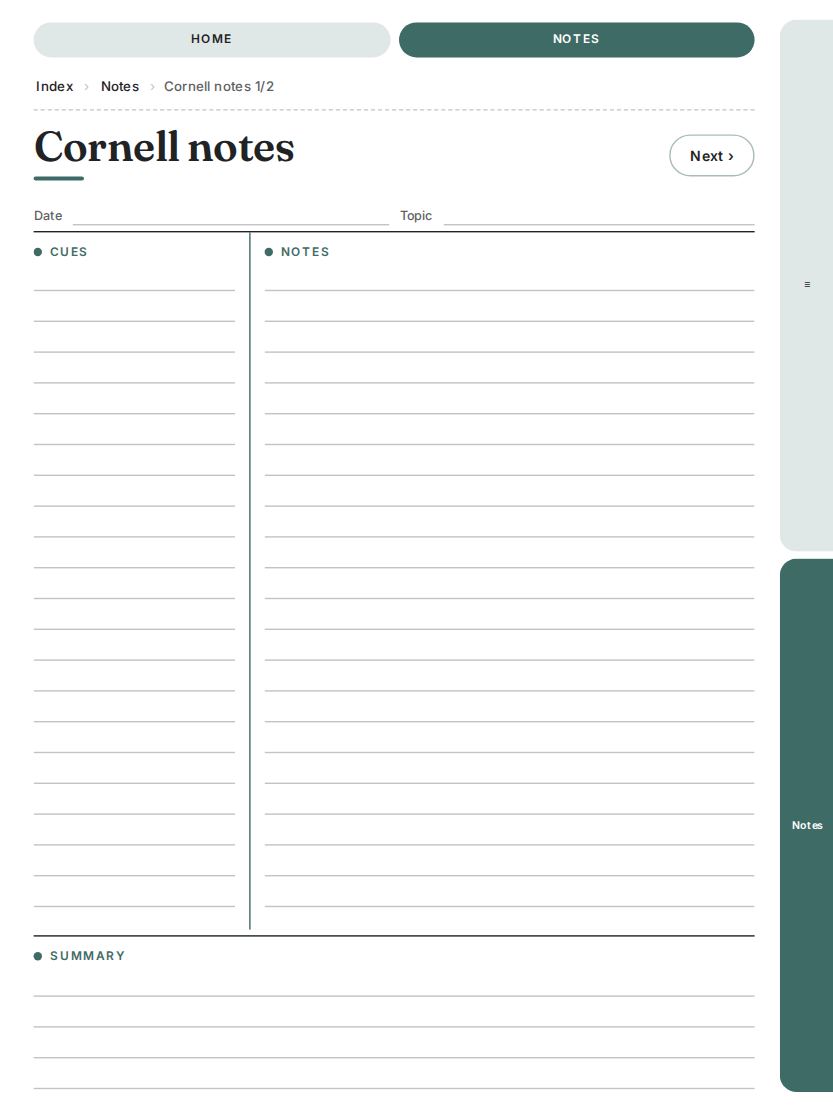 Boox
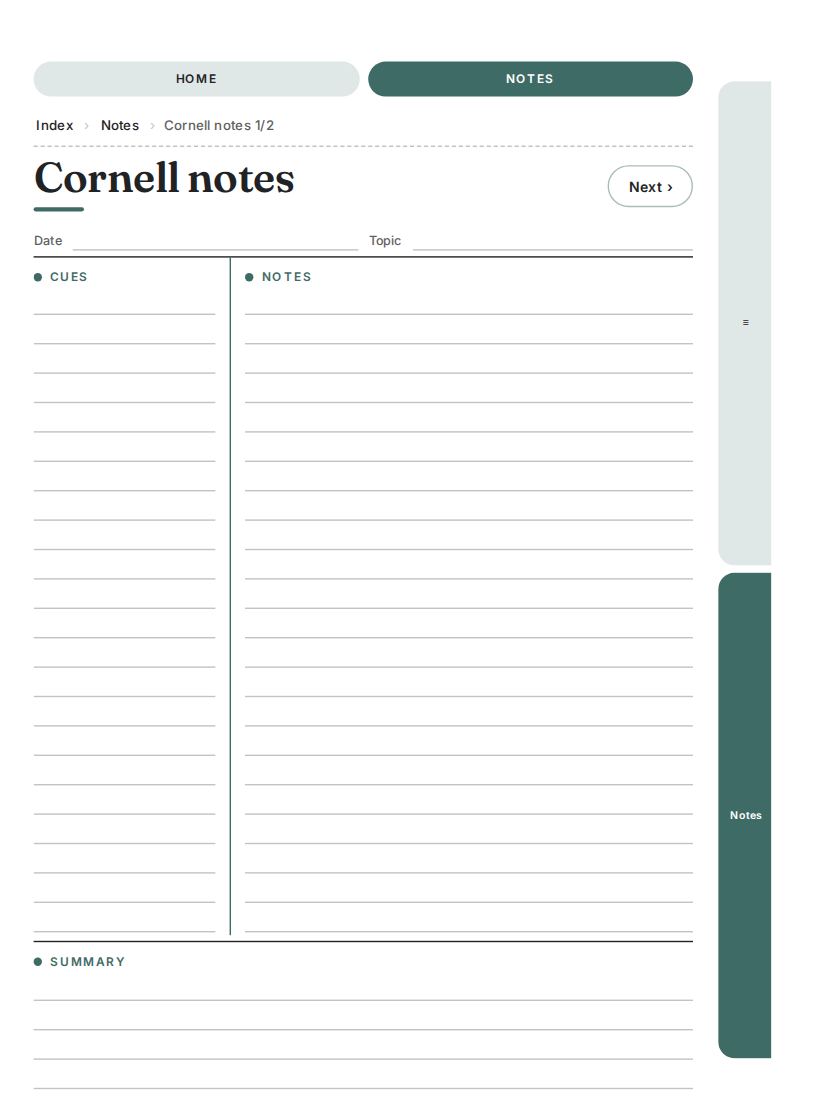 Kindle Scribe
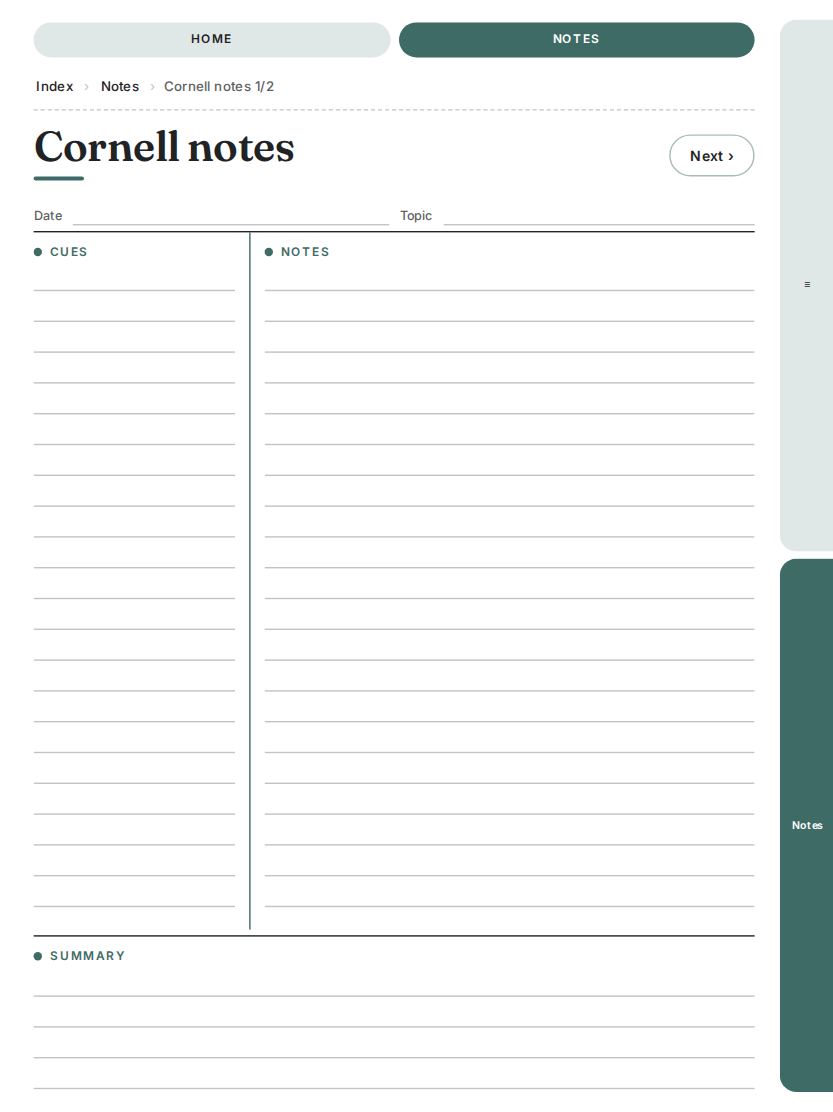 reMarkable 2
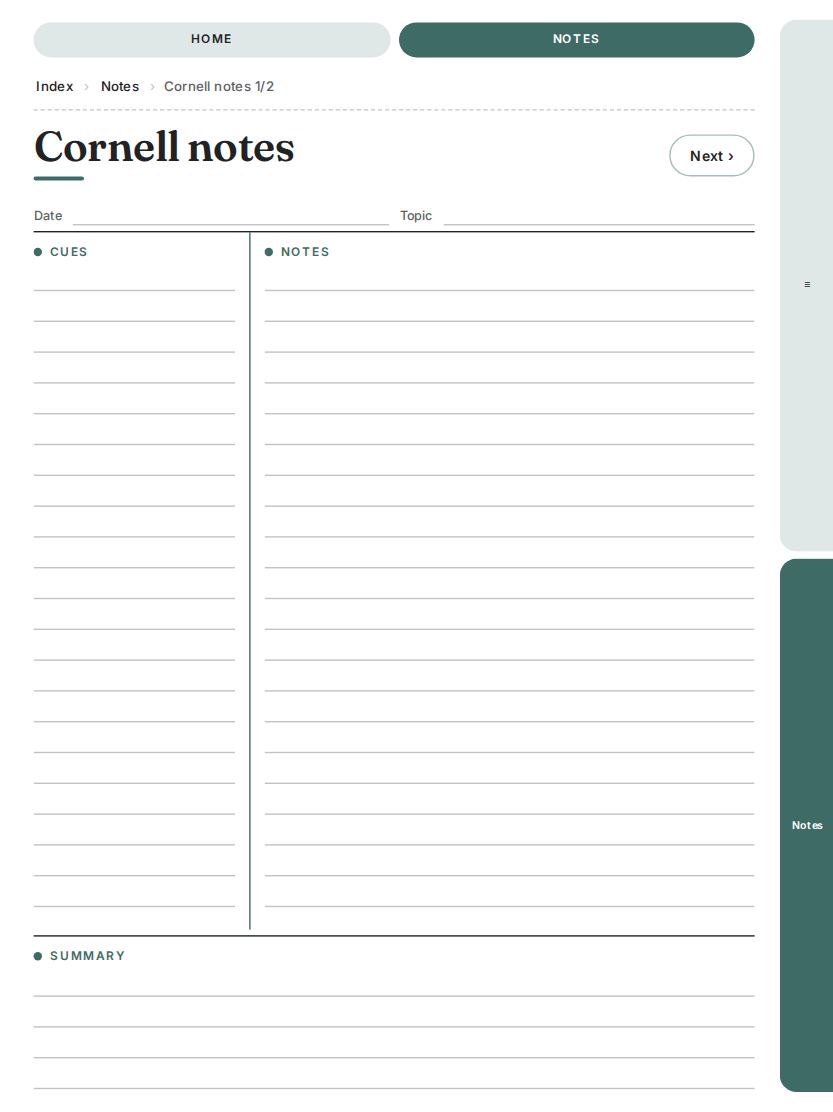 reMarkable Paper Pro
 Supernote
What's on the page
- Title and date header
- Cue column
- Main notes area
- Summary box
- Topic or class label
- Page number
Questions
How do you use a Cornell notes template?
Take notes in the large right-hand column while you listen or read. Afterwards, write short questions or keywords in the left cue column, then sum up the whole page in a few sentences at the bottom. When you review, cover the notes and try to answer the cues from memory.
What goes in the cue column on Cornell notes?
The cue column holds short prompts that point to your notes, such as keywords, questions, names or dates. Fill it in after the lecture, not during it, so you have to think about what mattered. It works well as a quick self-test later.