Lined template for Kindle Scribe
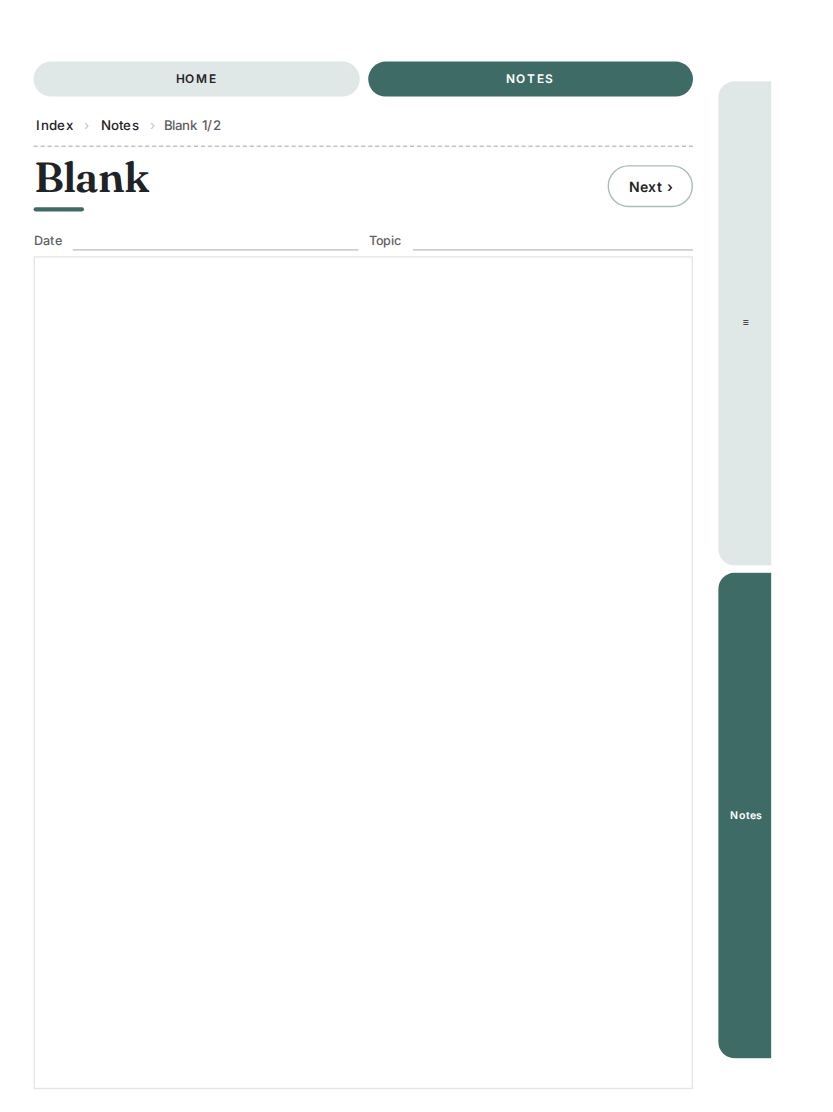
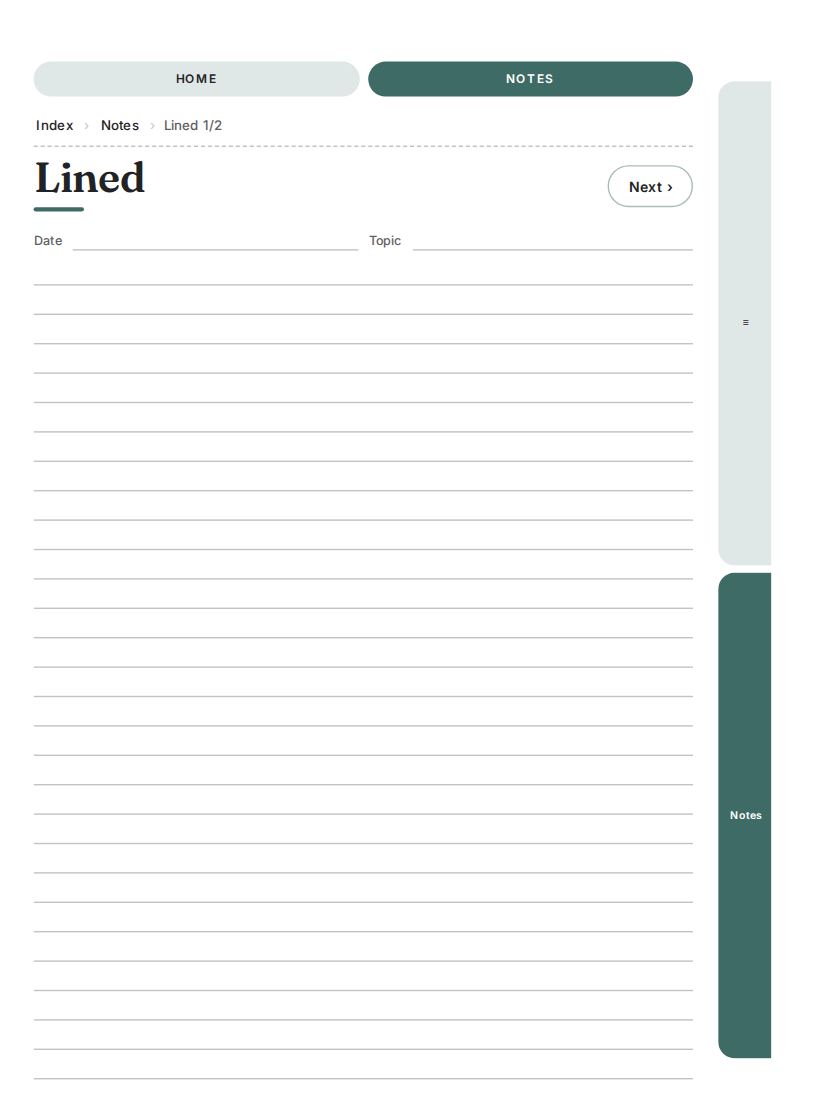
A Lined page is a sheet of evenly ruled horizontal lines for handwriting, much like a classic notebook page. It gives you a simple, familiar space for meeting notes, journaling, lists and anything else you would rather write by hand. Drawn for the Kindle Scribe screen, with linked tabs where your fingers reach.
- No email or signup
- Made for Kindle Scribe
- Links work on the device
Make it yours
Pick a style, a font. The preview updates live, then download your version. Free, no email.
Style
Font
Language
Want it inside a full planner?Your style, plus calendar, daily and weekly pages, every page linked. Free preview.→What's on the page
Who it's for
Put it on your Kindle Scribe
- Open Send to Kindle (amazon.com/sendtokindle) and sign in with the Amazon account of your Kindle Scribe. The Send to Kindle desktop app and email address work too.
- Upload a PDF. PDFs are delivered as PDFs, which is what you want: you can write on every page and the links keep working.
- Open it on your Scribe from your library (it may take a few minutes to arrive; make sure Wi-Fi is on and sync).
- Write with the pen anywhere and tap any tab, date or button with your finger to jump.
Tips
More notes & paper templates for Kindle Scribe
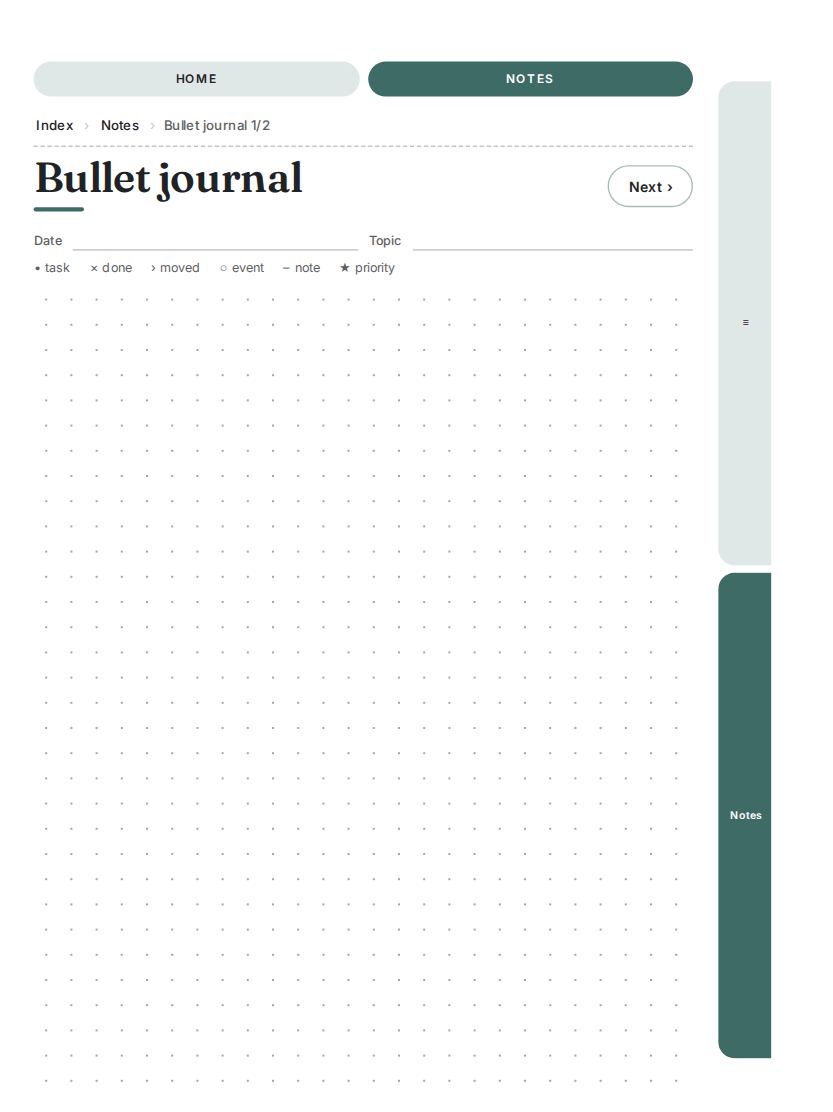 Bullet Journal
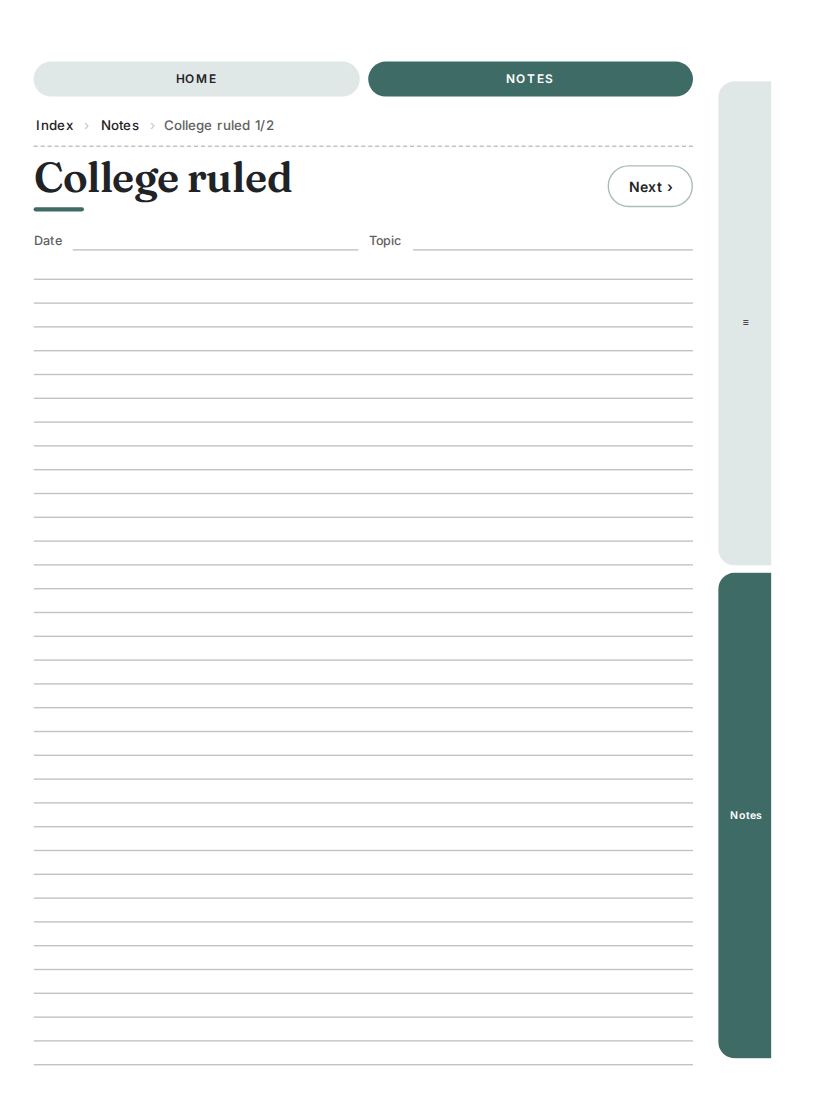 College Ruled
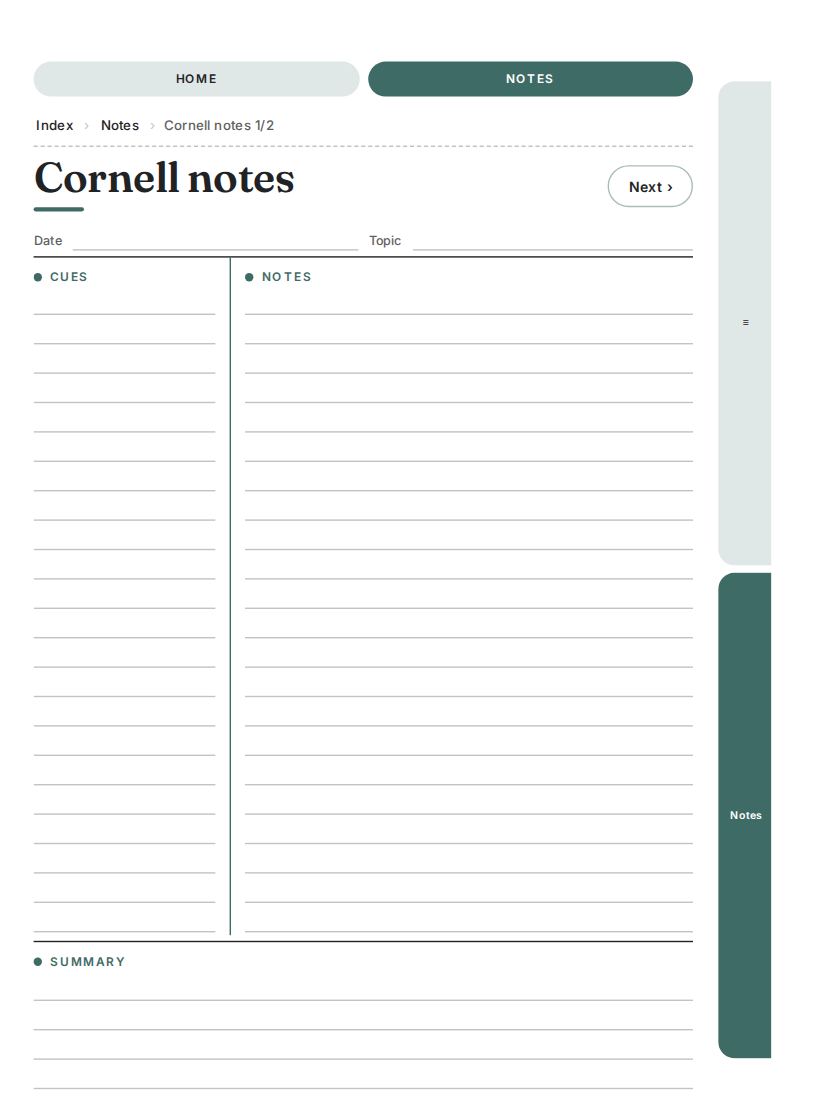 Cornell Notes
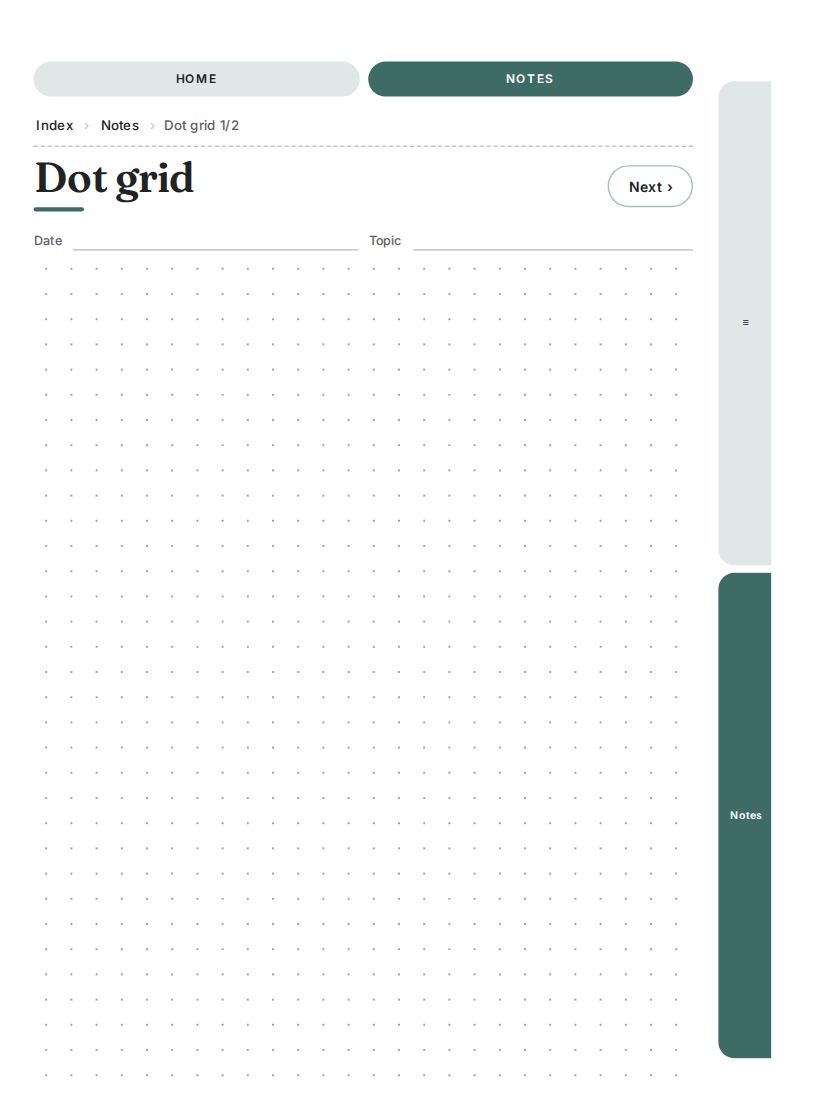 Dot Grid
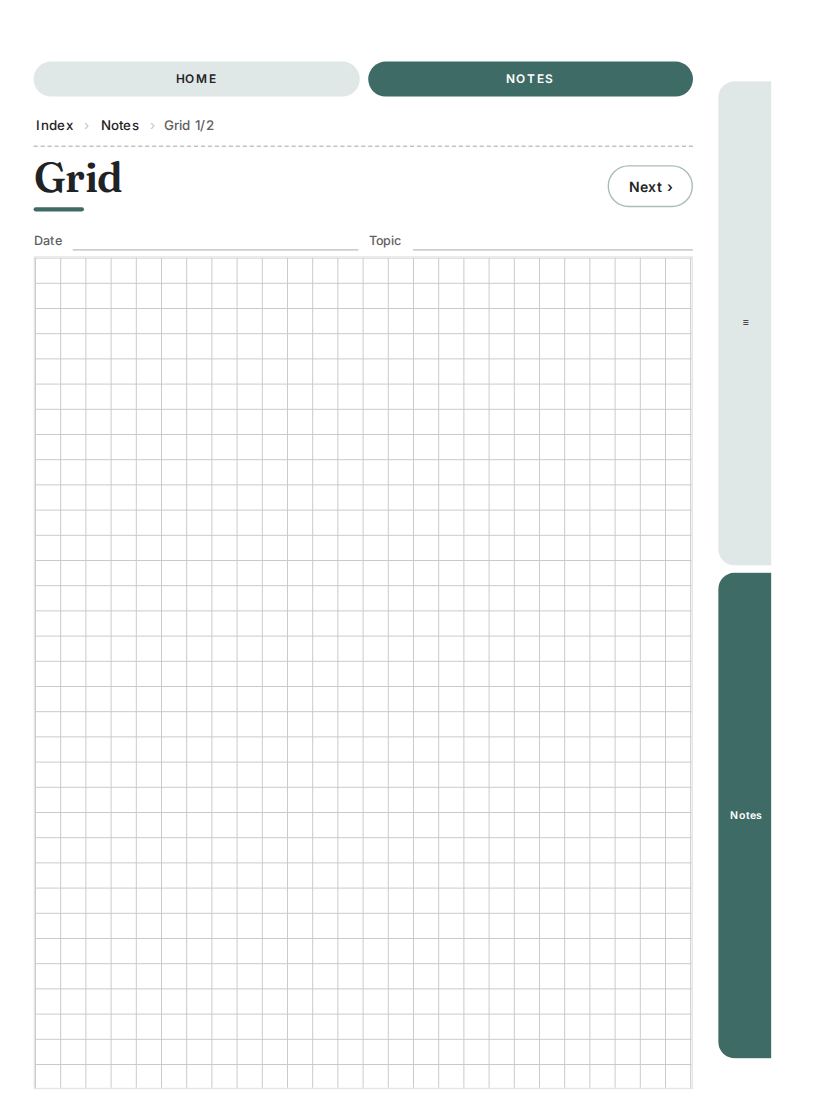 Grid
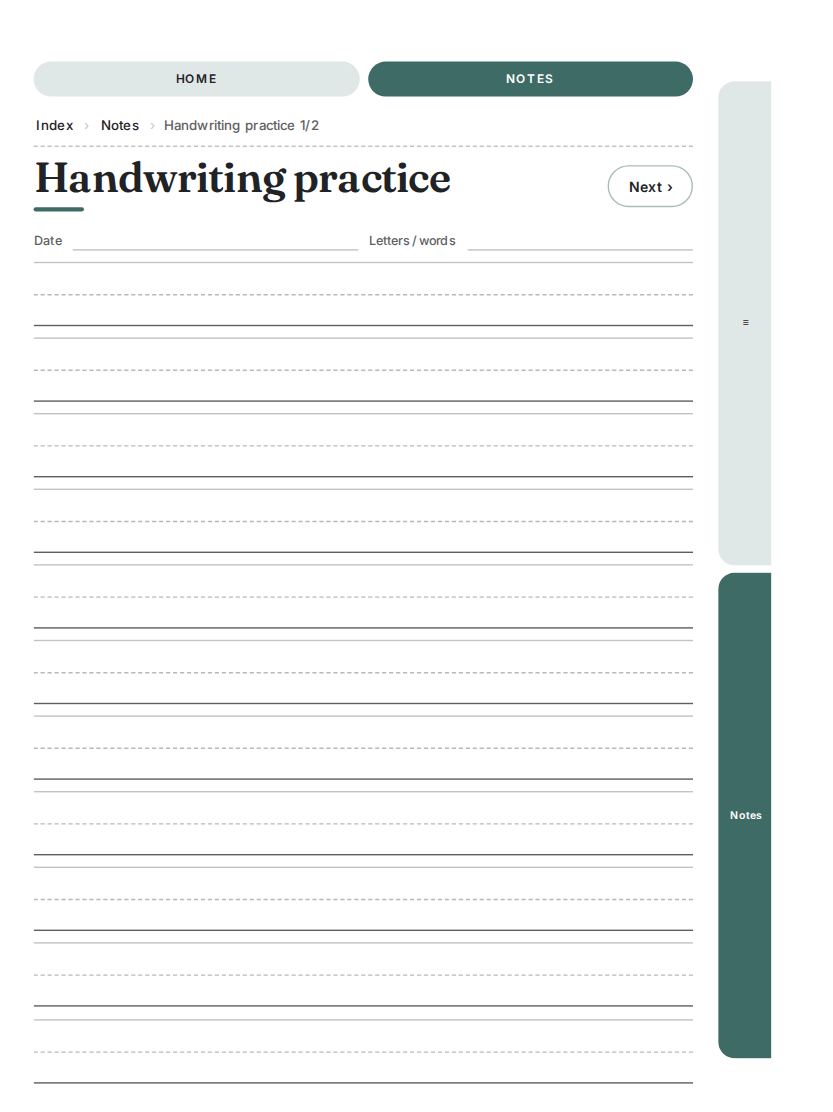 Handwriting Practice
The same template for other tablets
Want a whole planner like this?
Answer a 1-minute quiz and get every page you need, linked and drawn for your Kindle Scribe. Free preview.
Take the quiz →Questions
What line spacing is best for a lined notes template on a tablet?
It depends on how big you write. Many people find a medium spacing comfortable, since it leaves room for a pen stroke without wasting space. If you write small or like dense notes, go narrower, and if you write large or sketch between lines, go wider.
Can I use a lined page template on an e-ink tablet?
Yes. Lined pages are simple black lines on a plain background, so they display cleanly on e-ink screens and print well too. Light gray lines can help your handwriting stand out, especially on lower contrast displays.
Will the links work on my Kindle Scribe?
Yes. The PDF is drawn for the Kindle Scribe screen and every tab and page link is a direct PDF link, which Kindle Scribe follows when you tap it. Open it as a PDF (not a converted document) so the links keep working.
Is this lined template really free?
Yes. Download the PDF and use it as much as you like, no email needed. If you want more pages, your own sections or a full planner around it, you can build one in Tidy Stack Planners and preview it for free.