Free 2027 calendar for Kindle Scribe
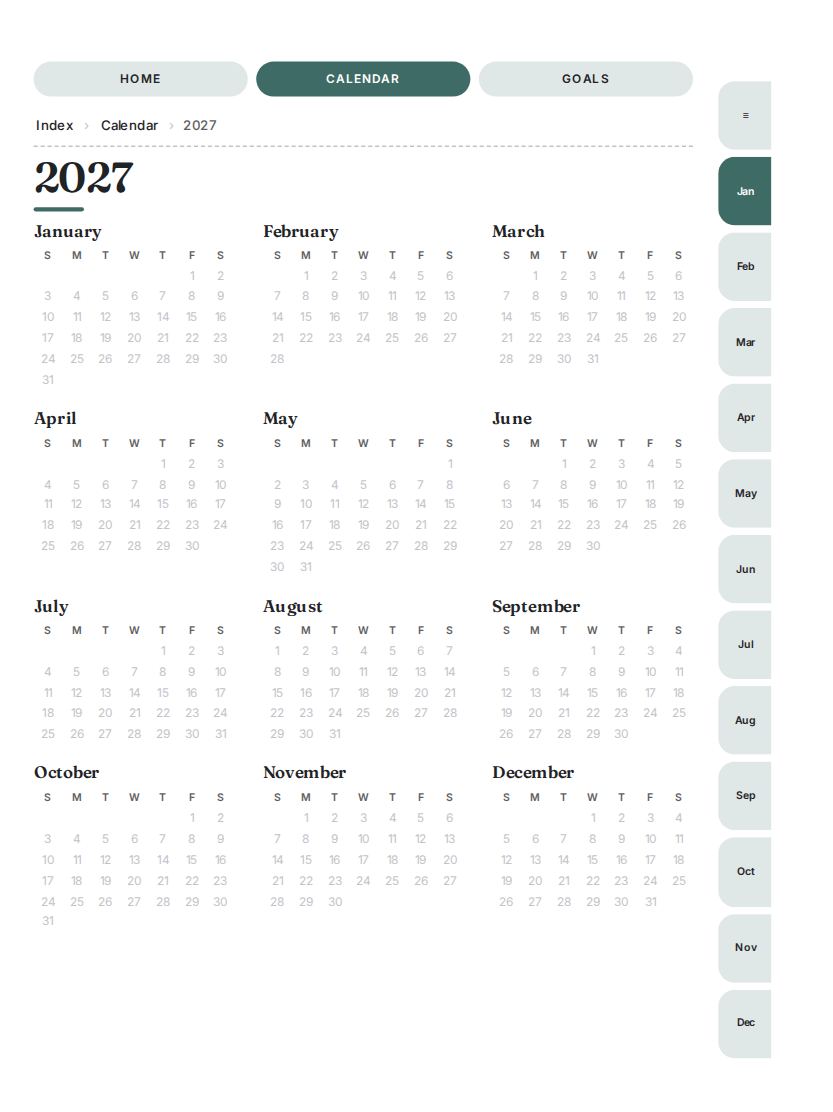
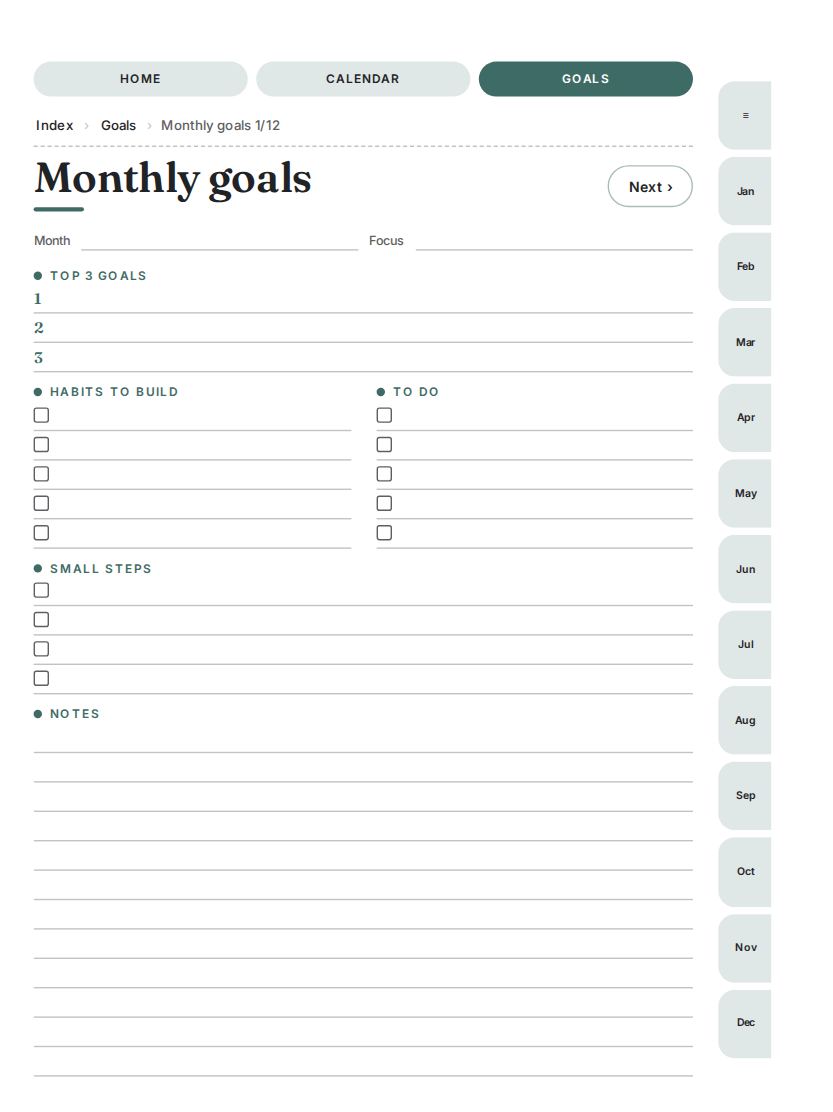
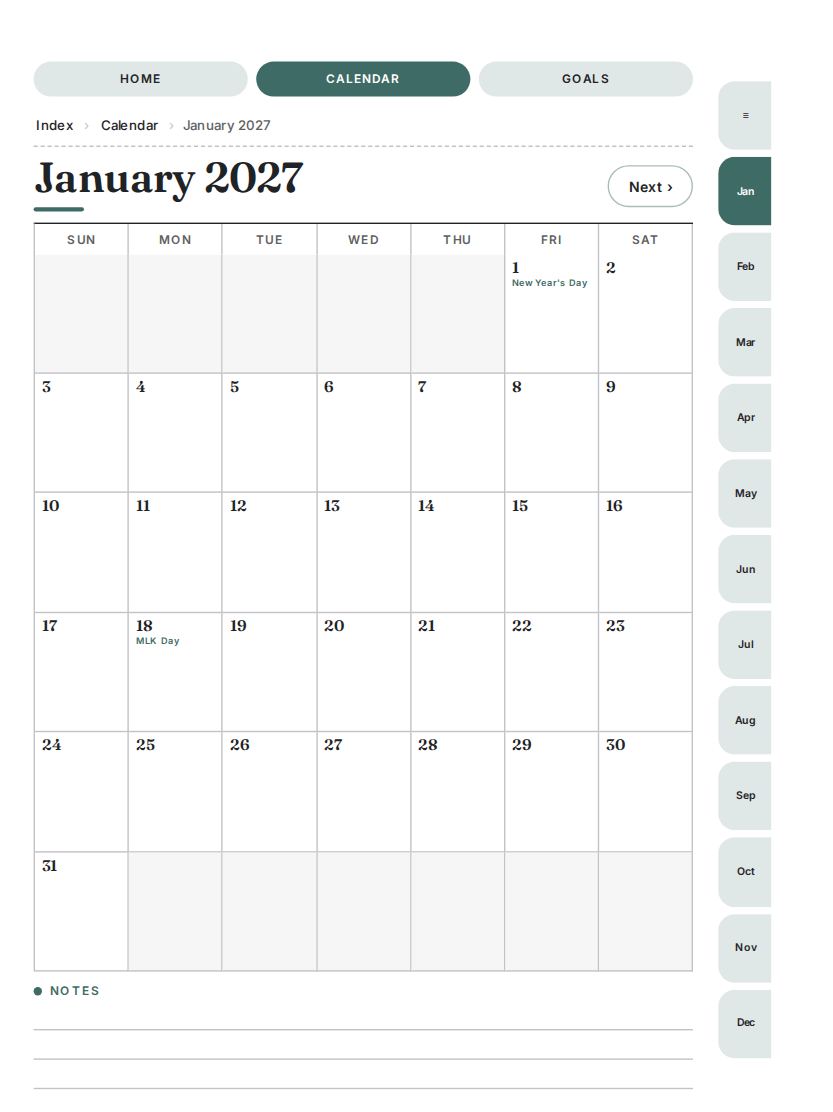
The whole year on one page, a page for every month with room to write, and goal pages for the year and each month, all linked. Drawn for the Kindle Scribe screen, with US holidays.
- No email or signup
- Sunday or Monday start
- Made for Kindle Scribe
Make it yours
Pick a style, a font, the first day of the week and your holidays. The preview updates live, then download your version. Free, no email.
Style
Font
Week starts on
Holidays
Language
Like it? Make it a full 2027 plannerDaily, weekly and goal pages in the same style, every date linked. Free preview.→What's inside
Put it on your Kindle Scribe
- Open Send to Kindle (amazon.com/sendtokindle) and sign in with the Amazon account of your Kindle Scribe. The Send to Kindle desktop app and email address work too.
- Upload a PDF. PDFs are delivered as PDFs, which is what you want: you can write on every page and the links keep working.
- Open it on your Scribe from your library (it may take a few minutes to arrive; make sure Wi-Fi is on and sync).
- Write with the pen anywhere and tap any tab, date or button with your finger to jump.
Free Kindle Scribe templates
Single pages drawn for the Kindle Scribe screen, also free:
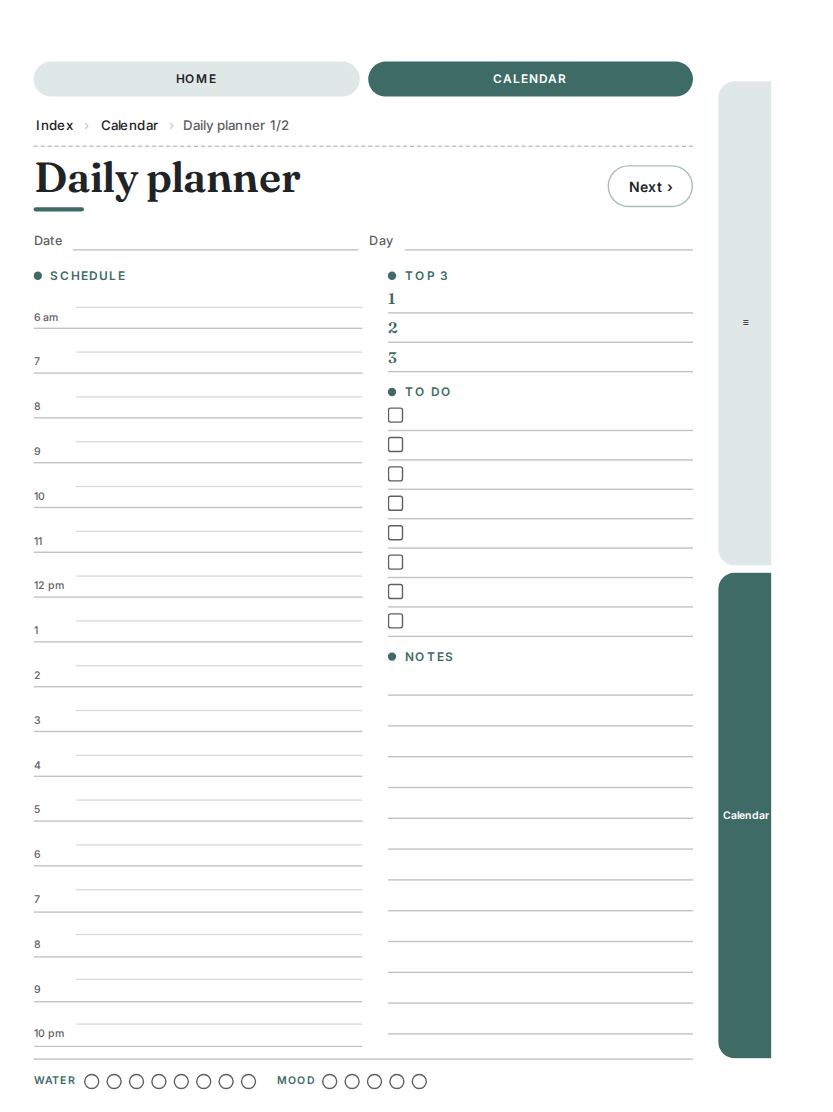 Daily Planner
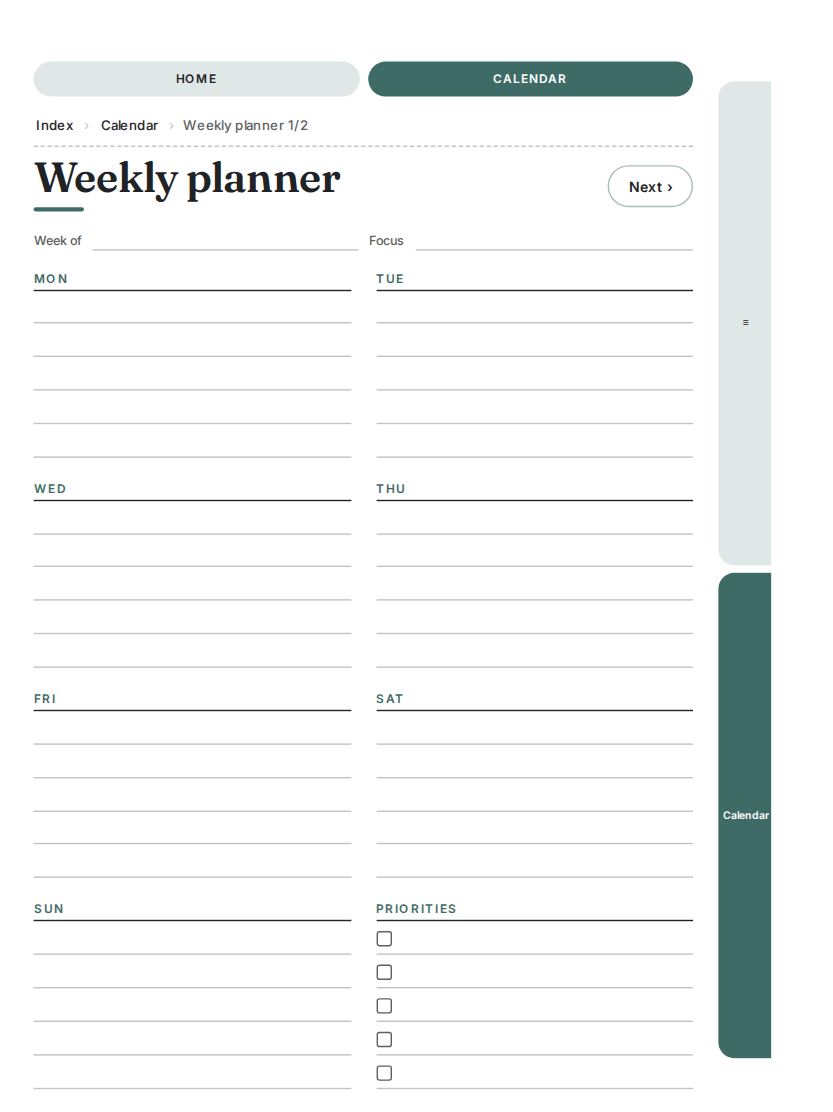 Weekly Planner
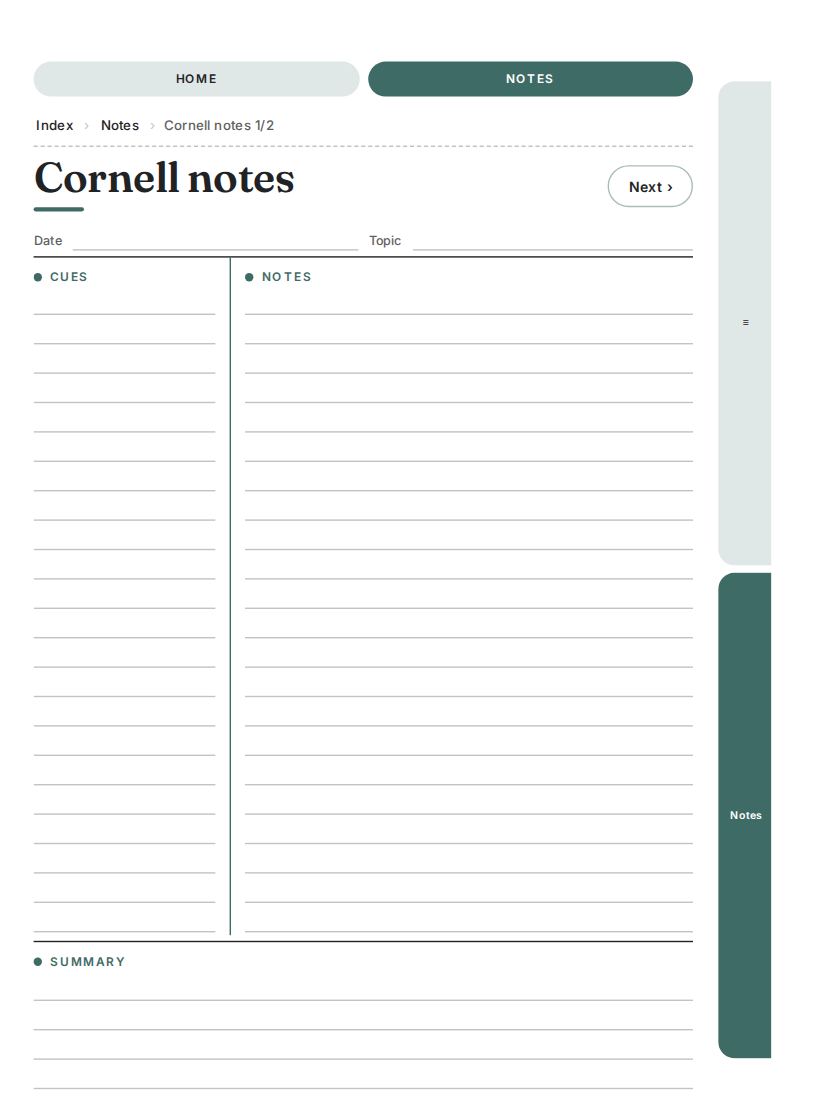 Cornell Notes
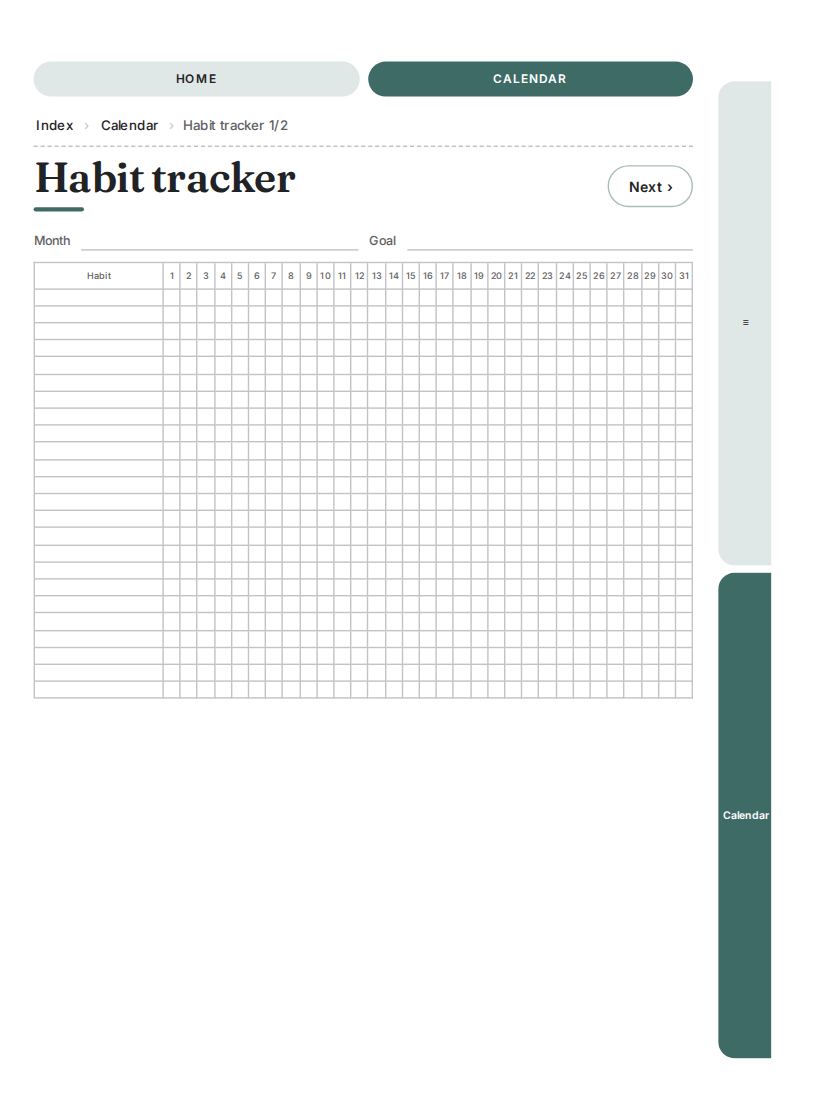 Habit Tracker
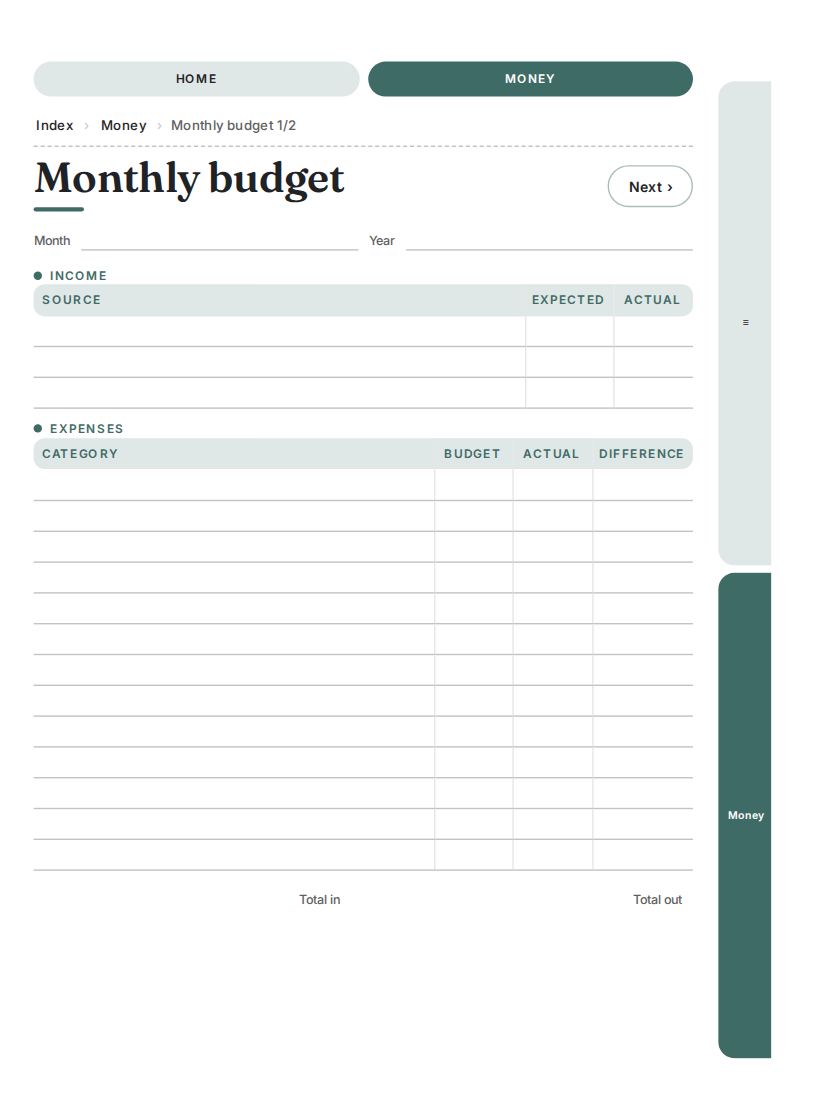 Monthly Budget
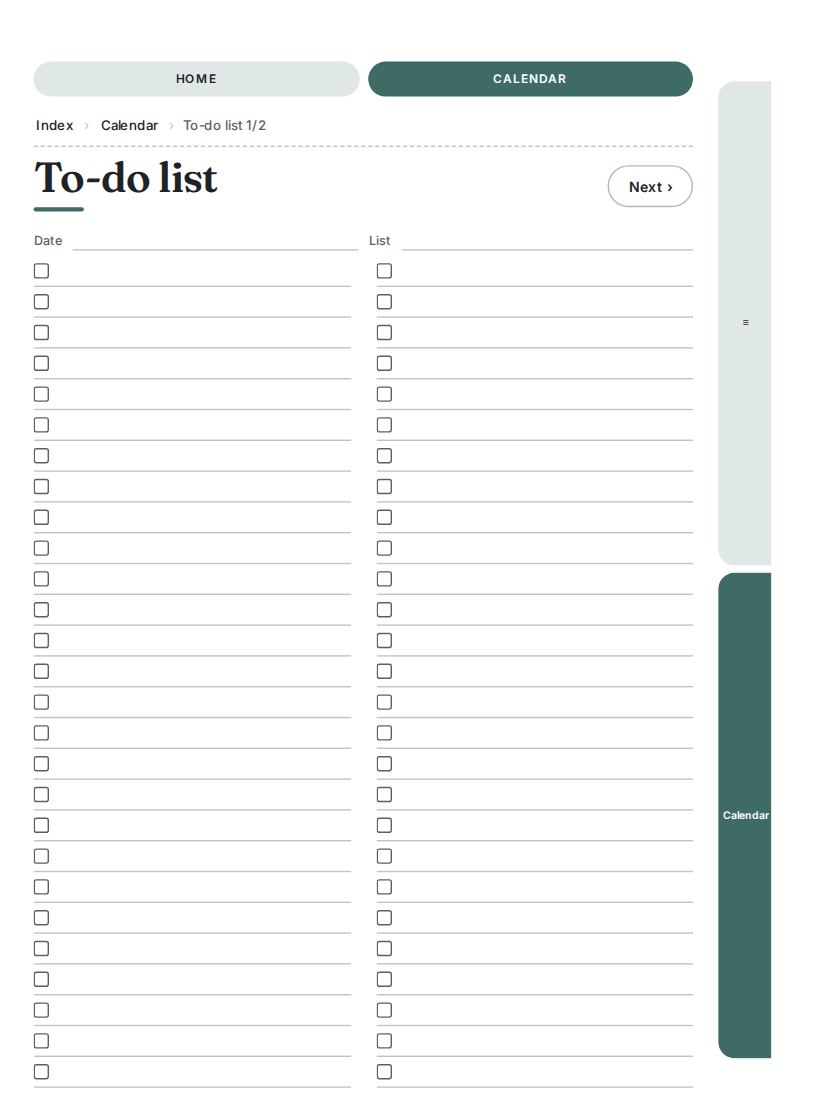 To-Do List
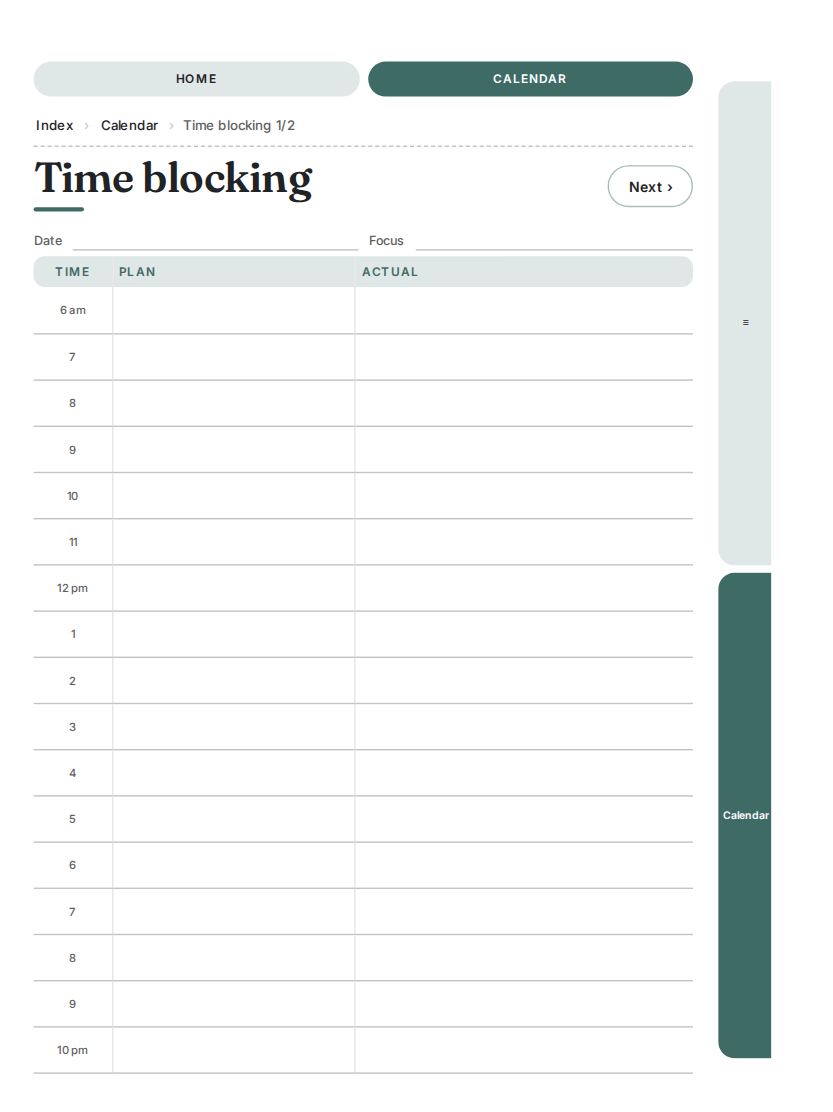 Time Blocking
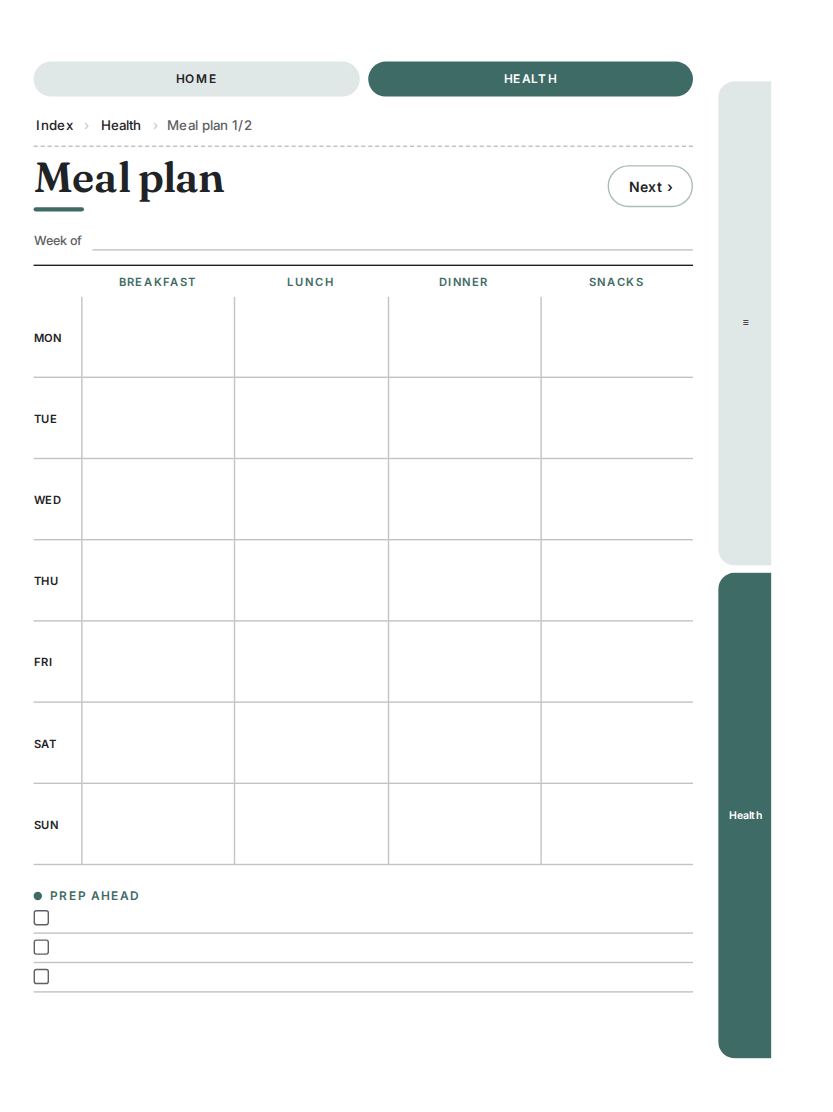 Meal Plan
Other tablets
Need weekly and daily pages too?
Build a full 2027 planner for your Kindle Scribe: holidays, your own sections, every date linked. Free preview.
Build my 2027 planner →Questions
Are the months linked in the 2027 calendar?
Yes. Tap a month on the year page to jump to it, and use the side tabs to move between months on your Kindle Scribe.
Sunday or Monday start?
Both are included: pick the Sunday-start PDF (common in the US) or the Monday-start one.
Can I get weekly and daily pages too?
Yes. Build a full 2027 planner with weekly and daily pages, holidays and your own sections in Tidy Stack Planners; the preview is free.